Getting Here
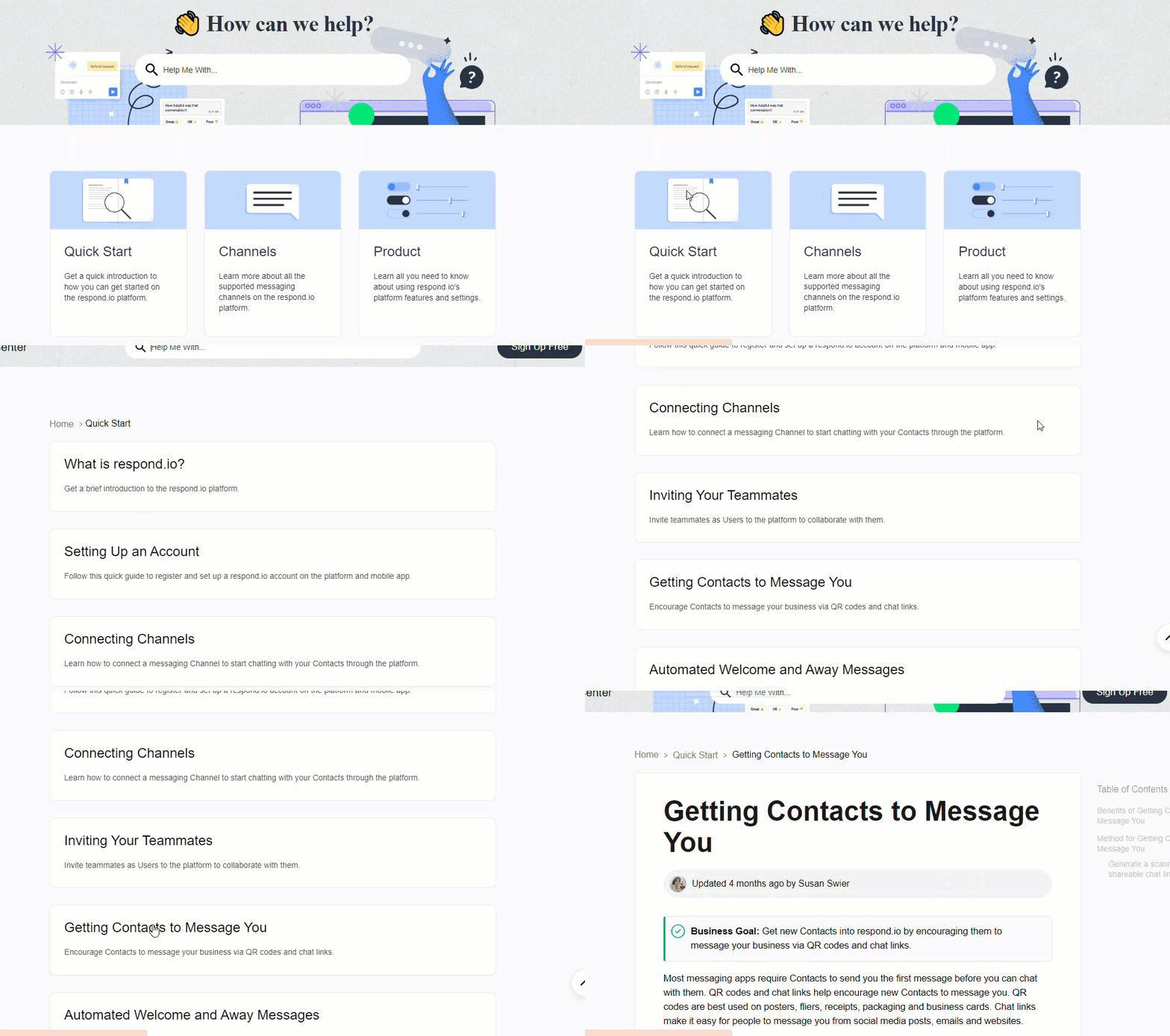
To access our documentation material, select the Help icon on the side navigation menu and select Documentation from the menu.
The documentation material can also be accessed from the Resource Center.
The Help Center opens in your default browser.
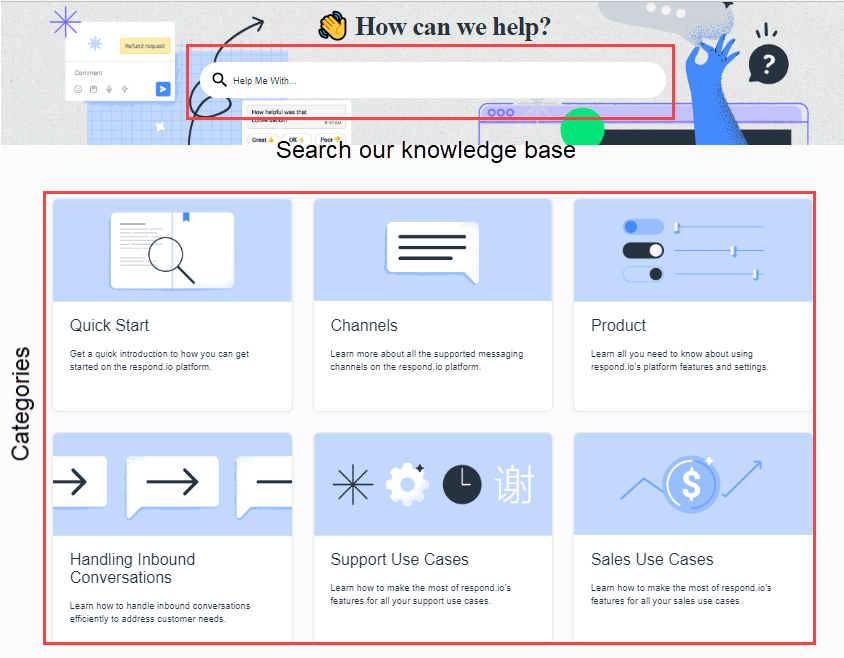
On the main page of the Help Center, you can:
Search for a particular topic by providing keywords.
Select a category from the ones listed and view related topics.
Searching for a Topic
You can provide keywords to search for a particular topic. For example, if you are looking for more information on the Inbox Module, enter “Inbox module” and press Enter. A list of related topics is displayed for you to choose from.
The search feature works like this:
When you enter a word, the auto-complete feature suggests topics in a menu below the search bar. You can select the desired topic if it appears.
The search includes alpha-numeric characters.
The search does not include special characters, e.g. #, *, etc.
The search is not case-sensitive.
Browsing the Help Center
To view a complete list of topics related to a particular category, select the category from the main page and select a topic from the list of topics that display.