

Streamline your communication with leads by integrating your Salesforce platform to respond.io using Zapier. With this integration, you can automate various processes and tasks between Salesforce and respond.io, such as:
Real time data updates to respond.io Contacts when new leads are created
Enriching Salesforce lead data with new updates from respond.io.
We’ve created Zapier templates to accomplish some common business goals, so you don’t need to start your Zaps from scratch.
All templates will require you to connect to respond.io; follow the steps to set up a respond.io Zapier integration here.
List of Zapier Templates
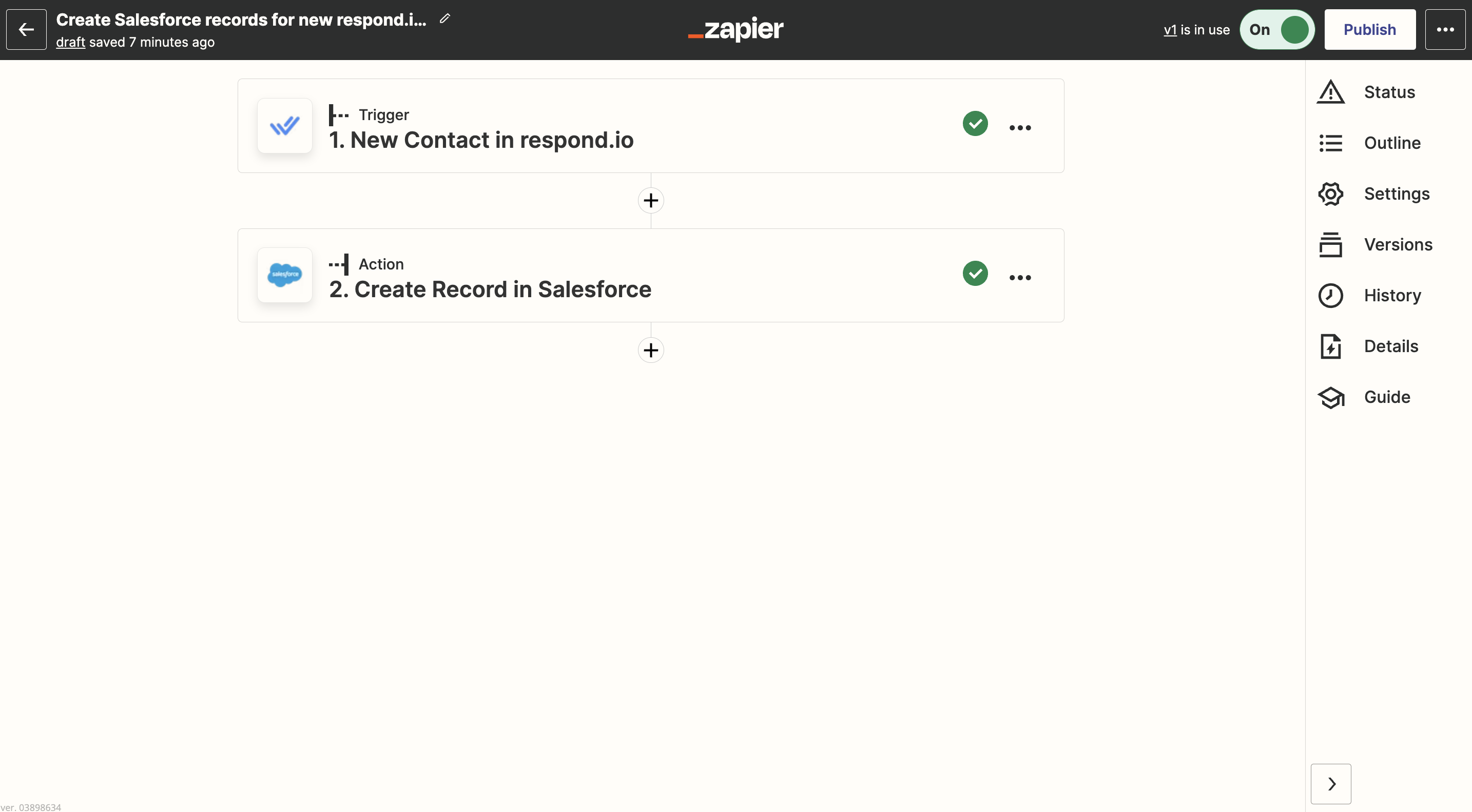
Create a record in Salesforce when a Contact is created in respond.io
If your conversations with leads start over instant messaging, you’ll want to add the lead to your Salesforce records. With this automation, it’s simple. Whenever you create a new Contact in respond.io, they’ll be added as a Salesforce record automatically.
Use this template:
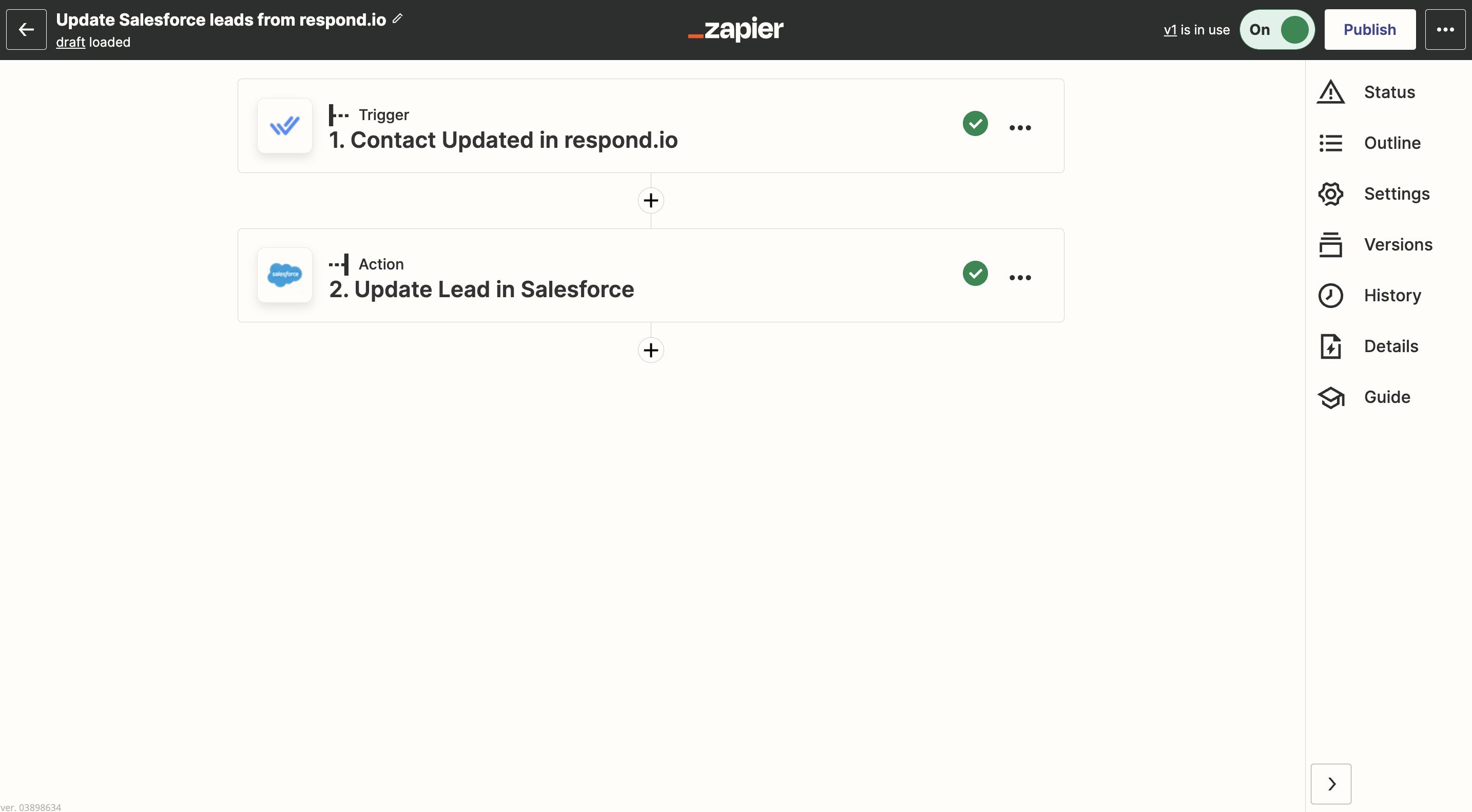
Update a lead in Salesforce when a respond.io Contact is updated
Save time on updating your leads in Salesforce with this integration. If you update a Contact in respond.io, they’ll be updated in Salesforce so your data is always up-to-date.
Use this template:
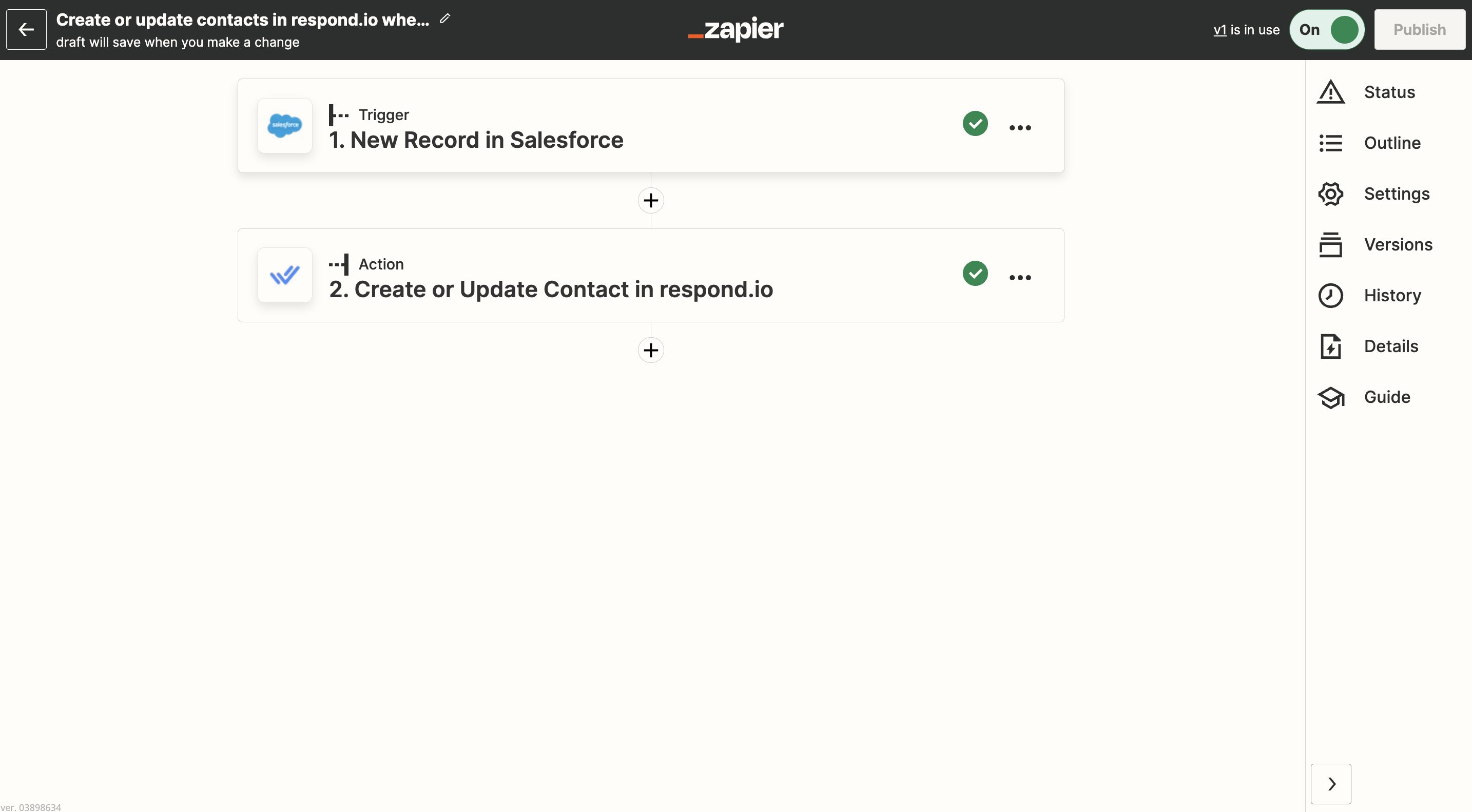
Create or update a new Contact in respond.io when a new Salesforce record is created
Want to chat with your Salesforce leads over instant messaging? This integration makes that effortlessly possible, automatically generating a Contact in respond.io whenever a new record is generated in Salesforce.
Use this template:
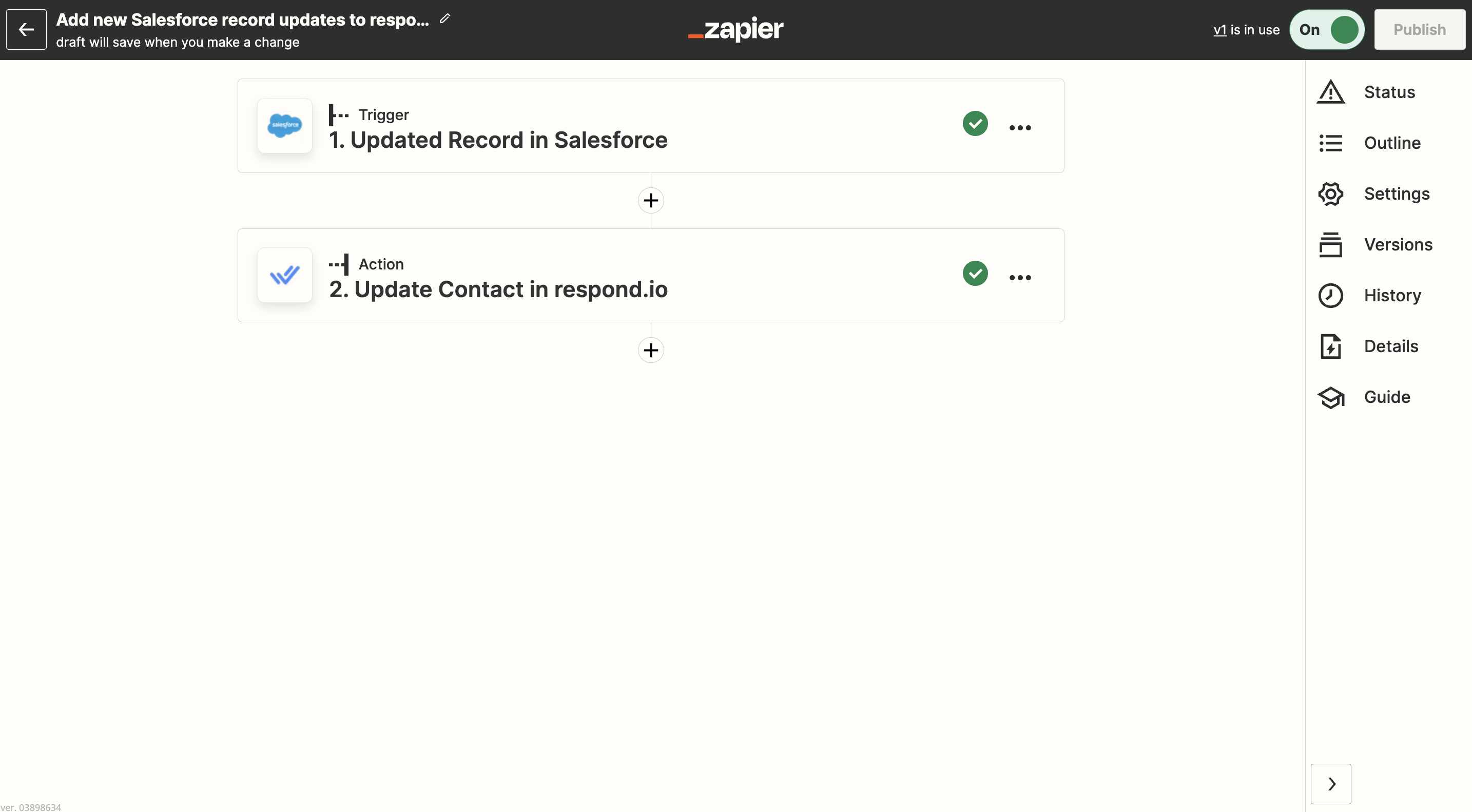
Update a Contact in respond.io when a Salesforce record is updated
When you chat with a Contact in respond.io, you’ll want to know what their status is in the sales funnel and get any additional information to add context to the conversation. Use this automation to update Contact details in respond.io when new Salesforce records are updated so you’ll always have the latest info.
Use this template:
We have Zapier templates integrating with other popular CRM and e-commerce platforms. See the full list of templates here.


