

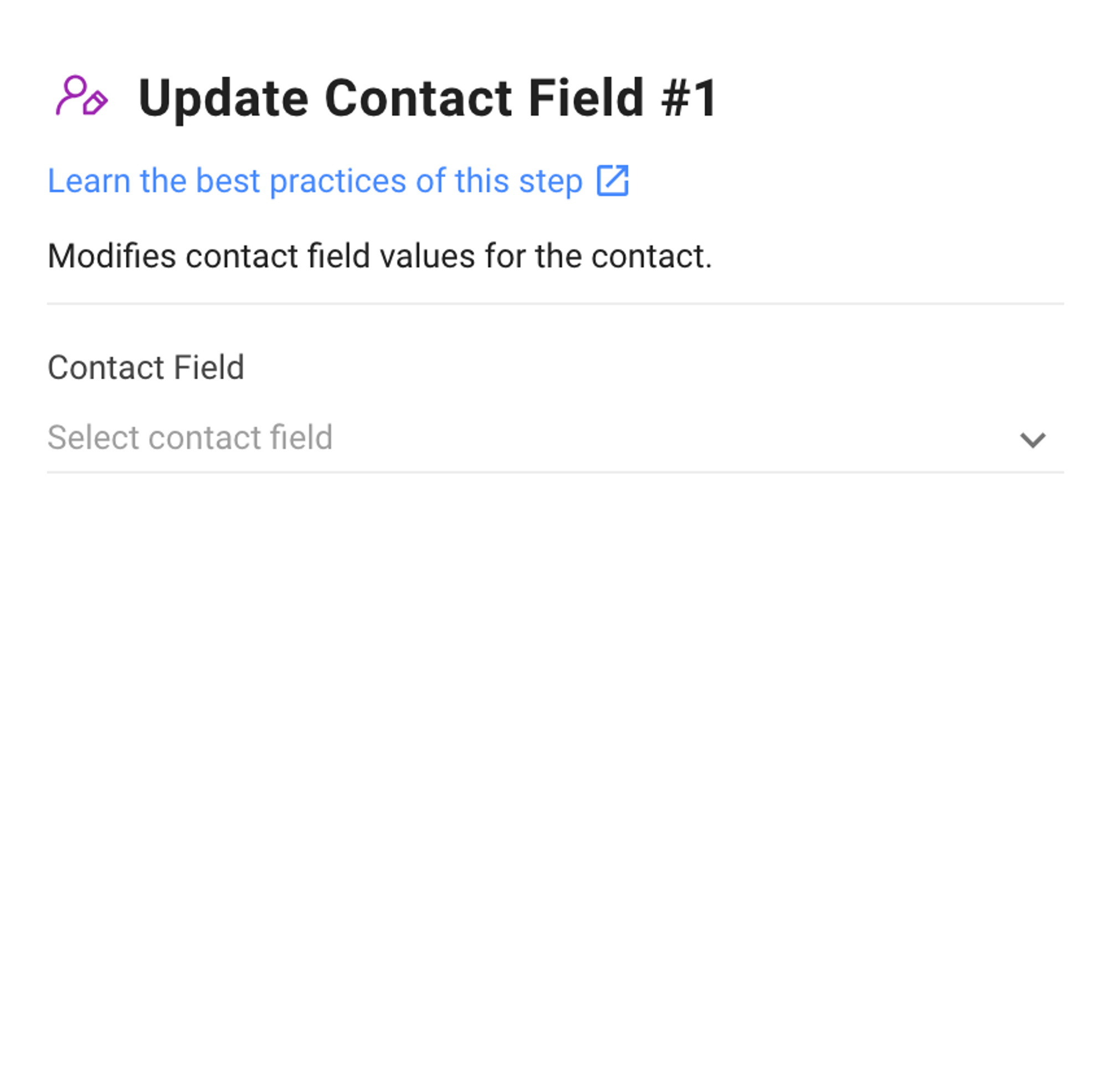
This Step modifies a Contact Field with a defined value set by the user.
Configuration
There are two key configurations within this Step:
Contact Field: Select the Contact Field to be updated.
Contact Field Selected: Specify the value to be updated. It is possible to type “$” and select the appropriate Variable to update the Contact Field.
How It Works
When the Workflow is triggered, the Contact Field in this Step will be updated with the defined value.
Suggested Use Cases
Here are some ways you can use the Update Contact Field Step:
Automatically update Contact’s profile: Use the "Update Contact Field" step to maintain accurate and up-to-date customer information, such as name, address and phone number.
Automatically manage Contacts in Segments: The "Update Contact Field" step can help you automatically move Contacts in & out of Segments based on the Segment’s criteria.


