

Getting Here
This feature is only available for official respond.io Reseller Partners.
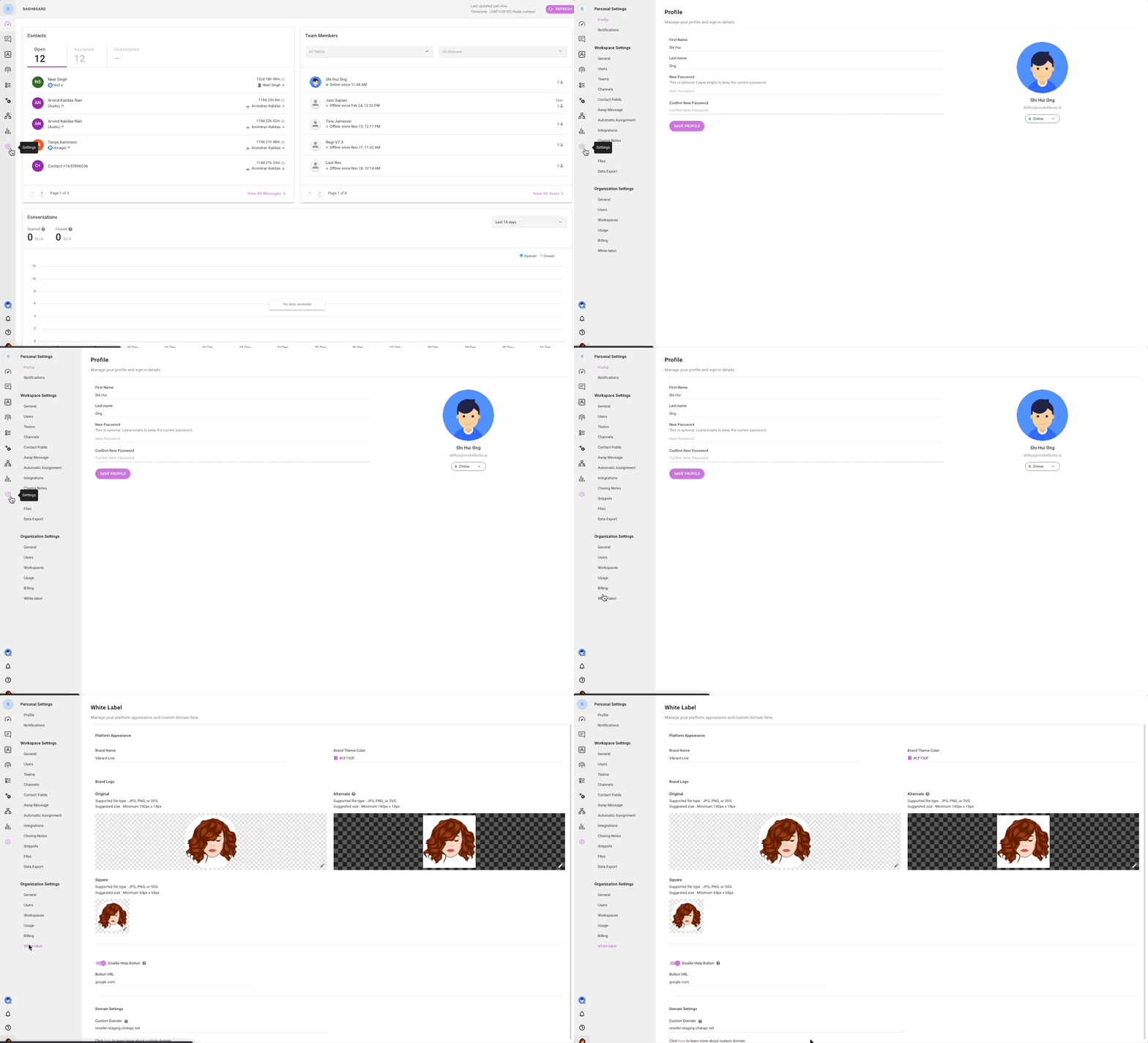
From the organization settings, press on the White-label menu item to access the white-label module.
Brand
The brand of the platform can be changed and customized for your branding needs.
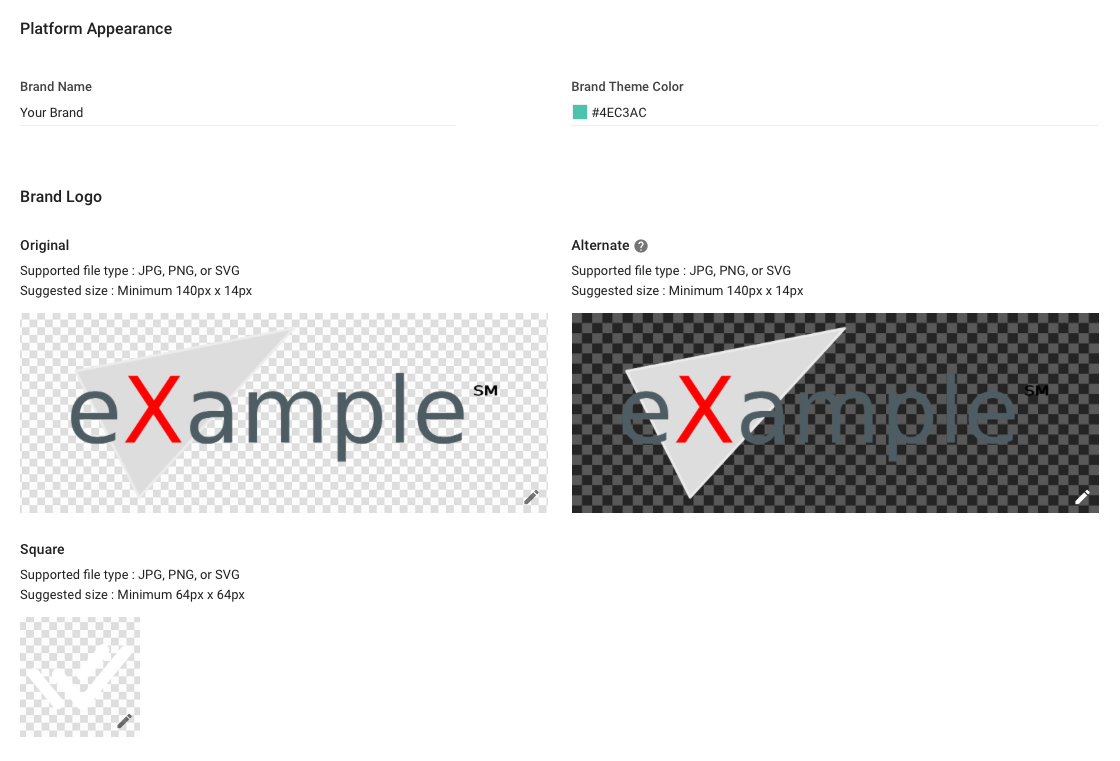
Brand Item | Type | Description |
|---|---|---|
Name | Text | The name is to be used across the platform and some other places such as email and etc. |
Theme Color | HEX Color Code | The primary color to be used across the platform. |
Original Logo | Image (JPG, PNG or SVG)Minimum 140px(W) x 14px(H) | The logo is to be displayed across the platform. |
Alternate Logo | Image (JPG, PNG or SVG)Minimum 140px(W) x 14px(H) | The full white version of the logo is to be displayed across the platform. |
Square Logo | Image (JPG, PNG or SVG)Minimum 64px(W) x 64px(H) | The square logo is to be displayed across the platform. |
Help Button
In the Help Button section, you can modify the Help Button that appears on the top bar of the platform for users who require assistance.
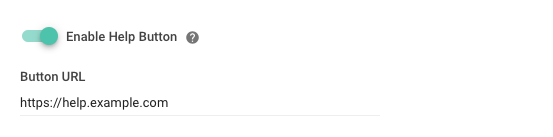
You can set the URL link so that it takes users to your own documentation/help pages. You can also link them to where they can contact you for support, e.g. your Facebook Messenger link.
If you wish to remove the button entirely, you can toggle off the Enable Hide Button toggle.


