

Getting Here
These settings are only accessible by Owners and Managers.
These settings can be accessed from the Settings navigation menu under the Workspace Settings sub-menu item, Integrations.
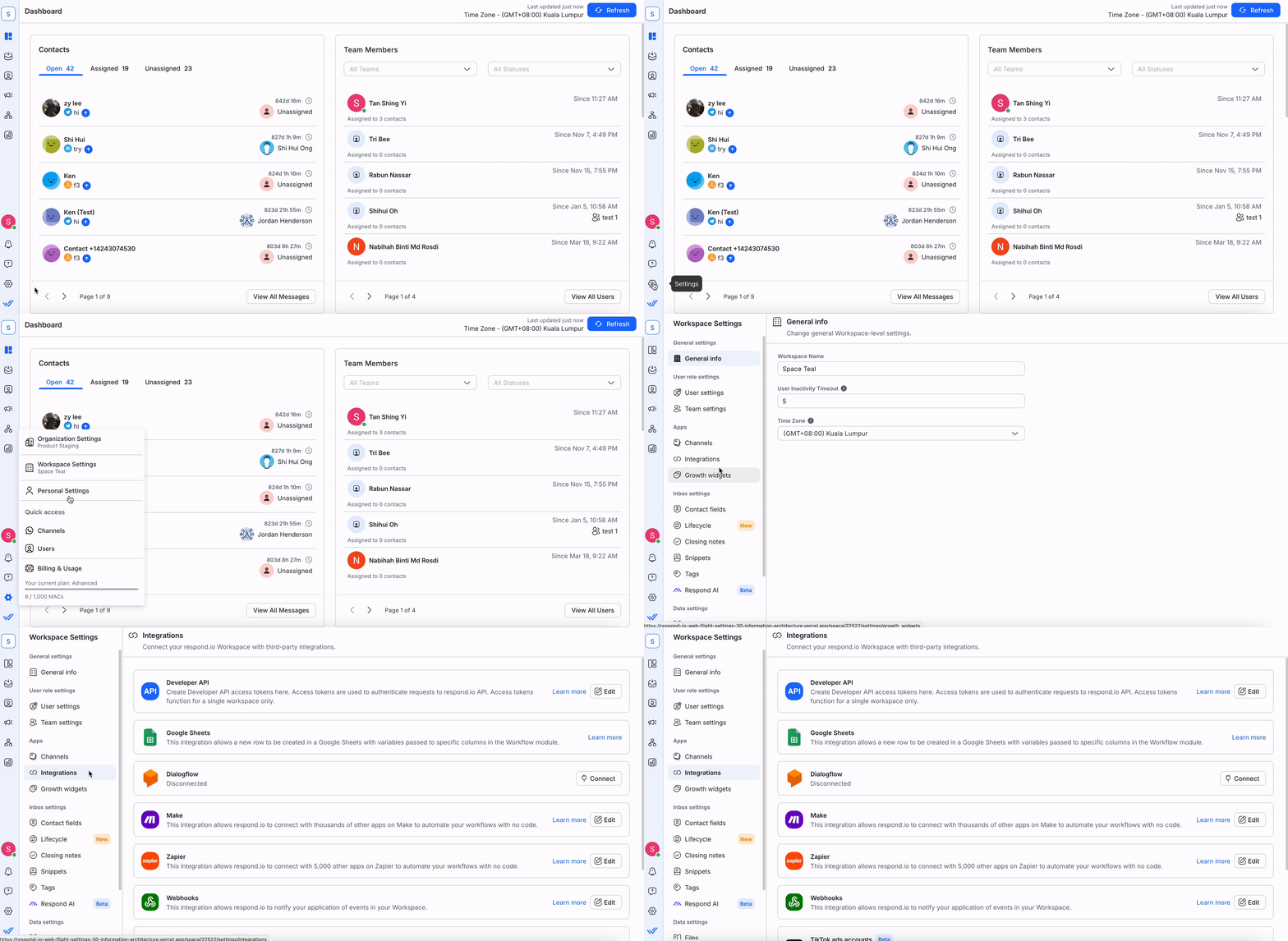
In these settings, you can:
Connecting an Integration
Step 1: Go to Workspace Settings > Select Integrations.
Step 2: Find an integration that best works for your use cases and click Connect.
Learn more about the integrations we provide:
- Developer API
- Dialogflow
- Zapier
- Make
- Google Sheets
Step 3: Different integrations will require a different connection method. Follow the respective on-screen instructions.
Editing an Integration
For each of the active integration, there is an option to edit the integration by clicking Edit.
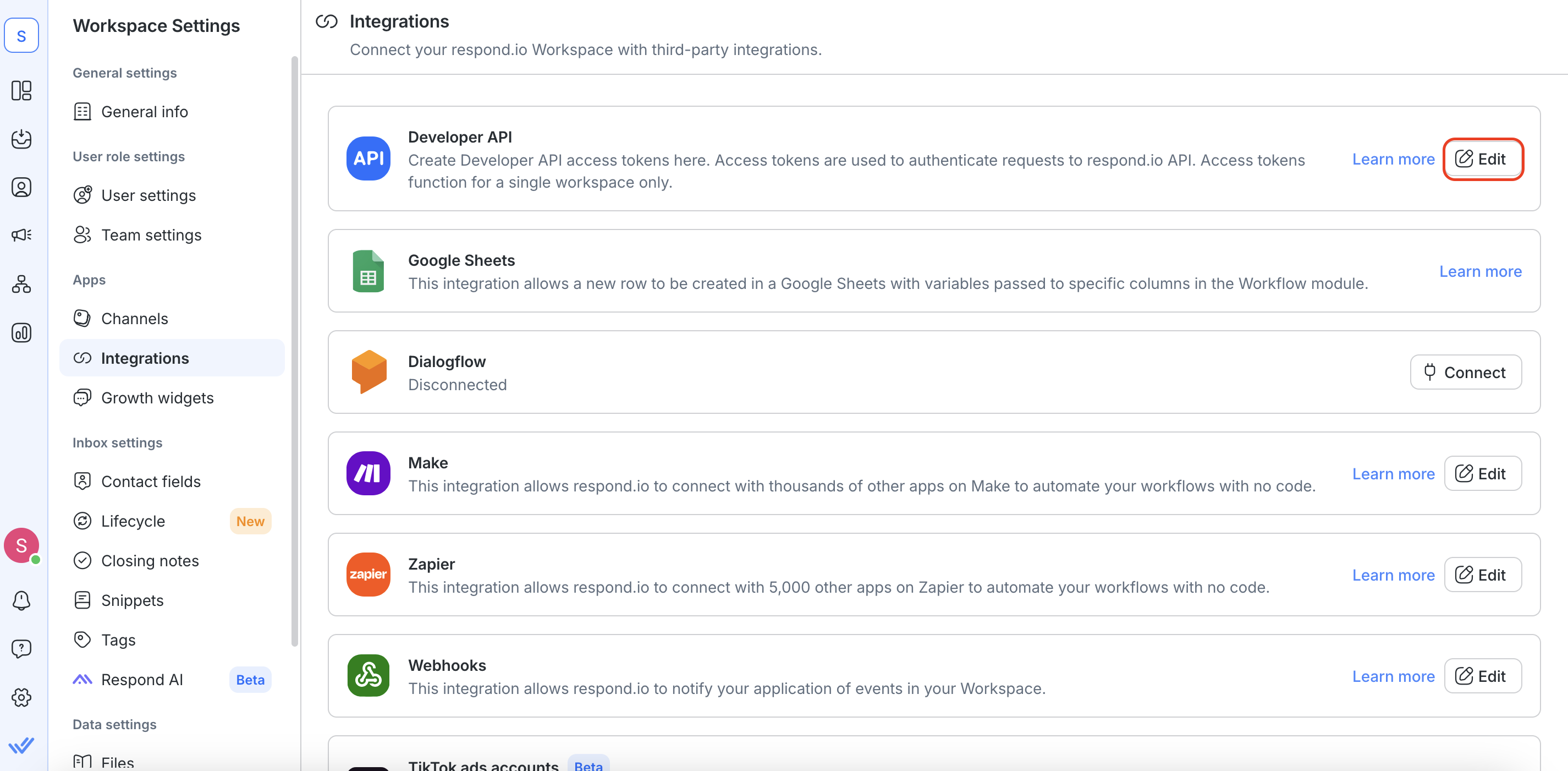
Be sure to update the correct credentials to avoid any connection failure and processing errors!
Disconnecting an Integration
When an integration is no longer needed, it can be removed by clicking Disconnect.
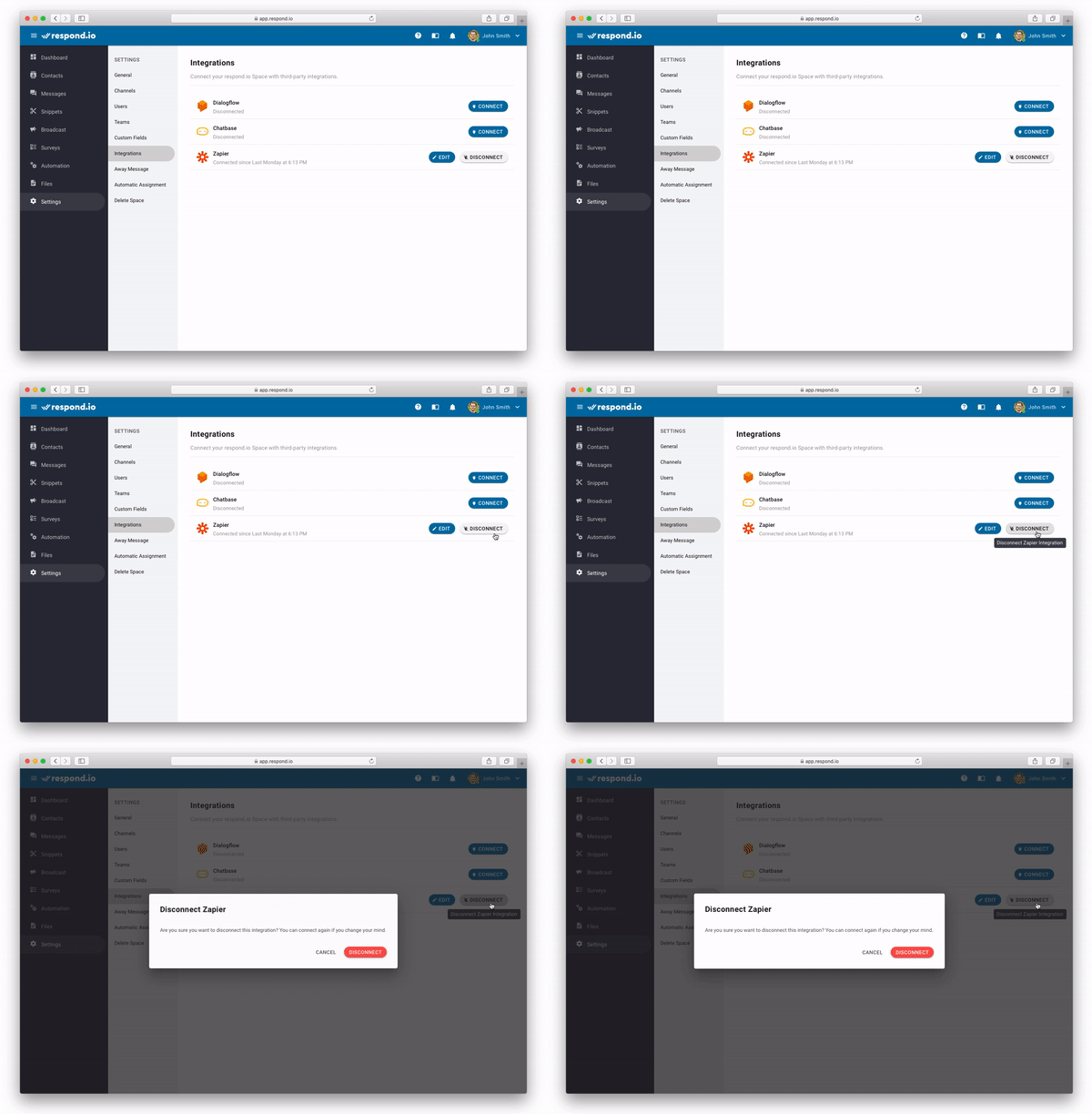
Be careful when you disconnect an integration. Make sure that nothing is dependent on the integration.


