

Important note: Available on all respond.io plans,including trial, except Starter.
The n8n integration allows you to connect your respond.io workspace with n8n, a powerful automation platform. With this integration, you can build advanced workflows using respond.io triggers and actions directly in n8n.
With this integration, you can:
Automate complex workflows with low-code logic.
Connect respond.io to hundreds of apps via n8n.
Use respond.io triggers (e.g., new messages, Contact updates) inside n8n.
Perform respond.io actions (e.g., send a message, update a Contact field) from n8n.
What you’ll need
An Admin or Manager role in respond.io.
An n8n account
An API key for n8n generated in
respond.io (Workspace Settings > Integrations > n8n).
Setting up the integration
Step 1: Generate an API Key in respond.io
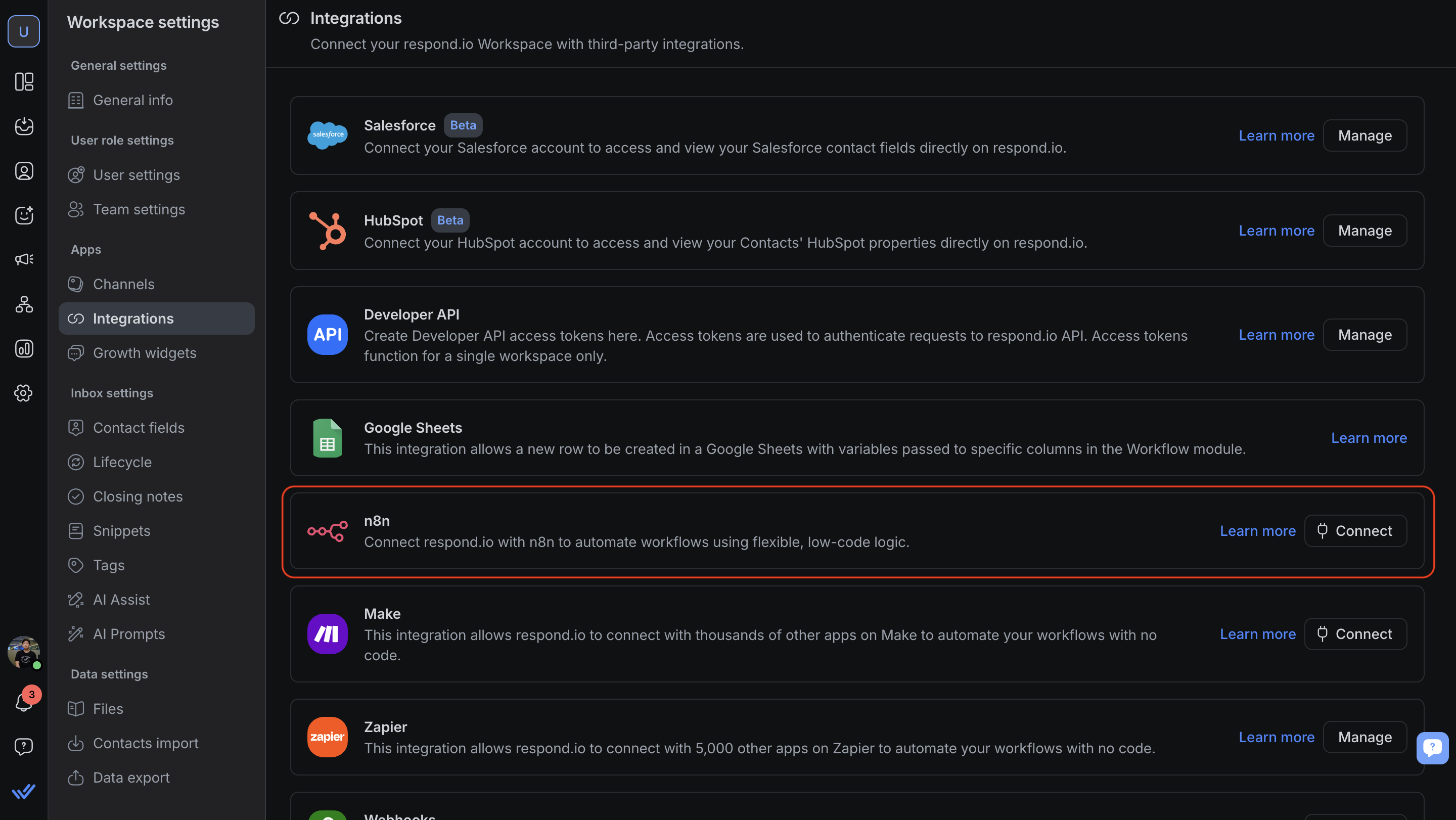
In your respond.io Workspace, go to Workspace settings > Integrations > n8n and click Connect.
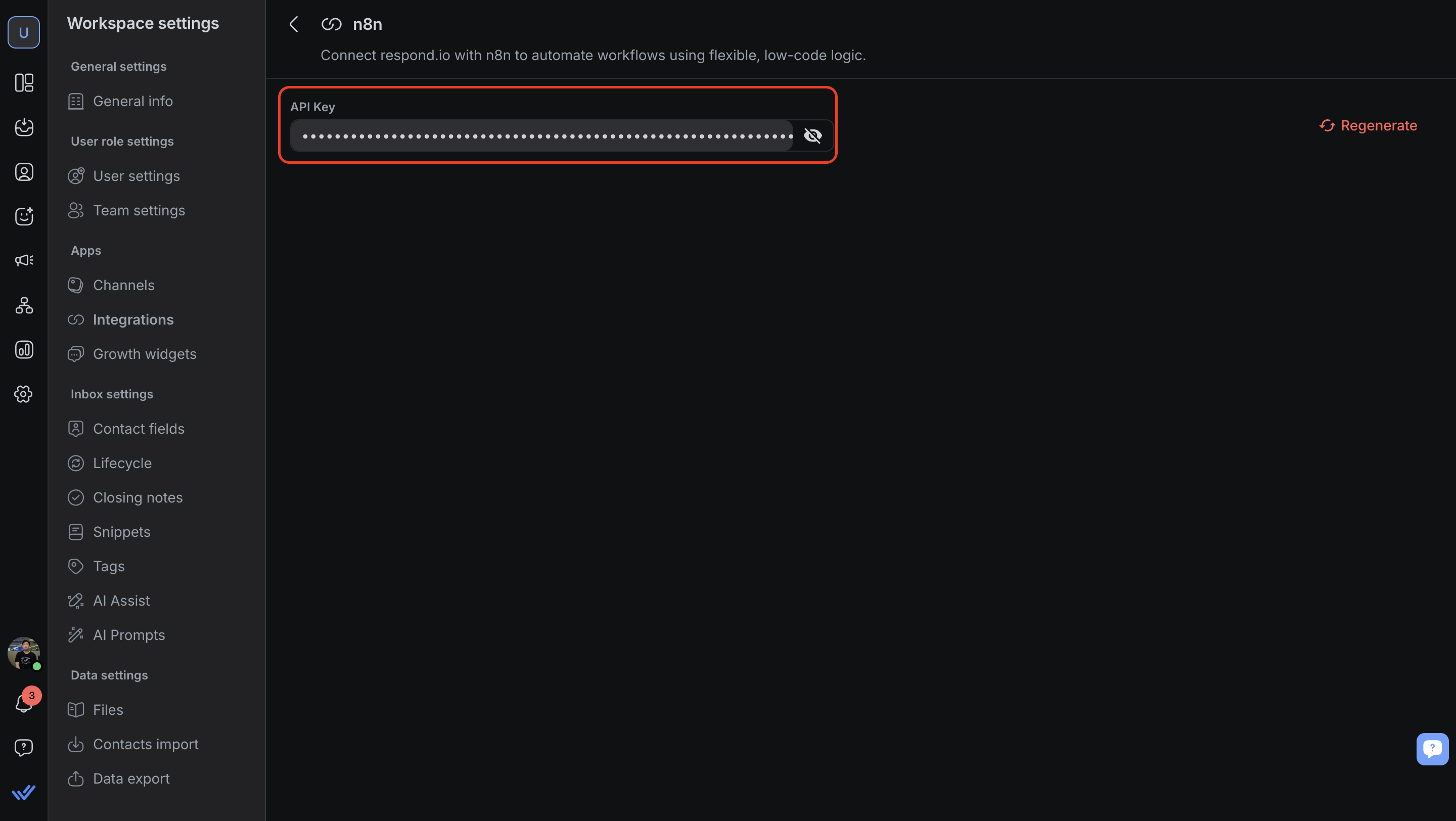
Copy the generated API key and store it securely.
If needed, you can regenerate the API key anytime from this page.
Step 2: Install the respond.io node in n8n
For n8n Cloud: The node will appear in the marketplace (you'll need to install the node to start using it). Learn more about installing nodes for n8n cloud.
For self-hosted n8n: Manually install the respond.io node by following n8n’s guide to installing community nodes.
respond.io node name:
@respond-io/n8n-nodes-respond-io
Step 3: Build a Workflow in n8n
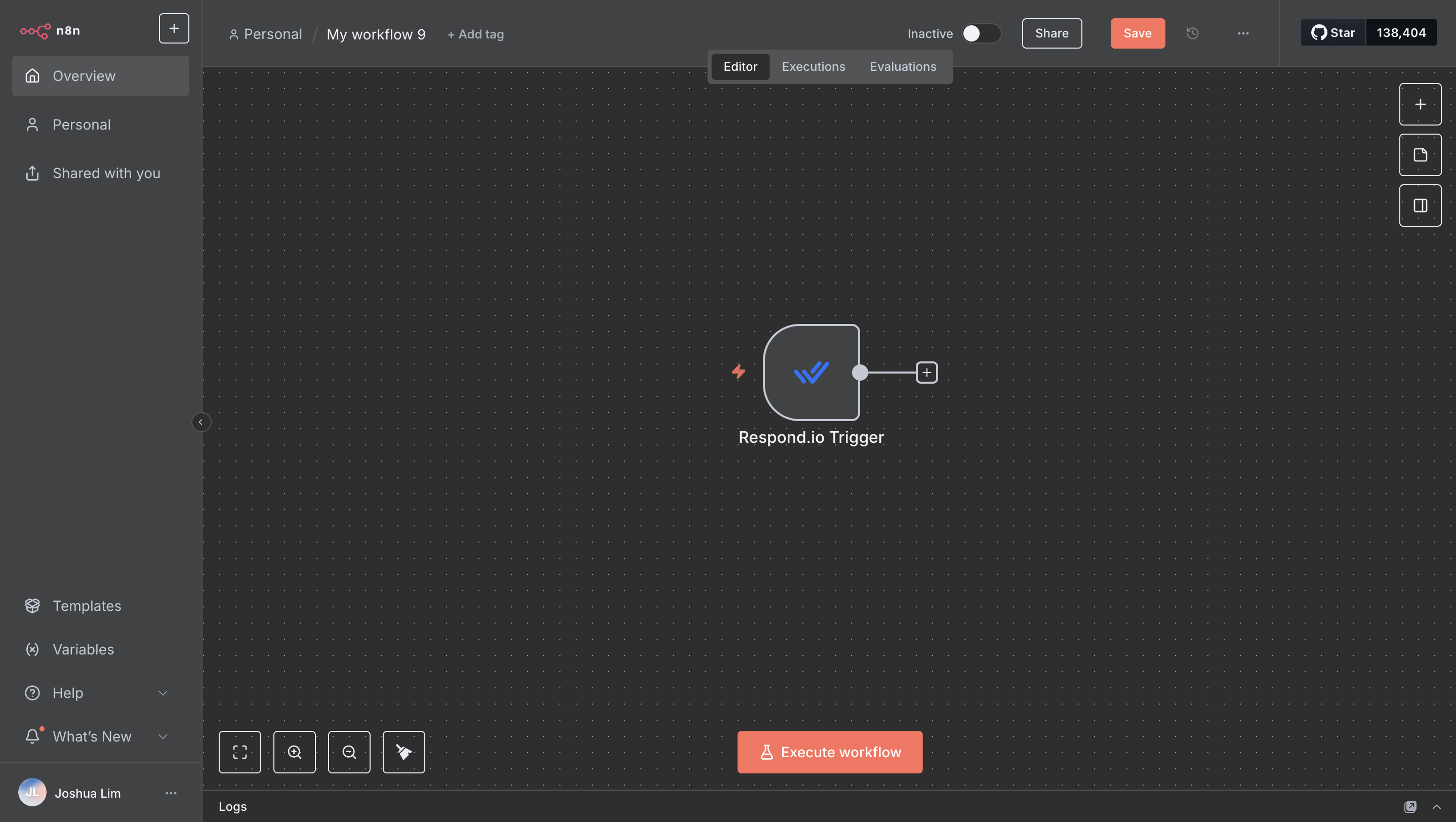
In n8n, add the respond.io node as either a trigger or an action.
Available triggers:
Contact Assignee Updated
New Incoming Message
New Outgoing Message
New Comment
Conversation Closed
Conversation Opened
New Contact
Contact Tag Updated
Contact Updated
Contact Lifecycle Updated
Available actions:
Get All Channels
Get All Closing Notes
Add Comment
Add Space Tag
Delete Space Tag
Update Space Tag
Remove Tags
Delete Contact
Merge Contact
Find Contact Channels
Find Contact
Add Tags
Get Many Contacts
Update Contact
Create or Update Contact
Create Contact
Get All Custom Fields
Find Custom Field
Create Custom Field
Assign or Unassign Conversation
Open or Close Conversation
Remove Contact Lifecycle
Update Contact Lifecycle
Find Message
Send Message
Find User
Get All Users
FAQ and Troubleshooting
Can I use the same API key for multiple workflows?
Yes, one API key can be reused across multiple workflows in the same workspace.
What happens if I regenerate my API key?
All existing n8n workflows using the old key will stop working until updated with the new key.
Is there a limit on the number of requests?
The integration follows the standard respond.io API rate limits.
Why didn't my AI Agent send a reply after being assigned via n8n?
This is expected behavior. When an AI Agent is assigned via n8n, the assignment itself will not trigger the AI Agent to reply. The AI Agent will respond once the Contact sends a message.
For more details, see assignment via external tools.


