

The WhatsApp Business display name is the business name shown on your WhatsApp profile. It's assigned to a phone number when it's added to your WhatsApp Business account in Meta Business Manager. Keeping this name accurate ensures contacts recognize your business and builds trust across conversations.
This only applies to respond.io WhatsApp Business API.
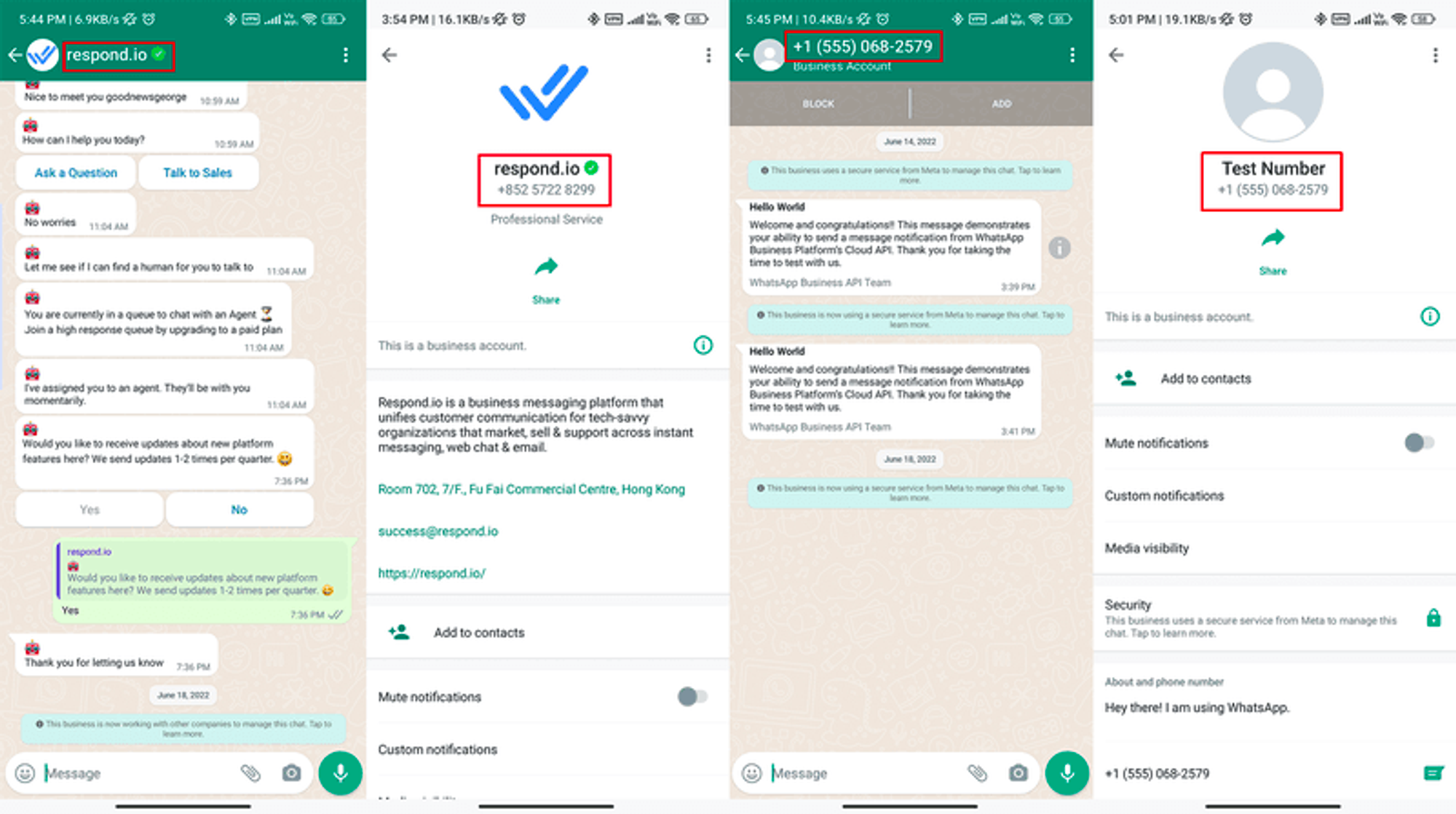
Left: Official WhatsApp Business Name
Right: Default WhatsApp Business Name
Before You Begin
Businesses can change the display name up to 10 times in a 30-day period. After the period resets, a new 30-day window begins. If you exceed this limit, contact Facebook support to make further changes.
If you have an Official WhatsApp Business Account (Green Tick), contact Facebook's Direct Support with the following details to request a display name change:
Question Topic: Request an Official Business Account
Request Type: Update OBA Display Name
For general verified and non-official WhatsApp Business Accounts, follow the steps below.
Important: Changing your WhatsApp Business display name via Meta Business Manager (MBM) revokes your existing Official Business Account (OBA) approval. To regain OBA status, re-apply for OBA or contact Support to submit a Meta Direct ticket.
Changing the WhatsApp Business Display Name
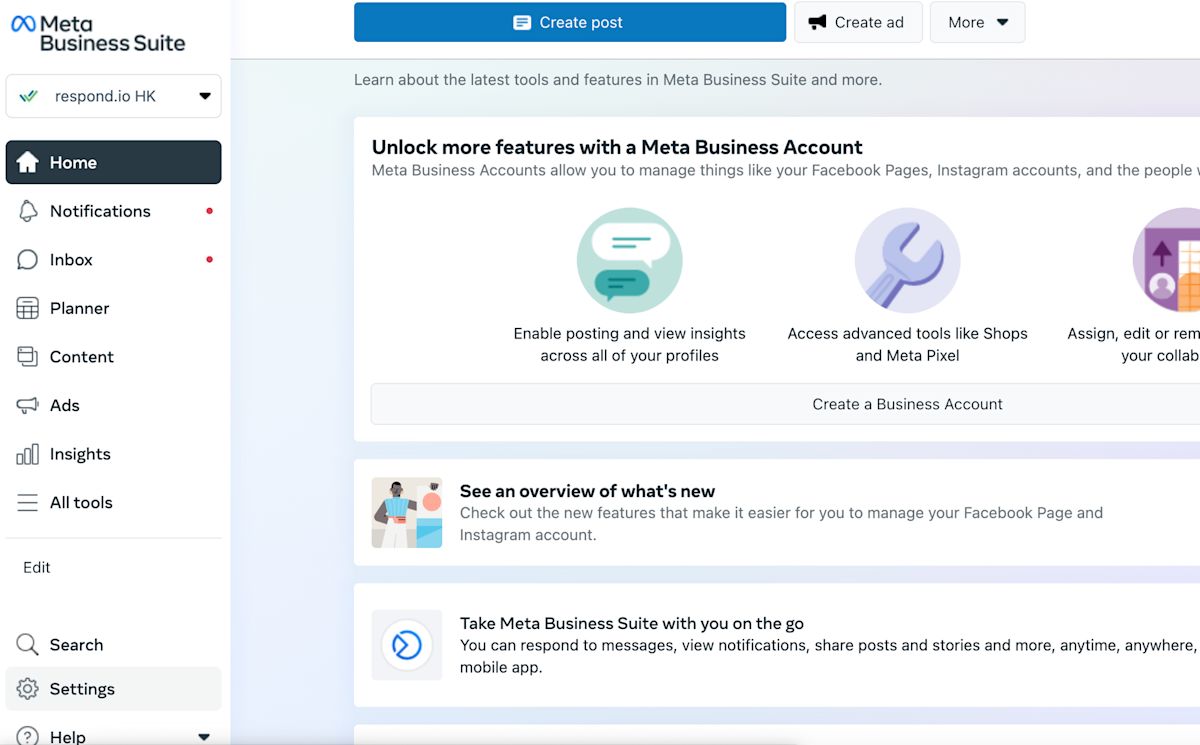
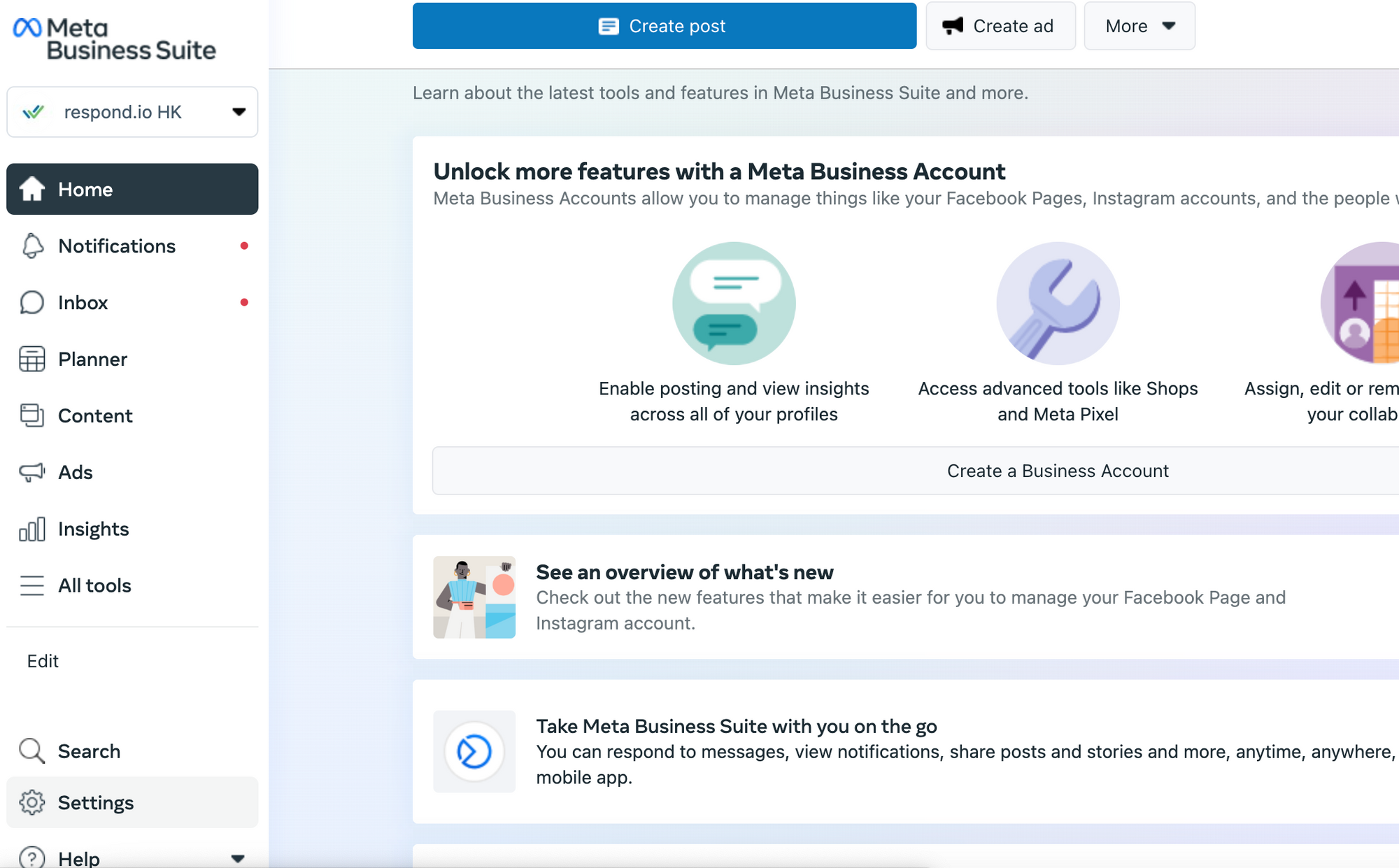
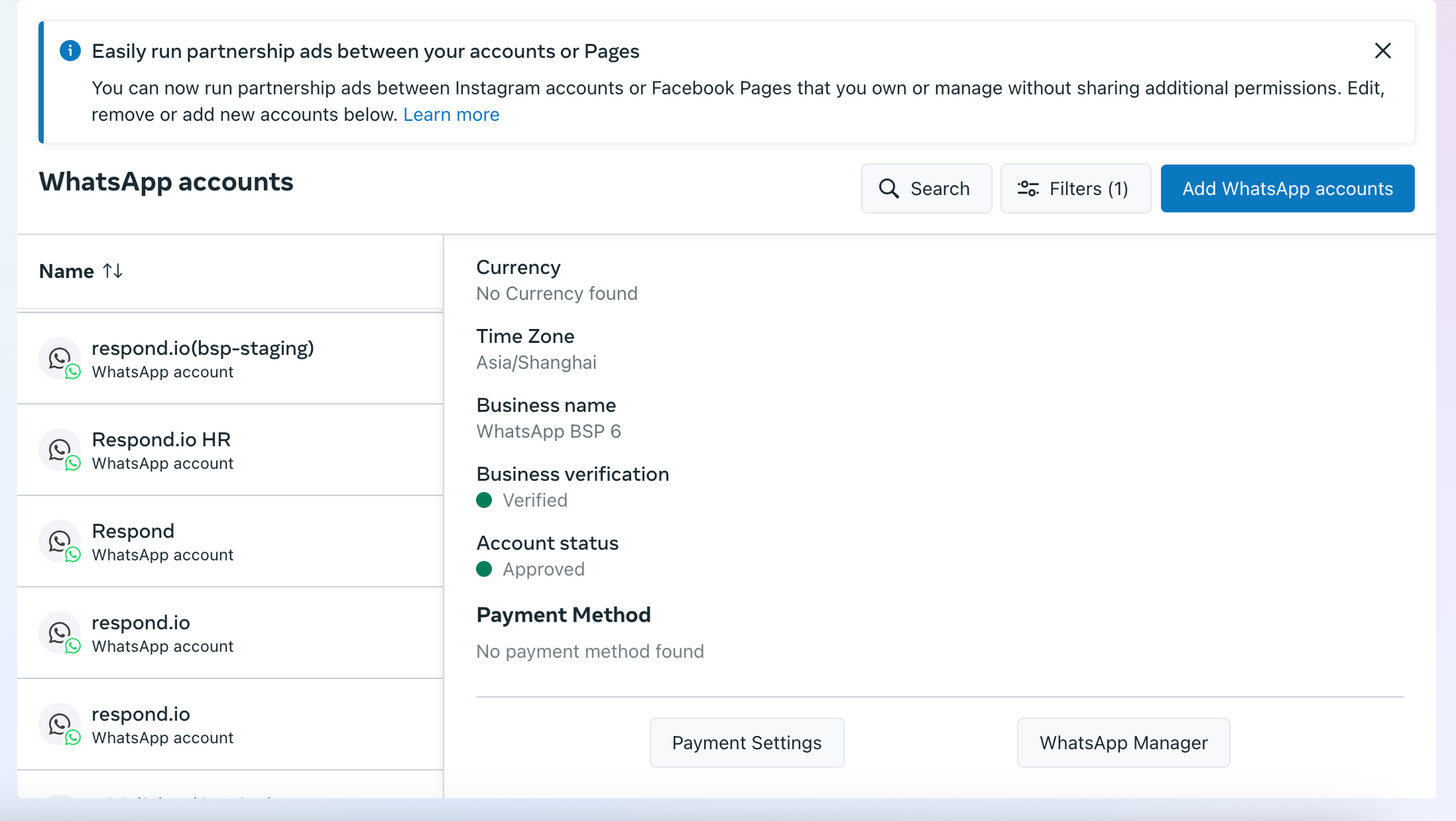
Go to Meta Business Manager, select your business, then click the Settings menu.
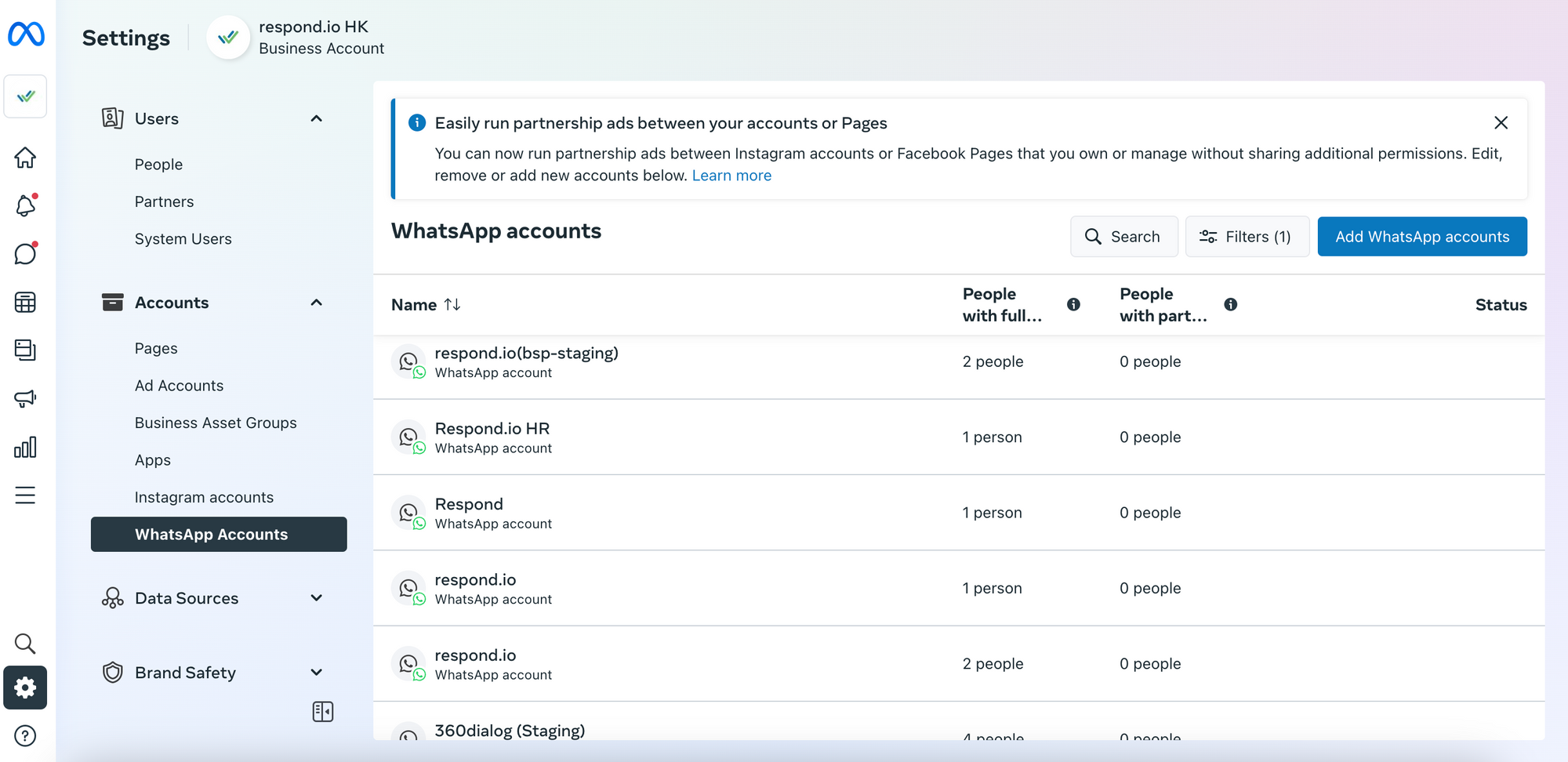
Select WhatsApp Accounts in the side menu.

Select the account whose name you want to change, then click WhatsApp Manager.

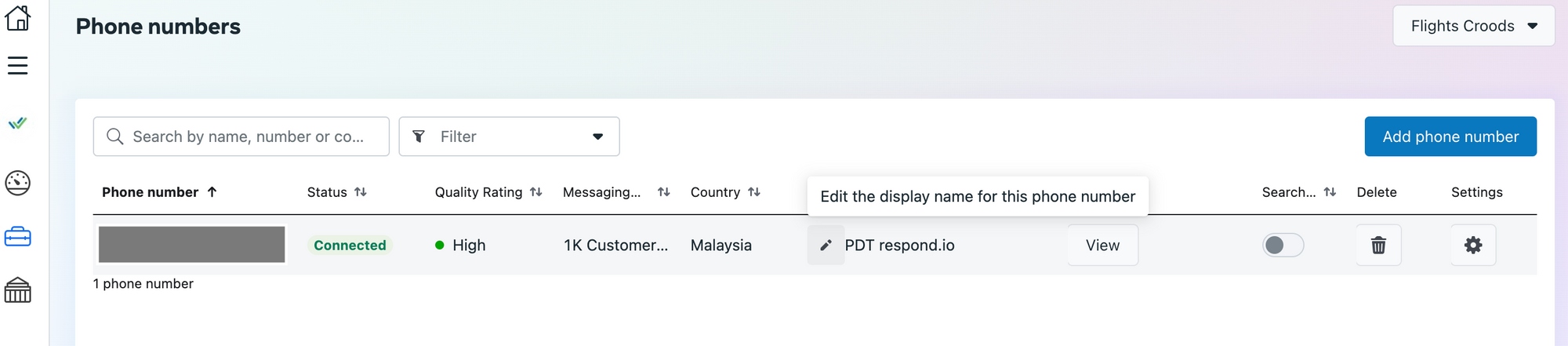
Hover over your current display name under the Name column and click the pencil icon.

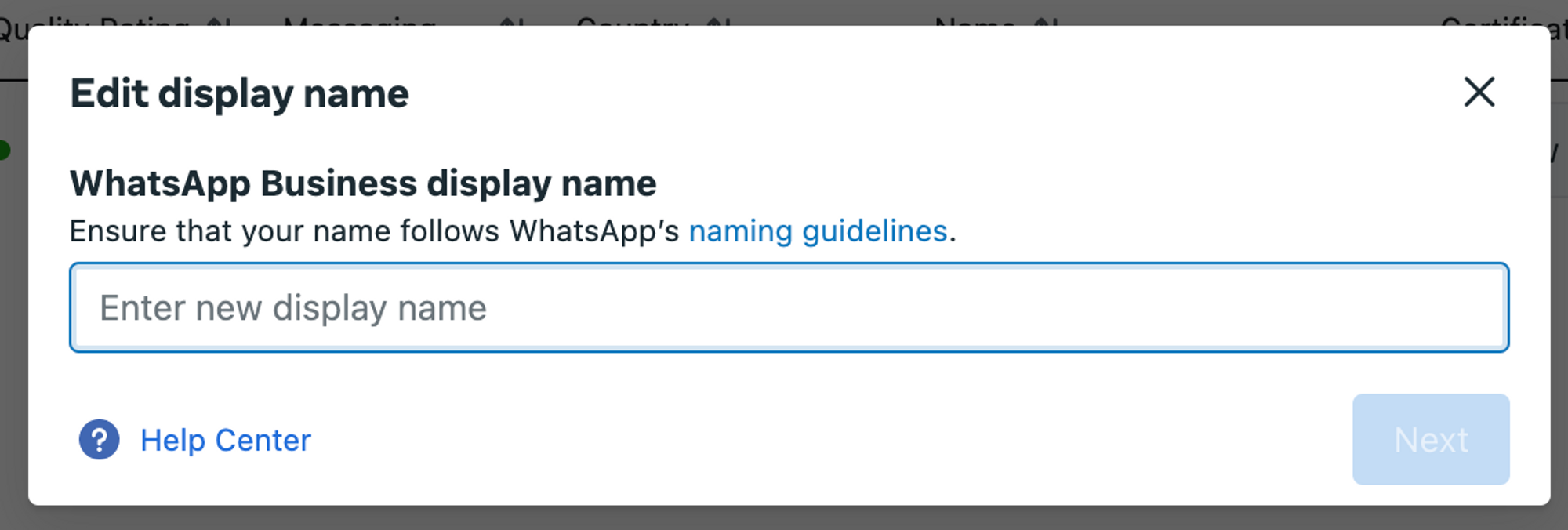
Enter a new display name in the Edit Display Name section, then click Next.
Display names must have a clear relationship with your business and use branding consistent with external sources, such as your website. Learn more about WhatsApp Business display name guidelines.
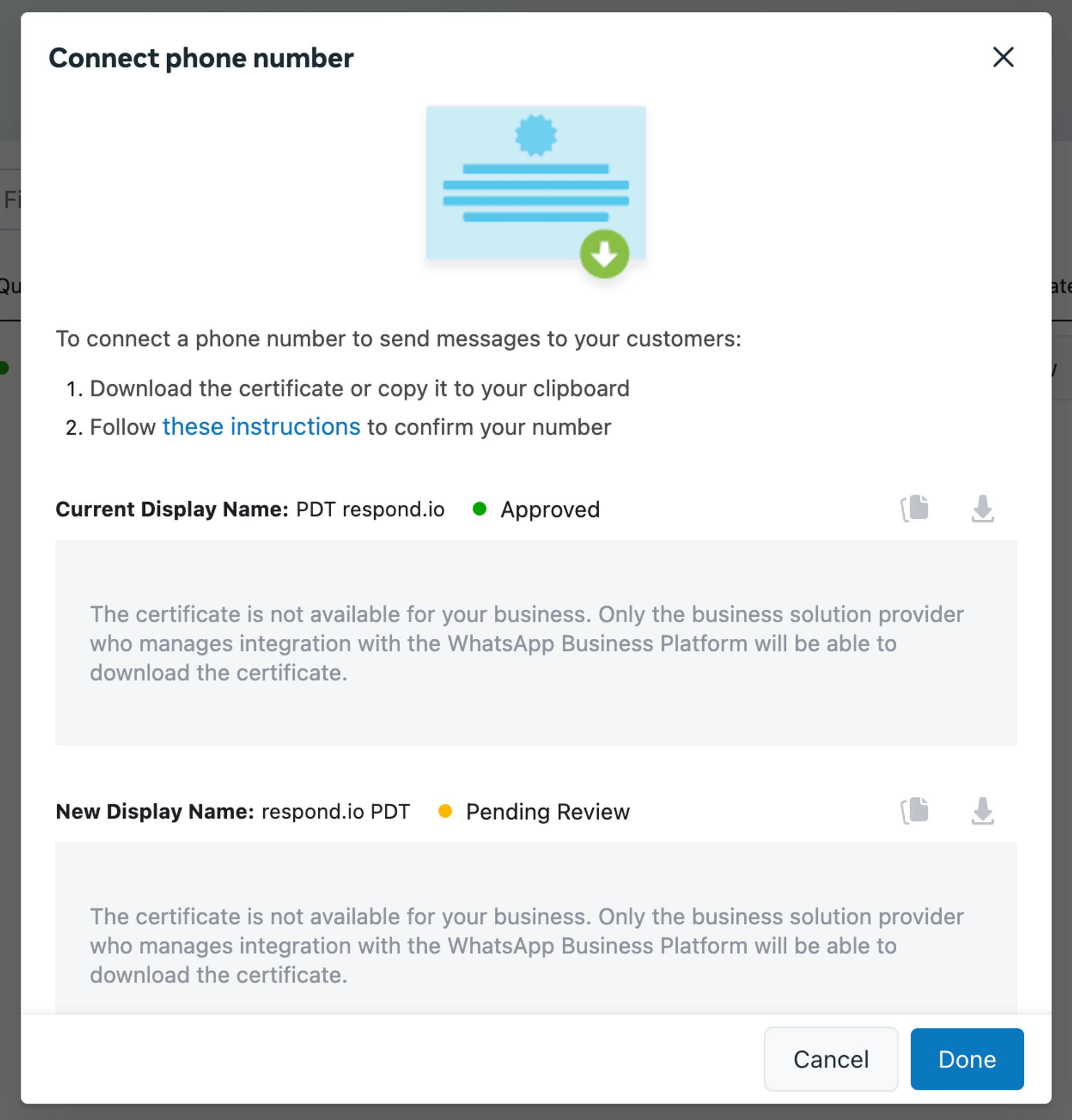
WhatsApp reviews the new display name before an updated certificate becomes available. Approval takes approximately 1-2 days, and Meta notifies you by email.
Once approved, the new display name reflects automatically on your number. Check the status of the new display name in the certificate dialog.
FAQ and Troubleshooting
What should I do if the display name is rejected?
When a display name is rejected, the certificate status updates to Name Not Approved. Resubmit a new display name by following these steps and making the required changes. Once approved, the new display name reflects automatically on your number.


