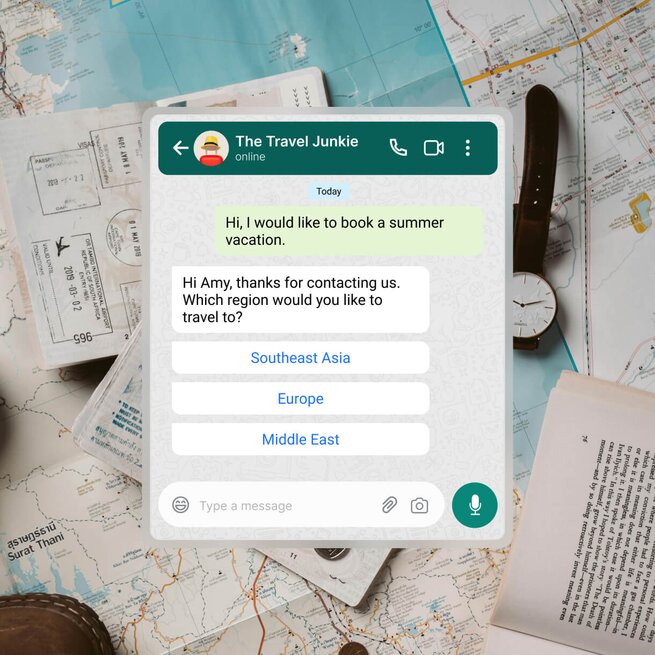
Connect with travelers on WhatsApp, Instagram, Facebook Messenger and more — all in one inbox.
AI Agents greet new chats and calls instantly, answer common questions and capture lead details the moment travelers message you.
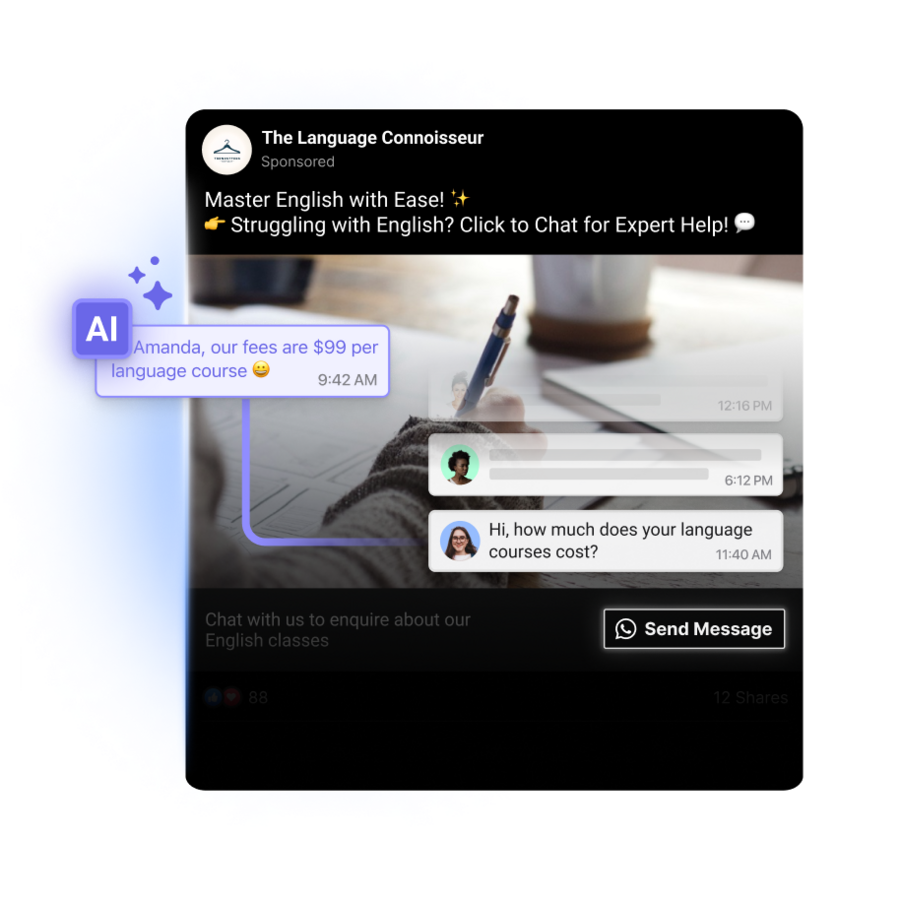
Utilize click to chat ads for direct engagement on social media and get travelers to their dream destinations quicker
Segment your leads based on their location or service interests so you can reach out to them with a personalized digital marketing strategy for travel agency
Boost lead acquisition with QR codes on posters, flyers and brochures
Identify the most popular channels among travelers to optimize campaign success
Segment broadcasts to target specific audiences and track reach and engagement for successful promotions
Manage customers on respond.io throughout their lifecycle, integrating your CRM or ERP for a full profile view
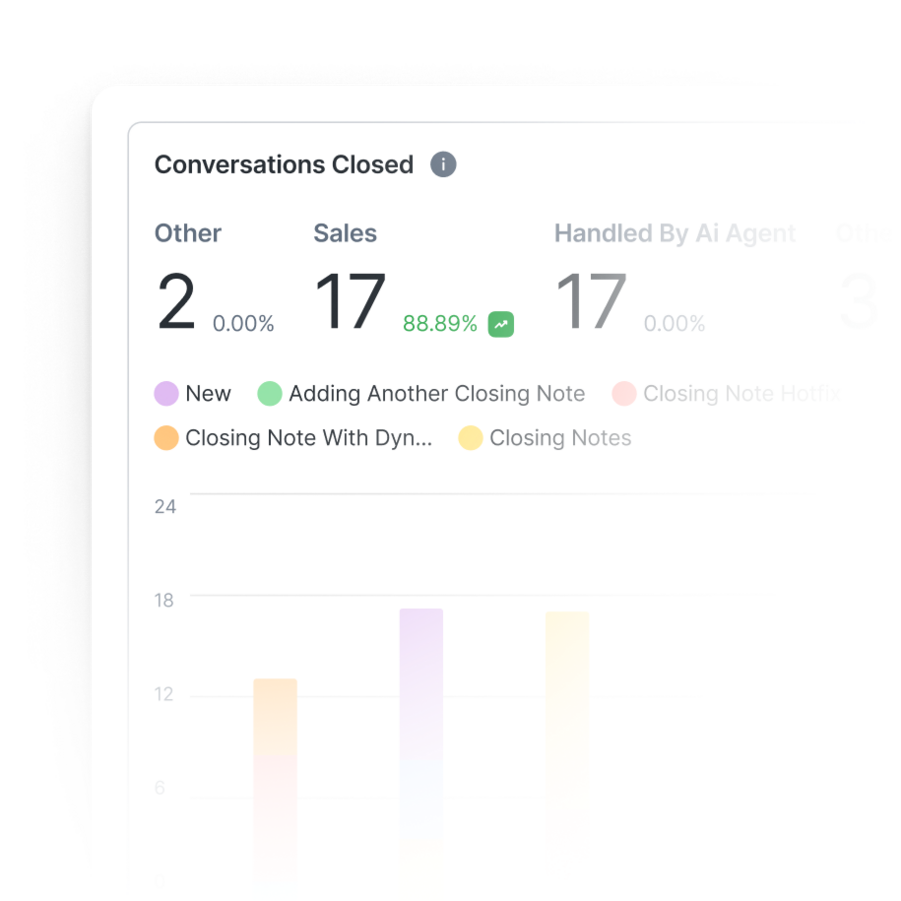
Analyze agent performance to optimize campaigns and boost NPS or CSAT ratings
Optimize Meta and TikTok ad targeting automatically to attract better customers and boost ROI
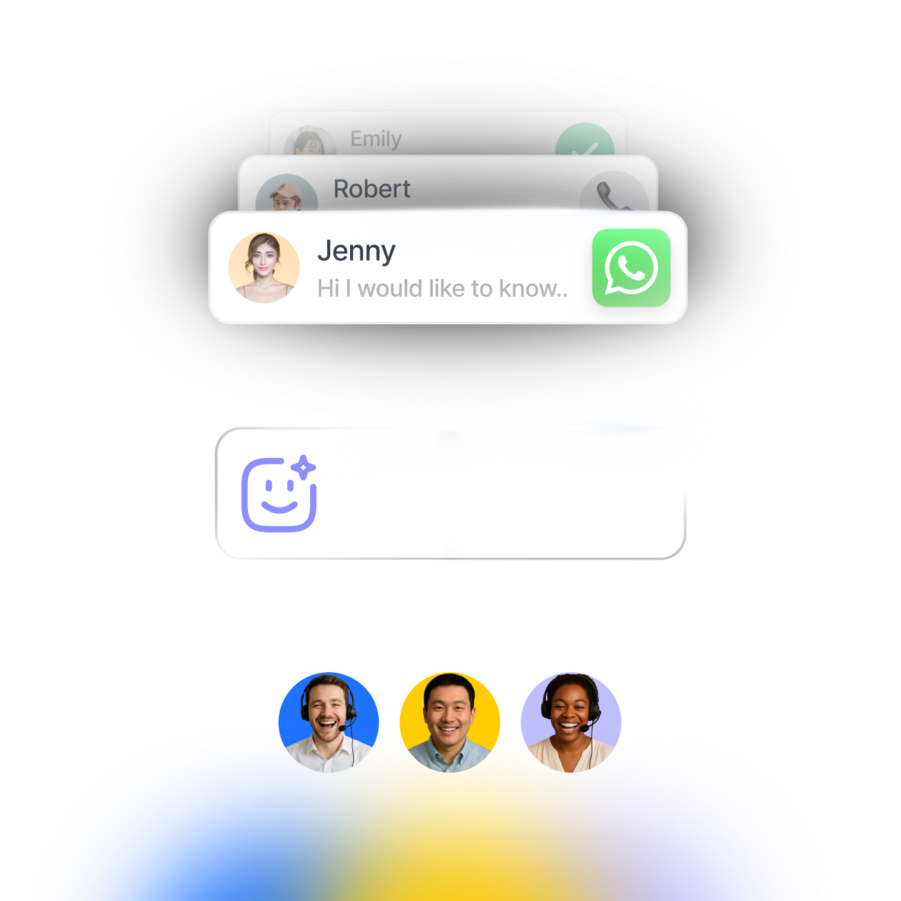
No more switching between apps to chat. Unify contacts and conversations from voice calls, email, WhatsApp, TikTok, Facebook Messenger, Instagram and more.
Learn More
Learn More
Connect respond.io to tools like HubSpot, Salesforce, Google Sheets, Zapier, Make, n8n and more to automate workflows and access key context while you chat.
Learn More
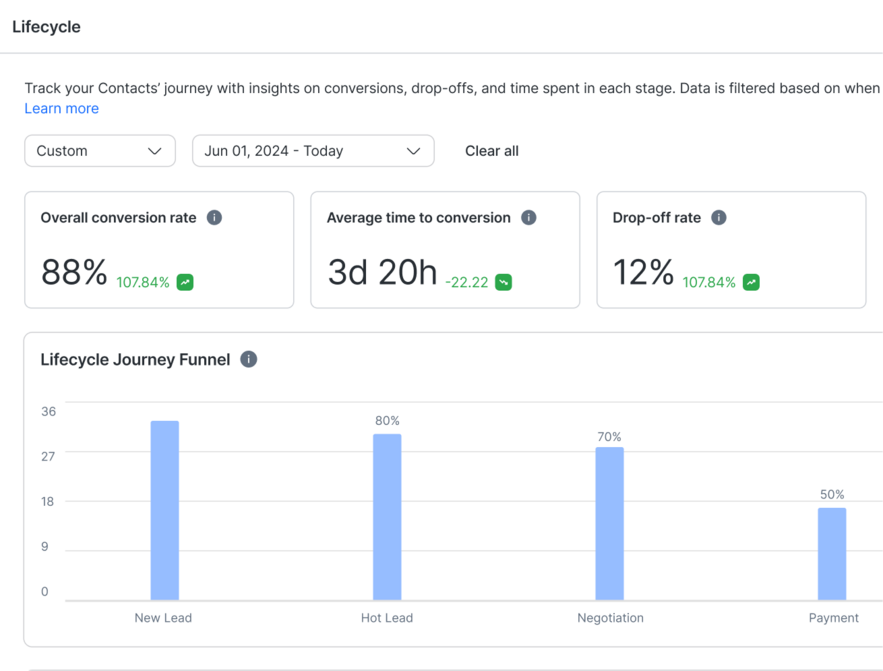
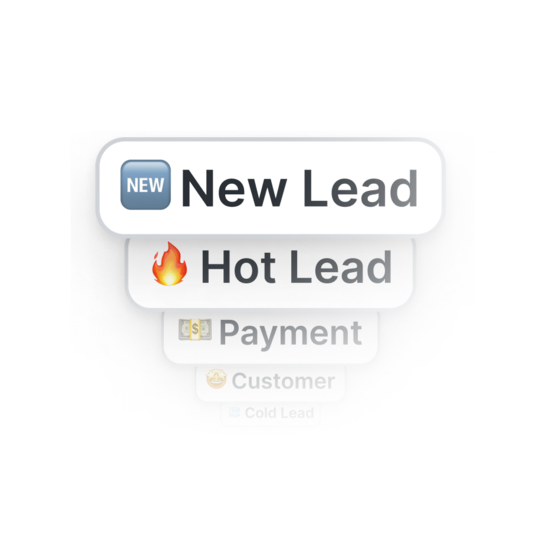
Prioritize high-intent leads, design customer journeys for each lifecycle stage or identify common drop-off points with analytics.
Learn More
Capture leads from Meta ads, automate appointment bookings, share product info instantly with Meta Catalogs and more.
Learn More
Grow customer loyalty with targeted broadcasts for promotions, renewals, upgrades and CSAT surveys.
Learn More
Track response times, Meta ad and broadcast performance, and conversions to turn insights into revenue.
Learn More
Never lose leads due to crashes or downtime. Unlike other providers, respond.io guarantees high platform reliability.
Learn More
Ensure the protection of customer and business data with ISO 27001 certification, GDPR compliance, SSL encryption, two-factor authentication, extensive cloud security measures, and SSO.
Learn More
Yes. A Meta Business Manager account is required to use WhatsApp with respond.io with the WhatsApp Business Platform (API). Meta uses the Business Manager to verify your business, manage phone numbers, control access, and enforce WhatsApp policies. Without it, WhatsApp API onboarding cannot be completed. This requirement comes directly from Meta and applies to all official WhatsApp Business Platform providers, including respond.io.
Yes. If you have a new phone number that is not currently connected to any WhatsApp account, you can register it directly with the WhatsApp Business Platform (API) on respond.io. This is the recommended option for businesses starting fresh, as it allows full access to API features such as automation, integrations, templates, and analytics. During onboarding, the number will be verified and linked to your Meta Business Manager before it becomes active.
To onboard WhatsApp API on respond.io, you need a verified Meta Business Manager account and a phone number that meets WhatsApp’s eligibility rules. Depending on your setup, the number can either be new (for the regular API) or you can migrate your business’ existing number. You’ll also need to complete Meta’s verification steps, which may include business details, phone verification and account approval. Respond.io provides guided onboarding to help you through each step.
Yes. respond.io supports multiple workspaces, which is especially useful for tour operators and travel agencies managing different destinations, branches, or brands. For example, you can create separate workspaces for inbound vs. outbound travel, regional offices, or premium vs. standard packages. Availability depends on your plan—some include multiple workspaces by default, while others require an upgrade. To add a workspace or confirm pricing, contact respond.io’s sales or account management team.
If a travel agent can’t see conversations or encounters an error, it’s often due to browser or network restrictions—common in offices, airports, hotels, or remote locations. Start by clearing the browser cache and cookies, then reload respond.io. If the issue continues, check whether firewalls, VPNs, or IP restrictions are blocking access. In agencies with centralized IT or multiple branches, involving your IT team usually resolves this quickly.