AI Agents answer questions, filter out spam and help customers book, routing only serious buyers to your team
Jay Ooi, Digital Marketing Manager, iMotorbike
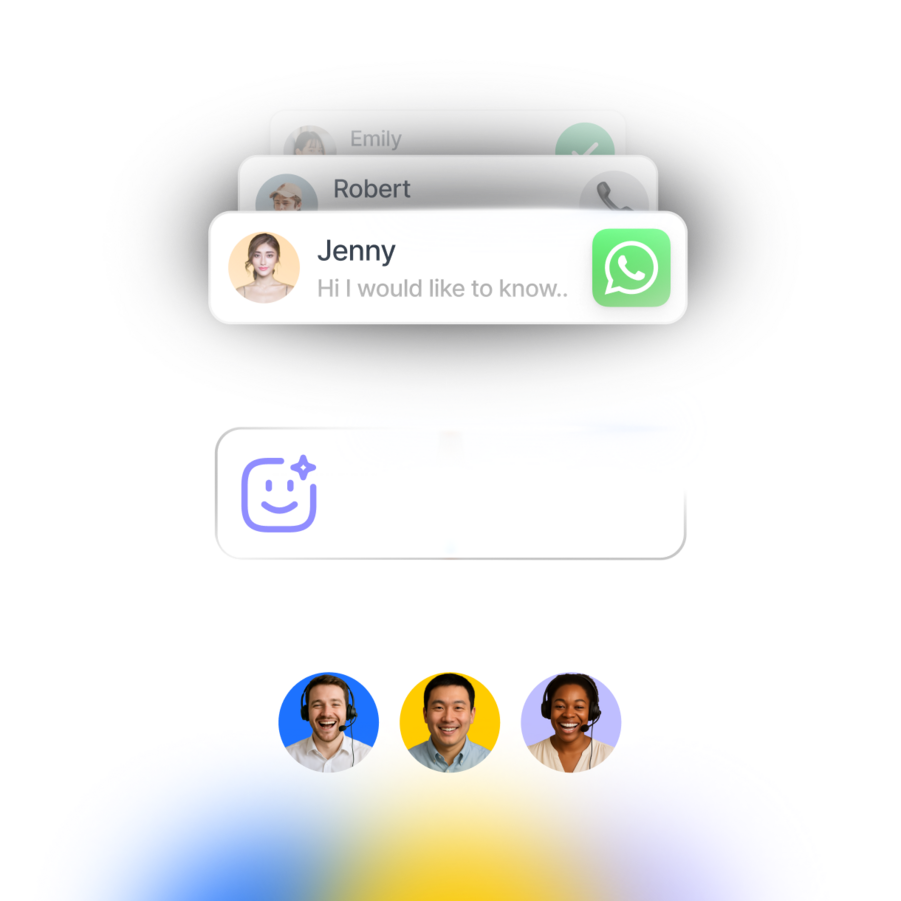
Reduce lead drop-off with quick service by assigning leads only to online team members
Ensure agents’ workloads are balanced through equal distribution
Route new, returning or VIP customers with similar characteristics to the best team for the job
Distribute leads seamlessly across various shifts throughout your business hours
Don’t get lost in translation—connect leads with team members who speak their language
Connect leads to the right agents for their needs to ensure expert handling of inquiries
Get leads to the right team for their needs to deliver accurate responses and quicker resolutions
No more switching between apps to chat. Unify contacts and conversations from voice calls, email, WhatsApp, TikTok, Facebook Messenger, Instagram and more.
Handle product questions, FAQs and order tracking with AI Agents, even during peak demand. Qualify leads, route to sales and follow up instantly — no prompting needed, built in minutes with Copilot.
Connect respond.io to tools like HubSpot, Salesforce, ChatGPT, Claude, Calendly, Cal.com, Google Sheets, Zapier, Make, n8n and more to automate workflows and access key context while you chat.
Prioritize high-intent leads, design customer journeys for each lifecycle stage or identify common drop-off points with analytics.
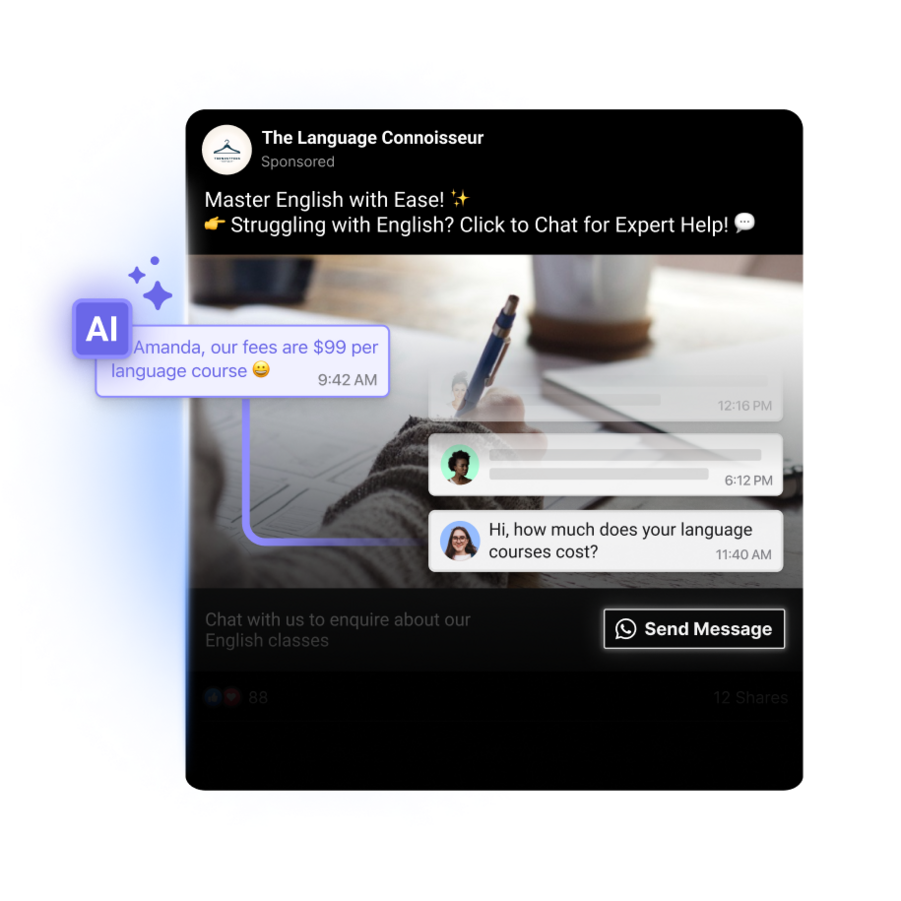
Capture leads from Meta ads, automate appointment bookings, share product info instantly with Meta Catalogs and more.
Grow customer loyalty with targeted broadcasts for promotions, renewals, upgrades and CSAT surveys.
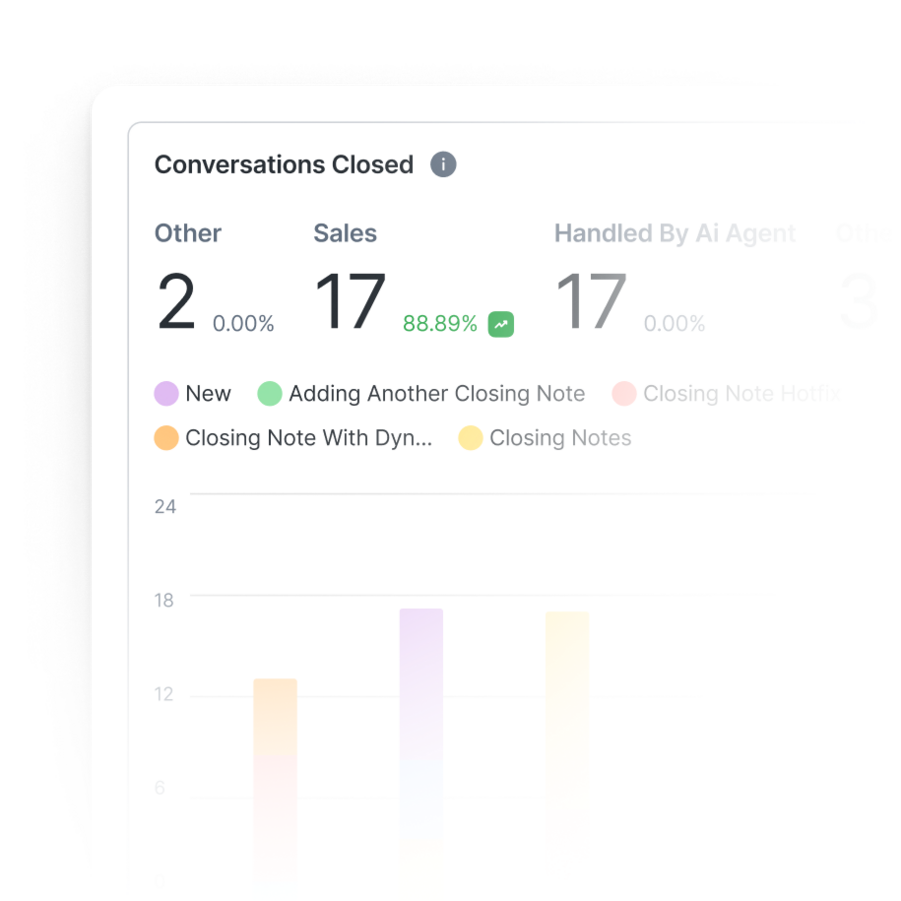
Track response times, Meta ad and broadcast performance, and conversions to turn insights into revenue. Attribute every conversation to the Growth Widget that started it, plus its website and page URL.
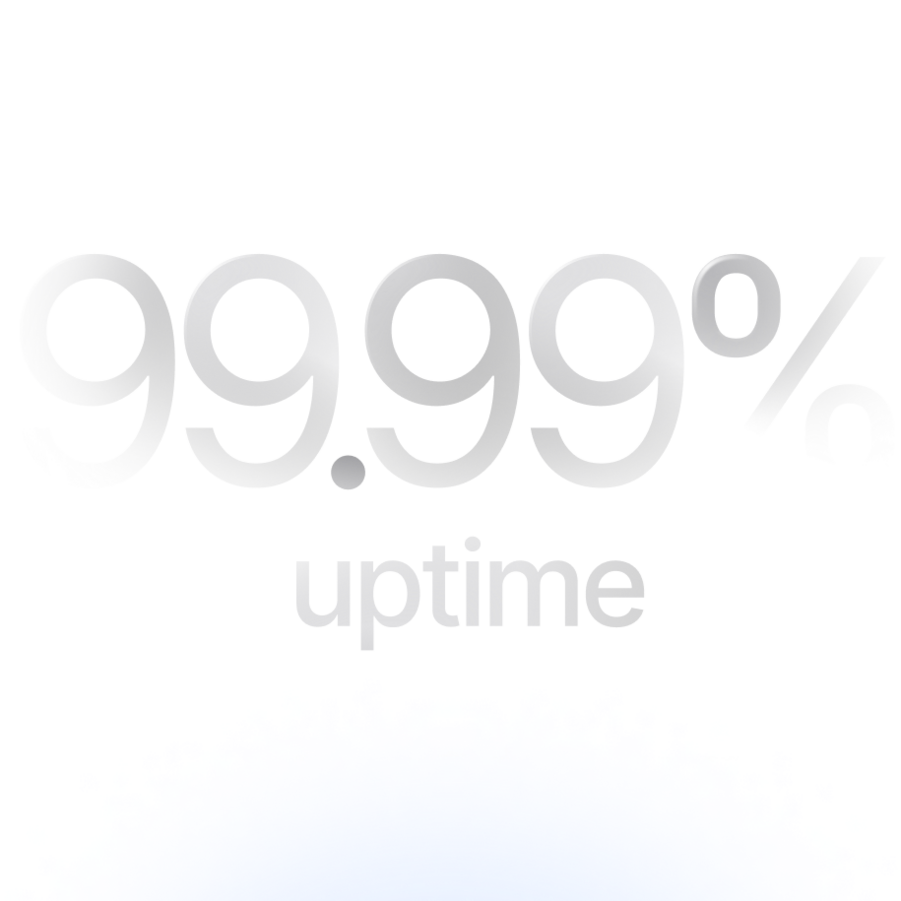
Never lose leads due to crashes or downtime. Unlike other providers, respond.io guarantees high platform reliability.
Ensure the protection of customer and business data with ISO 27001 certification, GDPR compliance, SSL encryption, two-factor authentication, extensive cloud security measures, and SSO.
An AI Agent replies to each lead, recommends products or books appointments where it can, and assigns the chat to the right team and the right person in it when a person is needed, following rules you write in plain language. Your team stops sorting and forwarding chats manually.
The AI Agent can route by:
AI Agents and Workflows, respond.io's automation builder, work together. An AI Agent can start a Workflow, and Workflows can assign leads by fixed rules: by contact field, such as branch, language or customer type, by the WhatsApp number or Instagram account they messaged, or round robin among available agents. Workflows can also move a newly assigned lead to someone else if no one replies in time.
Automatic routing is included on Growth and higher plans. If each branch handles only a handful of chats a week on its own phone, a central routing setup adds little.
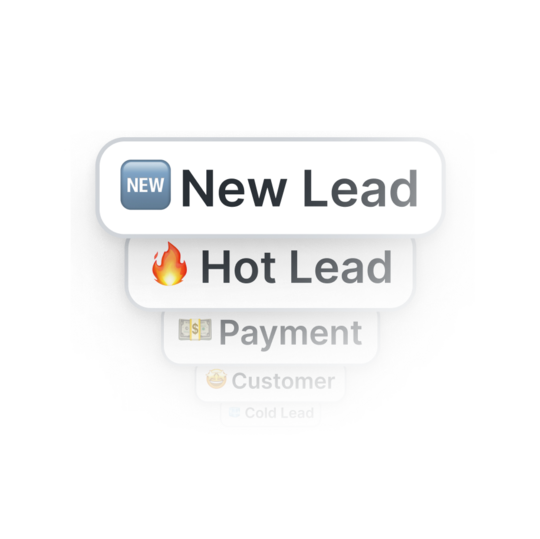
An AI Agent qualifies each lead in the chat against the criteria you set, such as budget, product or timing, and sends the leads who qualify to your sales team first. It moves each qualified lead to a stage such as Hot Lead in Lifecycle, which tracks each lead, customer and returning customer by stage, and assigns the chat to a sales rep, for example whoever is online in the Sales team. Leads who are still browsing stay with the AI Agent, which keeps answering their questions and recommends products until they're ready. iMotorbike's AI Agents handle 70–80% of chats and pass only serious buyers to the sales team.
The Lifecycle report shows how leads move between stages, where they drop off and how long conversions take.
If you also score leads on activity outside the chat, such as website visits or email opens, keep that scoring in your CRM and bring it into respond.io. HubSpot contact properties sync into respond.io contact fields, so your team sees the CRM data you map, such as a lead score, next to the conversation.
An AI Agent keeps the conversation going, recommends products or books an appointment when the lead is ready, and brings in your team when a person is needed. When a lead goes quiet, the AI Agent can send up to five follow-ups, each within 24 hours of the last message. Follow-ups stop as soon as the lead replies, and the AI Agent picks up the conversation from there.
Each lead stays at their Lifecycle stage, such as interested or not yet qualified, so your team can see who still needs work, and the Lifecycle report shows where leads stall.
For offers further out, send a broadcast to a segment of these leads. On WhatsApp, once 24 hours have passed since the lead's last message, you can only send an approved template, and an offer is a marketing template, which Meta charges per delivered message. Keep it relevant to the lead so it isn't marked as spam.
Leads are assigned in respond.io, which manages contacts and Lifecycle stages on its own, so you don't need a CRM to route leads. If you use one, it keeps the customer record alongside respond.io. With HubSpot, you can map the HubSpot contact owner to the respond.io assignee, so each chat goes to the rep who owns that contact. When you change a contact's owner in HubSpot, respond.io reassigns their chat to match, even if an AI Agent is handling it. HubSpot lifecycle stages can also sync into respond.io, and your team can edit some HubSpot contact properties without leaving the chat.
With Salesforce, agents see and edit Salesforce contact fields in respond.io, and new contacts are created automatically. For other CRMs, or to pass lead details elsewhere, you can connect respond.io through Zapier, Make or n8n.
HubSpot is available on Growth and higher plans, and Salesforce on Advanced and Enterprise.
Ownership flows from HubSpot to respond.io: change the owner in HubSpot and the chat follows. If you need it to work the other way, so assignments made in respond.io update the HubSpot owner, check with our team before you set it up.