Manage photo and video inquiries from WhatsApp, Instagram, TikTok, Facebook and more in a single team inbox
Jump into voice calls on WhatsApp, Messenger and VoIP without switching platforms
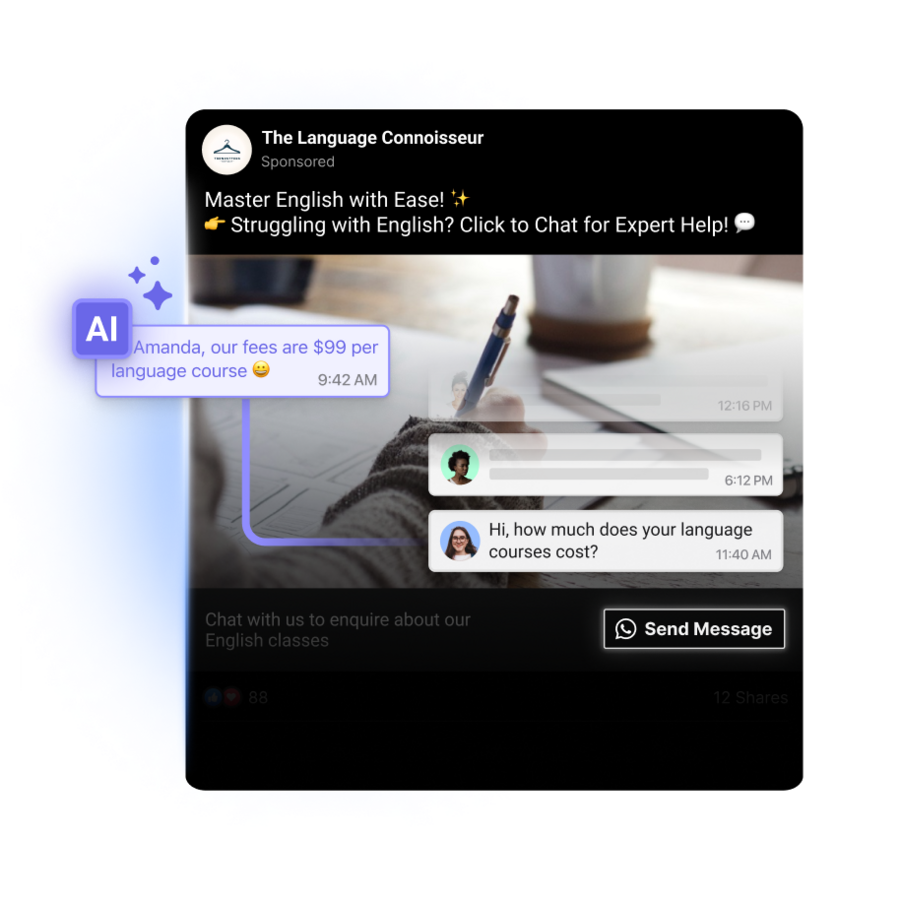
Use click to chat ads to drive prospects from social media directly into your funnel
Optimize Meta and TikTok ads automatically to target high-quality customers
Reignite cold leads with campaigns and promotions
Identify the most popular chat channels among clients to optimize campaign success and your budget
Analyze client behavior and agent performance to make data-driven decisions
Segment broadcasts to target specific audiences and track reach and engagement for successful promotions
Optimize Meta and TikTok ad targeting automatically to attract better customers and boost ROI
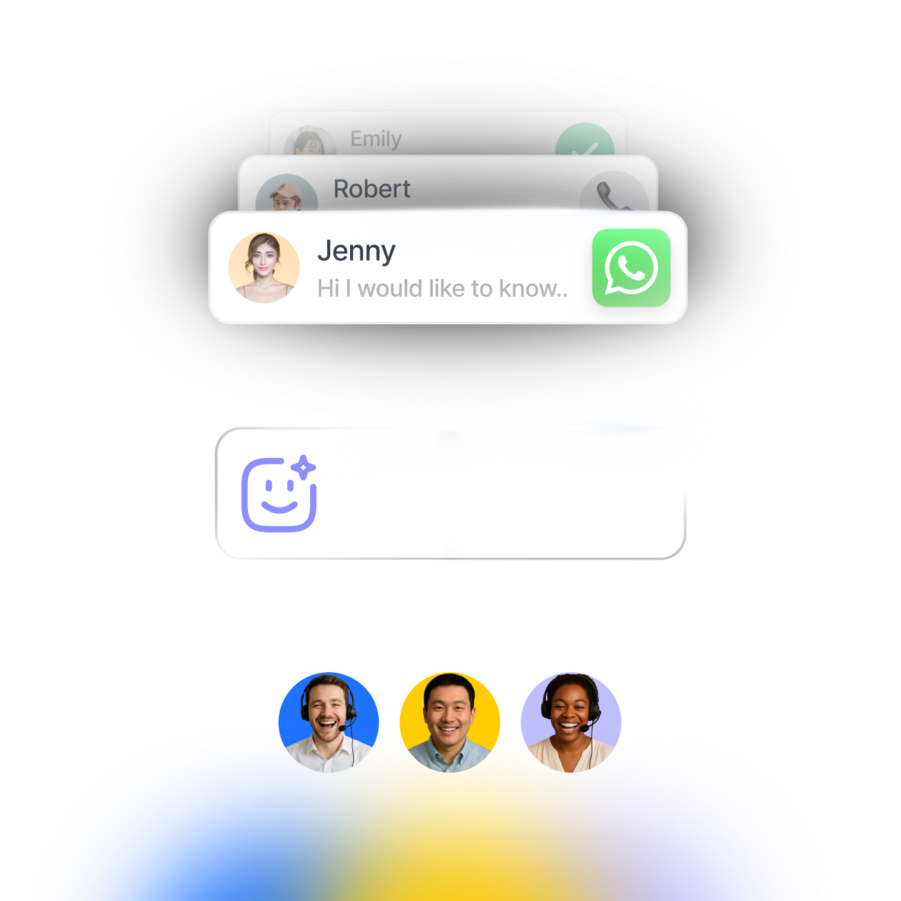
No more switching between apps to chat. Unify contacts and conversations from voice calls, email, WhatsApp, TikTok, Facebook Messenger, Instagram and more.
Learn More
Learn More
Connect respond.io to tools like HubSpot, Salesforce, Google Sheets, Zapier, Make, n8n and more to automate workflows and access key context while you chat.
Learn More
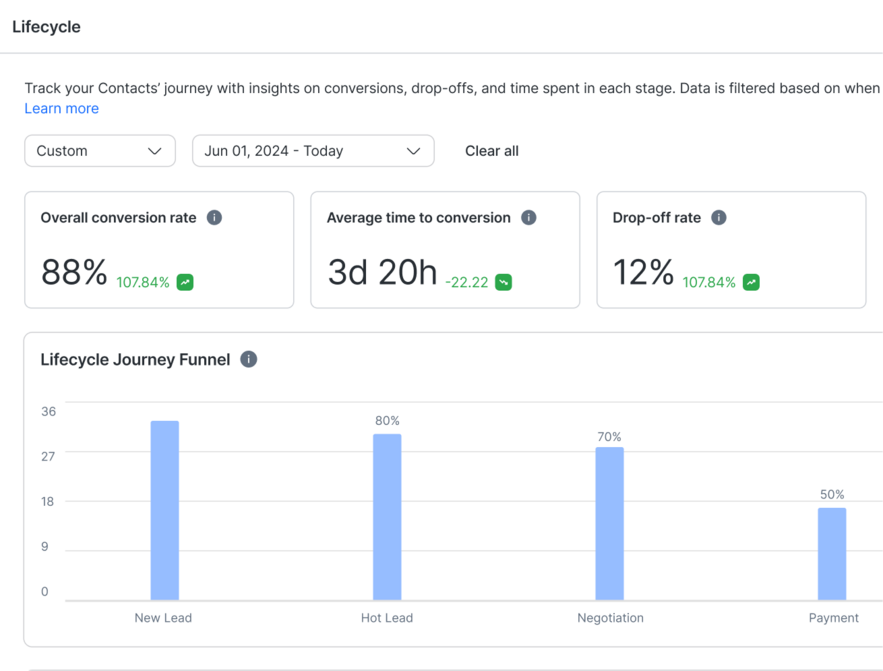
Prioritize high-intent leads, design customer journeys for each lifecycle stage or identify common drop-off points with analytics.
Learn More
Capture leads from Meta ads, automate appointment bookings, share product info instantly with Meta Catalogs and more.
Learn More
Grow customer loyalty with targeted broadcasts for promotions, renewals, upgrades and CSAT surveys.
Learn More
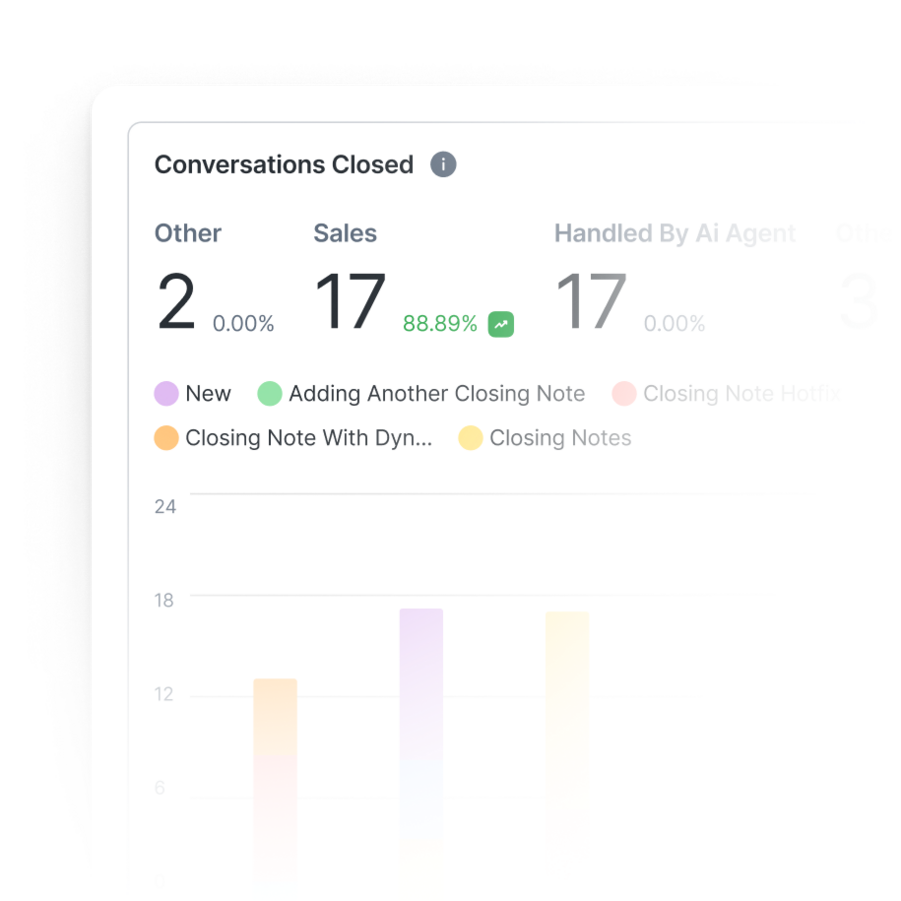
Track response times, Meta ad and broadcast performance, and conversions to turn insights into revenue.
Learn More
Never lose leads due to crashes or downtime. Unlike other providers, respond.io guarantees high platform reliability.
Learn More
Ensure the protection of customer and business data with ISO 27001 certification, GDPR compliance, SSL encryption, two-factor authentication, extensive cloud security measures, and SSO.
Learn More
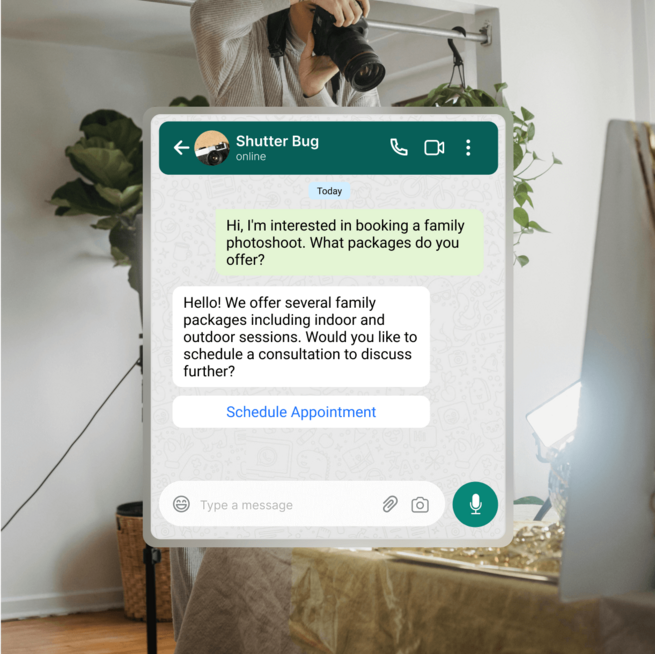
Yes. Respond.io can be used to manage photography and videography bookings directly through WhatsApp, from the first inquiry to payment.
Using AI Agents, you can automatically collect key details such as shoot type, preferred date, location and any special requirements. Based on this information, conversations can be routed to the right photographer or coordinator, or used to confirm availability and next steps. This reduces back-and-forth messages and helps you respond faster, even when multiple inquiries come in at the same time.
This setup works well for portrait sessions, weddings, corporate shoots and recurring studio bookings.
Respond.io allows you to automate reminders and follow-ups using its workflow builder, so these messages are sent at the right time without manual effort.
For example, you can send automated reminders a day or a few hours before a shoot, follow up after the session with delivery updates, or request missing information such as location details. Automating these steps helps reduce no-shows, keeps clients informed and frees up your team to focus on the actual shoot and post-production work.
Yes. Respond.io integrates with Google Calendar — and many other Calendar apps — through Zapier and Make, allowing you to sync booking details, session dates and reminders between systems.
For studios with more advanced requirements, respond.io also supports webhooks and API-based integrations, which are available on Growth and Advanced plans. This makes it possible to connect respond.io with custom booking systems, CRMs or scheduling tools you already use, while keeping WhatsApp and messaging workflows in sync.
Yes. Clients can send photos, videos, and other media files through WhatsApp, Instagram, or Facebook Messenger, and these attachments appear directly in the respond.io inbox. What’s better, respond.io AI Agents have the capacity to understand and reply to media your customers send you on the chat.
All media stays linked to the conversation, making it easy for photographers or videographers to review inspiration images, mood boards, or reference videos without searching through emails or external tools. This helps teams stay aligned on creative expectations and respond more accurately to client requests.
Yes. Respond.io supports role-based access controls, allowing you to manage what different team members can see and do.
For example, photographers can handle inquiries and booking discussions, while only studio managers or office staff can access sensitive information such as payment details or internal notes. This setup supports collaboration across the team while maintaining data privacy and operational control.
Yes. Respond.io supports automated payment-related messaging through workflows.
You can trigger messages that send payment links, deposit requests or payment status updates after a booking is confirmed or a session is completed. Depending on your setup, these workflows can be connected to payment providers using integrations or webhooks, helping ensure clients receive timely and consistent payment communications.
Yes. Respond.io allows you to organize conversations using tags and custom fields that represent events or projects.
For wedding or multi-day productions, you can tag conversations with the event name or project type so all related communication stays grouped and easy to find. This helps teams track discussions, revisions, timelines and updates across long-running or complex projects.