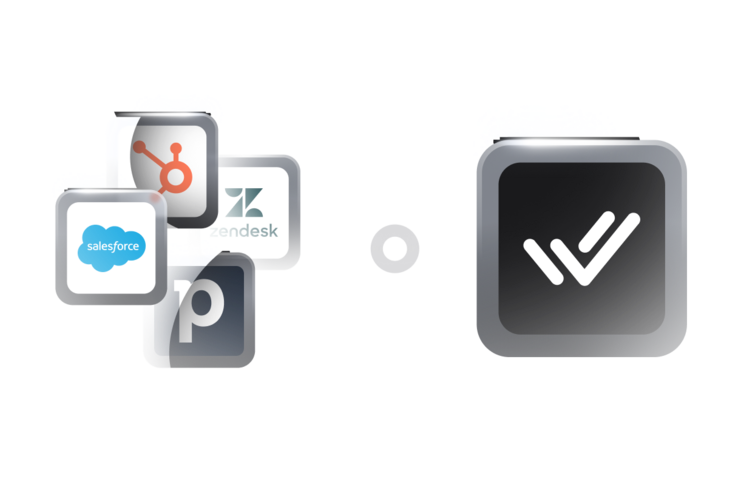
The customer conversation management platform built to run WhatsApp on top of your CRM

Respond.io connects to your CRM and handles WhatsApp, Instagram, Messenger, TikTok and every other popular customer channel, with AI Agents on top.

WhatsApp CRM Explained for 2025 | How to Integrate WhatsApp with Your CRM

Your CRM stays. Respond.io handles the conversations it can't.

If you already have a CRM, there are two ways to get WhatsApp working with it:


1. Use your CRM's native WhatsApp integration

2. Connect your CRM to a customer conversation management platform like respond.io


Your CRM holds customer records and deals. Respond.io handles the chats, calls, and channels around them, with that context built in so your team never has to switch between tools.


Respond.io is not a CRM. It's a customer conversation management platform that works alongside the one you already run, with native lead management features built in for the conversations your CRM doesn't handle.


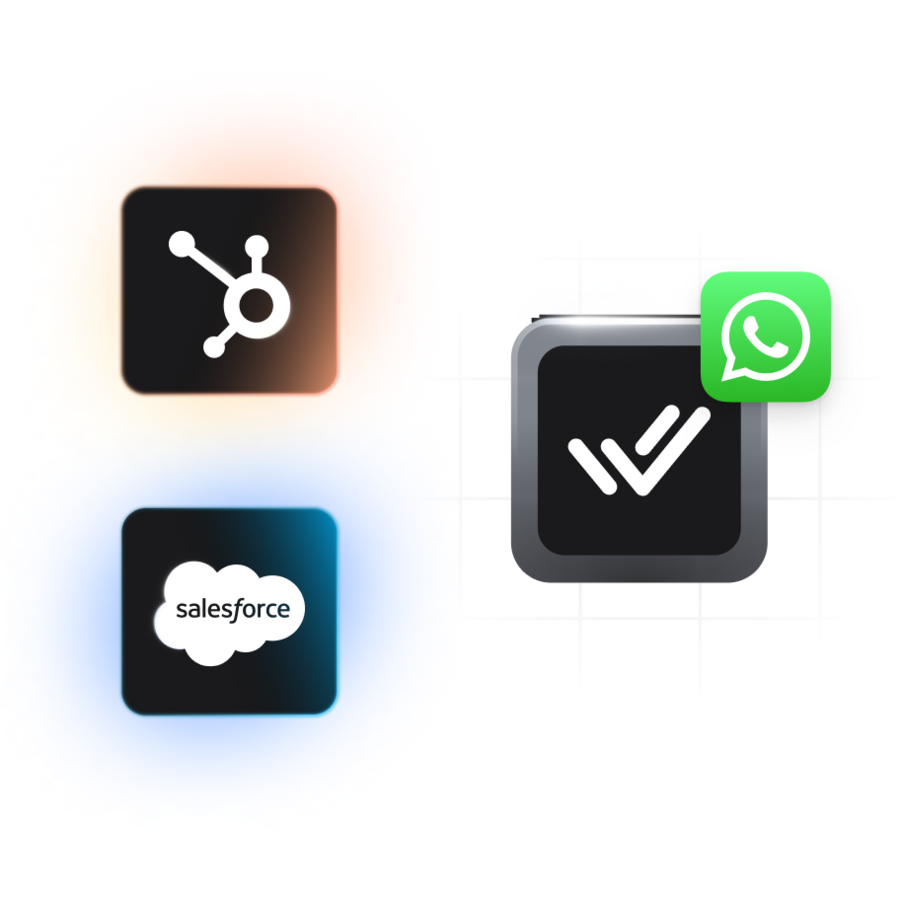
Instead of replacing the system where your data lives, respond.io adds the tools your CRM lacks: a shared inbox across WhatsApp, Instagram, Messenger, TikTok, and more, advanced workflows, AI and native integrations with HubSpot, Salesforce, Zoho and others.

WhatsApp is where your revenue conversations happen. Your CRM isn't built for them.

Your CRM was built to store contacts, track deals and manage pipeline — not to handle voice notes, ad replies, calling, broadcasts or the volume of inbound a WhatsApp-first team sees daily. When those conversations don't make it back into your CRM, revenue leaks. Respond.io closes the gap.

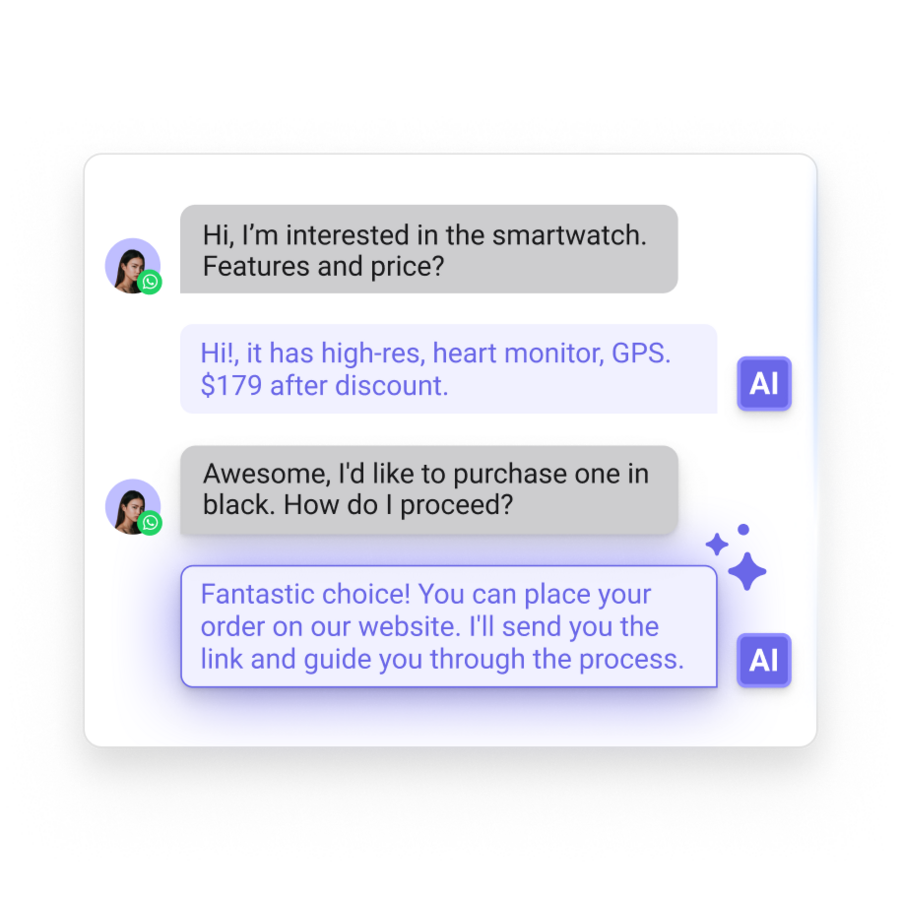
Qualify leads instantly

Automatically identify and prioritize high-intent leads through automated questions and smart workflows.

Re-engage inactive contacts

Reach out to dormant leads with personalized WhatsApp messages and offers.

Centralize customer conversations

Handle WhatsApp chats, calls, voice notes and media files in respond.io, synced to the CRM you already use.

Omnichannel interactions

Talk to customers on WhatsApp, Instagram, Messenger, TikTok and more all from one place.

What respond.io adds to your CRM's native WhatsApp integration

Not all setups are created equal. You can either connect WhatsApp API directly to your CRM or run it through respond.io on top of the CRM you already have.

WhatsApp API +

existing CRM

WhatsApp API + existing CRM + respond.io

Native WhatsApp integration

Limited

Messaging features

No WhatsApp calls, video previews or voice note playback

Covers key WhatsApp features like calls and broadcasts

Automation capabilities

Limited

Advanced AI and automation

Media file handling

Media files must be downloaded separately

Media playback directly in inbox

CRM flexibility

Restricted to a single CRM

Integrates seamlessly with multiple CRMs

Omnichannel messaging

Limited

What to look for when adding WhatsApp to your CRM

If WhatsApp is a serious part of your business, your platform needs to do six things your CRM wasn't built to do. Respond.io does all six.

WhatsApp API access

Quickly and securely connect WhatsApp through official providers like respond.io. Enjoy smoother approvals and immediate messaging capabilities.

Learn More

Integration support

From HubSpot to Salesforce, respond.io connects your CRM with e-commerce platforms, business tools and customer channels. Your CRM stays the system of record while respond.io handles every conversation that feeds it.

Learn More

WhatsApp Business Calling API

Conduct voice calls directly from your CRM. Solve complex inquiries faster and build stronger customer relationships.

Learn More

Automation

Automate lead qualification, responses and follow-ups effortlessly. Ensure your team focuses only on conversations that truly matter.

Learn More

Data security

Protect customer data with encryption and compliance with top privacy standards. Trust respond.io alongside your CRM with sensitive customer information.

Learn More

Detailed analytics

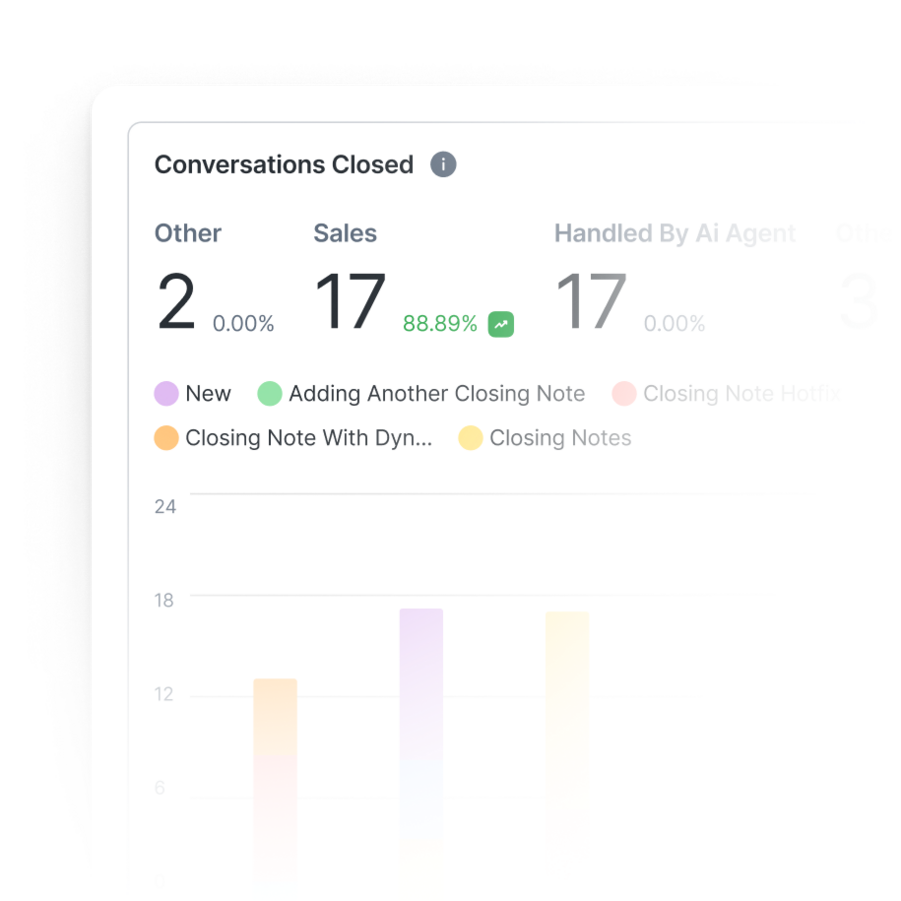
Track response times, agent productivity and campaign success. Make informed decisions based on clear, real-time analytics.

Learn More

Why choose respond.io to run WhatsApp on top of your CRM

Respond.io runs customer conversations that your CRM's native WhatsApp integration can't: click-to-WhatsApp ad replies at volume, AI Agents that qualify leads and route only the ones worth a human, WhatsApp calls closed inside the same inbox as your chats. Every conversation syncs to your CRM.

Capture leads with WhatsApp Marketing

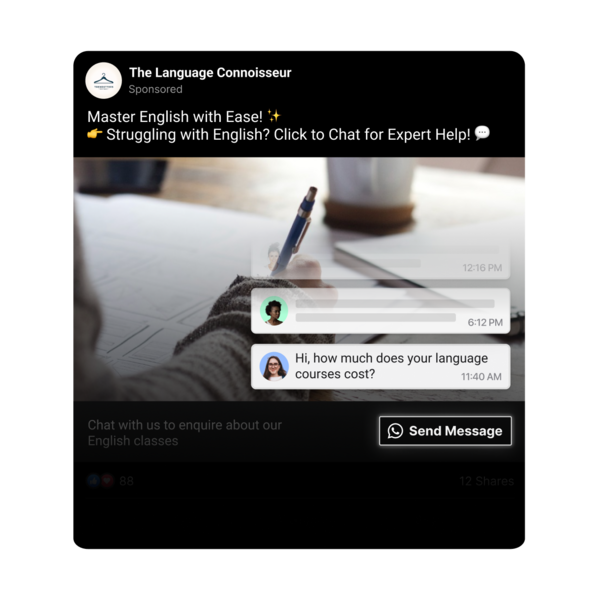
- Use Meta click to chat ads to get leads into WhatsApp

- Launch Workflows to respond to and qualify leads instantly

- Manage the entire WhatsApp customer lifecycle in one platform

- Track WhatsApp marketing performance with in-depth analytics

Learn More

Convert with WhatsApp Sales Automation and Calling

- Automate appointment and meeting booking

- Share product or service information instantly with WhatsApp Catalog

- Leverage WhatsApp Business Calling API to close high-value deals faster

Learn More

Retain with targeted broadcasts

- Send promotional broadcasts at scale

- Remind customers about renewals or upgrade opportunities

- Conduct customer satisfaction surveys

Learn More

Marketing

Sales

Customer service

Attract leads with QR codes, chat links and website widgets

Run click-to-WhatsApp ads on Facebook and Instagram

Sync contact details into your CRM for easy segmentation

Send broadcasts, push notifications and catalogs to re-engage leads

Easily migrate to the most powerful WhatsApp API solution

Migrate from WhatsApp Business App to WhatsApp API

  1. 1. Purchase a phone number that’s not connected to a current WhatsApp Business account or sign up for a virtual number
  1. 2. Connect your number to your Meta business account
  1. 3. Connect your new WhatsApp API account to respond.io
  1. 3. Connect your new WhatsApp API account to respond.io

Migrate WhatsApp API from another BSP to respond.io

  1. 1. Turn off 2-step verification in your Meta account.
  1. 2. Follow the simple steps in the respond.io platform to migrate your account
  1. 3. Verify your number and you’re ready to go - you keep your number, templates, contacts and conversation history!

Connect WhatsApp and your CRM to respond.io in 3 steps

Most teams go live with WhatsApp and their CRM connected in just one day, without a separate Meta application.

Step 1: Create or connect a WhatsApp API Account

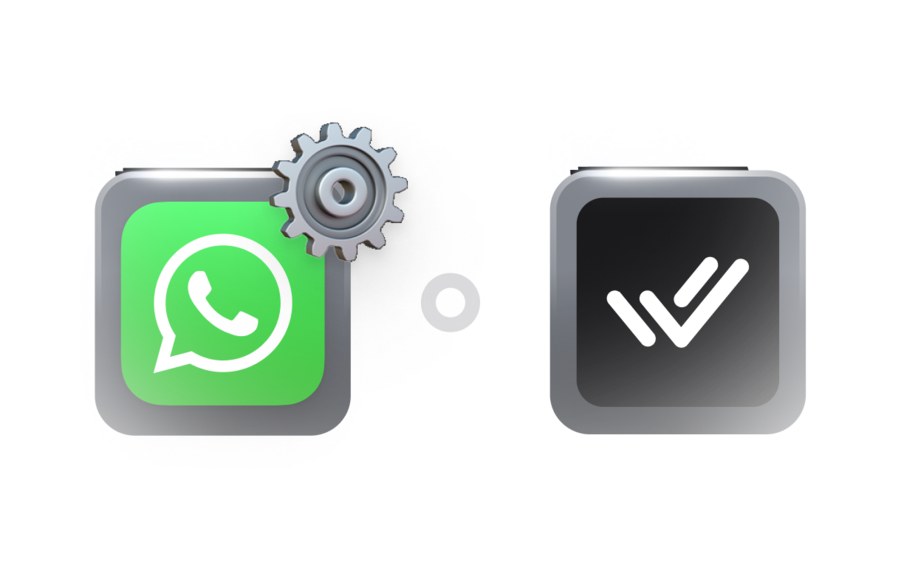
  • Sign up for your official WhatsApp Business API account quickly through respond.io—no need to apply through Meta separately as respond.io is a WhatsApp Business Solution Provider (BSP).

Step 2: Connect your CRM

Use one of three methods to link your CRM to respond.io:

  • Native integration with CRMs like HubSpot or Salesforce
  • Third-party automation via Zapier or Make
  • Custom API workflows using HTTP request steps

Step 3: Sync your data

  • Your contacts, messages and lead stages stay in sync automatically. No spreadsheets. No copy-pasting.

Frequently asked questions

Is respond.io a CRM?

Do I need the WhatsApp Business API to use respond.io?

Is WhatsApp Business API free?

Which CRMs does respond.io work with?

What’s the best CRM for WhatsApp integration?

Is WhatsApp Business App the same as WhatsApp API?

How secure is WhatsApp CRM?

Can I connect respond.io to multiple CRMs at once?

Trusted by mid-market B2C teams running WhatsApp at scale

3x your business results with respond.io 🚀