
















 Electronics
 Fashion & Apparel
 Furniture
 Jewelry and Watches

 Afterschool Activities
 Sport & Fitness

 Beauty Center
 Dental Clinic
 Medical Clinic

 Home Cleaning & Maid Services
 Photography & Videography

 Car Dealership

 Travel Agency & Tour Operator



TL;DR - Mid-market B2C teams choose a Twilio alternative that runs chats and calls without developers
Mid-market B2C businesses move off Twilio when every change to routing, follow-ups or channels waits on a developer, and leads from WhatsApp, Instagram, SMS and calls sit unanswered in the meantime. Respond.io is a customer conversation platform that brings messaging channels, calls and email into one inbox, with AI Agents that reply to leads, qualify them and book appointments, and Lifecycle, which tracks each lead and customer by stage.
It connects contact fields directly with HubSpot and Salesforce, so lead details from each chat reach your CRM. Wati, Trengo, Intercom and Bird suit smaller WhatsApp teams, European support desks, ticket-led support and API-first teams. Not a fit if you run one channel with fewer than 500 customer chats a month, or you’re building messaging into your own product with an engineering team.
Our comparison helps mid-market B2C businesses decide which Twilio alternative to move their customer conversations to. Twilio is a communications API, so your developers build the inbox, the routing and the automations. When every change waits on a developer, leads sit unanswered and the team can’t see which chats turned into sales. We compared five platforms on channels, automation and AI, support and how cost behaves as usage grows.
Why consider a Twilio alternative
Consider a Twilio alternative when your sales and support teams need to change how chats are handled faster than your developers can ship it.
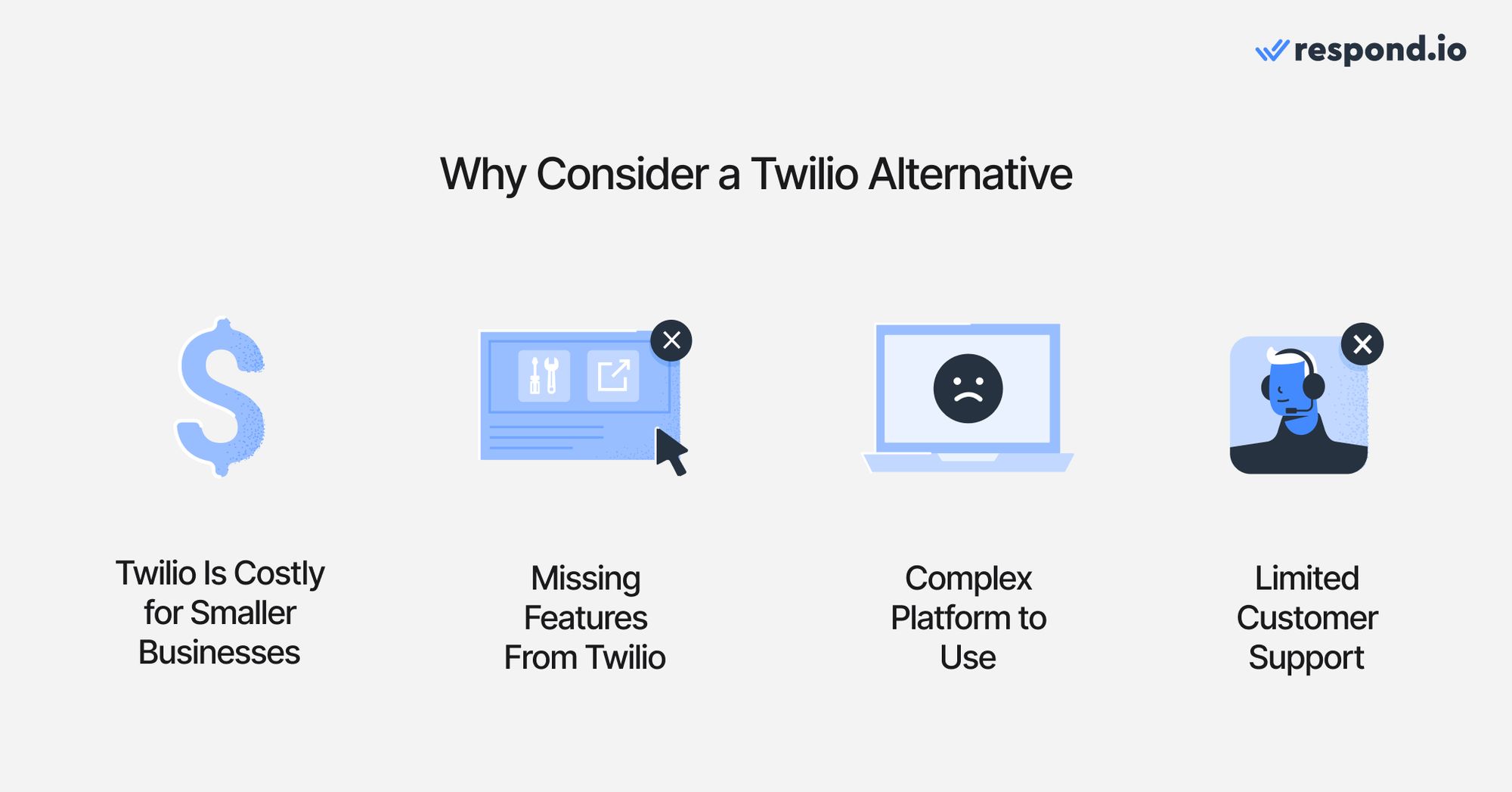
Here are the reasons why Twilio might not be the platform for your business.
Costs add up across separate Twilio products
Twilio charges US$0.005 per WhatsApp message, inbound or outbound, on top of Meta’s own per-message fees. That price covers delivering the message and nothing else. An agent inbox, routing rules and an automation builder are not part of it: your developers either build them on Twilio’s APIs or you add separate Twilio products such as Flex. Every one of those builds also needs maintaining when Meta changes a rule or a channel updates its API. For a mid-market B2C business, the real monthly cost is the message bill plus the developer hours spent keeping the setup running.
Features your team needs have to be built
Twilio has many building blocks, but features such as merging duplicate contacts, AI Agents or a CRM connection have to be built or integrated by your developers. Until they are, agents work around the gaps by hand and leads wait longer for a reply.
For example, merging duplicate contacts or AI Agents could be features that are crucial for your business. Even the number of channels like WhatsApp API, TikTok, Messenger, Instagram, Telegram and Viber, or other third-party software integrations such as Hubspot, Salesforce, Pipedrive, Zapier or Make.
Every change needs a developer
wilio is built for developers, so changing anything in a Twilio setup usually means writing code. Adding Instagram, changing who gets which chats or editing an automated follow-up goes into the engineering backlog, and marketing and sales teams wait for a release.
A campaign that launches on Tuesday may need a new follow-up flow the same day. If engineering is busy, leads from that campaign get a generic reply or none at all. The more channels and campaigns a business runs, the longer that backlog gets.
Support response times depend on a paid plan
Twilio’s free Developer support plan is web-only, with estimated response times of 3 business days and no guarantee. Guaranteed response times start on the Production plan, which costs the greater of US$250 or 4% of monthly spend. Without it, a broken WhatsApp flow can leave customers unanswered for days.
For smaller businesses, they need to accept slow response times, even when they are facing major technical issues. This itself could be a deal breaker for many companies.
Twilio Frontline has reached end of life
Twilio retired Frontline on September 30, 2026 and points customers to Twilio Flex or partner apps. Frontline was Twilio’s mobile app for customer-facing teams. It stopped being sold in February 2023 and has not been developed since. Sales teams that used it to message customers on WhatsApp and SMS now need a replacement either way, which makes this a natural moment to choose a platform that business teams can run without developers.
So, you heard of the issues that businesses might have about Twilio. What are factors you need to consider when looking for an alternative to Twilio?
What to look for in a Twilio alternative
When searching for a Twilio alternative, focus on platforms that cater to your business needs while addressing most, if not all, of Twilio's limitations. Whether your focus is omnichannel communication, reliability, scalability, or automation, the best Twilio alternatives should meet these core criteria
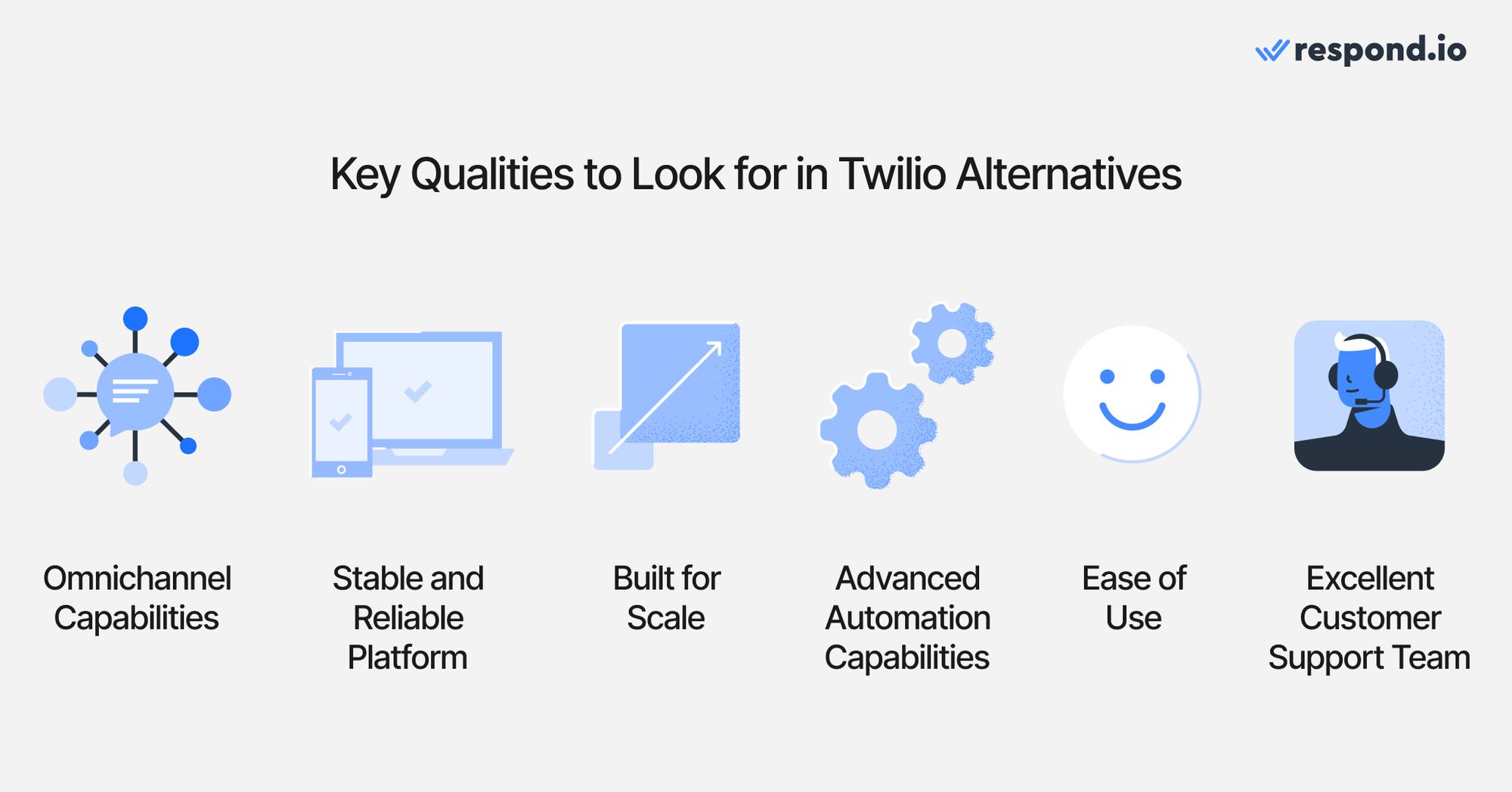
Look for a platform your business team can run without developers. Moving off an API platform changes who does the work: connecting channels, changing routing, building follow-ups and checking results should all sit with sales, marketing and support. Use these six criteria to score each tool before you shortlist, and weigh them by how your customers reach you and how many chats your team handles each month.
1. Omnichannel capabilities
The best Twilio alternatives bring WhatsApp, Instagram, Messenger, TikTok, SMS, email and calls into one inbox. Agents see every message from a customer in one thread, whichever channel it came from, so nobody asks the customer to repeat themselves. Check which channels each plan includes and whether calls sit in the same inbox as chats or in a separate tool.
An omnichannel inbox has additional features like merging duplicate contacts from multiple channels and the ability to monitor agent performance through analytics. A true omnichannel platform should also support voice call channels like WhatsApp Business Calling API or VoIP.
2. Stable and reliable platform
A platform that goes down during a campaign leaves customers unanswered at the moment they are most ready to buy. Check the vendor’s published uptime figure and its public status page, and ask how the platform behaves when an ad or broadcast sends a spike of replies at once.
Also consider stability of a platform whenever a new feature is released. Features like TikTok Messaging Ads should work reliably when used.
3. Built for scale
As a business grows, chats rise during campaigns, sales and seasonal peaks, and more agents join the inbox. The platform should keep replies fast when chats double, without a rebuild or a forced move to a custom plan.
Check how pricing changes as contacts, users and conversations grow, and whether automation or AI is capped each month. A cap that looks generous in a quiet month can run out in the first week of a campaign.
4. Advanced automation capabilities
Teams leaving Twilio still need to send auto-reply messages, route inbound messages, qualify leads and follow up. On Twilio, each of those is code. Look for AI agents that reply, qualify and book on their own, with a person able to step in at any time.
Ideally, these capabilities should be present in a no-code automation builder that allows non-technical users to build.
5. Ease of use
Software that requires a steep learning curve or technical expertise can hinder business operations. A great Twilio alternative should prioritize ease of use, featuring an intuitive interface and straightforward setup processes. Businesses should be able to deploy the platform and train teams quickly, without needing to rely on technical specialists.
A good Twilio alternative should be intuitive. Businesses shouldn’t require dedicated technical teams to set up and use the software.
6. Excellent customer support team
Check when human support is available, on which plan and through which channels. Some vendors offer round-the-clock AI support but limit human help to business hours or higher plans.
A team running weekend campaigns needs a person to reach on weekends, and a team in Asia needs help during Asian working hours. Ask for the response-time commitment in writing before you switch.
Now that you know what to look for in Twilio alternatives, let’s check out the top 6 options for you.
5 best Twilio alternatives: quick comparison
This comparison focuses on the plan a mid-market B2C team replacing Twilio would most likely need. Prices use monthly billing wherever available, so you can compare them with respond.io’s monthly subscription. Intercom charges per seat, Trengo caps conversations on each plan and Bird charges by usage, with only US rates published. AI and messaging fees are noted in each row, and Meta’s WhatsApp fees apply to every tool.
Tool | Who it is best for | What it is mainly used for | Plan and pricing |
|---|---|---|---|
Respond.io | Mid-market B2C businesses whose customers chat and call before buying | AI Agents, Workflows, Lifecycle tracking and calls across WhatsApp, Instagram, TikTok, SMS, email and voice in one inbox | Growth: US$199/month, billed monthly; 10 users; AI Agents and unlimited Workflows included |
Wati | Small teams selling mainly on WhatsApp | WhatsApp broadcasts, chatbots, a shared inbox and Click-to-WhatsApp ad tracking | Pro: US$149/month, billed monthly; 5 users; Astra AI agents and WhatsApp message charges extra |
Trengo | Small European support teams working mainly in email and WhatsApp | Shared inbox for email and messaging, with AI on support conversations | Boost: US$405/month, billed monthly; 10 users and 500 conversations; AI about US$0.35 per conversation extra |
Intercom | Support-led and software teams running tickets and in-app chat | Tickets, help center, in-app chat and Fin AI answers | Advanced: US$99/seat/month, billed monthly; Fin US$0.99 per outcome and US$9.99 per qualified lead extra |
Bird (formerly MessageBird) | Teams that still want developer APIs with a basic inbox | Messaging APIs, a free shared inbox and Flow Builder automations | Pay-as-you-go: US$0.005 per US WhatsApp marketing message plus Meta fees; free inbox; rates outside the US by quote |
5 Best Twilio Alternatives
Each of these five platforms gives business teams a ready-made inbox to work in, so the choice comes down to channels, automation, support and how cost behaves as usage grows. Every entry covers who the tool is best for, its pros and cons, its pricing and what G2 reviewers say about it.
#1 Twilio Alternative: Respond.io
Respond.io stands out as a robust solution for businesses looking to unify their messaging efforts. It offers a centralized platform for managing multiple messaging channels with advanced automation tools, making it an ideal choice for businesses that need to scale efficiently.
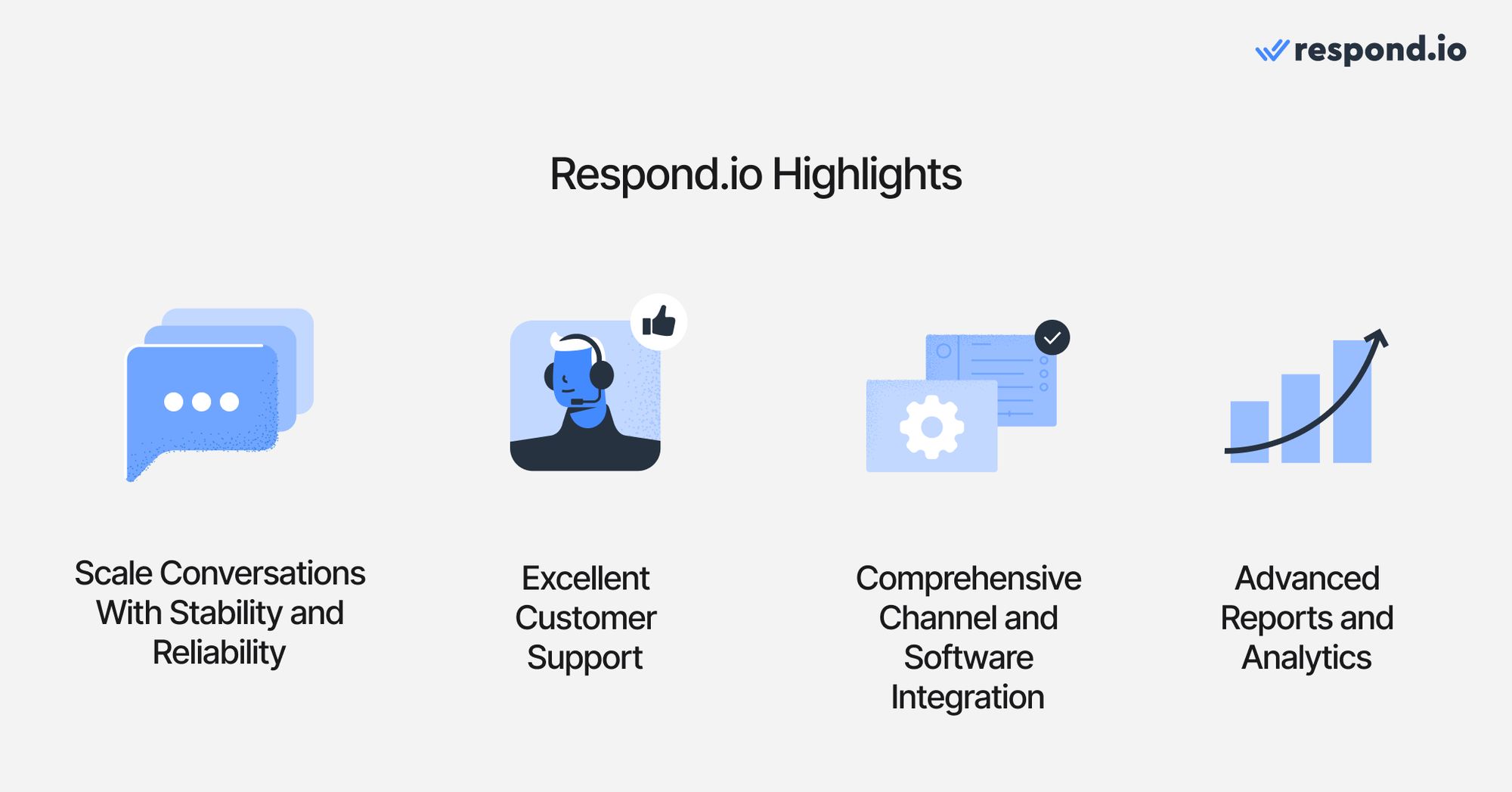
Respond.io best for
Mid-market B2C businesses with more customer chats than the team can handle manually, whose customers chat or call before buying or booking and who want to stop waiting on developers to change how chats are handled.
Respond.io pros
No-code automation: Workflows, respond.io’s no-code automation builder, assign chats, send follow-ups and update contact details without a developer. Growth and above include unlimited Workflows.
AI Agents that act on their own: AI Agents reply to every lead, ask qualifying questions, recommend products and book appointments across WhatsApp, Instagram, Messenger, TikTok and other channels. Any teammate can take over a conversation at any time.
Chats and calls in one inbox: Agents take WhatsApp Business Calling API and VoIP calls in the same inbox as chats, and AI Agents can answer inbound calls in 30+ languages and transfer them live to a person. Respond.io is a Meta Premier Partner & TikTok Marketing Partner, which brings early access to features such as the WhatsApp Calling API.
CRM connection without code: respond.io connects contact fields directly with HubSpot and Salesforce. Other tools connect through Zapier or Make.
Lifecycle: Lifecycle tracks each lead, customer and returning customer by stage, so sales managers can see where every lead sits and which ones need a follow-up.
AI Assist for human agents: AI Assist helps agents draft replies, translate messages and keep a consistent tone, so a small team can answer more chats without lowering quality.
Reports on team and campaign results: Reports show how agents respond, how fast chats are handled and how many broadcasts were sent, so managers can see whether agents are replying and where chats are getting stuck.
24/7 human and AI support: Human agents help over live chat and scheduled calls around the clock on every plan, including Starter.
Uptime: respond.io processes over 2 billion messages a quarter with 99.999% uptime.
Ease of use: respond.io is built so non-technical teams can connect channels, set up routing and launch AI Agents without writing code.
Respond.io cons
Not built for developers: Respond.io doesn’t offer granular level of control of the platform. That being said, it has an API to enable developers to integrate messaging capabilities into their existing platforms or applications.
Learning curve: Users unfamiliar with automation builders might have some trouble setting up Workflows of complex operations on the first try.
Respond.io pricing
It has 4 pricing tiers:
Starter: US$99 per month billed monthly, or US$79 per month billed yearly, for 5 users
Growth: US$199 per month billed monthly, or US$159 per month billed yearly, for 10 users, with AI Agents and unlimited Workflows
Advanced: US$349 per month billed monthly, or US$279 per month billed yearly, for 10 users
Enterprise: custom pricing
You pay for the contacts you talk to each month, so cost follows active customers rather than message count. WhatsApp fees are passed through at Meta’s rates with no markup and no number fees.
Respond.io customer sentiment
Respond.io has very positive reviews from G2 with 4.8 out of 5 stars with 557 reviews and Capterra with 4.2/5 stars with 12 reviews.
#2 Twilio alternative: Wati
Wati is a WhatsApp-first inbox and automation tool built for small teams. Teams use it to run WhatsApp broadcasts, chatbots and a shared inbox, and its plans also connect Instagram, Facebook, TikTok and a website widget. For a small team leaving Twilio mainly to stop coding WhatsApp flows, it offers a working WhatsApp inbox without developer work.
Wati best for
Small teams that sell mainly on WhatsApp and don’t need email or SMS in the same inbox.
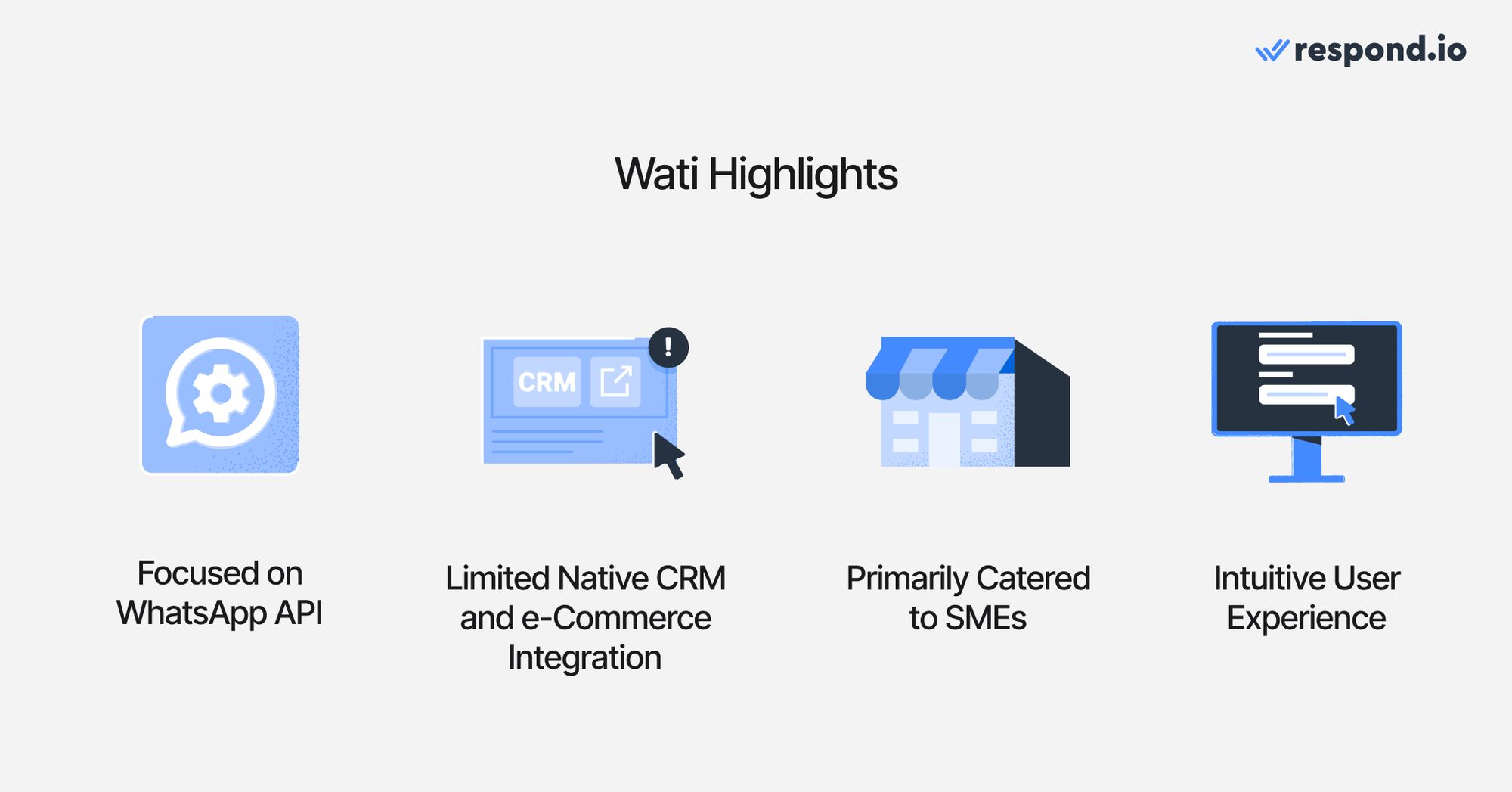
Wati best features
WhatsApp tools on every plan:Broadcasts, a shared inbox and WhatsApp Business Calling are included from Growth, so a small team can message and call customers on WhatsApp from day one.
Click-to-WhatsApp ad tracking: Pro adds source tags, click tracking and engagement insights for Click-to-WhatsApp ads, so marketers can see which ads start conversations.
Quick setup: Ease of use is the strength G2 reviewers mention most, and the product is built for teams without developers.
Wati limitations
No email inbox, and SMS only as a fallback: Wati’s plans list WhatsApp, Instagram, Facebook, TikTok and a website widget. SMS appears only as a fallback on Business, in beta, and email isn’t a channel. Teams that sell over email or SMS keep those conversations in another tool, so agents switch between inboxes.
Automation is capped: Growth includes 1,000 automation triggers a month and Pro includes 2,000. Extra triggers are a US$40-a-month add-on, so a busy campaign month pushes automation costs up.
AI agents cost extra: Wati’s Astra AI agents are an add-on priced separately from the Pro plan.
Weekday-only support on Growth: Growth includes 24x5 email support. Teams that need chat support on weekends need Pro.
Fixed seats on Growth: Growth includes 3 users and can’t add more, so a fourth agent means moving to Pro.
Wati pricing
Growth costs US$69 a month for 3 users, with no option to add more. Pro costs US$149 a month for 5 users, and extra users cost US$39 each a month. Business costs US$349 a month for 5 users, and extra users cost US$89 each a month. All prices are billed monthly. WhatsApp messages are charged on Wati’s own rate card on top of the plan, so the monthly bill rises with every broadcast and template message sent. See how respond.io compares as a Wati alternative.
Wati ratings and reviews
Wati has a 4.6/5 G2 rating from 500 reviews. Reviewers praise its ease of use and automation. Common complaints concern its cost.
#3 Twilio alternative: Trengo
Trengo is a team inbox for email, WhatsApp, Instagram, Facebook, website chat, Telegram, SMS and voice, with AI and automation on top. It fits small European support teams with low-to-moderate inbound volumes that mainly use WhatsApp and email and need a shared inbox without complex automation or AI.
Trengo best for
Small European support teams handling low-to-moderate inbound conversations, mostly over email and WhatsApp.
Trengo pros
Email and messaging in one inbox: Email, WhatsApp, Instagram, Facebook, website chat, Telegram and SMS connect to one Trengo inbox, so support teams that still handle a lot of email don’t need a separate helpdesk-
Free WhatsApp allowance: The first 1,000 WhatsApp messages per phone number each month are free.
AI trained on your own content: Trengo’s AI learns from snippets, websites including help centers, and PDF, TXT and CSV uploads.
Trengo cons
Conversation caps: Boost includes 500 conversations a month and Pro 1,500. Every extra 100 conversations costs US$21, so a campaign that doubles inbound chats also raises the bill.
AI charged per conversation: AI-assisted conversations carry a surcharge of about US$0.35 each on top of the plan, with no free allowance, so AI costs climb with every busy week.
Calls and broadcasts are add-ons: Calling runs through Trengo Voice, a VoIP add-on on Boost and Pro, and broadcasts are an add-on too.
Live chat and phone support only from Pro: Boost customers get help by email and messaging only, and Trengo’s email support runs during business hours.
No native mobile app: Trengo replaced its native mobile app with a browser-based web app, so agents away from their desks reply through the browser.
Basic lead tracking and reports: Lifecycle tracking is a custom field with no preset stages, activity log or analytics, and reports cover two types, agent performance and AI. Sales managers can’t easily see where leads stall.
Channel gaps: LINE and Viber aren’t in Trengo’s channel list, and TikTok DMs aren’t available for accounts registered in the EEA, Switzerland, the UK or the US.
Trengo pricing
Boost costs US$405 a month for 10 users and 500 conversations, and extra users cost US$35 each a month. Pro costs US$695 a month for 20 users and 1,500 conversations, and extra users cost US$58 each a month. Enterprise pricing is custom. Every extra 100 conversations costs US$21 and AI-assisted conversations add about US$0.35 each, so cost rises with every busy month. See how respond.io compares as a Trengo alternative.
Trengo customer sentiment
Trengo has a 4.3/5 G2 rating from 246 reviews. Reviewers praise its ease of use and helpfulness. Common complaints concern missing and limited features.
#4 Twilio alternative: Intercom
Intercom is a helpdesk built for support tickets, email and in-app chat, with Fin, its AI agent, answering customer questions. It is strongest for software companies that support users through a help center, in-app chat and tickets. It sits in a category next to respond.io’s: messaging apps such as WhatsApp are extra channels billed on top of seats.
Intercom best for
Software and support-led teams that handle tickets, email and in-app chat more than sales conversations on WhatsApp, Instagram or TikTok.
Intercom pros
Fin AI agent: Fin answers customers over email, live chat and phone, and can also run alongside an existing helpdesk.
Help center and in-app chat: Every plan includes unlimited live chat, support email and in-app chat, and Advanced adds a multilingual help center.
Ticketing and SLAs: Ticketing is built in, and Expert adds SLAs for teams with response-time commitments.
Security on every plan: ISO 27001, GDPR and two-factor authentication come on all plans, with SOC 2 Type II listed. SSO and HIPAA are on Expert.
Intercom cons
Per-seat pricing: Every user is a paid seat at the plan price, so adding agents for a sales push raises cost per head.
Facebook, Instagram and Workflows need Advanced: Essential covers web chat, email and WhatsApp only. Facebook, Instagram, Workflows and Salesforce start on Advanced, at US$99 per seat a month.
Fewer messaging channels: TikTok, LINE, Viber and WeChat aren’t available on any plan, SMS works only in the US, Canada, the UK and Australia, and WhatsApp calls aren’t supported.
WhatsApp limits for sales: Outbound WhatsApp templates don’t support images or video, catalog messages aren’t supported and there’s no native Click-to-WhatsApp ad tracking. WhatsApp broadcasts cost a flat US$0.07 to US$0.10 per message.
AI billed per outcome and per lead: Fin charges US$0.99 per answer, resolution, handoff or routing and US$9.99 per qualified lead, on top of seats. Fin can go live in chat only once the help center has at least 10 public articles.
Intercom pricing
Essential costs US$29 per seat a month, Advanced US$99 and Expert US$139, billed monthly. Fin adds US$0.99 per outcome and US$9.99 per qualified lead, and WhatsApp broadcasts cost a flat US$0.07 to US$0.10 per message. A 20-agent team on Advanced pays about US$1,980 a month in seats before any AI or messaging charges. See how respond.io compares with Intercom.
Intercom customer sentiment
Intercom has a 4.5/5 G2 rating from 3,944 reviews. Reviewers praise how helpful it is, its ease of use and its features. Common complaints concern missing features and the AI’s handling of complex questions.
#5 Twilio Alternative: Bird
Bird (formerly MessageBird) is a communications platform that combines messaging APIs with a free shared inbox, Flow Builder automations and marketing tools. Like Twilio, it bills usage from a shared balance you top up, so it suits teams that want APIs with a ready inbox on top.
Bird best for
Teams that still want developer APIs and pay-as-you-go messaging, with a basic shared inbox for agents.
Bird pros
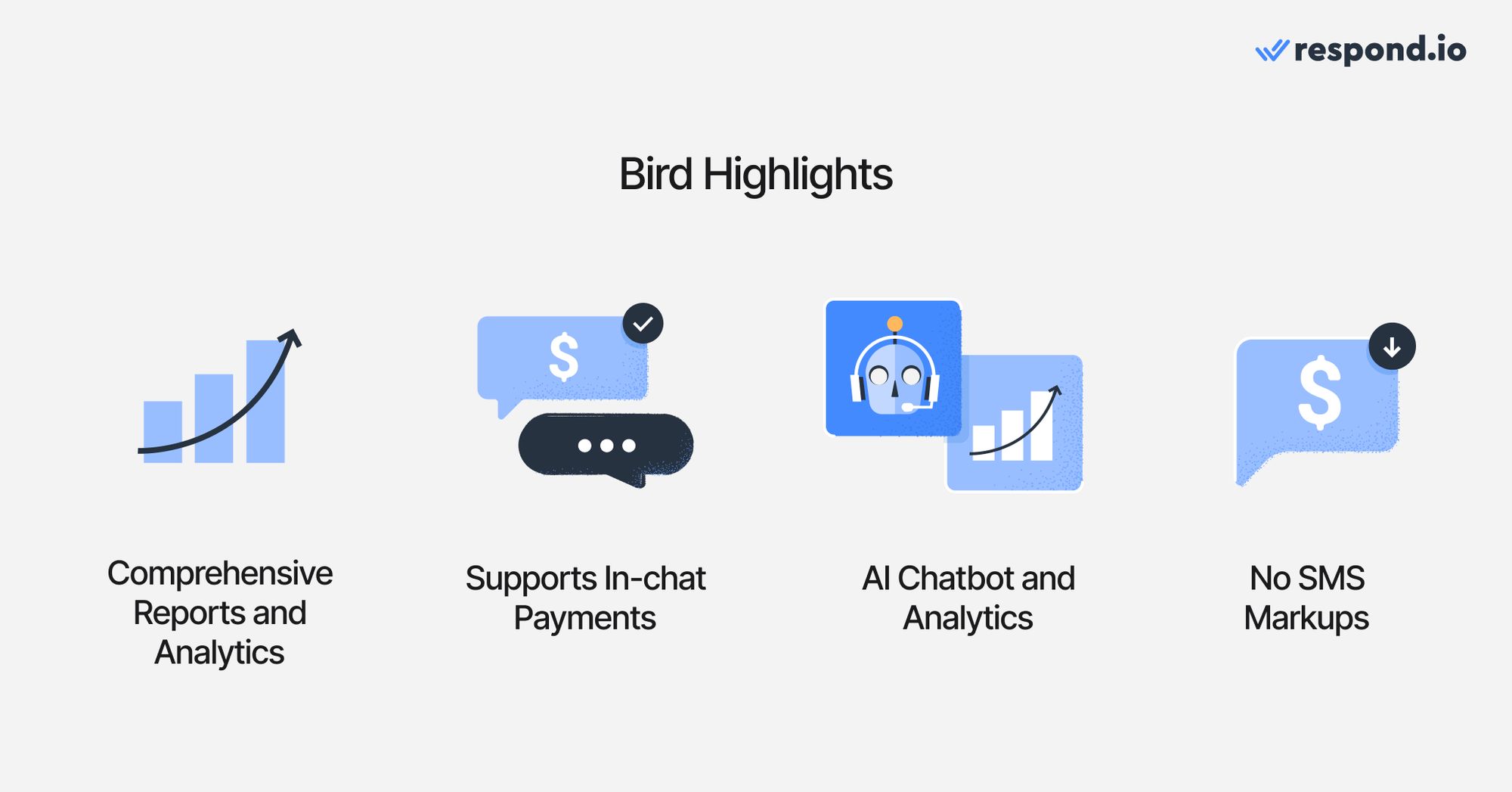
Free shared inbox: Bird’s inbox software is free, and you pay only for the messages sent through it.
Payments in the conversation: Agents can share payment links so customers pay during a live conversation.
Many channels: WhatsApp, SMS, email, voice, Facebook Messenger, Instagram, LINE and LinkedIn messaging.
Developer tools included: SDKs, a CLI and an MCP server come with the platform, so teams that still have engineers can extend it.
AI help for reps: Reps get AI-suggested replies, and chatbots can pull in context from customer profiles and external tools.
Bird cons
Usage billed product by product: Messages, automation runs and phone numbers each draw from the same balance, so monthly cost is harder to predict as chats grow.
Automation costs per run: Flow Builder charges per workflow invocation on top of message charges, so someone has to track usage as automations grow.
Support is the top complaint: Customer support is the complaint Bird’s G2 reviewers raise most, which matters for teams without in-house engineers to fix issues.
Pricing is hard to estimate: Bird publishes US example rates only. WhatsApp and SMS rates outside the US vary by destination, voice is priced per minute with no rate shown, Flow Builder lists no per-run price, and carrier fees, provider fees and taxes can be added on top. Teams outside the US need a quote before they can compare Bird with a plan-based tool.
Bird pricing
Bird has no published monthly plan for its messaging products. It bills usage from a shared balance you top up, and only US example rates are shown: US$0.005 per US WhatsApp marketing message plus Meta fees, and US$0.0035 per US SMS segment plus carrier fees. Rates for other countries, voice minutes and Flow Builder runs aren’t published, and Bird notes that carrier fees, provider fees and taxes may be added. The inbox is free, and US local numbers cost US$0.50 each a month. Expect to ask Bird for a quote based on your countries and message volume.
Bird customer sentiment
Bird has a 3.9/5 G2 rating from 73 reviews. Reviewers praise its ease of use. Common complaints concern customer support and cost.
Which Twilio alternative should you choose?
For mid-market B2C businesses whose customers chat and call across several channels before buying, respond.io is the go-to Twilio alternative. The other tools here get a team started, but each hits a ceiling as the business grows: Wati on channels, Trengo on AI costs and support hours, Intercom on per-seat pricing and social channels, and Bird on developer work and usage bills that are hard to predict.
Respond.io is built for what happens next, with one inbox for every channel and call, AI Agents and Workflows that replace the routing and follow-ups developers would otherwise build on Twilio, and 24/7 human support on every plan.
Choose respond.io if you’re a mid-market B2C business with more customer chats than the team can handle manually across WhatsApp, Instagram, TikTok, SMS, email and calls, and you want AI Agents and Workflows to reply, qualify and book without a developer. Agents handle WhatsApp, Messenger and VoIP calls in the same inbox as chats, with 24/7 human support on every plan.
Choose Wati if WhatsApp is your main sales channel and a small team runs it.
Choose Trengo if you’re a small European support team centered on email and WhatsApp.
Choose Intercom if your conversations are mostly support tickets, email and in-app chat.
Choose Bird if you still want APIs and pay-as-you-go messaging with a basic inbox.
Stay on Twilio if you’re building messaging into your own product with an engineering team.
Whichever you pick, compare the total monthly cost: the plan, Meta’s WhatsApp fees, AI charges and extra users, plus the developer time you stop spending. If your team is waiting on developers to change how chats are handled, try respond.io free for 7 days or book a demo.
Frequently asked questions about the best Twilio alternatives
What is the best Twilio alternative for mid-market B2C businesses?
For mid-market B2C businesses whose customers chat or call before buying, respond.io is the closest fit. It is a customer conversation platform that brings WhatsApp, Instagram, Messenger, TikTok, SMS, email and calls into one inbox, with AI Agents that reply to leads, qualify them and book appointments without developer work. Small teams selling mainly on WhatsApp may be fine with Wati. Teams that still need raw APIs should look at Bird or stay on Twilio.
Why do businesses switch from Twilio?
Businesses switch from Twilio when every change to how chats are handled waits on a developer. Twilio is a communications API, so the inbox, routing, follow-ups and CRM connection all have to be built and maintained in code. When marketing launches a campaign or sales adds a channel, leads wait for engineering. A platform that business teams run themselves removes that wait, which matters most for teams whose customers buy over chat and calls.
Which Twilio alternative is best for WhatsApp?
Wati fits if WhatsApp is your only channel, and respond.io fits if WhatsApp runs alongside other channels. Wati suits small teams that sell mainly on WhatsApp and need broadcasts and a shared inbox. Respond.io suits mid-market B2C businesses that run WhatsApp alongside Instagram, TikTok, SMS, email and calls, because every channel shares one inbox and AI Agents work across all of them. Both are no-code, so neither needs developers the way Twilio does.
Can a non-technical team replace Twilio?
Yes, if you move to a platform with a ready-made inbox and no-code automation instead of another API. Respond.io, Wati and Trengo come with an inbox and automation builder that business teams set up themselves. Bird and Twilio expect developers for anything beyond a basic inbox. On respond.io, Workflows handle routing and follow-ups without code, and 24/7 human support on every plan helps teams without engineers.
Is a Twilio alternative cheaper than Twilio?
Often, once developer time is counted. Twilio charges US$0.005 per WhatsApp message plus Meta fees, but you build and maintain the inbox, routing and automations yourself. Respond.io’s monthly plan includes the inbox and automation, bills by the contacts you talk to each month and passes WhatsApp fees through at Meta’s rates with no markup. Compare total monthly cost, including developer time, not message rates alone.
Can I keep handling calls if I move off Twilio?
Yes. Respond.io handles WhatsApp Business Calling API calls and VoIP calls in the same inbox as chats, so agents see a customer’s calls and messages in one thread. On the Advanced plan and above, AI Agents can also answer inbound calls in 30+ languages and transfer them live to a person. Teams that need a fully custom call center with their own routing logic may still prefer Twilio Flex.
What should Twilio Frontline users switch to?
Twilio retired Frontline on September 30, 2026, and points customers to Twilio Flex or partner apps. Flex suits teams that want to build a custom contact center. Mid-market B2C sales teams that used Frontline to message customers on WhatsApp and SMS can move those conversations into respond.io, where reps handle chats and calls in one inbox with AI Agents following up for them.
Does switching from Twilio to respond.io mean replacing my CRM?
Respond.io is a customer conversation platform that works alongside your CRM, so you keep your CRM when you leave Twilio. It connects contact fields directly with HubSpot and Salesforce, and with other CRMs through Zapier or Make, so each chat is linked to the right customer record. Keep your CRM as the record of deals and customers; respond.io handles the conversations that feed it.
Can respond.io replace Twilio for channels other than WhatsApp?
Yes. Respond.io is a customer conversation platform that includes a shared inbox, and WhatsApp is one of many channels it handles. It handles WhatsApp, Instagram, Messenger, TikTok, SMS, email and calls together, with AI Agents and Workflows acting on those chats, so teams selling on several channels don’t need a separate tool for each. A small team answering only WhatsApp may not need more than a WhatsApp inbox.
Is respond.io an API platform like Twilio?
Respond.io is a customer conversation platform that business teams run without code, while Twilio is a communications API that developers build on. Respond.io has an API for connecting other tools, but teams embedding messaging into their own product should stay on an API platform.
Further reading
If you want to have a further dive into business messaging platforms, here are some articles to read:
Trengo Alternative: A Powerful Alternative for Large Enterprises
Unlock Growth Potential with a Wati Alternative for Businesses Using Multiple Channels


