
















 Elektronik
 Mode & Pakaian
 Mebel
Mebel Perhiasan dan Jam Tangan
 Kegiatan Setelah Sekolah
 Olahraga & Kebugaran
 Pusat Kecantikan
 Klinik Gigi
 Klinik Medis
 Layanan Pembersihan Rumah & Pembantu
 Fotografi & Videografi
 Dealer Mobil
 Agen Perjalanan & Operator Tur


TL;DR – Platform percakapan pelanggan mana dengan aplikasi seluler yang terbaik untuk B2C?
Platform percakapan pelanggan dengan aplikasi seluler yang kuat memungkinkan agen merespons, menugaskan, dan mengeskalasi percakapan dari mana saja tanpa harus beralih ke desktop. Memilih yang salah berarti kehilangan prospek, keterlambatan respons dan hilangnya pendapatan — terutama bagi tim B2C dengan volume tinggi.
Platform yang dibandingkan dalam artikel ini: respond.io, Wati, Sleekflow, Freshchat, Trengo, Interakt dan Zoko.
Cocok untuk tim B2C omnichannel yang mengelola volume percakapan tinggi melalui seluler: Respond.io. Sebagai platform manajemen percakapan pelanggan, ia mendukung pemberitahuan push, bantuan AI, catatan suara, dan sinkronisasi multi-perangkat lintas saluran melalui satu aplikasi seluler.
Cocok untuk tim yang hanya menggunakan WhatsApp dengan anggaran terbatas: Wati, Interakt atau Zoko. Inbox seluler yang fungsional untuk tim yang seluruh operasinya berjalan di WhatsApp — tetapi pertumbuhan di luar saluran itu berarti bermigrasi ke platform lain.
Cocok untuk pesan sosial dalam alur kerja dukungan: Freshchat atau Sleekflow. Menangani kebutuhan dasar tim dukungan, meskipun keduanya diketahui mengalami masalah stabilitas saat skala besar.
Tidak cocok untuk respond.io: Tim yang menjalankan satu saluran dengan volume rendah yang membutuhkan Inbox yang ringan dan berbiaya rendah — alat yang hanya berfokus pada WhatsApp dan lebih sederhana akan lebih sesuai.
Apa yang dicari dalam aplikasi seluler untuk mengelola percakapan pelanggan
Inilah yang membedakan aplikasi seluler yang memungkinkan produktivitas agen penuh dari yang hanya menangani hal-hal dasar. Berikut kriteria yang digunakan artikel ini untuk mengevaluasi setiap platform.
Akses omnichannel di seluler
Agen harus dapat mengelola percakapan di WhatsApp, Instagram, email, dan saluran lain dari Inbox seluler mereka. Jika tidak, mereka terpaksa beralih perangkat, yang mengakibatkan waktu respons lebih lambat dan kemungkinan pesan terlewat.
Pemberitahuan push waktu nyata
Pemberitahuan harus cepat dan dapat diandalkan. Keterlambatan langsung menyebabkan respons lebih lambat, prospek terlewat, dan pelanggan beralih ke pesaing.
Penugasan percakapan dan kolaborasi tim
Agen harus dapat dengan mudah menugaskan percakapan, mentransfer ke rekan tim untuk bantuan, dan memicu automasi langsung dari aplikasi seluler. Tanpa ini, percakapan terhenti, memperlambat waktu penyelesaian dan merusak pengalaman pelanggan.
Bantuan AI untuk balasan dan ringkasan
Cari balasan yang disarankan AI, ringkasan, dan penyusunan pesan. Tanpanya, agen menghabiskan lebih banyak waktu mengetik dan menangani lebih sedikit percakapan, serta kualitas respons mungkin menurun.
Penanganan pesan suara
Aplikasi harus mendukung pengiriman, penerimaan, dan transkripsi pesan suara — terutama di pasar yang banyak menggunakan suara, di mana melewatkan fitur ini berarti kehilangan konteks penting.
Performa dan keandalan pada skala besar
Beberapa aplikasi mogok atau melambat saat volume pesan meningkat tajam. Ketidakstabilan saat skala besar menyebabkan penumpukan percakapan dan hilangnya peluang pendapatan.
Perbandingan aplikasi seluler percakapan pelanggan terbaik sekilas
Tabel di bawah membandingkan respond.io, Wati, Freshchat, Trengo, Interakt, Zoko dan SleekFlow berdasarkan kasus penggunaan terbaik, kemampuan seluler inti, dan harga tingkat menengah — tingkat paket yang paling sering dipilih tim B2C yang sedang berkembang untuk fitur dan skala yang mereka butuhkan.
Alat | Cocok untuk | Penggunaan Utama | Harga (tingkat menengah, dibayar bulanan) |
Respond.io | Tim B2C omnichannel | Omnichannel Inbox, bantuan AI, VoIP dan WhatsApp Business Calling, catatan suara, penugasan agen | Growth ($199) — termasuk 10 pengguna; pengguna tambahan $20/bulan |
Wati | Tim yang berfokus pada WhatsApp | Inbox bersama, siaran, otomatisasi dasar | Pro ($119) — termasuk 5 pengguna; pengguna tambahan $39/bulan |
SleekFlow | Tim di saluran sosial | Inbox pesan sosial, penyusunan pesan oleh AI, pelacakan siaran, tautan pembayaran | Premium ($399) — termasuk 5 pengguna; pengguna tambahan tersedia sebagai add-on |
Freshchat | Tim dukungan | Penugasan tiket, pembaruan status, balasan siap pakai | Pro ($49/agen) — harga per agen; biaya bertambah sebanding dengan ukuran tim |
Trengo | Tim dukungan yang mengutamakan desktop | Inbox dukungan berbasis web (Hanya PWA — tidak ada aplikasi native) | Pro ($599) — 20 pengguna termasuk, pengguna tambahan tersedia sebagai add-on |
Interakt | UKM yang berfokus pada WhatsApp | Inbox bersama, manajemen pesanan, penugasan dasar | Marketing & Support Hub Growth ($55) — agen tanpa batas; Sales CRM ($49) — 5 agen termasuk, agen tambahan seharga $10/bulan |
Zoko | Bisnis Shopify kecil | Berbagi katalog, manajemen pesanan, tautan pembayaran melalui WhatsApp | Elite ($114.99) — 10 agen termasuk; agen tambahan seharga $12/bulan |
Platform percakapan pelanggan terbaik dengan aplikasi seluler: Kelebihan, kekurangan, dan perbandingan harga.
Respond.io
Respond.io adalah platform manajemen percakapan pelanggan bertenaga AI yang dibangun untuk bisnis B2C yang sedang berkembang. Aplikasi selulernya merupakan perpanjangan dari platform web, memberi agen akses ke Inbox terpadu, bantuan AI, penugasan percakapan, dan profil kontak — semuanya dari satu aplikasi seluler.
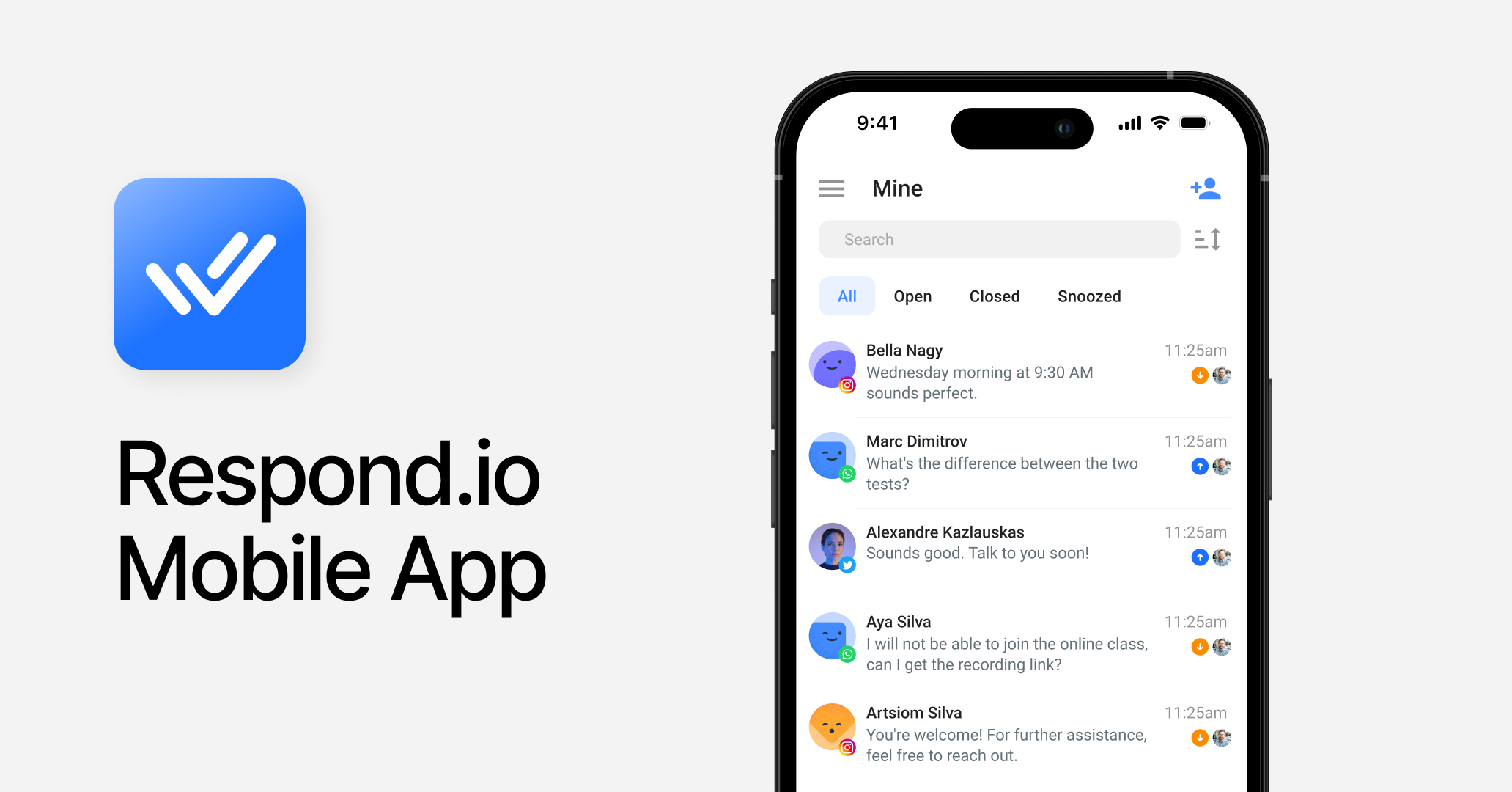
Terbaik untuk
Tim B2C yang sedang berkembang yang mengelola percakapan penting bagi pendapatan di berbagai saluran, di mana agen perlu tetap responsif saat bergerak.
Kelebihan
Fitur utama yang berhadapan dengan pelanggan semuanya dapat diakses di seluler — Inbox, percakapan, dan panggilan — sehingga agen dapat menyelesaikan percakapan sepenuhnya tanpa beralih perangkat.
Mendukung Inbox omnichannel terluas yang tersedia: WhatsApp, Instagram, TikTok, Messenger, Telegram, LINE, email, VoIP, dan saluran kustom, semuanya dikelola dari satu aplikasi seluler.
Penugasan, transfer, dan penutupan percakapan semuanya tersedia langsung dari aplikasi seluler, mengurangi keterlambatan dalam respons dan penyelesaian.
Menyediakan VoIP termasuk WhatsApp Business Calling API, direkam dan ditranskripsikan secara otomatis untuk visibilitas tindak lanjut yang lebih baik.
Pesan suara dapat dikirim, diterima, dan ditranskripsikan — berguna untuk memproses percakapan lebih cepat di pasar yang berfokus pada suara.
Bantuan AI, Prompt AI, dan ringkasan AI mengurangi usaha mengetik dan meningkatkan kecepatan serta konsistensi respons.
Pemberitahuan push dapat diandalkan dan bersifat waktu nyata untuk pesan baru di semua percakapan dan saluran.
Keandalan platform didukung oleh uptime 99.999%, sehingga agen dapat mengelola percakapan secara efisien bahkan pada volume tinggi.
Dukungan manusia dan AI tersedia 24/7 di setiap paket.
Kekurangan
Kurva pembelajaran lebih curam — pengguna baru membutuhkan waktu orientasi lebih lama dibandingkan alat sederhana yang hanya mendukung WhatsApp.
Fitur manajer dan admin (laporan, konfigurasi alur kerja, pengaturan agen AI) hanya tersedia di web, karena tidak diperlukan untuk tugas harian agen di seluler.
Harga
Tingkat menengah dimulai pada paket Growth mereka ($199, dibayar setiap bulan), yang mencakup 10 pengguna — pengguna tambahan dikenakan $20/bulan. Untuk tim yang berkembang, biaya per pengguna tetap dapat diprediksi dan transparan seiring peningkatan jumlah staf. Paket Enterprise tersedia dengan harga kustom.
Sentimen pelanggan
Pengguna sering menyoroti keandalan aplikasi seluler dan kualitas dukungan pelanggan.
App Store: 4.8/5 (110 ulasan)
Google Play: 4.5/5 (285 ulasan)
Wati
Wati adalah platform ramah anggaran yang berfokus pada WhatsApp. Aplikasi selulernya menangani hal-hal dasar seperti menerima pemberitahuan push, mengelola percakapan dan kontak.
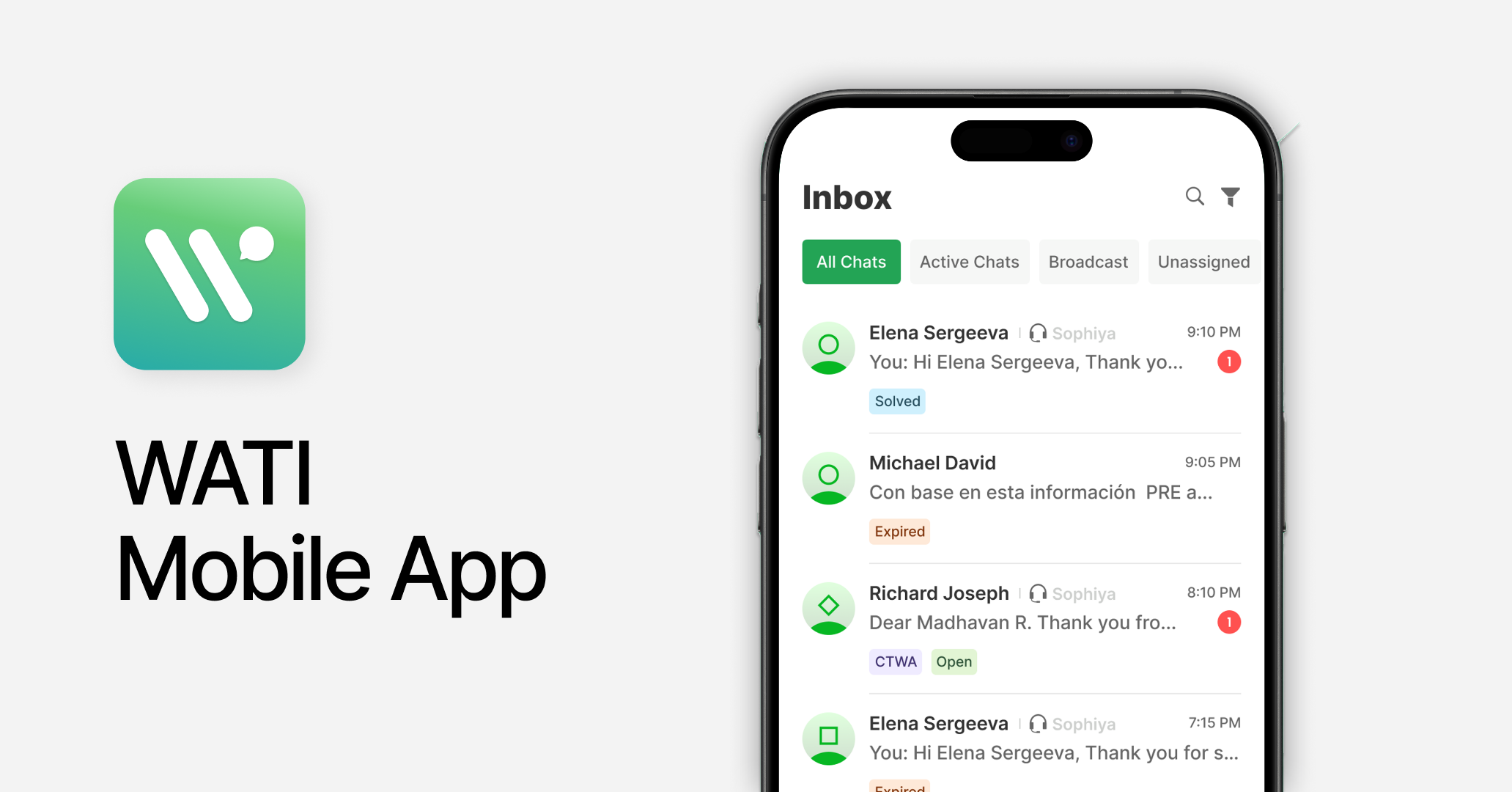
Terbaik untuk
Bisnis kecil hingga menengah yang mengandalkan WhatsApp untuk komunikasi pelanggan.
Kelebihan
Kelola dukungan pelanggan di Inbox tim bersama dengan penugasan percakapan yang mudah ke agen.
Pantau dan kelola siaran WhatsApp langsung dari aplikasinya.
Konfigurasikan pemberitahuan push dan aturan otomatisasi dasar dari seluler.
Kekurangan
Terbatas pada WhatsApp, Instagram, dan Facebook Messenger — tim yang berkembang ke luar saluran ini harus bermigrasi ke platform lain.
Manajemen daftar kontak hanya untuk admin; agen tidak dapat mengelola profil pelanggan.
Wati menerapkan markup di atas biaya WhatsApp Meta, yang bertambah cepat pada volume tinggi dan tidak terlihat jelas di awal.
Tidak ada balasan yang dibantu AI atau penanganan panggilan suara di seluler — setiap respons harus diketik secara manual.
Harga
Paket Pro dimulai dari $119 (dibayar bulanan) dan mencakup 5 pengguna — pengguna tambahan dikenakan $39/bulan. Tim yang perlu meningkatkan jumlah staf akan melihat biaya meningkat cepat di atas markup per-percakapan pada biaya WhatsApp, sehingga biaya nyata meningkat lebih cepat daripada yang terlihat pada harga tier utama.
Sentimen pelanggan
Umpan balik positif berfokus pada kemudahan penggunaan; keluhan berulang mencakup dukungan pelanggan yang terbatas dan keandalan platform.
App Store: 2.6/5 (8 ulasan)
Google Play: 3.7/5 (823 ulasan)
SleekFlow
SleekFlow adalah platform perpesanan omnichannel dengan fokus kuat di Asia. Aplikasi selulernya bersih dan mudah dinavigasi untuk tim dengan volume pesan stabil, tetapi tidak saat volume melonjak.
Terbaik untuk
Bisnis kecil dengan tim regional di saluran sosial, khususnya di Asia.
Kelebihan
Mencakup saluran utama termasuk WhatsApp, Instagram, LINE, Telegram, WeChat, dan Viber dalam satu Inbox bersama. Mendukung catatan suara.
Penugasan percakapan dan manajemen profil pelanggan dapat diakses di seluler.
Keranjang belanja dan tautan pembayaran dapat dibuat langsung dari aplikasi untuk mendukung pelanggan saat bergerak.
Performa siaran dapat dipantau dan dilacak dari seluler.
Fitur AI membantu menghasilkan dan menyempurnakan pesan berdasarkan niat dan basis pengetahuan.
Kekurangan
Saluran utama yang hilang: WhatsApp Business Calling API dan saluran kustom tidak didukung.
Beberapa pengulas G2 melaporkan pelambatan platform dan crash selama periode volume pesan masuk tinggi, yang dapat memengaruhi visibilitas Inbox dan menunda penanganan percakapan.
Harga
Rencana Premium AI SleekFlow dimulai dari US$399/bulan (5 pengguna, 1.000 kontak termasuk, dibatasi hingga 12.000) pada model Monthly Active Contacts, dengan nomor WhatsApp Business API ditagihkan terpisah sebesar US$15/bulan per nomor.
Sentimen pelanggan
Pengguna menghargai UI yang bersih; keluhan umum meliputi ketidakstabilan platform dan dukungan saluran yang terbatas.
App Store: 4.3/5 (118 ulasan)
Google Play: 3.5/5 (148 ulasan)
Freshchat
Freshchat adalah platform perpesanan pelanggan yang dibangun terutama untuk dukungan. Aplikasi selulernya memungkinkan agen menangani tiket dan chat saat bergerak.
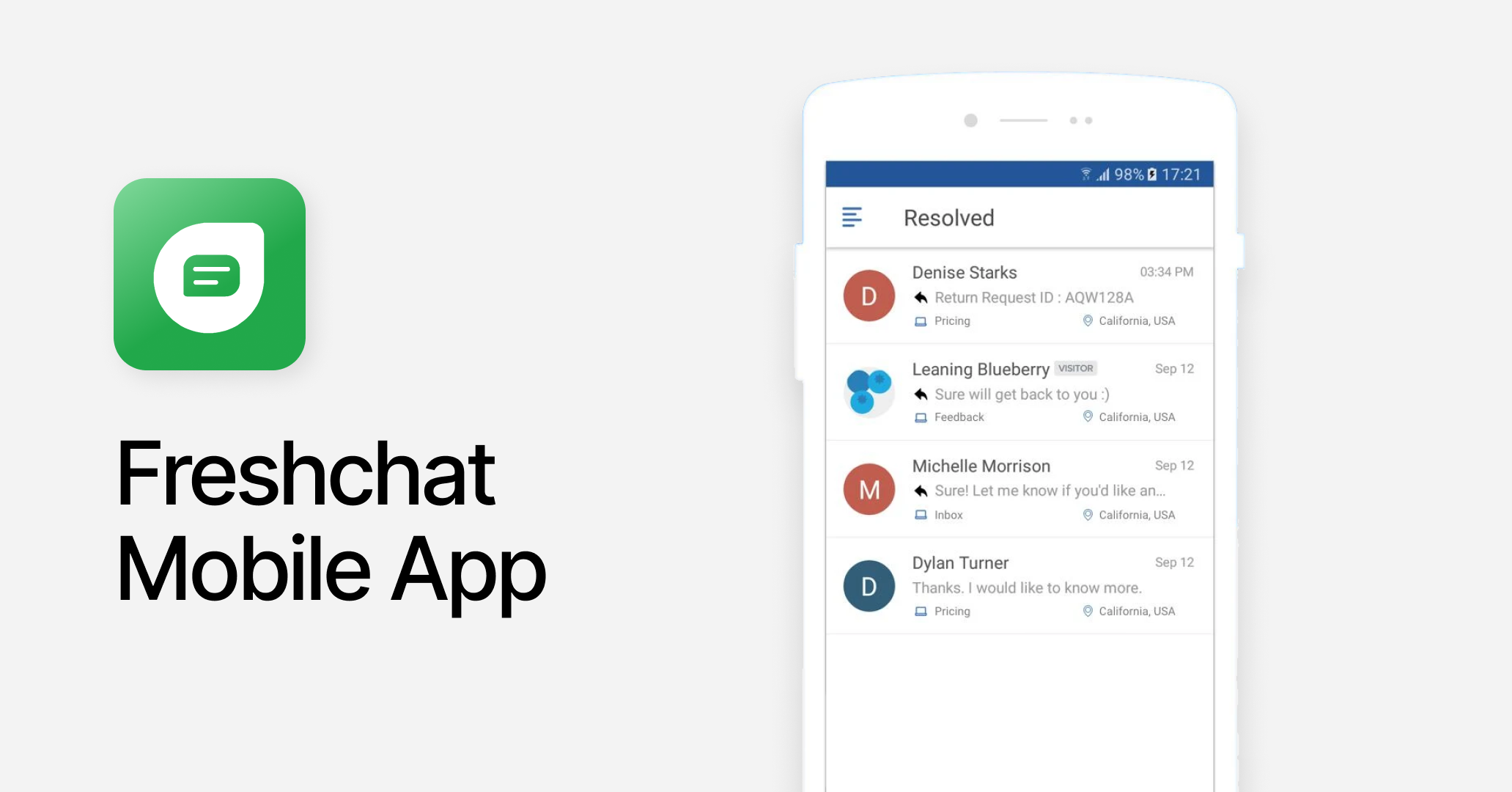
Terbaik untuk
Tim dukungan yang mengelola tiket, terutama yang terintegrasi dengan alat Freshworks lain seperti Freshdesk atau Freshsales.
Kelebihan
Integrasi native dengan alat Freshworks — agen dapat mengakses konteks pelanggan dari Freshdesk atau Freshsales langsung di dalam Inbox seluler.
Inbox seluler yang solid: penugasan tiket, pembaruan status, dan balasan siap pakai semuanya berjalan lancar.
Saluran inti, termasuk WhatsApp, Instagram, dan email, didukung dengan baik.
Kekurangan
TikTok dan fitur panggilan tidak tersedia — panggilan memerlukan aplikasi Freshcaller terpisah, yang memecah alur kerja agen.
Notifikasi push tidak konsisten dan tidak dapat diandalkan — pesan mungkin tertunda atau terlewat, yang langsung memengaruhi waktu respons agen yang mengandalkan perangkat seluler.
Harga
Paket Pro dimulai dari $49/bulan per agen. Model per-agen berarti biaya meningkat secara linier dengan setiap perekrutan — tim 10 orang sudah menghabiskan $490/bulan sebelum kelebihan sesi AI, yang ditagih $49 per 100 sesi tambahan.
Sentimen pelanggan
Dipuji karena Inbox seluler yang bersih; pengguna menyoroti ketidakstabilan aplikasi dan masalah notifikasi.
App Store: 3.6/5 (51 ulasan)
Google Play: 4.6/5 (1.44k ulasan)
Trengo
Trengo adalah platform komunikasi pelanggan omnichannel untuk tugas dukungan sehari-hari. Mulai 2025, Trengo tidak lagi menawarkan aplikasi seluler native. Aplikasi tersebut digantikan oleh Progressive Web App (PWA), artinya agen mengaksesnya melalui peramban seluler alih-alih aplikasi yang diunduh.
Terbaik untuk
Tim yang mengelola dukungan pelanggan dari desktop mereka. Tidak cocok untuk agen yang perlu bekerja terutama dari perangkat seluler.
Kelebihan
Tidak ada keuntungan dari aplikasi seluler native yang dapat dicantumkan. Akses berbasis browser lebih lambat dimuat, tidak dapat menandingi keandalan notifikasi push native, dan tidak memiliki mode offline.
Kekurangan
Tidak ada aplikasi seluler native. Agen harus mengakses Trengo melalui browser seluler — lebih lambat dimuat, notifikasi kurang andal, dan bergantung pada koneksi internet yang stabil tanpa mode offline.
UX/UI melalui browser seluler secara substansial lebih buruk dibanding pengalaman aplikasi native.
Siaran, fungsi suara, dan add-on pengguna dikenakan biaya terpisah di atas harga dasar yang sudah tinggi.
Harga
Paket Pro dimulai dari $599 (dibayar bulanan) dan mencakup 20 pengguna — memadai untuk tim besar, tetapi harga dasar sudah tinggi sebelum add-on. Siaran, fitur suara, dan pengguna tambahan masing-masing dikenakan biaya terpisah, sehingga tim yang berkembang akan melihat tagihan naik jauh di atas harga yang tertera saat mereka mengaktifkan lebih banyak fitur platform.
Sentimen pelanggan
Pengguna menghargai variasi saluran dan antarmuka yang bersih pada aplikasi web. Keluhan berulang mencakup ketidakstabilan aplikasi dan ketersediaan dukungan yang terbatas. Tidak ada peringkat App Store atau Google Play yang tersedia — Trengo tidak memiliki aplikasi seluler native.
G2: 4.3/5 (245 ulasan)
Capterra: 4.1/5 (26 ulasan)
Interakt
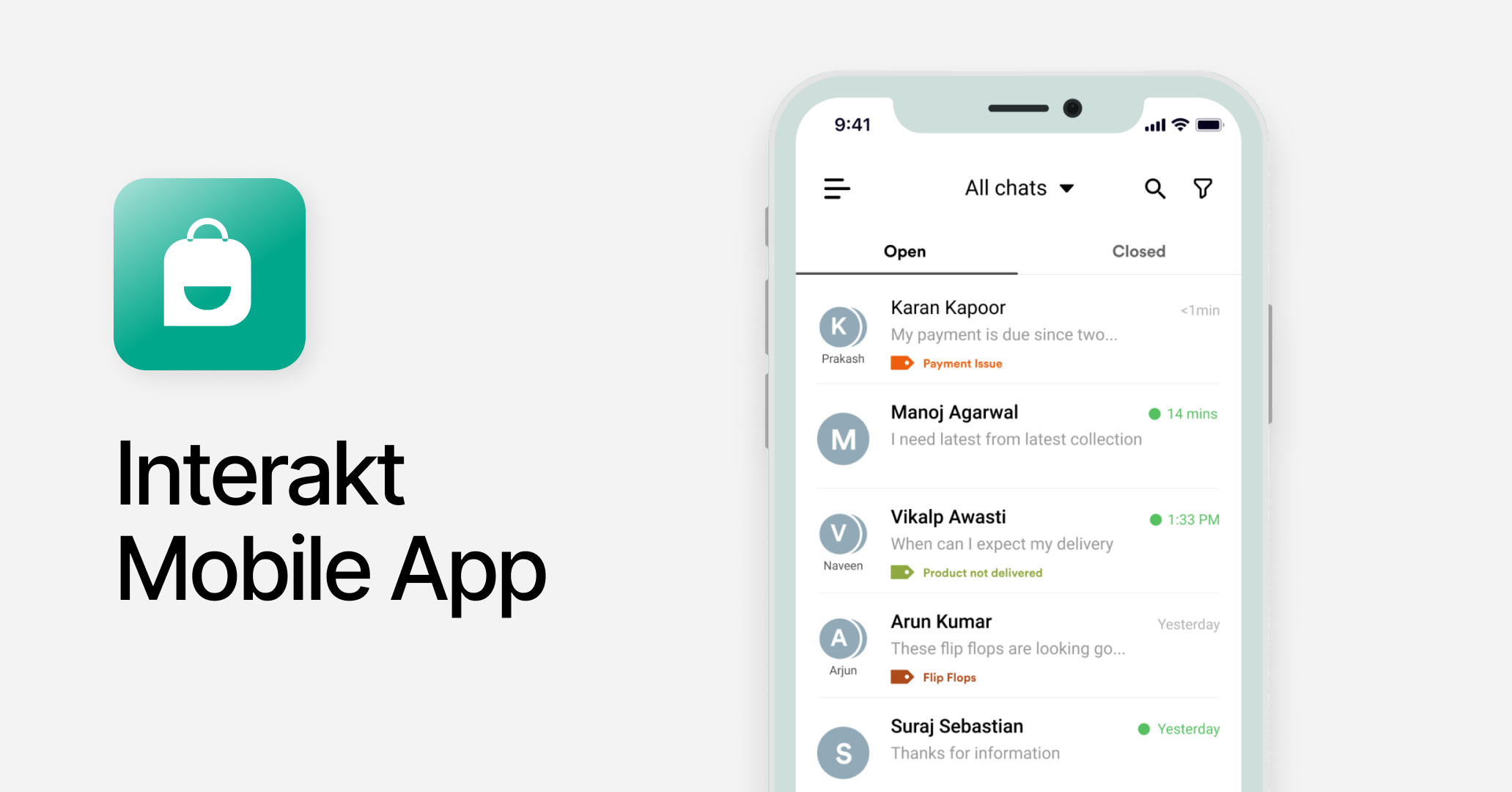
Interakt adalah CRM yang berfokus pada WhatsApp untuk bisnis kecil. Aplikasi selulernya memberi agen akses ke Inbox bersama, manajemen percakapan dasar, dan pengiriman siaran.
Terbaik untuk
Bisnis kecil yang mengandalkan pesan WhatsApp dan Instagram yang terjangkau untuk layanan pelanggan dan penjualan.
Kelebihan
Mencakup fitur esensial untuk operasi berbasis WhatsApp, termasuk notifikasi, penugasan, dan manajemen Inbox.
Integrasi Shopify memungkinkan agen melihat dan menanggapi pesanan WhatsApp langsung dari perangkat seluler saat pesanan masuk.
Kekurangan
Hanya WhatsApp dan Instagram yang didukung — setiap pertumbuhan di luar saluran tersebut membutuhkan migrasi ke platform yang berbeda sepenuhnya.
Dukungan pelanggan tidak konsisten dan dapat lambat, sehingga sulit menyelesaikan masalah ketika agen mengandalkan aplikasi sebagai ruang kerja utama mereka.
Tidak ada alat AI di seluler atau desktop — agen harus mengetik setiap respons secara manual.
Harga
Dua jenis paket bertingkat. Paket "Marketing & Support Hub" Growth seharga $55/bulan (dibayar bulanan) mencakup agen tak terbatas, sehingga memudahkan proses pengenalan tim dukungan yang berkembang tanpa biaya per kursi Paket "Sales CRM" Starter seharga $49/bulan mencakup 5 agen, dengan tambahan agen seharga $10/bulan per agen Kedua paket terjangkau pada volume rendah, tetapi batasan saluran tunggal berarti tim yang melebihi kapasitas WhatsApp harus bermigrasi ke platform lain sepenuhnya — yang akan menata ulang proses pengenalan, alur kerja, dan biaya.
Sentimen pelanggan
Pengguna menghargai cakupan fitur WhatsApp; umpan balik negatif menunjukkan kinerja platform yang buruk.
App Store: 3.4/5 (12 ulasan)
Google Play: 4.1/5 (1.6k ulasan)
Zoko
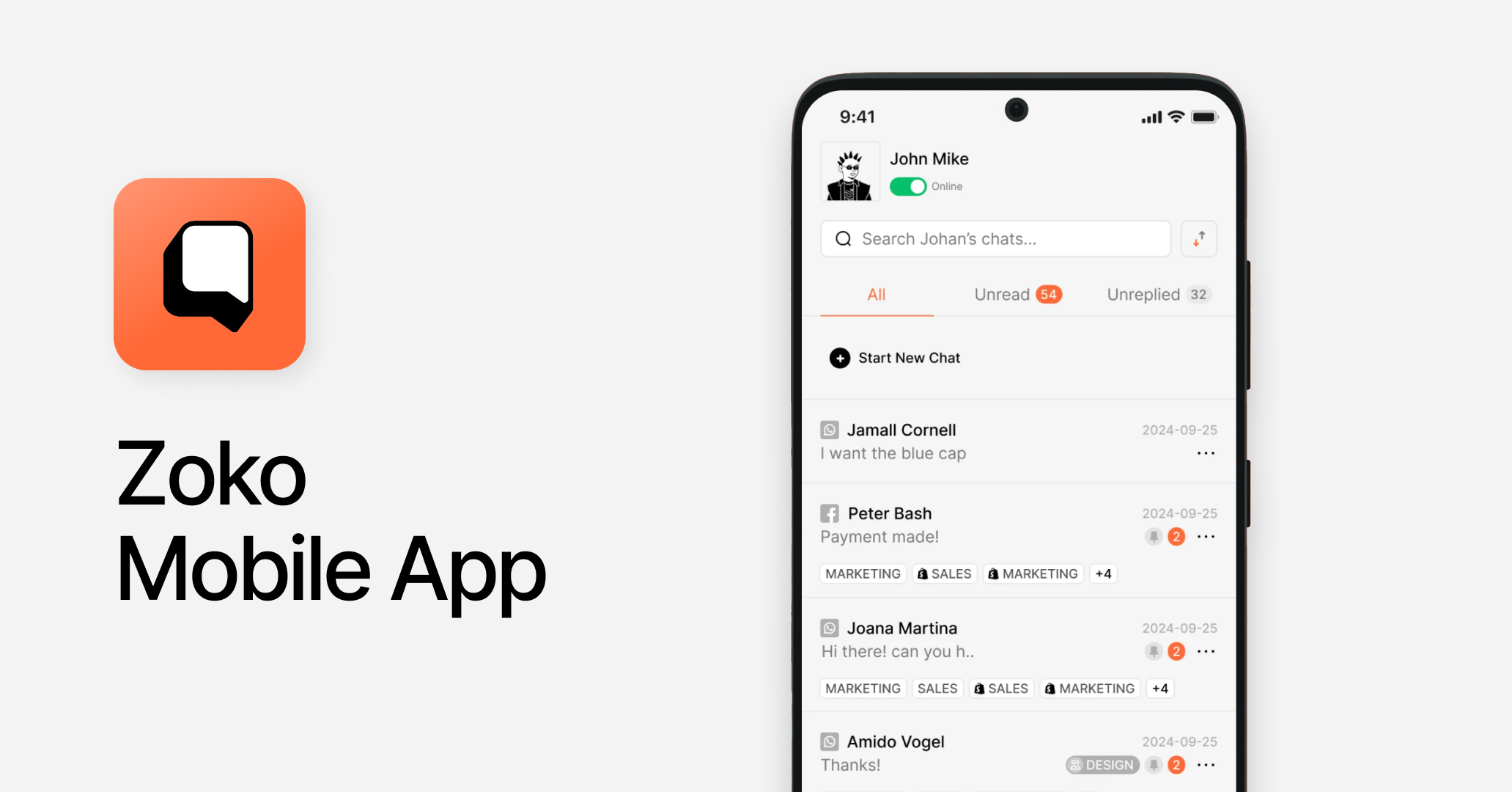
Zoko dibangun untuk bisnis Shopify yang mendorong penjualan melalui WhatsApp, dengan Inbox seluler sederhana untuk berbagi katalog dan manajemen pesanan.
Terbaik untuk
Bisnis Shopify kecil yang ingin mendorong penjualan melalui WhatsApp.
Kelebihan
Inbox tim bersama dengan percakapan dibagi berdasarkan status dan saluran.
Penugasan agen dasar dan routing tersedia.
Agen dapat membagikan katalog produk dan mengirim tautan pembayaran langsung dari percakapan WhatsApp di perangkat seluler, dengan notifikasi push untuk pesan pelanggan baru.
Kekurangan
Terbatas pada WhatsApp, Instagram dan Facebook Messenger — bisnis yang mengelola percakapan di banyak saluran akan segera melebihi kemampuan Zoko.
Tidak ada alat AI di seluler atau desktop — agen harus mengetik semua respons secara manual tanpa saran cerdas, dukungan draf, atau ringkasan percakapan.
Penetapan harga pada beberapa tingkatan mencakup batas pemakaian wajar dan biaya tambahan per percakapan, yang berarti biaya sebenarnya meningkat lebih cepat daripada yang terlihat pada harga yang tertera.
Harga
Paket Elite tingkat menengah dimulai dari $114.99/bulan (dibayar bulanan) dan mencakup 10 agen; agen tambahan $12/bulan masing-masing. Untuk tim yang berkembang, biaya agen dapat dikelola, tetapi batas pemakaian wajar per percakapan berarti saat volume meningkat, biaya kelebihan pemakaian akan dikenakan — membuat biaya nyata lebih sulit diprediksi saat bisnis tumbuh.
Sentimen pelanggan
Peringkat belum tersedia. Tidak ada ulasan App Store atau Google Play yang tersedia secara publik untuk aplikasi seluler Zoko. Pengalaman seluler tidak dapat divalidasi melalui umpan balik pengguna pada tahap ini.
Kesimpulan: Platform mana yang menawarkan pengalaman seluler terbaik untuk percakapan pelanggan?
Pengalaman seluler terbaik bergantung pada bagaimana tim Anda benar-benar bekerja. Berikut rincian menurut kasus penggunaan.
Cocok untuk tim B2C omnichannel yang mengelola volume percakapan tinggi melalui seluler: respond.io. Kedalaman fungsionalitas seluler — bantuan AI, penanganan pesan suara dan panggilan, akses ke beberapa saluran dari satu aplikasi, dan uptime 99.999% — menjadikannya opsi terkuat bagi tim yang menjadikan seluler sebagai ruang kerja utama.
Cocok untuk tim dukungan pada perpesanan sosial: Freshchat atau SleekFlow. Keduanya mencakup kebutuhan dasar untuk alur kerja dukungan. Waspadai ketidakstabilan aplikasi pada skala besar dengan SleekFlow, dan pemberitahuan push yang tidak dapat diandalkan pada Freshchat.
Cocok untuk tim yang berfokus pada WhatsApp pada volume rendah: Wati, Interakt atau Zoko. Aplikasi seluler yang bersih dan fungsional untuk tim kecil yang seluruh operasi mereka berjalan di WhatsApp. Ramah anggaran, tetapi terbatas pada cakupan saluran — pertumbuhan di luar WhatsApp berarti harus bermigrasi ke platform lain.
Respond.io tidak cocok jika: tim Anda menjalankan satu saluran dengan volume rendah, Anda tidak membutuhkan bantuan AI atau kemampuan multi-saluran, dan Anda mencari Inbox yang ringan dan berbiaya rendah. Alat yang lebih sederhana dan khusus untuk WhatsApp akan lebih cocok pada skala tersebut.
Untuk bisnis B2C menengah yang sedang berkembang dan mengelola percakapan pelanggan lintas saluran saat bergerak, respond.io adalah pilihan yang jelas. Platform ini menghadirkan perpesanan omnichannel, bantuan AI, keandalan tingkat enterprise, dan uptime platform yang tinggi dalam satu solusi — serta aplikasinya dirancang untuk agen yang perlu menggunakannya sepanjang hari.
Siap mengelola percakapan pelanggan saat bergerak? Mulai uji coba gratis atau jadwalkan demo untuk melihat aplikasi seluler respond.io beraksi.
FAQ tentang platform percakapan pelanggan terbaik dengan aplikasi seluler
Platform percakapan pelanggan mana yang memiliki aplikasi seluler terbaik untuk tim omnichannel?
Untuk tim B2C omnichannel yang mengelola volume percakapan tinggi, respond.io menawarkan Inbox seluler terkuat. Agen dapat mengakses percakapan di WhatsApp, Instagram, TikTok, email, panggilan, dan lainnya dari satu aplikasi, dengan balasan yang dibantu AI dan pemberitahuan push waktu nyata. Aplikasi seluler dirancang untuk pekerjaan sehari-hari agen — merespons pelanggan lintas saluran — dan tidak ada platform lain dalam perbandingan ini yang menyamai kedalaman fungsionalitas seluler tersebut.
Bisakah saya mengelola WhatsApp, Instagram, dan saluran lain dari satu aplikasi seluler?
Inbox seluler Respond.io mengumpulkan percakapan dari WhatsApp, Instagram, TikTok, WhatsApp Business Calling, email, VoIP, dan lainnya dalam satu tampilan. Sementara SleekFlow dan Trengo mendukung saluran inti seperti WhatsApp dan Instagram, respond.io mencakup rentang terluas. Agen dapat membalas, menugaskan, dan mengelola percakapan di semua saluran yang terhubung dari ponsel mereka. Pengaturan dan konfigurasi saluran harus dilakukan di aplikasi web.
Platform mana yang menawarkan pengalaman seluler paling andal pada skala besar?
Respond.io adalah opsi paling andal untuk seluler pada skala besar, dengan uptime 99.999% yang dibuat untuk menangani volume percakapan tinggi. Beberapa pengguna SleekFlow melaporkan aplikasi mengalami crash saat lonjakan lalu lintas di G2. Freshchat memiliki keandalan notifikasi push yang rendah. Wati dan Freshchat stabil dalam saluran yang didukungnya, tetapi cakupannya secara signifikan lebih sempit. Bagi agen yang mengandalkan seluler sebagai antarmuka utama, keandalan bukan masalah sepele — hal itu langsung menentukan apakah percakapan direspons atau terabaikan.
Apakah aplikasi seluler respond.io mendukung fungsionalitas desktop penuh?
Aplikasi seluler respond.io tidak mencakup fungsionalitas desktop penuh. Aplikasi ini dirancang terutama untuk agen yang mengelola percakapan — dengan akses ke Inbox, percakapan, pemberitahuan, dan pengaturan pribadi. Fitur manajer dan admin seperti laporan, konfigurasi alur kerja dan pengaturan agen AI hanya tersedia di web.


