
















 Điện tử
 Thời trang & Trang phục
 Nội thất
 Trang sức và Đồng hồ
 Các hoạt động ngoại khóa
 Thể thao & Sức khỏe
 Trung tâm làm đẹp
 Phòng khám nha khoa
 Phòng khám y tế
 Dịch vụ dọn dẹp nhà và người giúp việc
 Nhiếp ảnh & Quay phim
 Đại lý ô tô
 Công ty du lịch & Nhà điều hành tour


TL;DR – What is the best customer conversation platform with mobile app for B2C?
Customer conversation platforms with strong mobile apps let agents respond, assign and escalate conversations from anywhere without switching to a desktop. Choosing the wrong one means missed leads, delayed responses and lost revenue — especially for high-volume B2C teams.
The platforms compared in this article: respond.io, Wati, Sleekflow, Freshchat, Trengo, Interakt and Zoko.
Best for omnichannel B2C teams managing high conversation volumes on mobile: Respond.io. As a customer conversation management platform, it supports push notifications, AI assistance, voice notes and multi-device sync across channels from one mobile app.
Best for WhatsApp-only teams on a budget: Wati, Interakt or Zoko. Functional mobile inboxes for teams whose entire operation runs on WhatsApp — but growth beyond that channel means migrating elsewhere.
Best for social messaging on support workflows: Freshchat or Sleekflow. Cover the essentials for support teams, though both have known stability issues at scale.
Not the right fit for respond.io: Teams running a single channel at low volume who need a lightweight, low-cost inbox — simpler WhatsApp-only tools will serve them better.
What to look for in a mobile app to manage customer conversations
Here's what separates a mobile app that enables full agent productivity from one that just handles the basics. These are the criteria this article uses to evaluate each platform.
Omnichannel access on mobile
Agents should be able to manage conversations across WhatsApp, Instagram, email and other channels from their mobile inbox. Otherwise, they're forced to switch devices, resulting in slower response times and potential missed messages.
Real-time push notifications
Notifications should be fast and reliable. Delays directly lead to slower response, missed leads and customers moving to competitors.
Conversation assignment and team collaboration
Agents should be able to easily assign conversations, transfer to teammates for assistance and trigger automations directly from the mobile app. Without this, conversations get stuck, slowing resolution time and hurting customer experience.
AI assistance for replies and summaries
Look for AI-suggested replies, summaries and message drafting. Without it, agents spend more time typing and handle fewer conversations, and response quality may drop.
Voice note handling
The app should support sending, receiving and transcribing voice messages — especially in voice-heavy markets where skipping this means losing key context.
Performance and reliability at scale
Some apps crash or lag when message volumes spike. Instability at scale creates conversation backlogs and lost revenue opportunities.
Best customer conversation mobile app comparison at a glance
The table below compares respond.io, Wati, Freshchat, Trengo, Interakt, Zoko and SleekFlow across best-fit use case, core mobile capabilities and mid-tier pricing — the plan level most growing B2C teams will land on for the features and scale they actually need.
Tool | Best For | Main Uses | Pricing (mid-tier, paid monthly) |
Respond.io | Omnichannel B2C teams | Omnichannel inbox, AI assistance, VoIP and WhatsApp Business Calling, voice notes, agent assignment | Growth ($199) — 10 users included, additional users at $20/month |
Wati | WhatsApp-first teams | Shared inbox, broadcasts, basic automation | Pro ($119) — 5 users included, additional users at $39/month |
SleekFlow | Teams on social channels | Social messaging inbox, AI message drafting, broadcast tracking, payment links | Premium ($399) — 5 users included, additional users available as an add-on |
Freshchat | Support teams | Ticket assignment, status updates, canned responses | Pro ($49/agent) — per-agent pricing; costs scale directly with team size |
Trengo | Desktop-first support teams | Web-based support inbox (PWA only — no native app) | Pro ($599) — 20 users included, additional users available as an add-on |
Interakt | WhatsApp-first SMBs | Shared inbox, order management, basic assignment | Marketing & Support Hub Growth ($55) — unlimited agents; Sales CRM ($49) — 5 agents included, additional agents at $10/month |
Zoko | Small Shopify businesses | Catalog sharing, order management, payment links via WhatsApp | Elite ($114.99) — 10 agents included; additional agents at $12/month |
Best customer conversation management platforms with a mobile app: Pros, cons and pricing compared
Respond.io
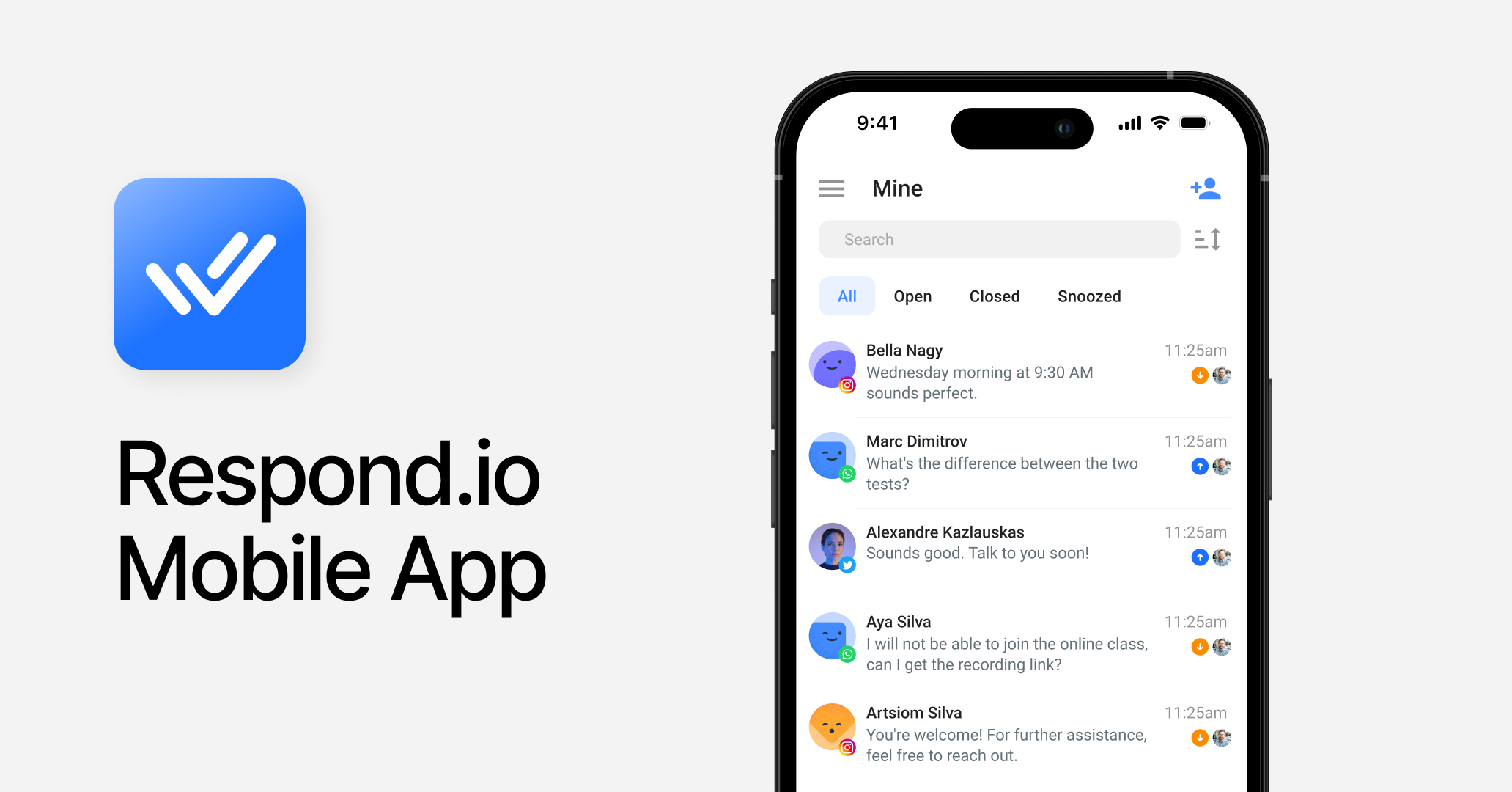
Respond.io is an AI-powered customer conversation management platform built for growing B2C businesses. Its mobile app is an extension of the web platform, giving agents access to a unified inbox, AI assistance, conversation assignment and contact profiles, all from one mobile app.
Best for
Growing B2C teams managing revenue-critical conversations across multiple channels, where agents need to stay fully responsive on the go.
Pros
Core customer-facing features are all accessible on mobile — inbox, conversations and calls — so agents can fully resolve conversations without switching devices.
Supports the widest omnichannel inbox available: WhatsApp, Instagram, TikTok, Messenger, Telegram, LINE, email, VoIP and custom channels, all managed from one mobile app.
Conversation assignment, transfer and closure are all available directly from the mobile app, reducing delays in response and resolution.
Offers VoIP including WhatsApp Business Calling API, recorded and transcribed automatically for better follow-up visibility.
Voice messages can be sent, received and transcribed — useful for processing conversations faster in voice-first markets.
AI Assist, AI prompt and AI summaries reduce typing effort and improve response speed and consistency.
Push notifications are reliable and real-time for new messages across all conversations and channels.
Platform reliability is backed by 99.999% uptime, so agents can manage conversations efficiently even at high volumes.
24/7 human and AI support is available on every plan.
Cons
Steeper learning curve — new users need more onboarding time than simpler WhatsApp-only tools.
Manager and admin features (reports, workflow configuration, AI agent setup) are web-only, as they are not required for daily agent tasks on mobile.
Pricing
Mid-tier starts at their Growth plan ($199, paid monthly), which includes 10 users — additional users are charged at $20/month. For growing teams, the per-user cost stays predictable and transparent as headcount scales. Enterprise plans are available with custom pricing.
Customer sentiment
Users frequently highlight the reliability of the mobile app and the quality of customer support.
App Store: 4.8/5 (110 reviews)
Google Play: 4.5/5 (285 reviews)
Wati
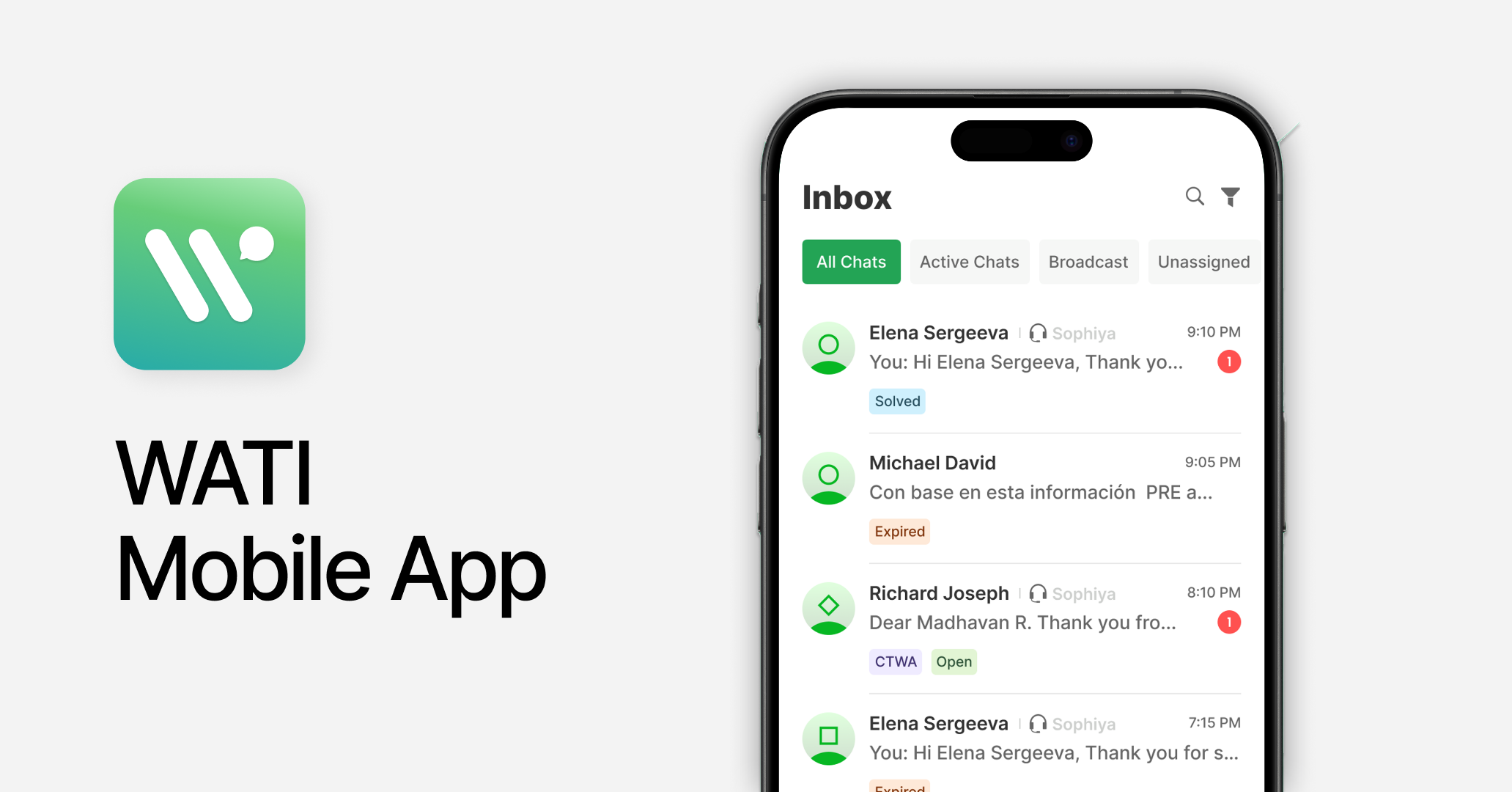
Wati is a budget-friendly platform focused on WhatsApp. Its mobile app handles the basics such as receiving push notifications, managing conversations and contacts.
Best for
Small to mid-size businesses that rely on WhatsApp for customer communication.
Pros
Manage customer support on the shared team inbox with easy conversation assignment to agents.
Monitor and manage WhatsApp broadcasts from the app directly.
Configure push notifications and basic automation rules from mobile.
Cons
Limited to WhatsApp, Instagram and Facebook Messenger — teams expanding beyond these channels will need to migrate to a different platform.
Contact list management is admin-only; agents cannot manage customer profiles.
Wati applies a markup on top of Meta's WhatsApp fees, which adds quickly at high volumes and isn't obvious upfront.
No AI-assisted replies or voice call handling on mobile — every response must be typed manually.
Pricing
Pro plan starts at $119 (paid monthly) and includes 5 users — additional users are charged at $39/month. Teams that need to scale headcount will see costs rise quickly on top of the per-conversation markup on WhatsApp fees, which means real cost scales faster than the headline tier price suggests.
Customer sentiment
Positive feedback centres on ease of use; recurring complaints cover limited customer support and platform reliability.
App Store: 2.6/5 (8 reviews)
Google Play: 3.7/5 (823 reviews)
SleekFlow
SleekFlow is an omnichannel messaging platform with a strong focus in Asia. Its mobile app is clean and easy to navigate for teams with steady message volumes, but not when volume spikes.
Best for
Small businesses with teams on social channels, particularly in Asia.
Pros
Covers major channels including WhatsApp, Instagram, LINE, Telegram, WeChat and Viber in one shared inbox. Voice notes supported.
Conversation assignment and customer profile management are accessible on mobile.
Shopping carts and payment links can be created directly from the app to support customers on the go.
Broadcast performance can be monitored and tracked from mobile.
AI features assist with generating and refining messages based on intent and knowledge base.
Cons
Key channels missing: WhatsApp Business Calling API and custom channels are not supported.
Some G2 reviewers report platform slowdowns and crashes during periods of high inbound message volume, which can affect inbox visibility and delay conversation handling.
Pricing
Premium Plan priced at US$399/month, including 1,000 Monthly Active Contacts (MAC) and 5 users. Additional users are available as an add-on. Enterprise pricing is available on request. Note: SleekFlow's pricing varies by region.
Customer sentiment
Users appreciate the clean UI; common complaints include platform instability and limited channel support.
App Store: 4.3/5 (118 reviews)
Google Play: 3.5/5 (148 reviews)
Freshchat
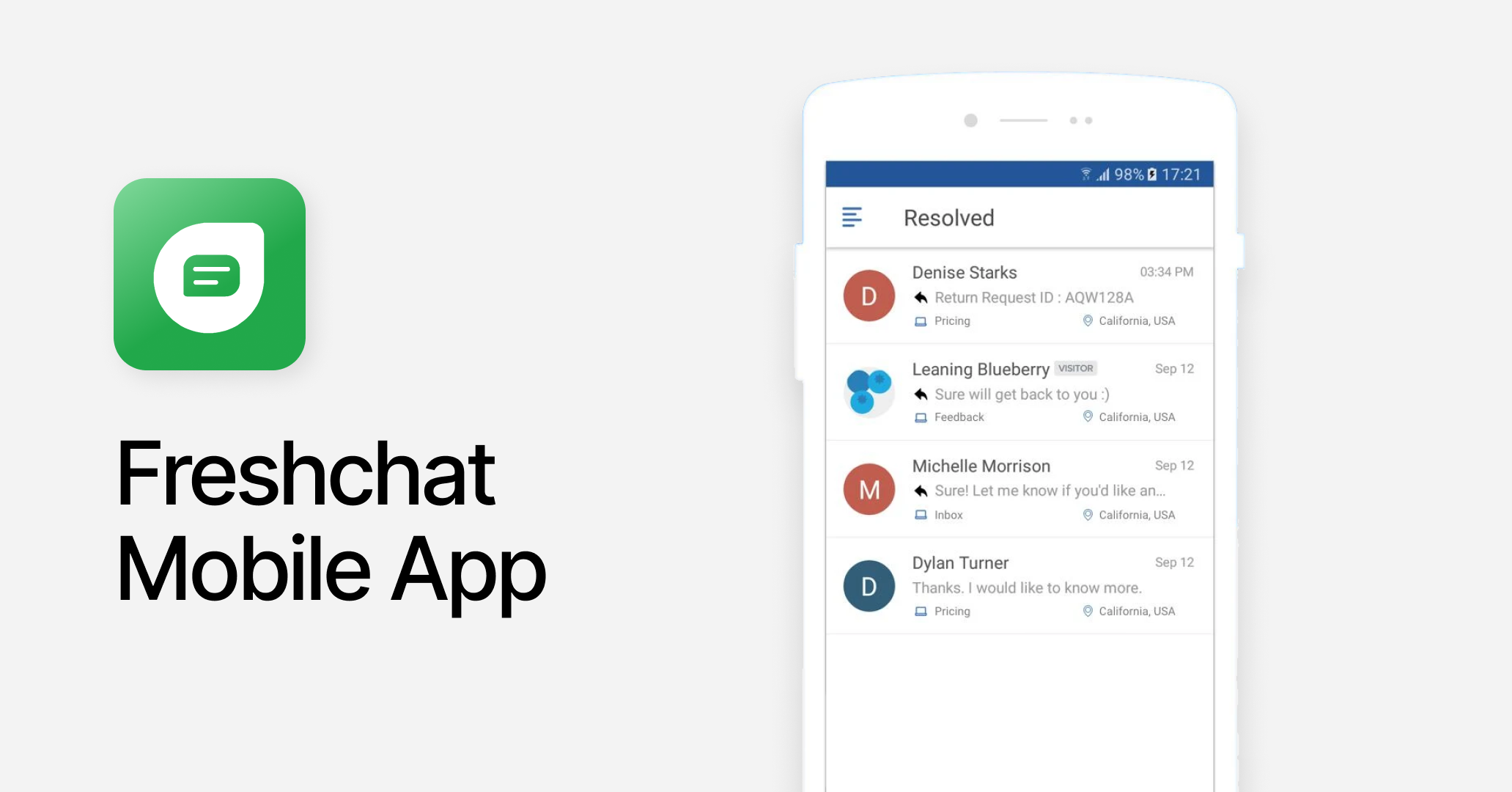
Freshchat is a customer messaging platform built primarily for support. Its mobile app allows agents to handle tickets and chats on the go.
Best for
Support teams managing tickets, particularly those integrated with other Freshworks tools like Freshdesk or Freshsales.
Pros
Native integration with Freshworks tools — agents can access customer context from Freshdesk or Freshsales directly within the mobile inbox.
Solid mobile inbox: ticket assignment, status updates and canned responses all work smoothly.
Core channels including WhatsApp, Instagram and email are well supported.
Cons
TikTok and call handling are absent — calls require a separate Freshcaller app, fragmenting the agent workflow.
Push notifications are inconsistent and unreliable — messages may be delayed or missed, directly impacting response times for agents relying on mobile.
Pricing
Pro plan starts at $49/month per agent. The per-agent model means costs scale linearly with every hire — a 10-person team already costs $490/month before AI session overages, which are billed at $49 per 100 additional sessions.
Customer sentiment
Praised for its clean mobile inbox; users flag app instability and notification issues.
App Store: 3.6/5 (51 reviews)
Google Play: 4.6/5 (1.44k reviews)
Trengo
Trengo is an omnichannel customer communication platform for everyday support tasks. As of 2025, Trengo no longer offers a native mobile app. It has been replaced by a progressive web app (PWA), meaning agents access it through a mobile browser rather than a downloaded app.
Best for
Teams managing customer support from their desktop. Not suited for agents who need to work primarily from mobile.
Pros
No native mobile app pros to list. Browser-based access is slower to load, cannot match native push notification reliability, and has no offline fallback.
Cons
No native mobile app. Agents must access Trengo via a mobile browser — slower to load, weaker notifications and dependent on a stable internet connection with no offline fallback.
UX/UI through a mobile browser is materially worse than a native app experience.
Broadcasting, voice and user add-ons are charged separately on top of an already high base price.
Pricing
Pro plan begins at $599 (paid monthly) and includes 20 users — generous for larger teams, but the base price is already high before add-ons. Broadcasting, voice and additional users are each charged separately, so growing teams will see the bill climb well above the headline tier as they activate more of the platform.
Customer sentiment
Users appreciate the channel variety and clean interface on the web app. Recurring complaints cover app instability and limited support availability. No App Store or Google Play rating available — Trengo has no native mobile app.
G2: 4.3/5 (245 reviews)
Capterra: 4.1/5 (26 reviews)
Interakt
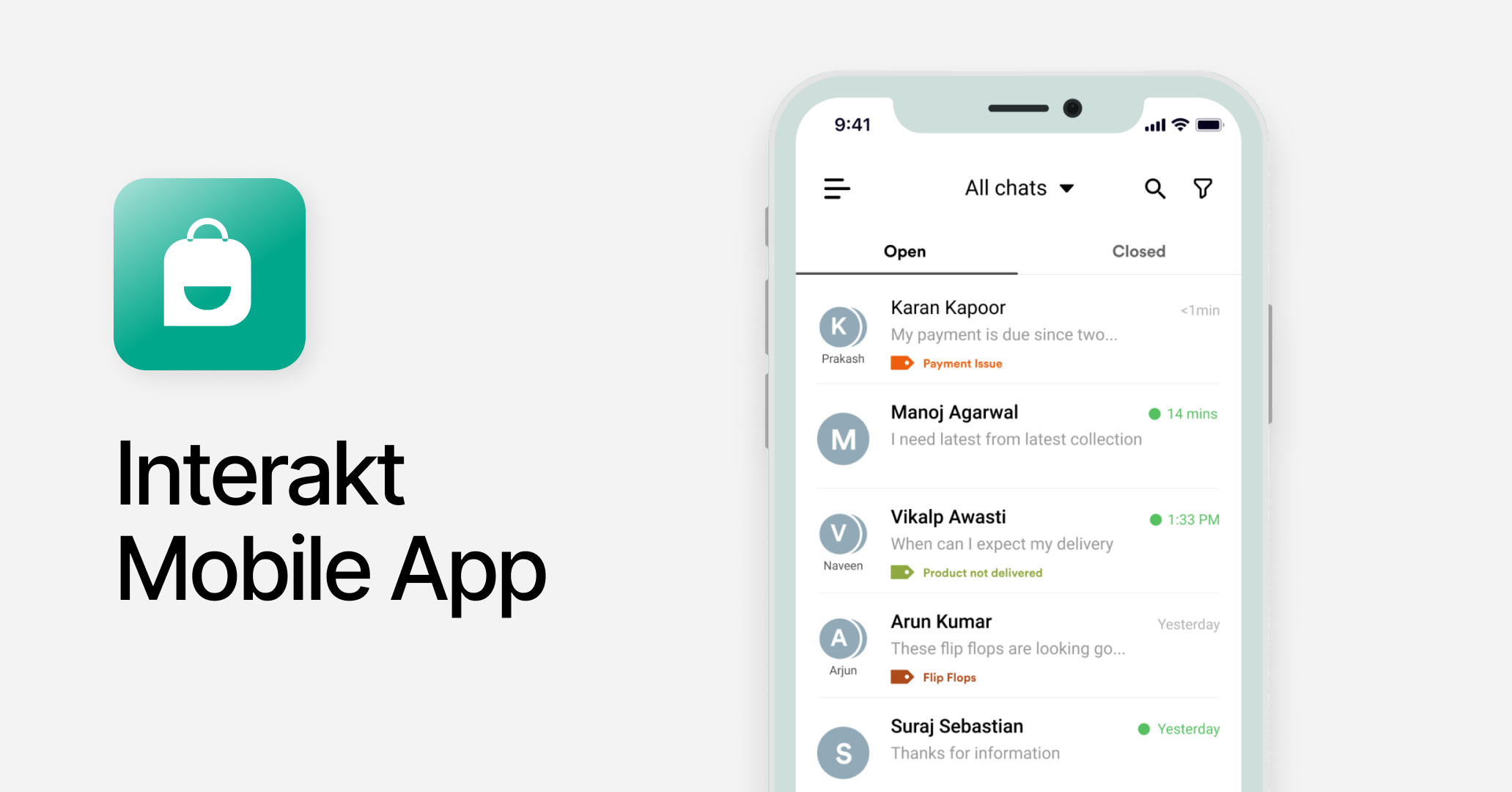
Interakt is a WhatsApp-first CRM for small businesses. Its mobile app gives agents access to the shared inbox, basic conversation management and broadcast sending.
Best for
Small businesses focused on affordable WhatsApp and Instagram messaging for customer service and sales.
Pros
Covers essential features for WhatsApp-based operations including notifications, assignment and inbox management.
Shopify integration lets agents see and respond to WhatsApp orders from mobile as they come in.
Cons
Only WhatsApp and Instagram are supported — any growth beyond those channels requires migrating to a different platform entirely.
Customer support is inconsistent and can be slow, making it difficult to resolve issues when agents rely on the app as their primary workspace.
No AI tools on mobile or desktop — agents must type every response manually.
Pricing
Two-tiered plan types. "Marketing & Support Hub" Growth plan at $55/month (paid monthly) includes unlimited agents, making it easy to onboard a growing support team without seat costs. "Sales CRM" Starter plan at $49/month includes 5 agents at $10/month per additional agent. Both plans are affordable at low volumes, but the single-channel constraint means teams that outgrow WhatsApp will need to migrate to a different platform entirely — resetting onboarding, workflows and costs.
Customer sentiment
Users value WhatsApp feature coverage; negative feedback points to poor platform performance.
App Store: 3.4/5 (12 reviews)
Google Play: 4.1/5 (1.6k reviews)
Zoko
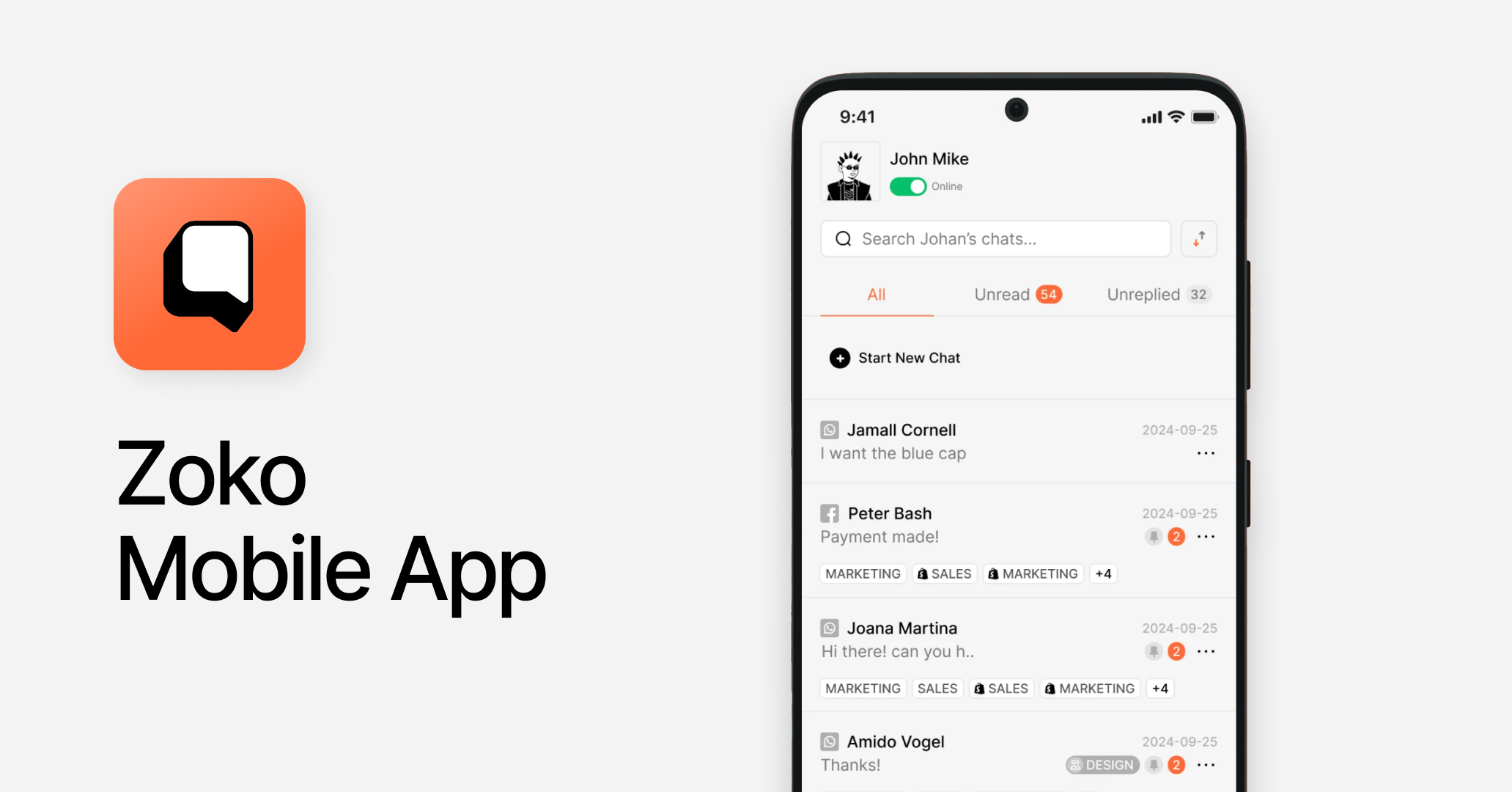
Zoko is built for Shopify businesses driving sales via WhatsApp, with a simple mobile inbox for catalog sharing and order management.
Best for
Small Shopify businesses wanting to drive sales via WhatsApp.
Pros
Shared team inbox with conversations divided by status and channel.
Basic agent assignment and routing available.
Agents can share product catalogs and send payment links directly from WhatsApp conversations on mobile, with push notifications for new customer messages.
Cons
Limited to WhatsApp, Instagram and Facebook Messenger — any business managing conversations across multiple channels will outgrow Zoko almost immediately.
No AI tools on mobile or desktop — agents must type all responses manually with no smart suggestions, draft support or conversation summaries.
Pricing on some tiers includes a fair use limit and additional per-conversation fees, which means real costs scale faster than the headline price suggests.
Pricing
The mid-tier Elite plan starts at $114.99/month (paid monthly) and includes 10 agents; additional agents are $12/month each. For growing teams, agent costs are manageable, but the per-conversation fair use limits mean that as volume scales, overage charges kick in — making the real cost harder to predict as the business grows.
Customer sentiment
Rating not yet available. No App Store or Google Play reviews are publicly available for Zoko's mobile app. The mobile experience cannot be validated through user feedback at this stage.
Verdict: Which platform offers the best mobile experience for customer conversations?
The best mobile experience depends on how your team actually works. Here's the breakdown by use case.
Best for omnichannel B2C teams managing high conversation volumes on mobile: respond.io. The depth of mobile functionality — AI assistance, voice note and call handling, access to multiple channels from one app, and 99.999% uptime — makes it the strongest option for teams where mobile is a primary workspace.
Best for support teams on social messaging: Freshchat or SleekFlow. Both cover the essentials for support workflows. Watch for app instability at scale with SleekFlow, and unreliable push notifications with Freshchat.
Best for WhatsApp-focused teams at lower volumes: Wati, Interakt or Zoko. Clean, functional mobile apps for small teams whose entire operation runs on WhatsApp. Budget-friendly, but limited in channel scope — growth beyond WhatsApp means migrating to a different platform.
Respond.io is not the right fit if: your team runs a single channel at low volume, you don't need AI assistance or multi-channel capability, and you're looking for a lightweight, low-cost inbox. Simpler WhatsApp-only tools will be a better fit at that scale.
For growing mid-market B2C businesses managing customer conversations across channels on the go, respond.io is the clear choice. It brings omnichannel messaging, AI assistance, enterprise-grade reliability and high platform uptime into one platform — and its mobile app is built for the agents who need to use it all day.
Ready to manage customer conversations on the go? Start your free trial or book a demo to see respond.io's mobile app in action.
FAQs about the best customer conversation management platforms with a mobile app
Which customer conversation management platform has the best mobile app for omnichannel teams?
For omnichannel B2C teams managing high conversation volumes, respond.io offers the strongest mobile inbox. Agents can access conversations across WhatsApp, Instagram, TikTok, email, calls and more from a single app, with AI-assisted replies and real-time push notifications. The mobile app is designed for agents' day-to-day work — responding to customers across channels — and no other platform in this comparison matches that depth of mobile functionality.
Can I manage WhatsApp, Instagram and other channels from one mobile app?
Respond.io's mobile inbox brings together conversations from WhatsApp, Instagram, TikTok, WhatsApp Business Calling, email, VoIP and more in a single view. While Sleekflow and Trengo support core channels like WhatsApp and Instagram, respond.io covers the widest range. Agents can reply, assign and manage conversations across all connected channels from their phone. Channel setup and configuration must be done on the web app.
Which platform offers the most reliable mobile experience at scale?
Respond.io is the most reliable option for mobile at scale, with 99.999% uptime built to handle high conversation volumes. Some Sleekflow users have reported crashes during traffic spikes on G2. Freshchat has poor push notification reliability. Wati and Freshchat are stable within their supported channels, but significantly narrower in scope. For agents relying on mobile as their primary interface, reliability is not a marginal concern — it directly determines whether conversations get picked up or dropped.
Does respond.io's mobile app support full desktop functionality?
The respond.io mobile app does not include full desktop functionality. It is designed primarily for agents managing conversations — with access to inbox, conversations, notifications and personal settings. Manager and admin features such as reports, workflow configuration and AI agent setup are web-only.


