
















 Electronics
 Fashion & Apparel
 Furniture
 Jewelry and Watches
 Afterschool Activities
 Sport & Fitness
 Beauty Center
 Dental Clinic
 Medical Clinic
 Home Cleaning & Maid Services
 Photography & Videography
 Car Dealership
 Travel Agency & Tour Operator

Keeping WhatsApp conversations outside your CRM slows response times, scatters valuable customer data and makes it harder to personalize interactions. Without HubSpot WhatsApp integration, your team is stuck jumping between platforms, losing context, and missing chances to engage customers properly.
Connecting WhatsApp to HubSpot fixes this by keeping everything in one place with a WhatsApp CRM integration. But not all integrations are equal. Below, we’ll break down what HubSpot WhatsApp integration actually means, the options available and why respond.io is the best way to do it.
TL;DR – How to Connect WhatsApp to HubSpot in 5 Steps
HubSpot's native WhatsApp integration (Professional and Enterprise plans) brings WhatsApp chats into the HubSpot inbox. You still need WhatsApp Business API access from a BSP.
It has three main limits: Automation stops at simple workflow triggers, your team loses access to the WhatsApp mobile and web apps once the number is connected, and it covers WhatsApp only.
Connecting through respond.io adds AI Agents, routing, reporting, WhatsApp calling and other channels, and contact data still syncs to HubSpot.
Setup takes 5 steps: create a respond.io account, get WhatsApp Business API access, connect WhatsApp, connect HubSpot and verify contact sync.
Before publishing, verify that HubSpot's plan tiers for WhatsApp are still current.
What is HubSpot WhatsApp Integration?
HubSpot WhatsApp integration connects a WhatsApp Business API number to HubSpot, so conversations, message history and contact details are logged against CRM records. You can set it up natively in HubSpot's inbox or through a customer conversation platform like respond.io that syncs with HubSpot.
Instead of scattered chats, messages, conversation histories and customer profiles are all logged in one place. This makes it easier for teams to respond faster, track engagement and personalize interactions.
With WhatsApp inside HubSpot, teams can do more than just chat. They can nurture leads, manage customer relationships and create personalized experiences at scale without switching between platforms.
What are the two ways to connect WhatsApp to HubSpot?
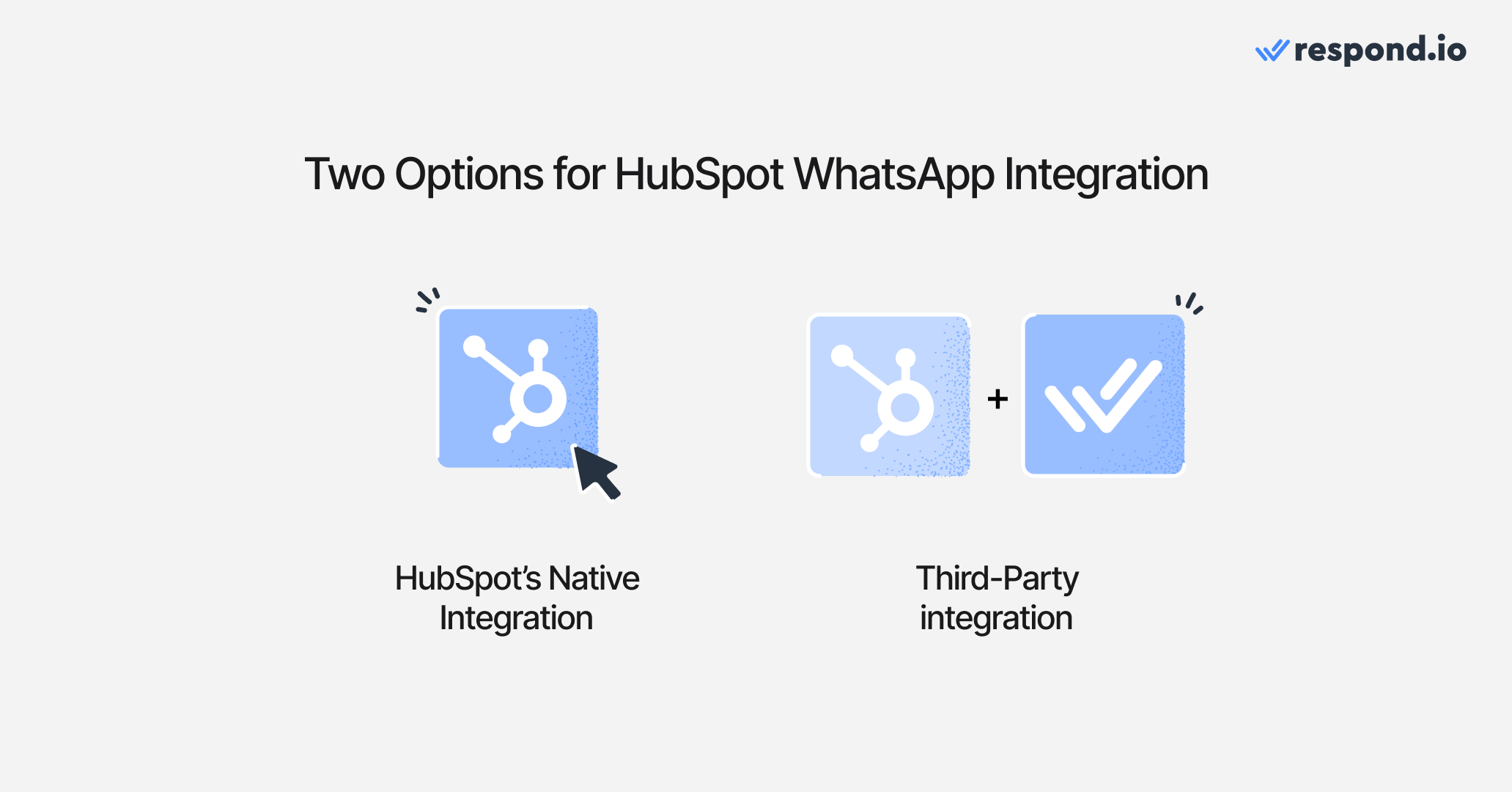
Businesses looking to integrate WhatsApp with HubSpot usually take one of two approaches: HubSpot’s native integration or a customer conversation platform like respond.io.
HubSpot's native integration: convenient, but you still need a BSP
HubSpot offers a built-in WhatsApp integration for Professional and Enterprise plans. This lets businesses link their WhatsApp Business accounts directly to the HubSpot inbox, making it easier to manage conversations inside the CRM.
The biggest advantage of this HubSpot WhatsApp integration is convenience. Messages appear inside HubSpot, so teams don’t have to switch between platforms.
That said, note that HubSpot isn’t a WhatsApp Business Solution Provider (BSP), meaning businesses still need to get WhatsApp Business API access through an official provider and complete Meta Business verification before connecting WhatsApp to HubSpot.
Customer conversation platforms: WhatsApp plus automation, routing and other channels
Alternatively, many businesses choose third-party messaging software like respond.io instead of relying on HubSpot’s built-in integration.
Rather than just pulling WhatsApp chats into HubSpot, respond.io gives teams full control over conversations with advanced automation, deep analytics and multi-agent collaboration. It also supports other messaging channels like Telegram, Instagram, TikTok and even WhatsApp voice calls. Even when conversations escalate, teams can transfer live calls between agents without losing context or breaking the customer experience.
Instead of being locked into HubSpot’s inbox, businesses can manage WhatsApp alongside other messaging channels, automate conversations, route messages intelligently and scale customer engagement—all from one place.
Turn conversations into customers with respond.io's official WhatsApp API ✨
Manage WhatsApp calls and chats in one place!
What does connecting WhatsApp to HubSpot improve?
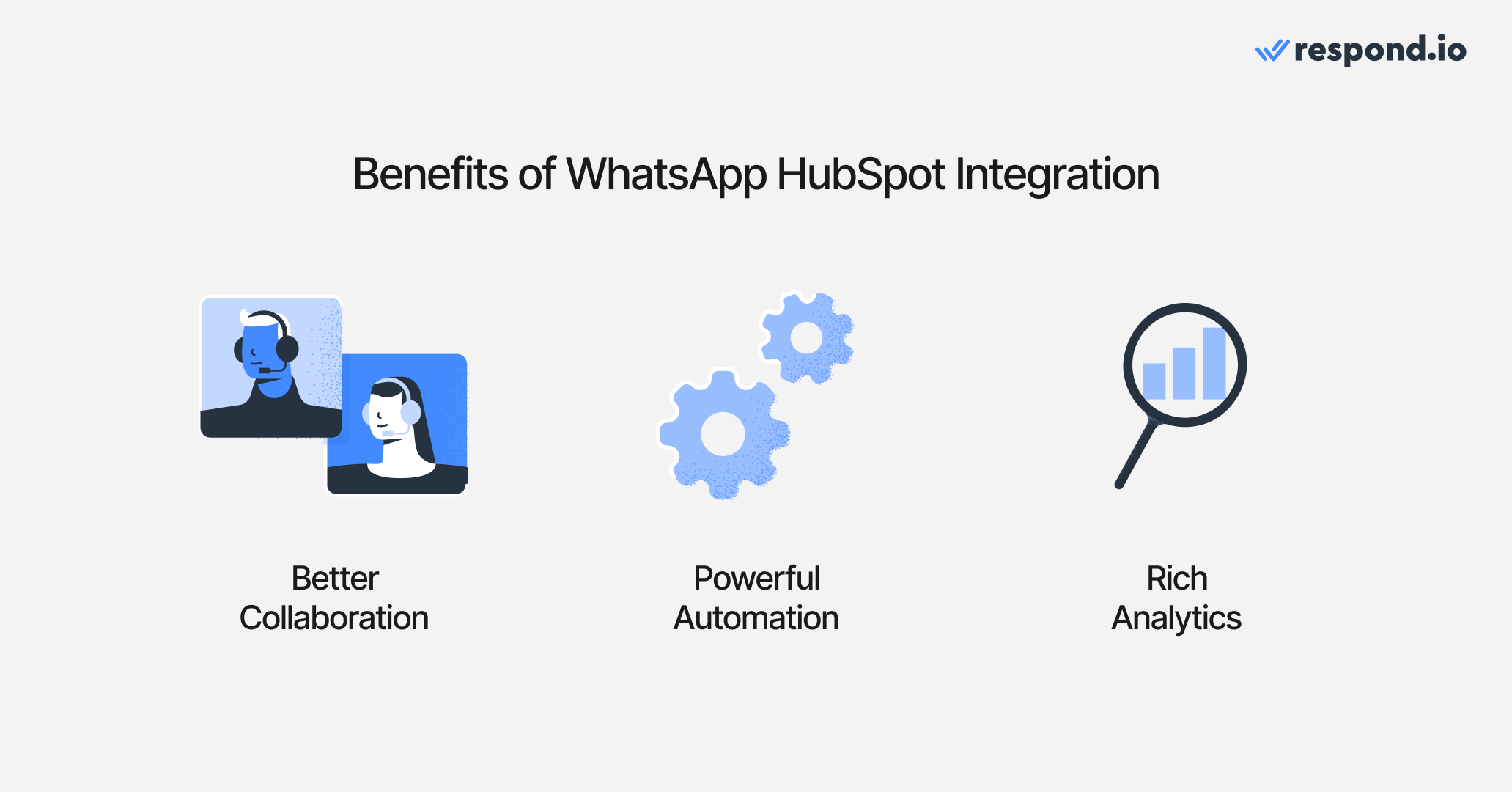
Connecting WhatsApp to HubSpot gives your team shared context on every chat, automates instant replies and lead qualification, and shows response times, agent performance and conversation trends in your reports.
Shared conversation context makes team handoffs faster
When multiple team members handle WhatsApp conversations, things can get messy. While HubSpot’s native integration centralizes messages, managing a high volume of chats efficiently requires more advanced collaboration tools.
Certain integrations allow businesses to organize WhatsApp interactions more effectively—whether through shared inboxes, automated chat assignments, or performance tracking—helping teams work together better.
Automation handles instant replies and lead qualification
You know what doesn’t scale well? Manually responding to each and every single WhatsApp message. Automation is your secret ally here and with the right setup you can:
Send instant replies based on triggers (like a customer filling out a form).
Qualify leads automatically without human intervention.
Save your team from drowning in messages.
Reporting shows response times, agent performance and conversation trends
A good WhatsApp integration doesn’t just bring messages into HubSpot. It helps you track response times, measure agent performance and analyze conversation trends to improve customer engagement.
HubSpot’s built-in integration logs WhatsApp messages, but some integrations take it further with deeper analytics, advanced reporting and insights that actually help you refine your messaging strategy. The right setup gives you more than just message history. It helps you see what’s working, what’s not and where you can improve.
Where does HubSpot's native WhatsApp integration fall short?
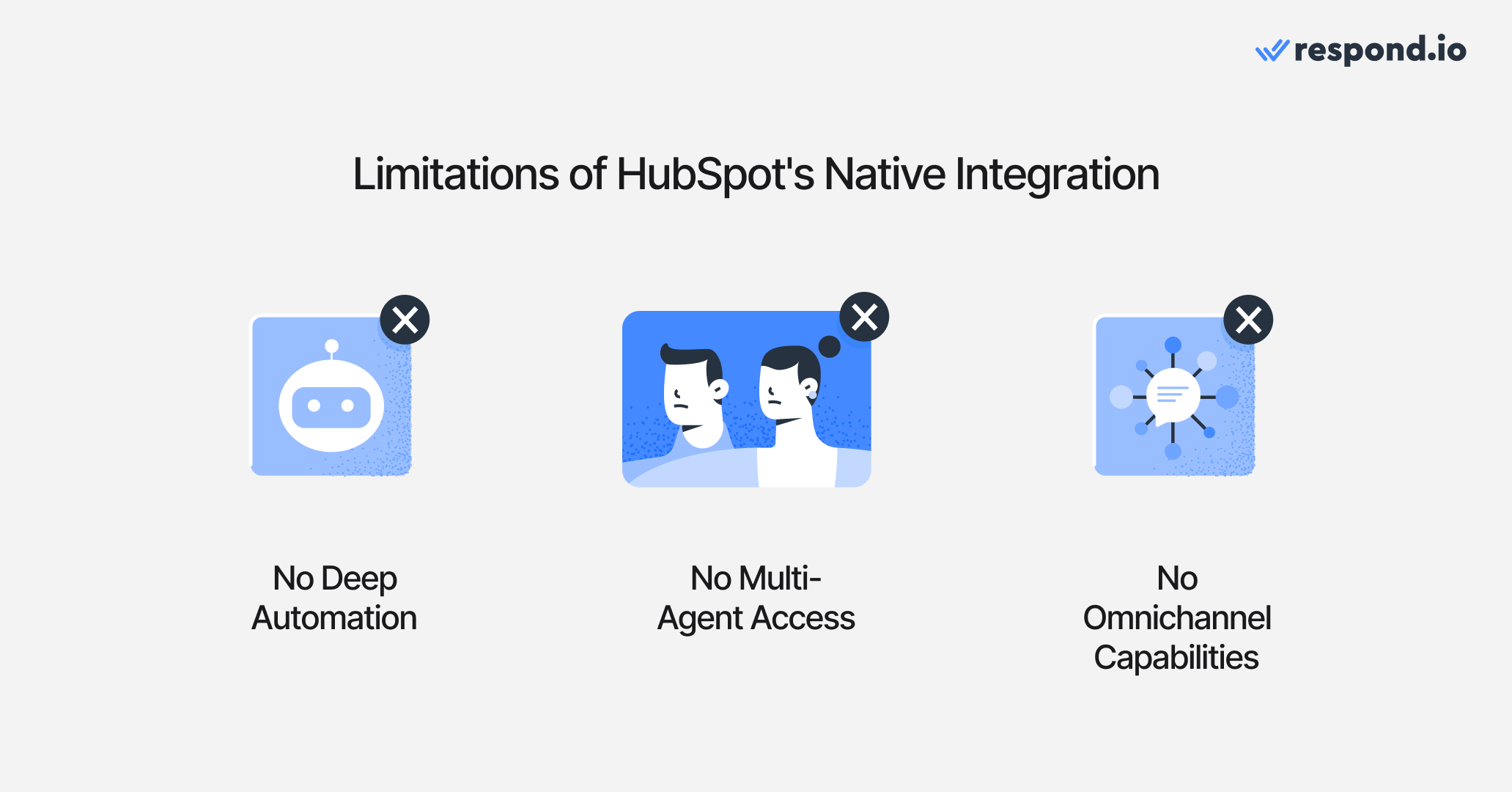
HubSpot's native WhatsApp integration only supports simple workflow-triggered automation, locks your team out of WhatsApp's mobile and web apps once the number is connected, and covers WhatsApp only, not your other messaging channels.
Automation stops at simple workflow triggers
HubSpot’s official integration supports basic messaging but lacks in-depth automation. You can trigger simple automated WhatsApp messages through HubSpot workflows, but the automation isn't flexible enough for more complex conversational flows.
Multi-step chatbot-like interactions, such as handling FAQs with an AI Agent, aren't natively supported. This means you can't easily set up rich, automated conversations using HubSpot alone.
Your team loses WhatsApp's apps and works only in HubSpot's inbox
Using WhatsApp with a team gets tricky with the native integration. Once a WhatsApp number connects to HubSpot, you lose access to WhatsApp’s native mobile and web apps, as all messages only appear within HubSpot.
This means your entire team must work exclusively from HubSpot’s inbox interface, which isn't specialized for high-volume messaging. There's no built-in sophisticated agent routing or in-depth performance tracking, creating friction as your team tries to scale.
Your team loses WhatsApp's apps and works only in HubSpot's inbox
HubSpot is, first and foremost, a CRM—not a dedicated messaging software. Its WhatsApp integration is limited solely to WhatsApp. If your customers message your business on other channels, these conversations won't appear in HubSpot.
This siloed approach might suffice if WhatsApp is your only messaging channel. However, for businesses juggling multiple messaging platforms, HubSpot’s native solution won't unify your communications effectively.
How to connect WhatsApp to HubSpot using respond.io
To connect WhatsApp to HubSpot using respond.io, create a respond.io account, get WhatsApp Business API access, connect your WhatsApp number, link respond.io to HubSpot and verify that contacts sync correctly.
Step 1: Set Up Your Respond.io Account
Create an account on respond.io. This platform will serve as the bridge between WhatsApp and HubSpot.
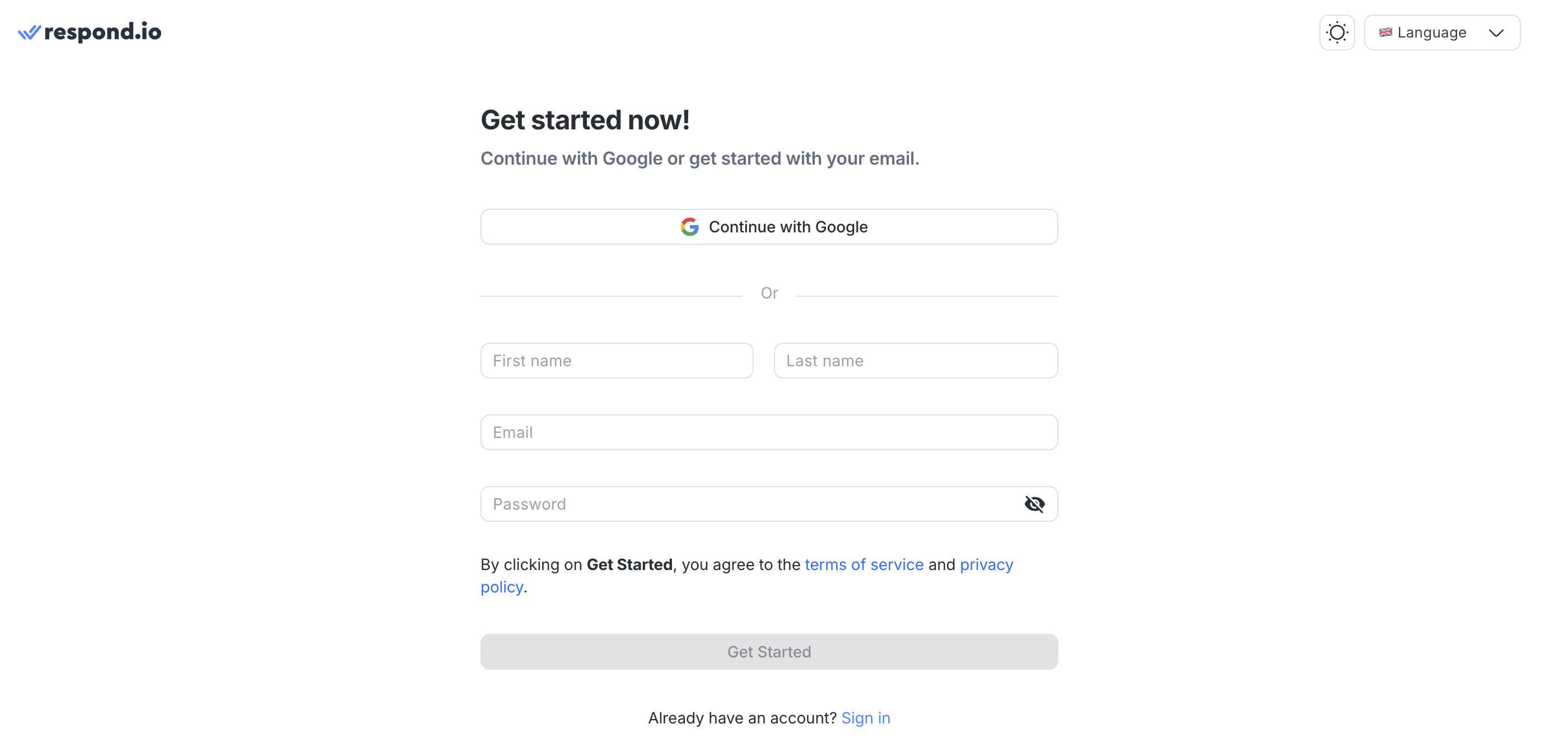
After signing up, you'll access the dashboard where you can manage integrations and messaging channels.
Step 2: Get WhatsApp Business API access
To start, you'll need access to the WhatsApp Business API. Unlike the standard WhatsApp Business App, the API provides advanced features suitable for mid-market B2C businesses.

You can obtain access through a WhatsApp Business Solution Provider (BSP) like respond.io. If you already have API access through another provider, keep your credentials ready for the next step.
Step 3: Connect WhatsApp Business API with Respond.io
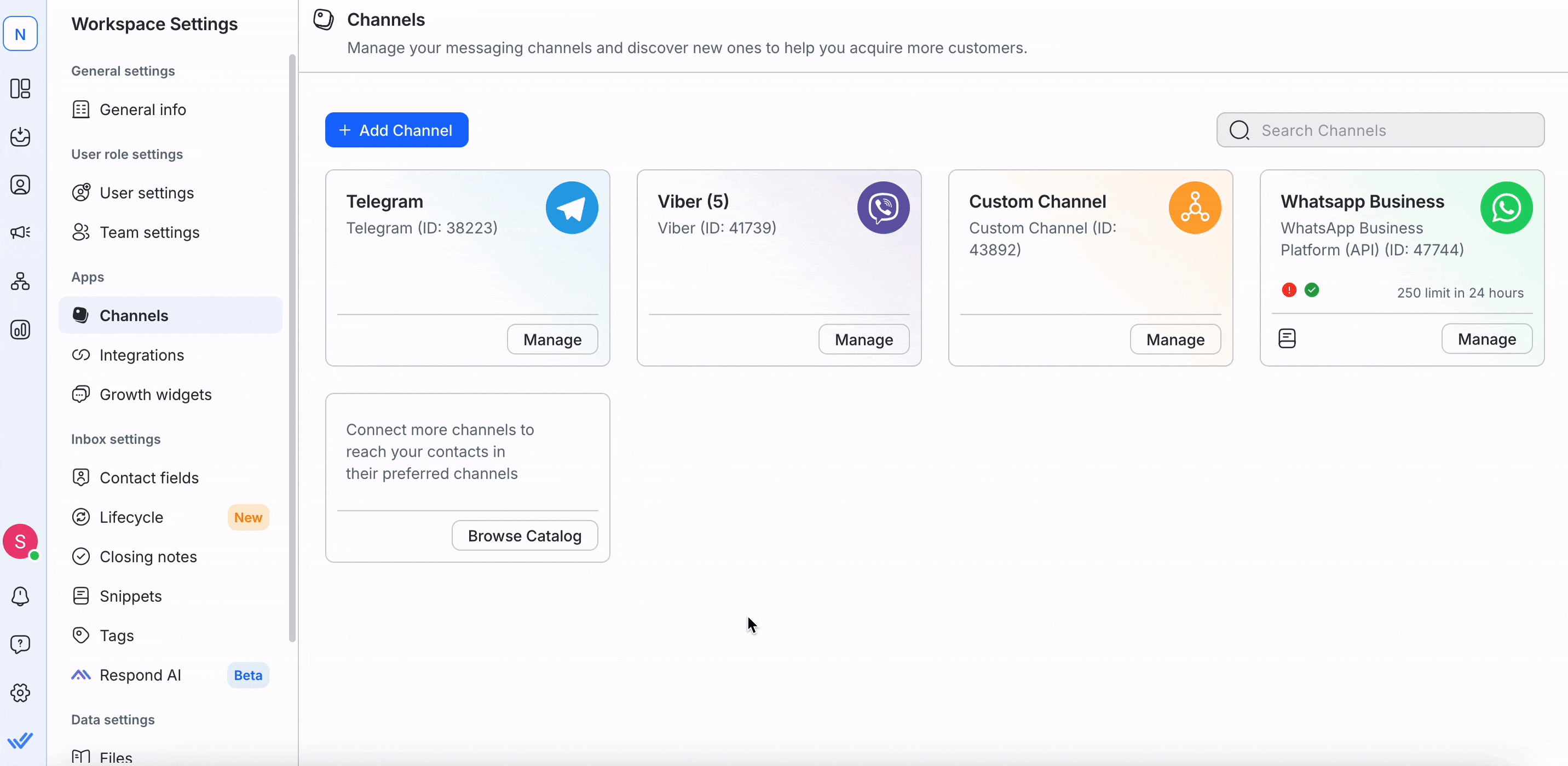
Once done, open Settings, go to Channels and click "Add Channel."
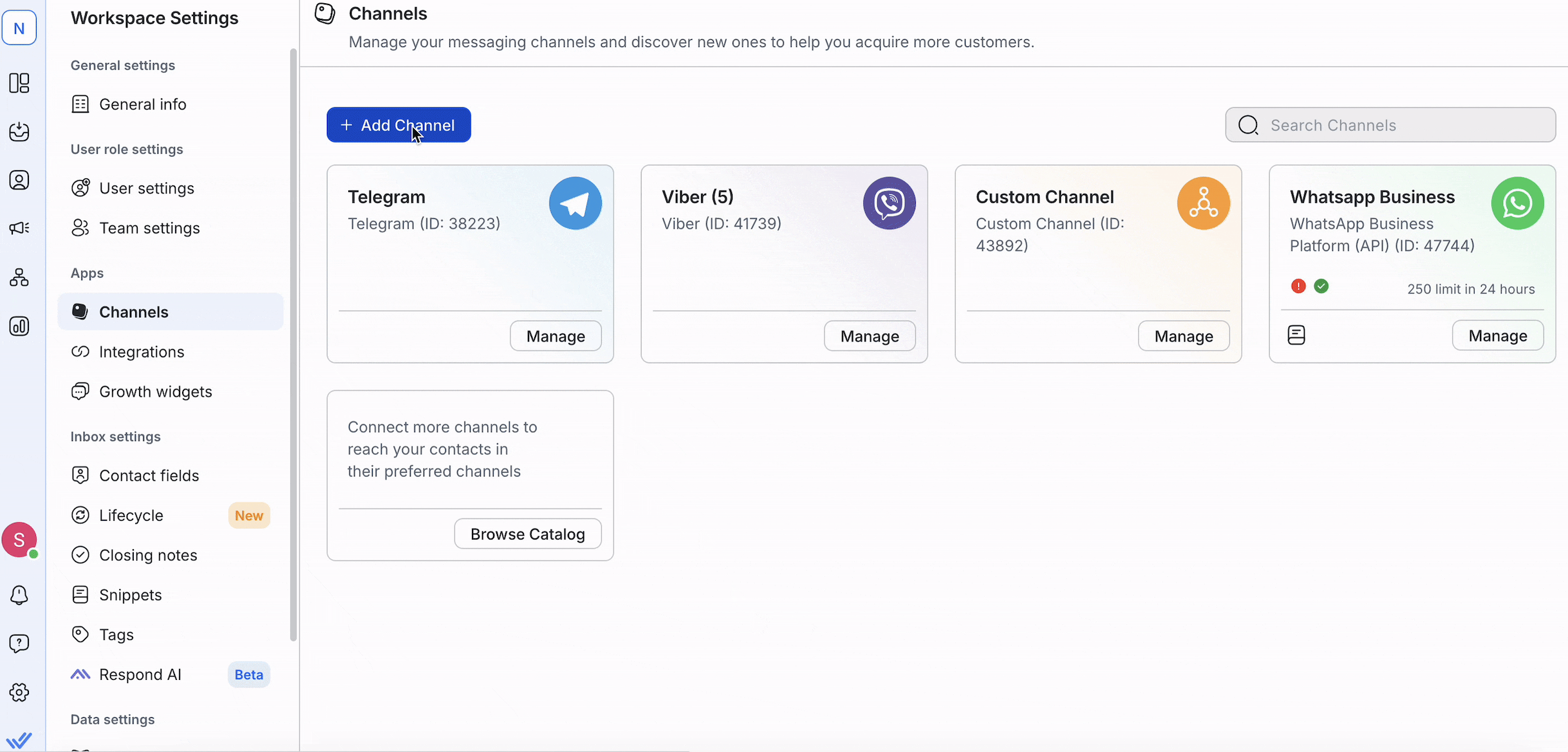
Choose WhatsApp Business API and enter your credentials.
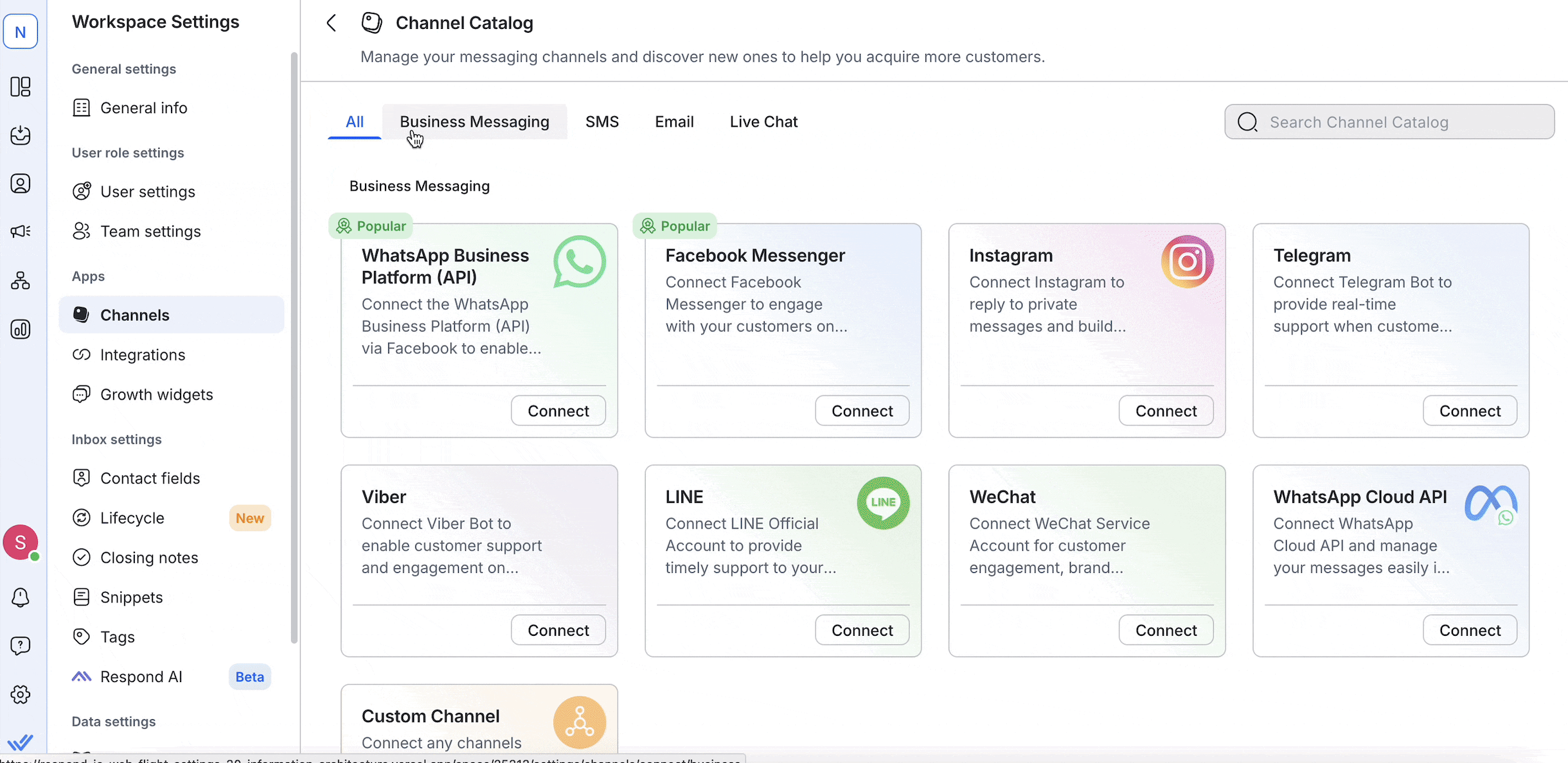
Once done, WhatsApp messages will appear inside respond.io.
Step 4: Integrate Respond.io with HubSpot
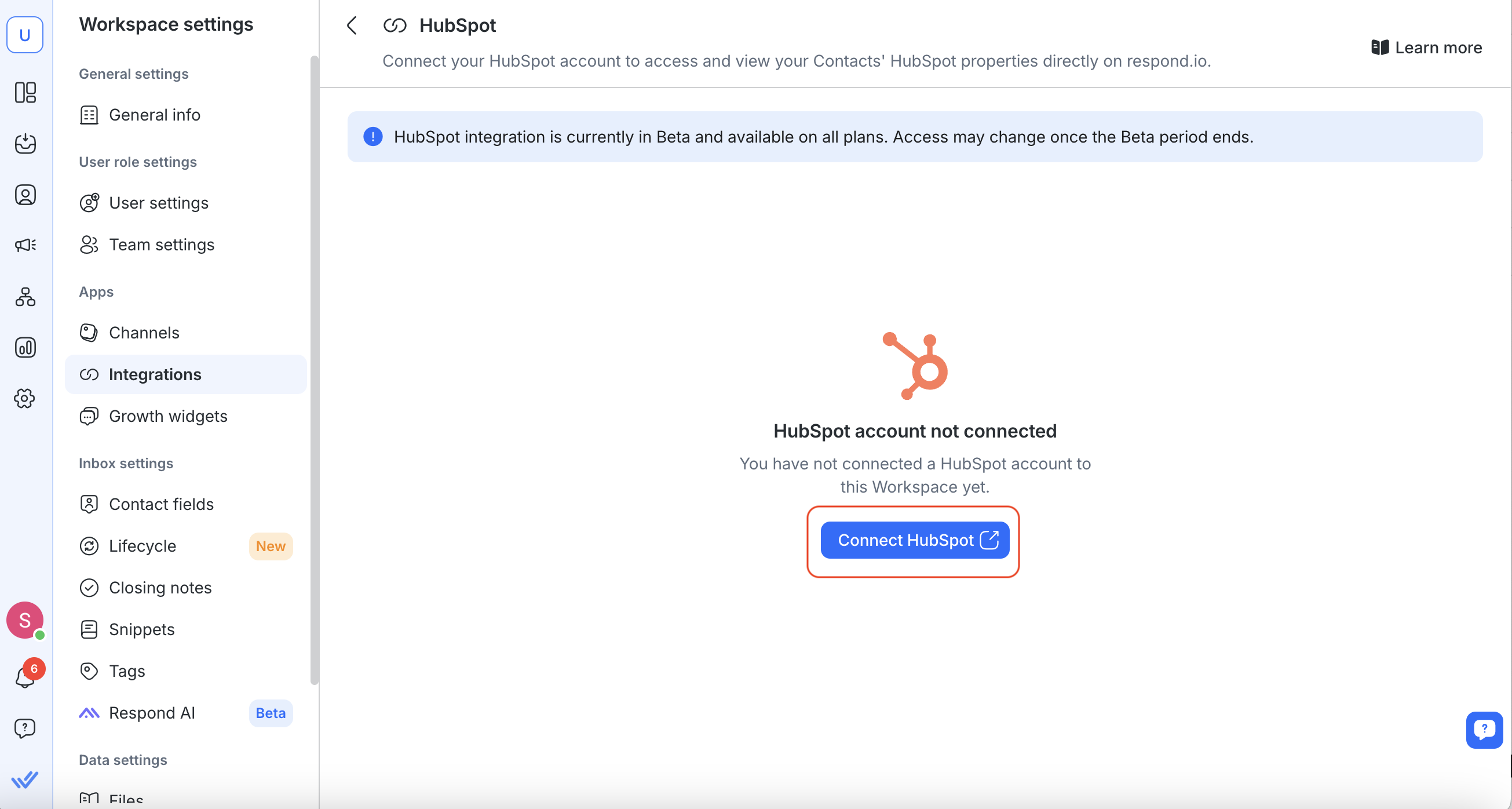
With WhatsApp in respond.io, the next step is linking it to HubSpot. Go to Settings, select Integrations and choose HubSpot.
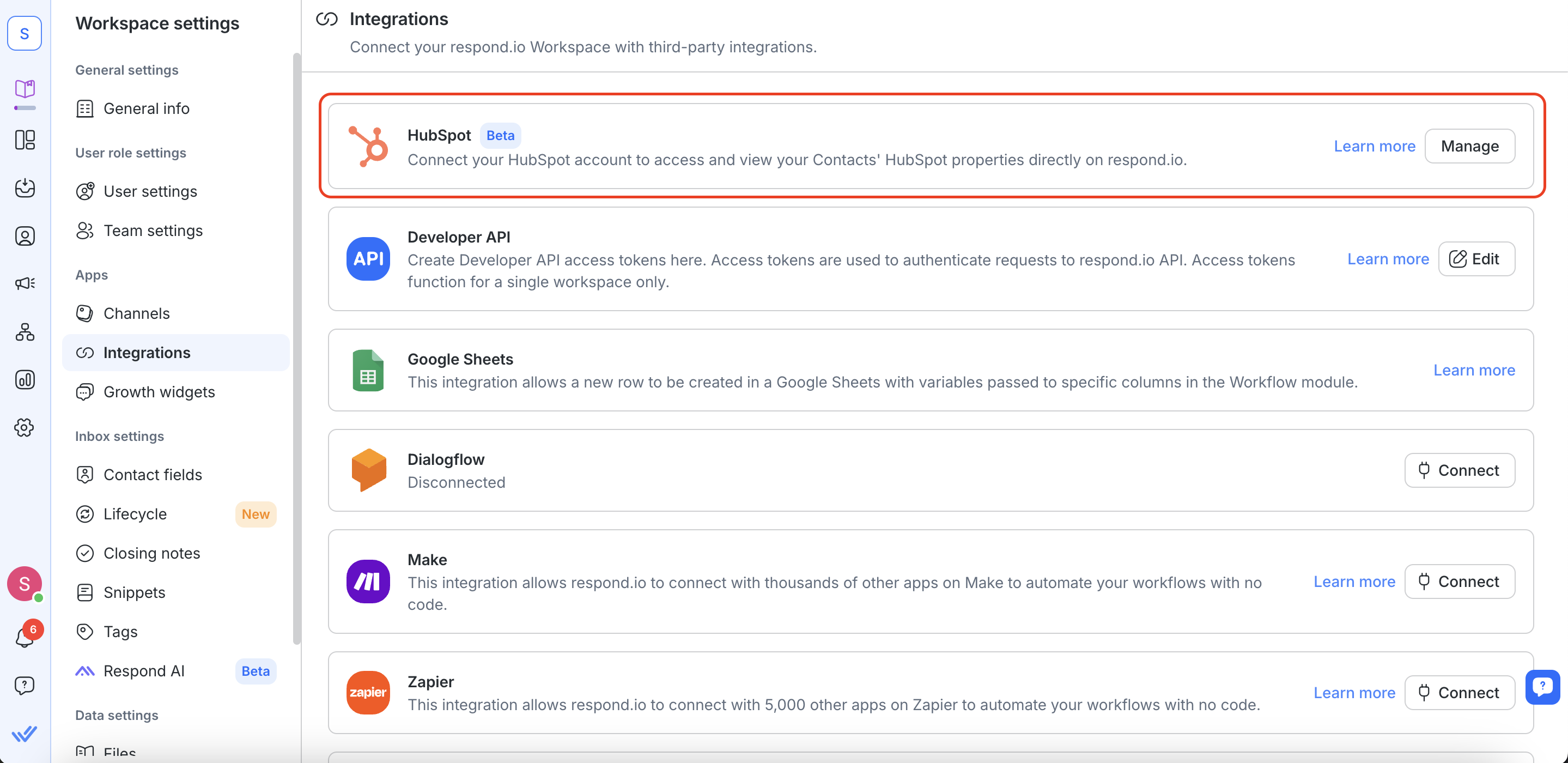
Click "Connect HubSpot".
Then, enter your login credentials when prompted.
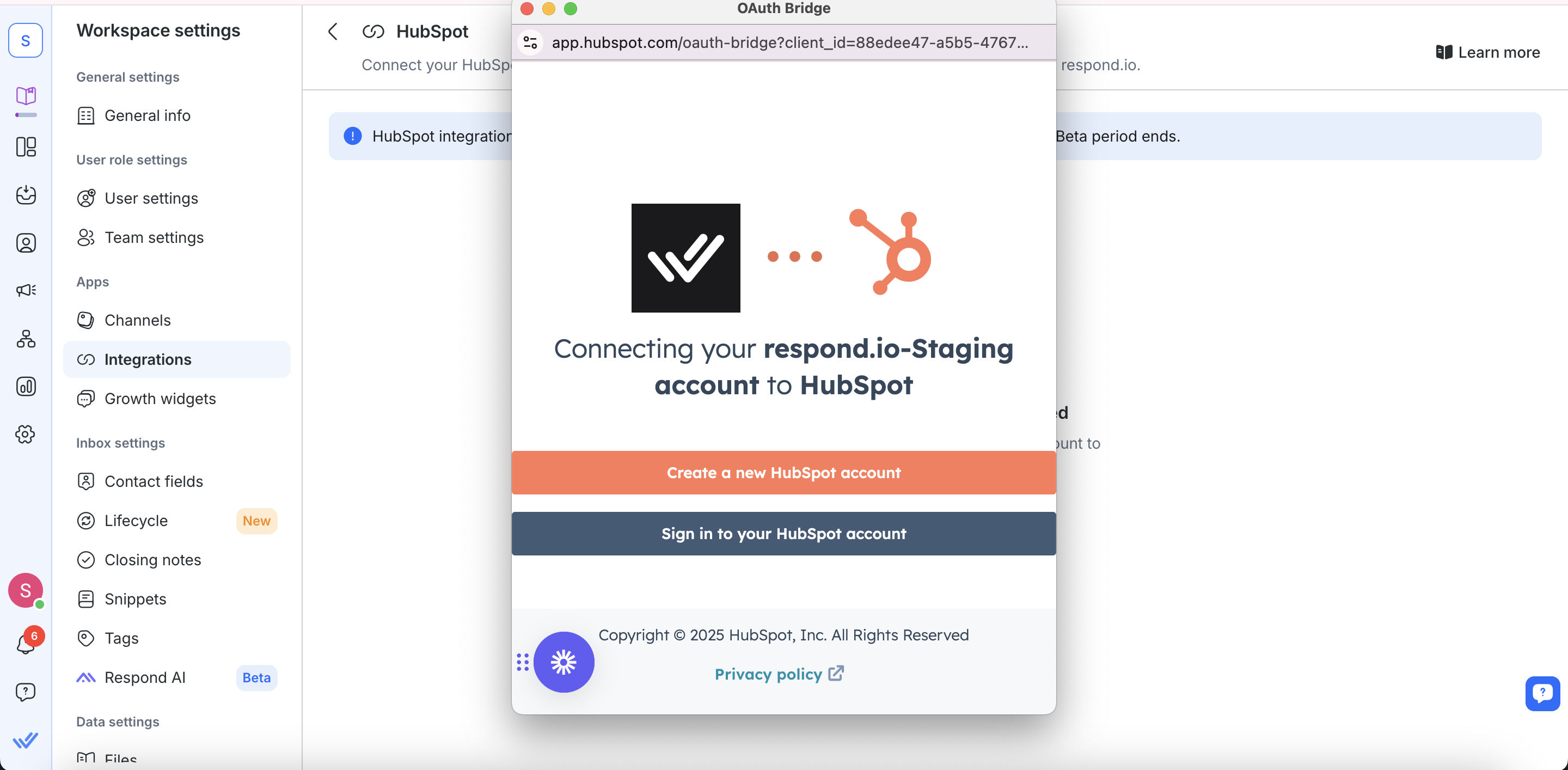
Once connected, WhatsApp conversations will sync with HubSpot, letting you manage customer interactions within respond.io.
Step 5: Verify Contact Sync Between HubSpot and Respond.io
After integrating HubSpot with WhatsApp in respond.io, HubSpot contact properties should appear in both the Inbox and Contacts modules.
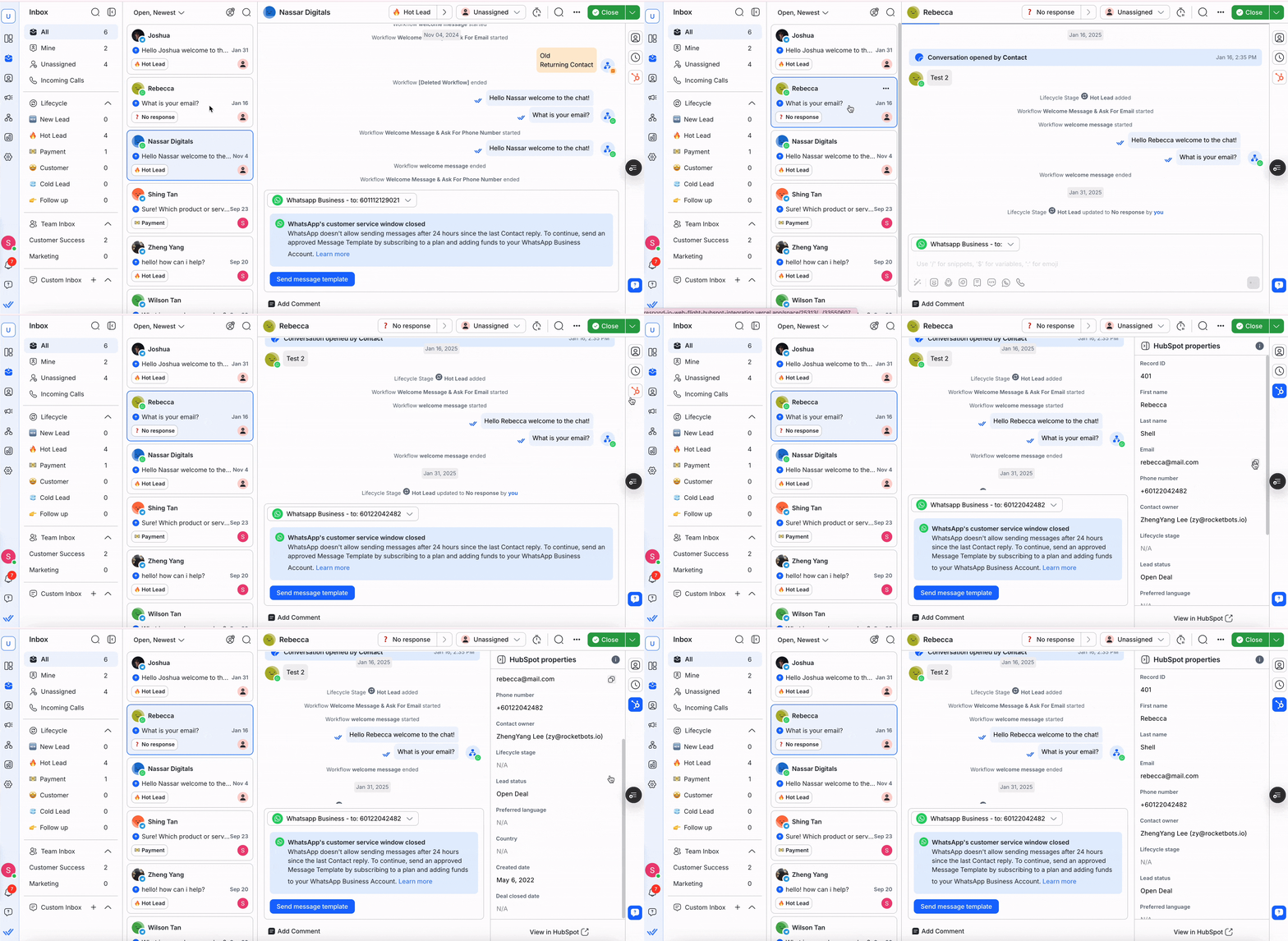
Check a few WhatsApp conversations to confirm that contact details sync correctly. A quick check now prevents issues later.
What respond.io adds on top of HubSpot
Now that you’ve connected WhatsApp to HubSpot with respond.io, it’s time to make the most of it. This integration doesn’t just bring WhatsApp into HubSpot. It entirely transforms how your business handles customer conversations.
Here’s what respond.io adds on top of your HubSpot WhatsApp integration setup:
Advanced automation that features an intuitive, no-code builder that goes beyond simple workflows.
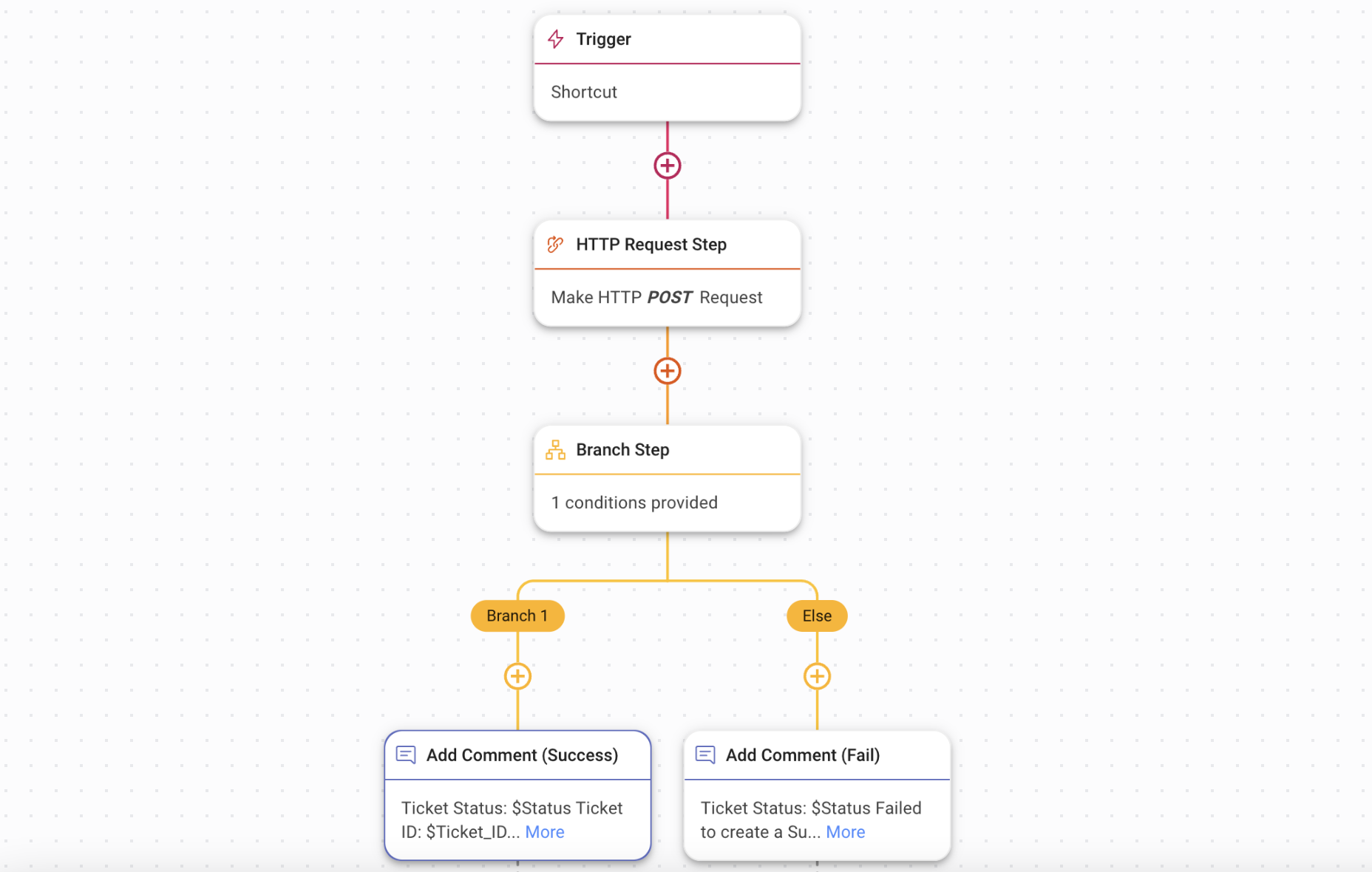
Omnichannel messaging keeps WhatsApp, email, Messenger, Telegram and other popular messaging channels under one roof.
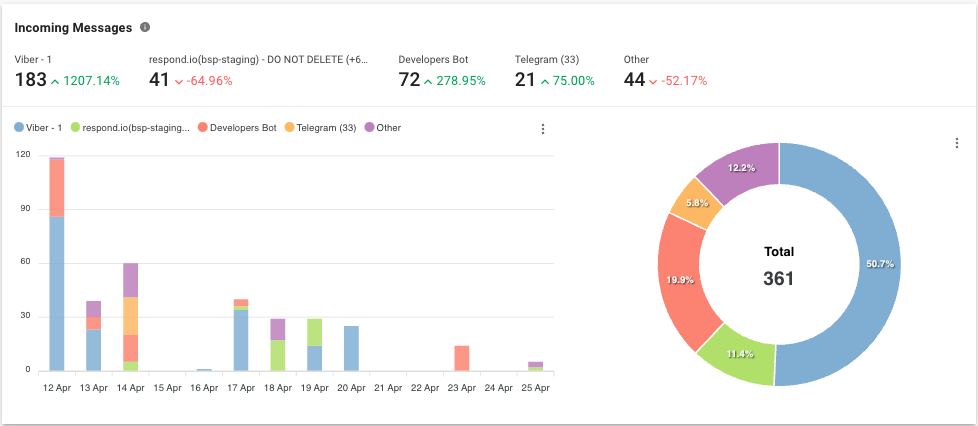
Comprehensive reporting and analytics that provide insights into response times, customer interactions and overall team performance.
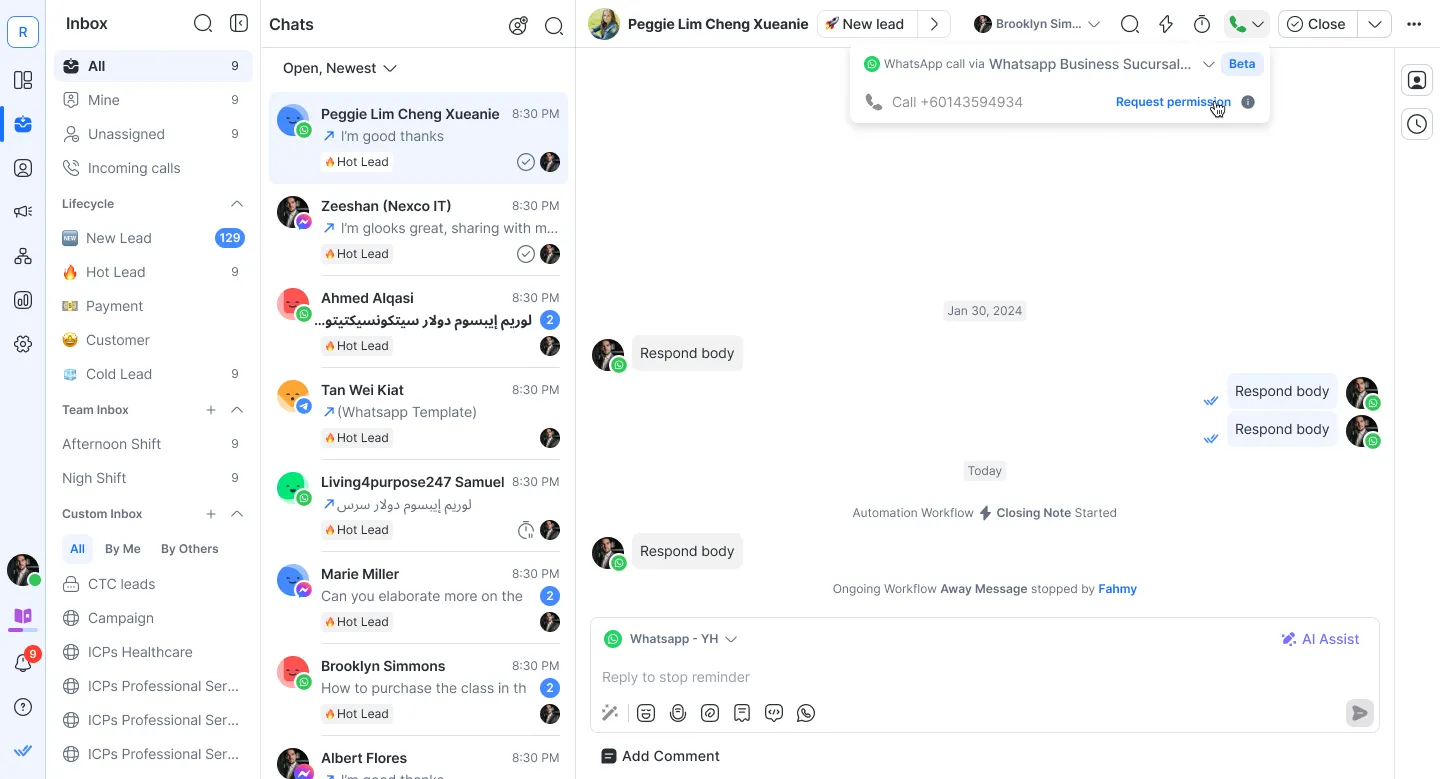
WhatsApp call support so teams can handle voice conversations within the platform, with AI-generated call summaries saved to the same contact record in HubSpot.
Multi-agent collaboration on a single WhatsApp number, with conversation assignment, internal comments and full contact history so teams across departments can hand off chats without losing context.
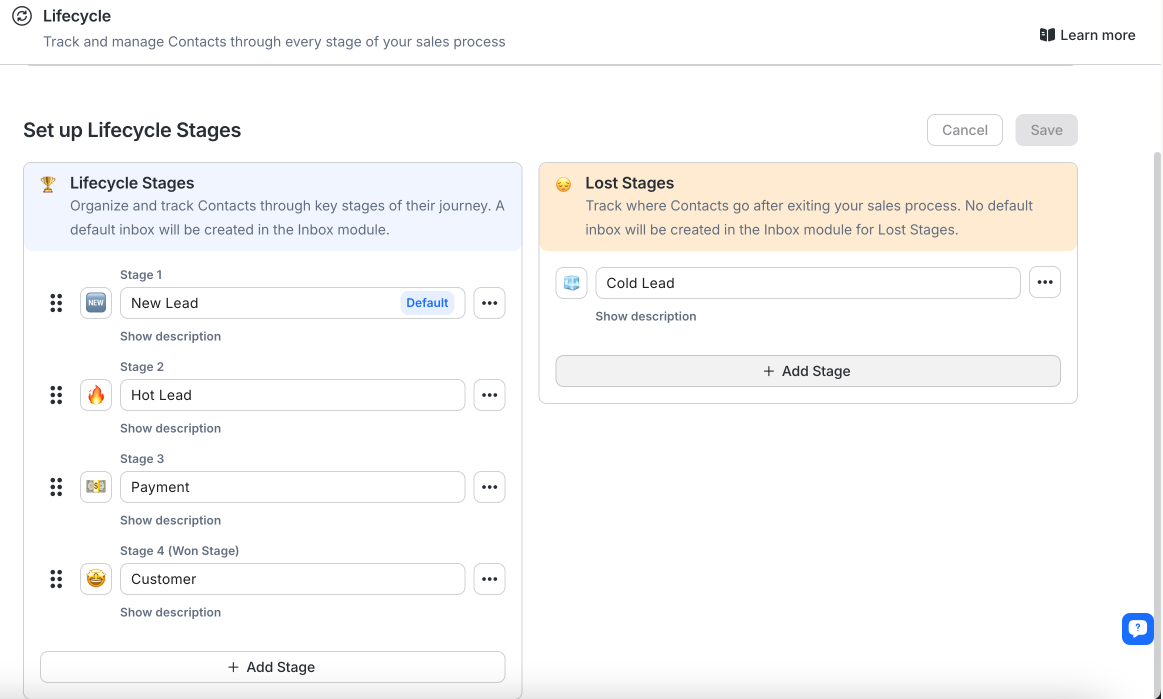
A lifecycle feature to follow leads and customers through every stage, from first contact to conversion.
By now, you’ve seen it all: why the HubSpot WhatsApp integration matters, what HubSpot offers and how respond.io takes it to the next level. If you’re ready for smarter messaging, deeper insights and a setup that just works, respond.io has you covered!
Turn conversations into customers with respond.io's official WhatsApp API ✨
Manage WhatsApp calls and chats in one place!
FAQs about HubSpot WhatsApp integration
Can I track WhatsApp conversations and performance in HubSpot?
Yes. When WhatsApp is integrated with HubSpot, customer conversations can be logged in the CRM so teams can review message history, response activity and engagement.
HubSpot's native integration has limits on automation and reporting. Using respond.io with HubSpot gives teams stronger visibility into conversation performance and handover context.
How do I stay compliant when messaging customers on WhatsApp?
Businesses need customer consent before sending messages and must follow WhatsApp's messaging policies.
That means using approved message templates when required, avoiding spam-like outreach and making opt-in and opt-out choices clear.
How much does it cost to integrate WhatsApp API with HubSpot?
Cost depends on the WhatsApp provider, the HubSpot plan in use and WhatsApp conversation charges.
HubSpot support for WhatsApp is tied to higher-tier plans, and businesses may need an additional platform if they want deeper automation, routing and reporting.
How can I get started with respond.io?
Respond.io offers a 7-day free trial. After sign-up, businesses can connect WhatsApp Business API, integrate HubSpot and confirm contact sync before rolling the setup out to the team.
From there, AI Agents can help qualify leads, route conversations, update lifecycle stages and escalate important opportunities while keeping customer context connected to HubSpot.
Further Reading
If you enjoyed our HubSpot WhatsApp integration article, you should check out the following:


