
















 Electronics
 Fashion & Apparel
 Furniture
 Jewelry and Watches
 Afterschool Activities
 Sport & Fitness
 Beauty Center
 Dental Clinic
 Medical Clinic
 Home Cleaning & Maid Services
 Photography & Videography
 Car Dealership
 Travel Agency & Tour Operator


WhatsApp CRM TL;DR: What to do when your CRM can't keep up with WhatsApp
For mid-market B2C teams whose CRM can't keep pace with WhatsApp, the fix is a customer conversation platform between the two. Native WhatsApp integrations in Salesforce, HubSpot and Zendesk limit automation and skip WhatsApp calls, so agents juggle tabs while leads cool off. Respond.io, a customer conversation platform and official WhatsApp BSP, closes the gap:
Agent switching: A unified inbox puts WhatsApp conversations, contact records and CRM data on one screen, so agents log replies and update records without leaving it.
Lead qualification and routing: AI Agents qualify, tag and route contacts in real time, so high-value leads reach the right agent while they're still warm. Hmlet used this to lift its WhatsApp conversion rate 2.5x.
Automation and calls: Workflows, AI Agents and WhatsApp Business Calls run natively inside respond.io, with no third-party dialers to bolt on.
Not for: Businesses on the standard WhatsApp Business App (respond.io requires WhatsApp Business API) or teams looking to replace their CRM entirely.
If your mid-market B2C team is managing WhatsApp on one screen and your CRM on another, you're losing time, missing context and creating gaps in your customer data. A customer conversation platform is the layer that connects the two — and respond.io is built specifically for that job, linking conversations, contact records and automation so your agents work from one place instead of two. Here's how it works and how to set it up.
WhatsApp API + your CRM: Why you need a layer in between
Most CRMs weren't built for real-time messaging. When you connect WhatsApp directly to Salesforce, HubSpot or Zendesk, agents end up switching between tools to reply — and by the time they do, leads have gone cold. Respond.io sits between WhatsApp and your CRM so agents never have to leave the inbox to do their job.
Here’s the difference between directly integrating WhatsApp with a CRM and using respond.io as a customer conversation platform to integrate them.
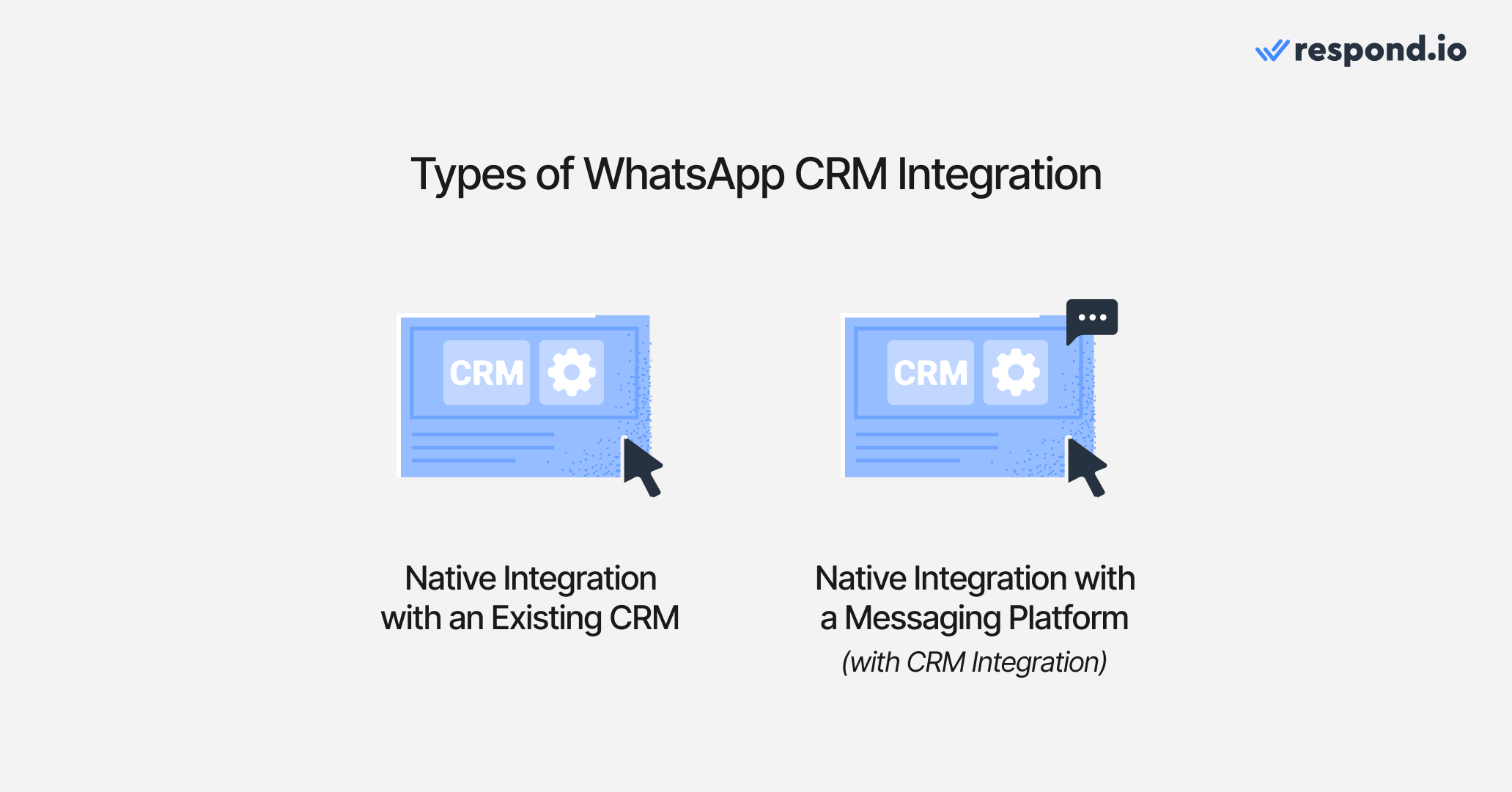
1. WhatsApp API native integration with an existing CRM
Businesses integrating WhatsApp with their CRM want to send and receive messages within their existing system. While some CRMs, like Salesforce, HubSpot and Zendesk, offer native WhatsApp integration, they often lack key messaging features since they were originally designed for email.
For example, HubSpot and Salesforce’s integrations limit automation capabilities, making it harder to qualify leads and manage conversations efficiently. Similarly, Zendesk’s native WhatsApp integration doesn’t support video previews or voice note playback within the inbox—agents must download files to view them, disrupting workflows.
Additionally, none of these integrations support WhatsApp calls natively, requiring agents to switch platforms.
Beyond these, they also restrict WhatsApp API usage to a single CRM, preventing businesses from sharing WhatsApp data across platforms or using it alongside other tools. Fortunately, most CRMs support third-party integrations, allowing businesses to connect with customer conversation platforms like respond.io that fully supports WhatsApp, unlocking advanced messaging, automation and omnichannel capabilities.
WhatsApp API + Existing CRM | WhatsApp API + Respond.io | |
|---|---|---|
Native WhatsApp Integration | Available but limited (Salesforce, HubSpot, Zendesk) | Built specifically for WhatsApp messaging |
Messaging Features | No WhatsApp calls, video previews or voice note playback | Fully supports WhatsApp features |
Automation | Limited automation | Advanced automation |
Media File Handling | Media files must be downloaded separately | Media playback in inbox |
CRM Flexibility | Restricted to a single CRM | Integrates with multiple CRMs |
Omnichannel Messaging | Limited | Supports Messenger, Instagram, TikTok, Telegram and more |
Revenue Consequence | Leads go cold while agents switch between tools to respond | Agents respond from one place — conversations, contact data and automation in a single inbox |
2. WhatsApp API CRM integration via a customer conversation platform
Unlike traditional CRMs, customer conversation platforms are built specifically for instant messaging, offering full support for WhatsApp’s features. While Salesforce, HubSpot and Zendesk provide native WhatsApp integrations, they lack key messaging functionalities such as WhatsApp calls and advanced automation.
Respond.io is a customer conversation platform that keeps your CRM as the system of record and handles the messaging layer your CRM was never built for.
It provides vital communication features mid-market B2C businesses need, including customer lifecycle management, lead qualification, automation and AI Agents while integrating with existing CRMs like HubSpot,Salesforce, Pipedrive, ActiveCampaign and more. This ensures businesses can manage WhatsApp conversations without API limitations or messaging restrictions.
To confirm the sync works, message your WhatsApp number from a test phone and check that a contact appears in your CRM with the phone number, lifecycle stage and owner you mapped. If the record is missing or duplicated, fix the field mapping before routing live traffic through it.
Beyond WhatsApp, solutions like respond.io support omnichannel messaging, allowing businesses to engage customers across Messenger, Instagram, TikTok, Telegram and more, all from a unified omnichannel inbox.
Prerequisites
Before you start, make sure you have the essentials needed for a smooth WhatsApp CRM setup:
You’ll need access to WhatsApp Business API rather than the standard WhatsApp Business App.
If applicable, confirm your Meta Business Account is verified.
You should also have admin access to your CRM, a clear list of the fields to sync such as email, phone number, lifecycle stage and owner, and a designated owner for WhatsApp opt-in and compliance.
How to integrate WhatsApp API with your CRM using respond.io in 3 steps
Integrating WhatsApp API with your CRM through respond.io takes three steps: open a WhatsApp Business API account on respond.io, connect your CRM with a native, third-party or custom API integration, then map the fields you want to sync. Have your WhatsApp API access and CRM admin rights ready before you start.
Step 1: Create a respond.io WhatsApp Business API account
Before anything else, you’ll need access to the WhatsApp Business API. This is because you cannot integrate the regular WhatsApp Business app with a CRM.
As an official WhatsApp Business Solution Provider, respond.io allows businesses set up their API quickly and securely. Learn how to create a WhatsApp Business API account with respond.io.
Step 2: Connect WhatsApp to your CRM
With respond.io’s built-in integration capabilities, businesses can connect WhatsApp to their CRM using different methods:
Native Integration: Directly integrate CRMs like HubSpot and Salesforce with respond.io to sync contacts, messages and workflows.
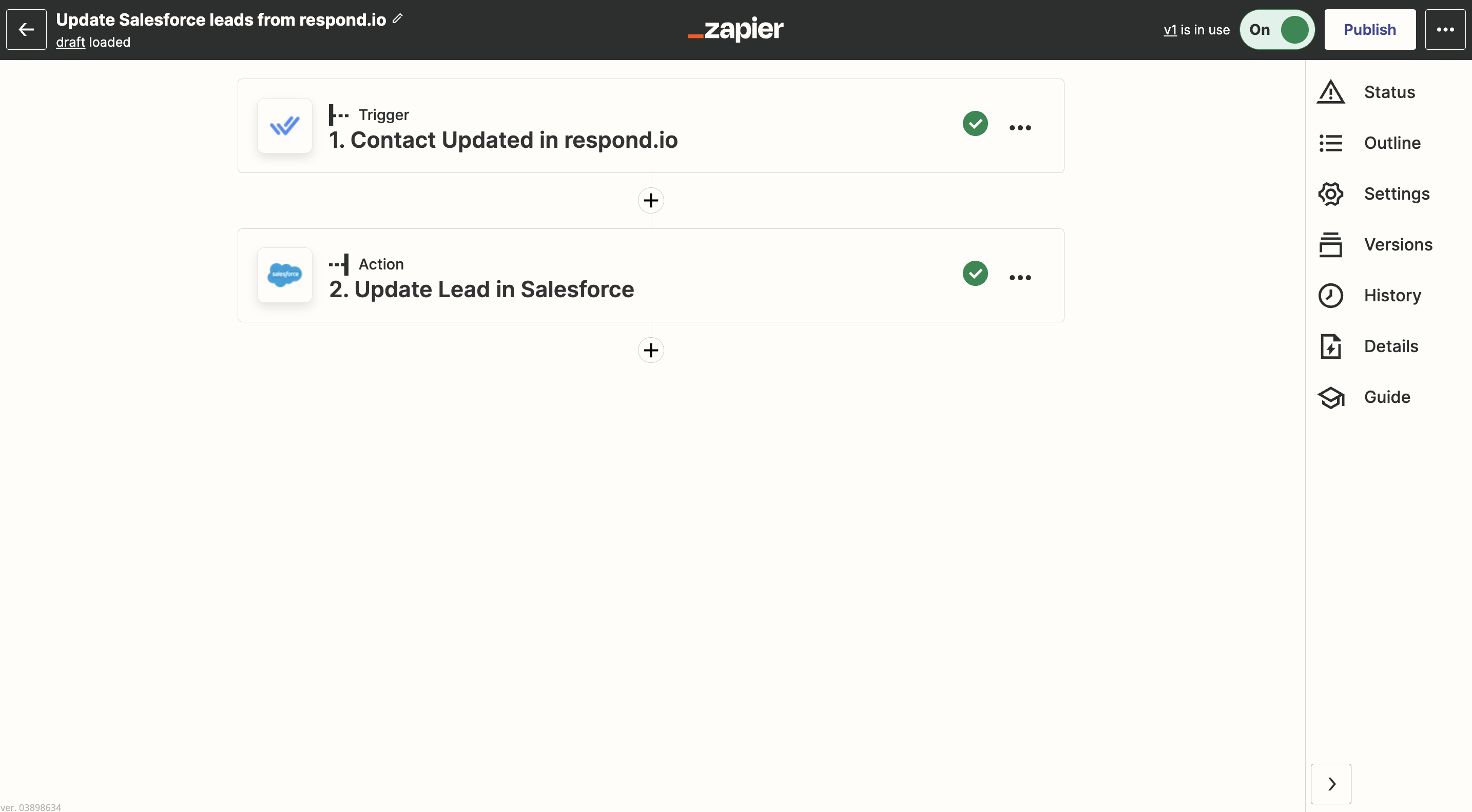
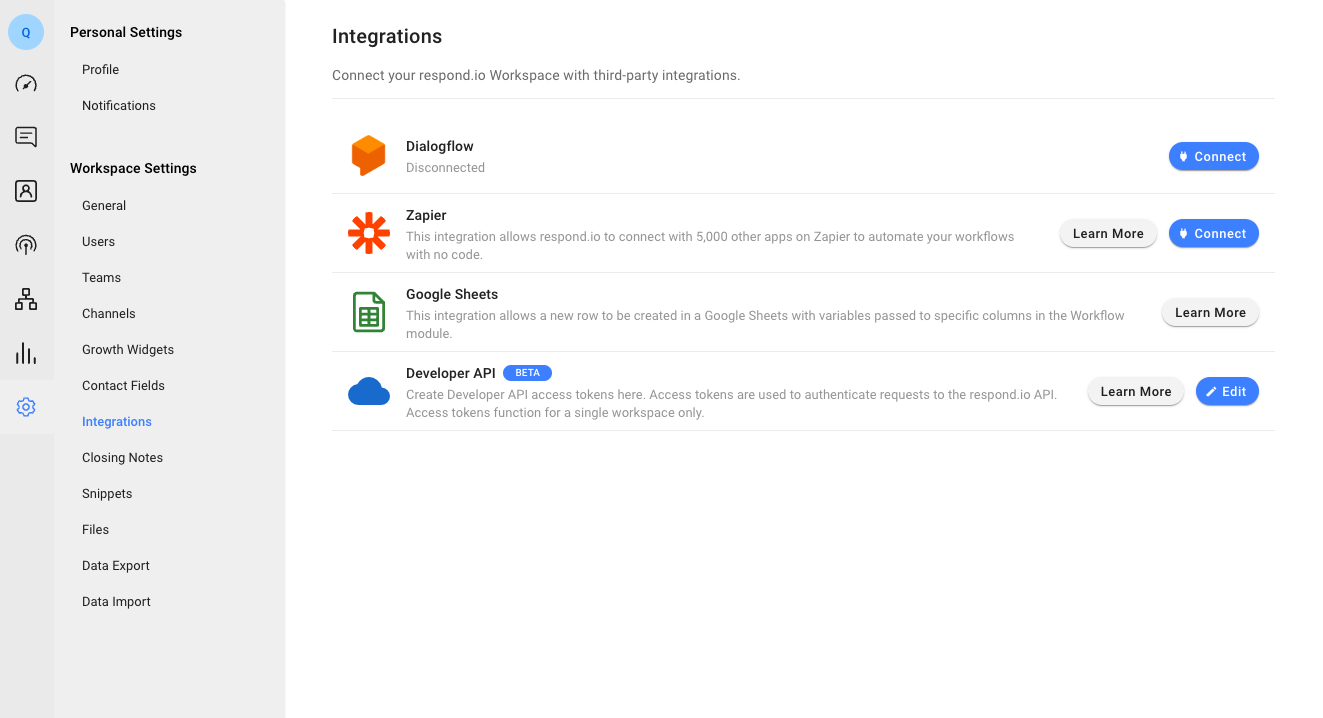
Custom API Integration: Create a new Workflow and add the HTTP Request Step to integrate any CRM with respond.io. Voice call metadata, transcripts and recordings can also be sent to external systems via webhook.

Step 3: Set up information to sync
Once connected, ensure data syncing works properly between WhatsApp and your CRM. Respond.io allows businesses to sync contacts, conversation history and lifecycle stages while automating lead assignments, chat routing and follow-ups.
This ensures WhatsApp conversations are managed efficiently without switching between platforms.
Why mid-market B2C teams use respond.io between WhatsApp and their CRM
A customer conversation platform is often the best choice when you need WhatsApp to behave like a CRM channel by syncing records, automating routing and keeping context without forcing agents to work inside the CRM UI.
Respond.io is a customer conversation platform designed to provide that layer with multi-CRM sync, workflows and call support — and is an official WhatsApp Business Solution Provider and Meta Business Partner. It makes it easy to sync conversations, automate workflows and manage customer interactions from one place. With solid platform reliability and dedicated customer support, businesses can ensure smooth operations and uninterrupted messaging.
Here's how businesses use respond.io for marketing, sales, customer service, team collaboration and performance tracking to see why it’s the best solution.
Marketing: Capturing and engaging Leads
Businesses can attract WhatsApp leads using QR codes on physical materials, chat links in digital content or chat widgets on websites. For proactive lead generation, click-to-WhatsApp ads on Facebook and Instagram help businesses reach targeted audiences and drive them toward conversion.
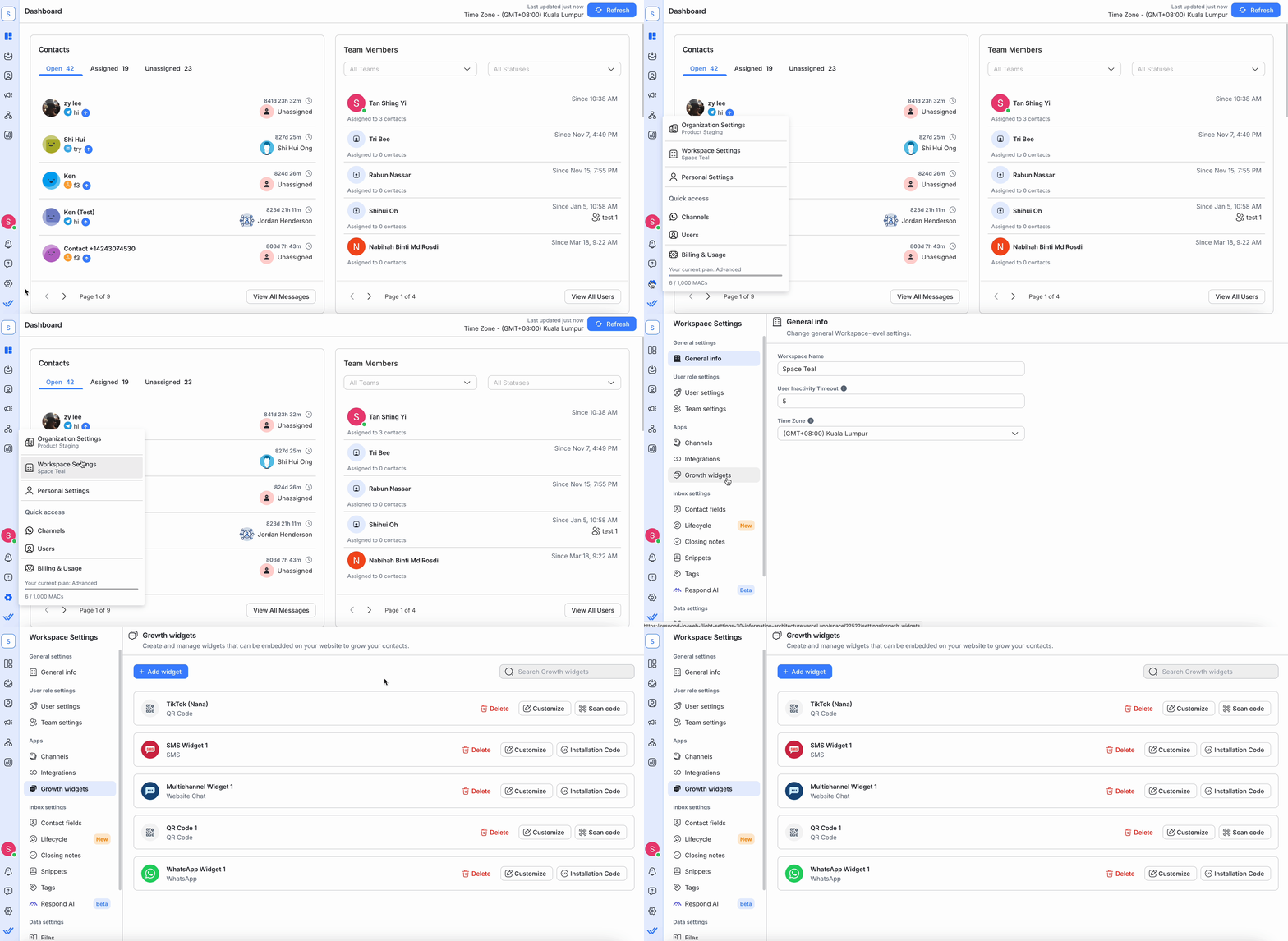
Once a lead reaches out, respond.io automatically collects and syncs contact details into the CRM, allowing businesses to segment customers, send broadcasts and personalize follow-ups with tools like WhatsApp catalogs, interactive messages and push notifications.
Sales: Automating lead qualification and sales tasks
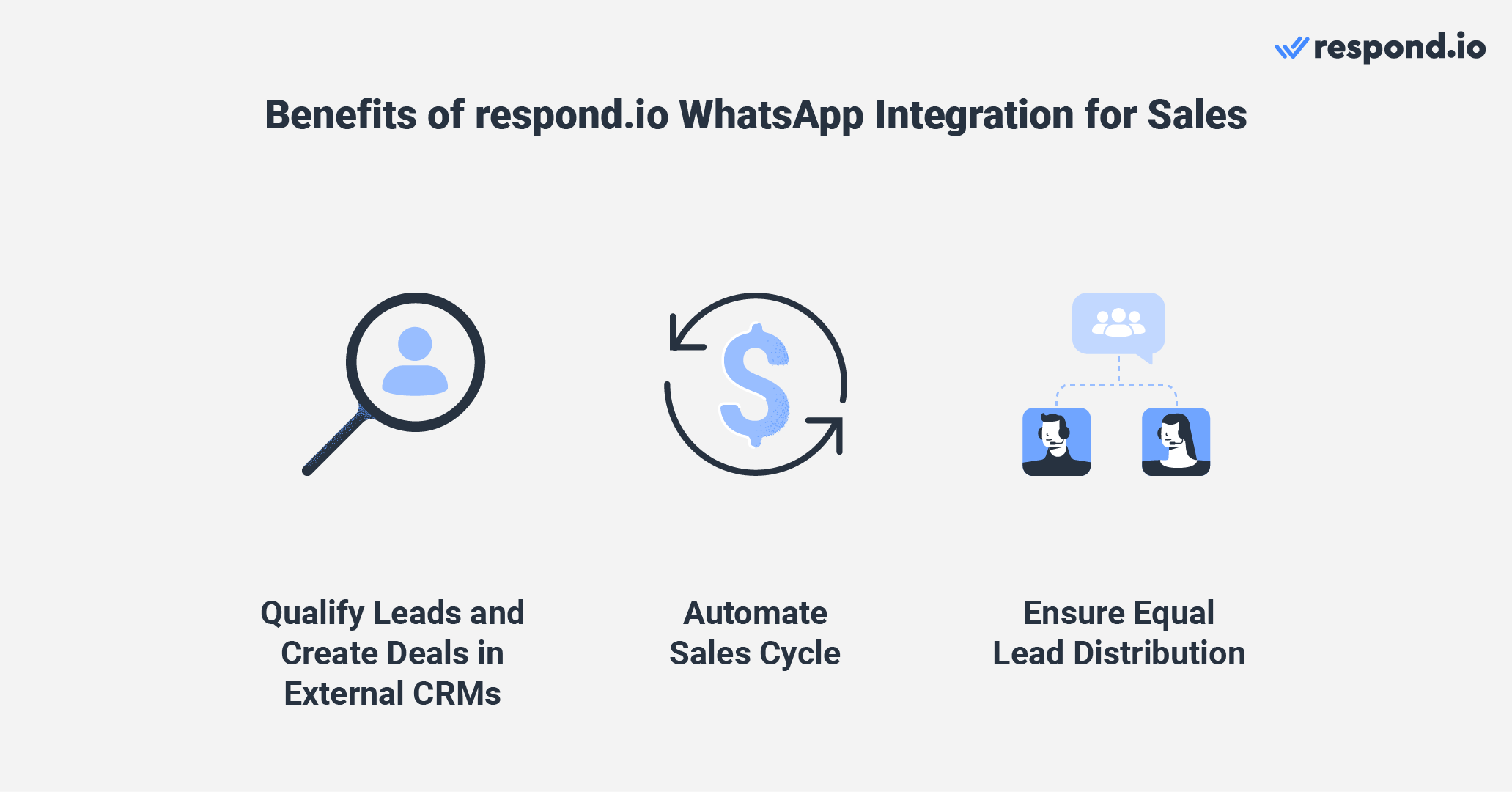
Respond.io natively integrates with CRMs like HubSpot and Salesforce, enabling sales teams to qualify leads, track conversations and close deals—all from one platform. With AI-powered automation, businesses can filter out low-priority leads by automating qualifying questions and lead scoring.
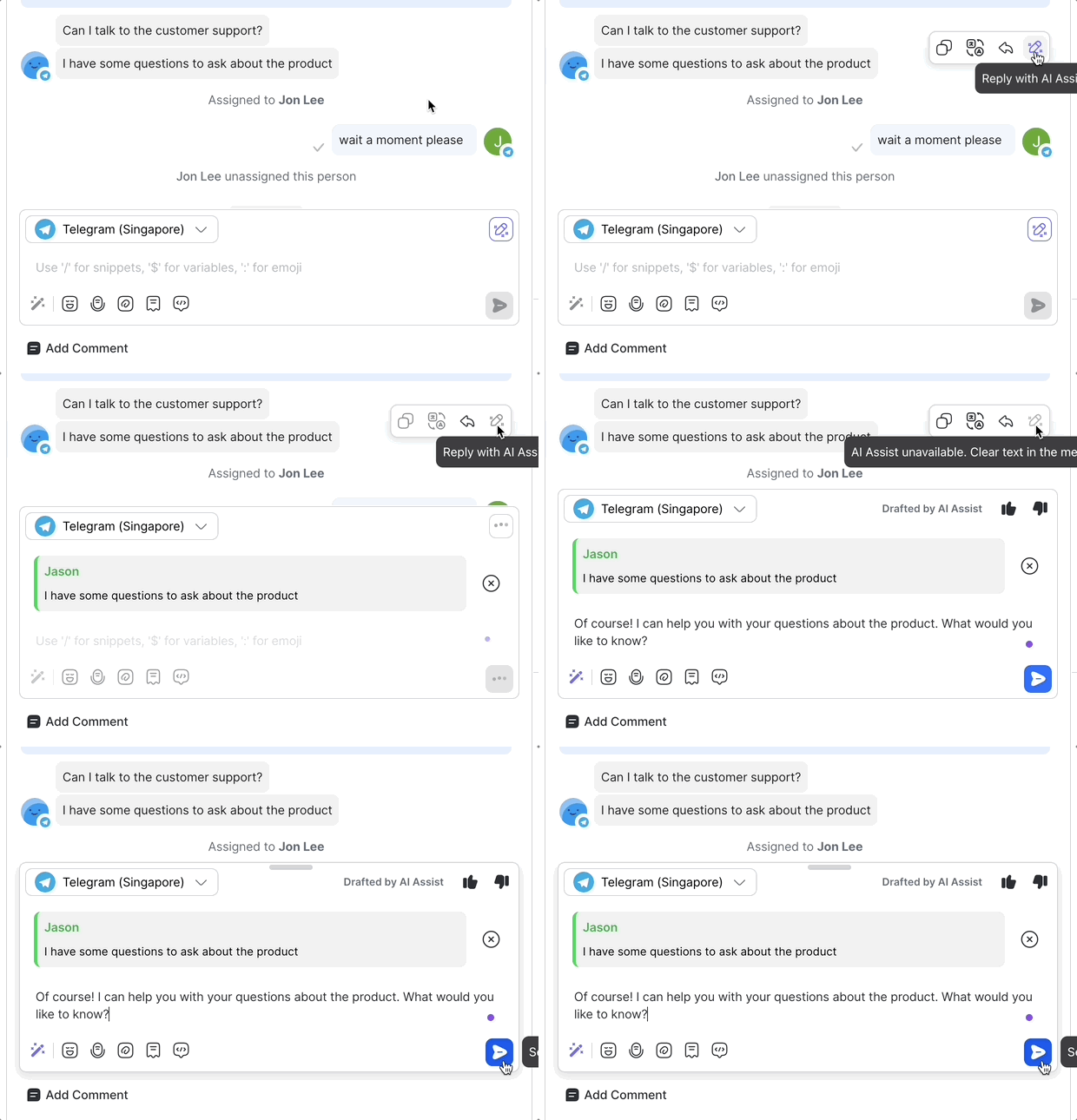
Many teams also add a respond.io AI Agent to handle early-stage inquiries, recommend products and send payment or booking links. Short-term rental business Hmlet uses one to screen every new WhatsApp inquiry, so its sales team only hears from people who actually want a room. With 90% of spam filtered out before an agent sees it, Hmlet's WhatsApp conversion rate rose 2.5x.
Once a lead is verified, respond.io can route conversations to the right sales agent based on priority, deal size or region. AI-assisted replies, rich media messages and WhatsApp Call Support enable faster engagement and conversions.
Retention: Improve customer support quality and efficiency
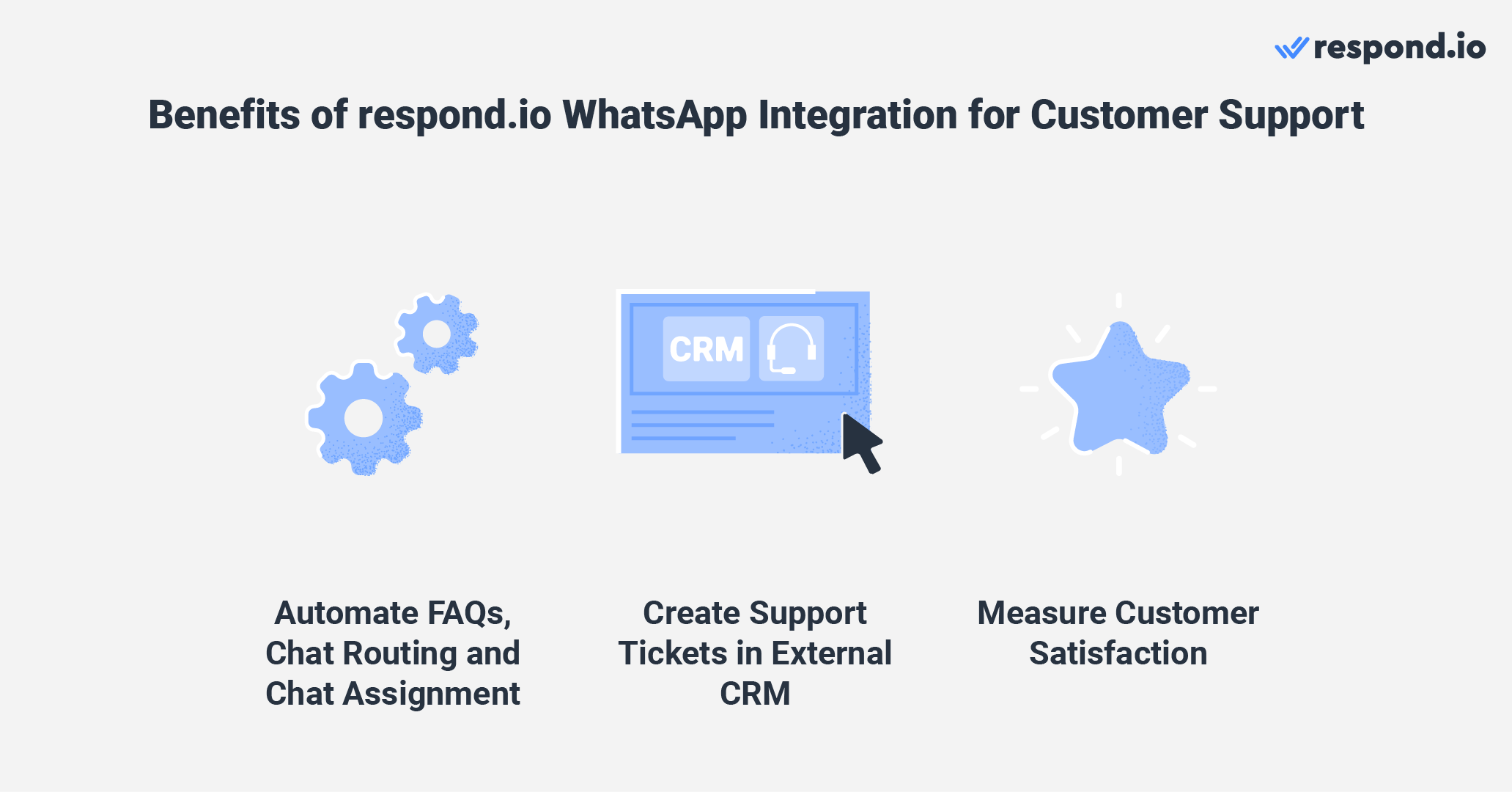
Businesses can automate FAQs and guide customers through self-service options using multiple-choice questions. For complex inquiries, the platform can automatically route customers to the right team.
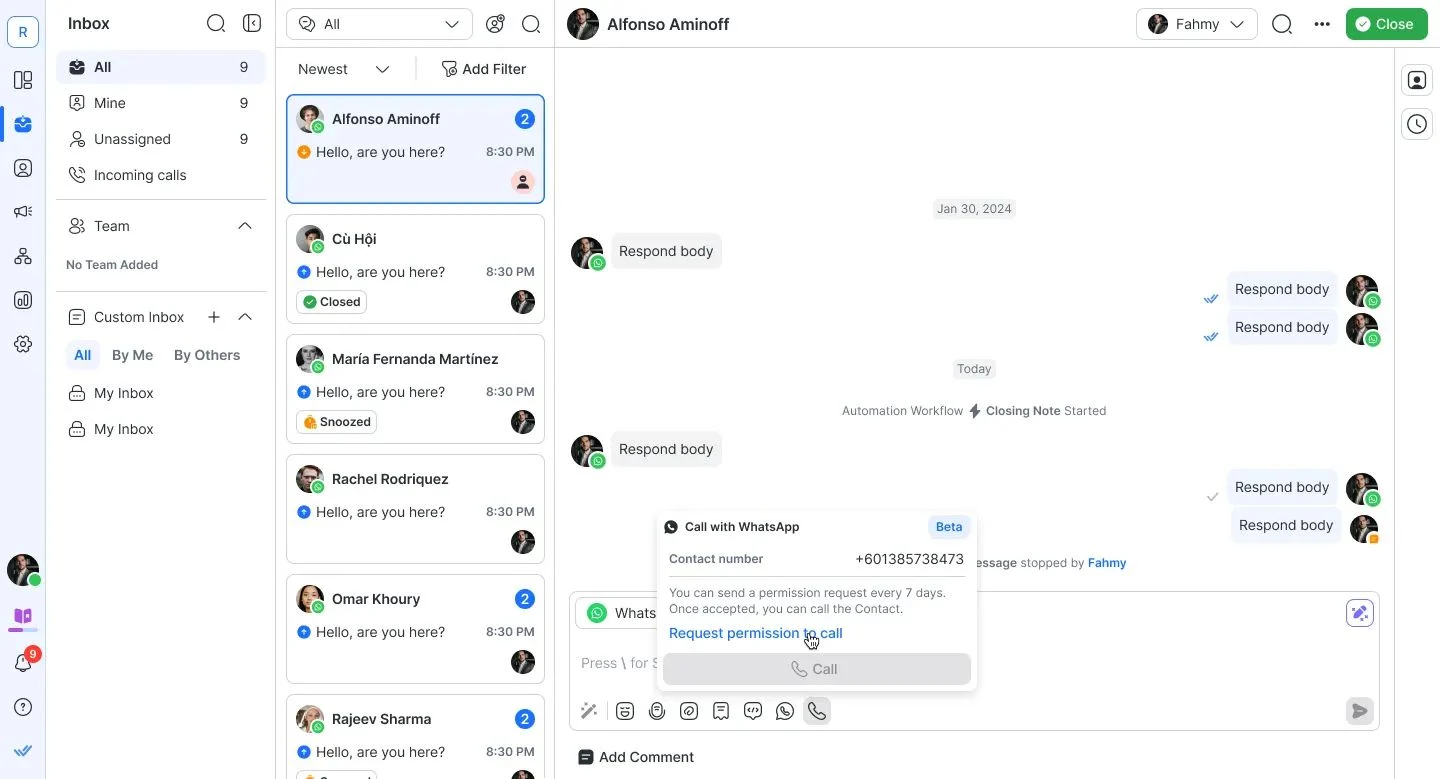
AI Assist provides agents with quick access to knowledge bases, improving response times and accuracy. When necessary, agents can easily escalate to voice conversations using the WhatsApp Business Calling API, enabling direct communication within the same platform. Businesses can also send CSAT surveys post-conversation to measure customer satisfaction.
Team collaboration: Improving internal communication
Respond.io makes it easy for team members to collaborate in a team inbox. Through internal comments, agents can provide background information about a Contact for more follow-ups.
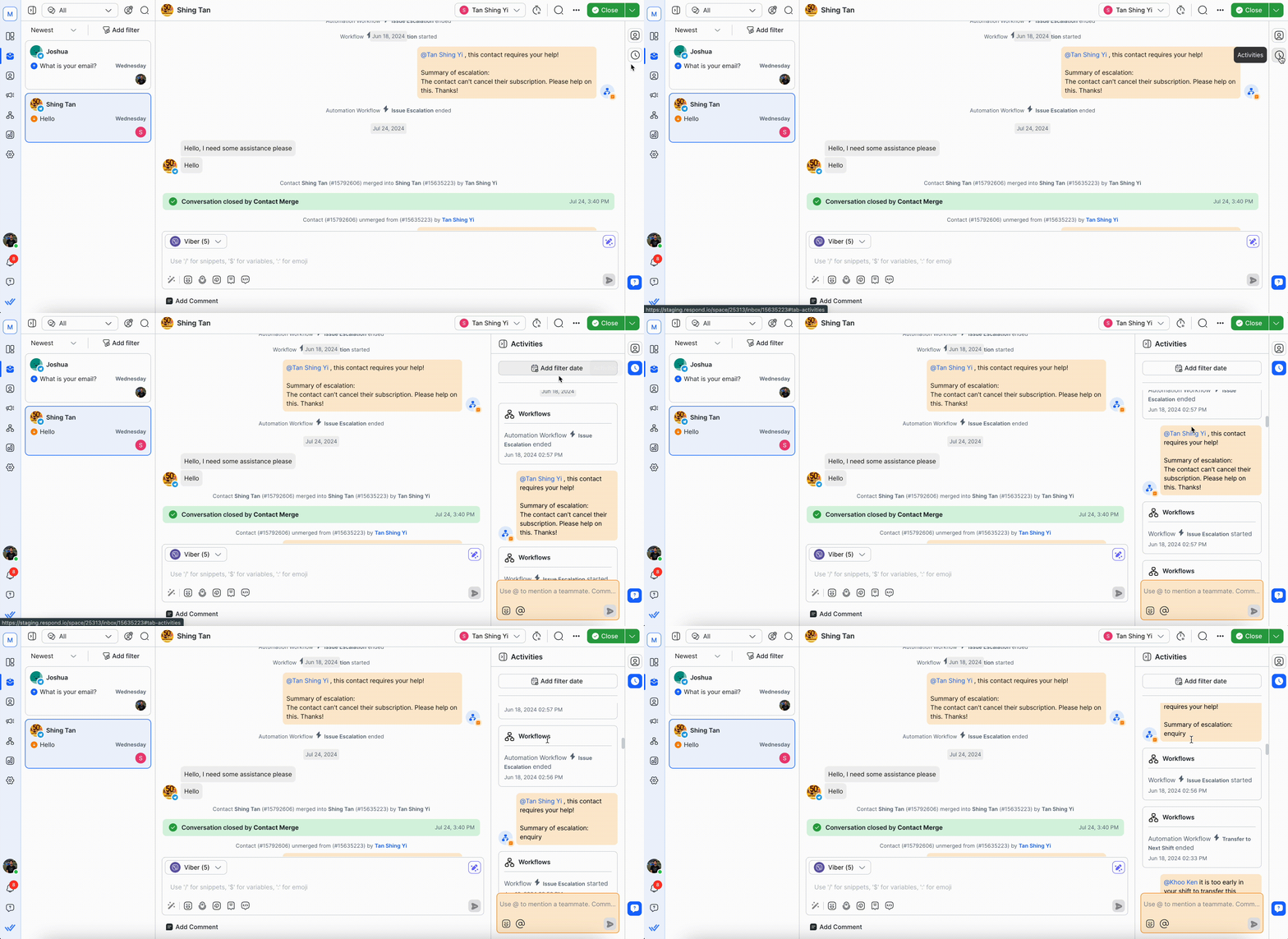
Agents can also tag their teammates to discuss the best way to help a customer or escalate complex cases whenever necessary. Best of all, agents can easily collaborate, chat with customers and manage their tasks anywhere with the respond.io mobile app.
Performance tracking: Gaining insights for improvement
Managers can track real-time metrics using respond.io’s analytics dashboard to measure agent performance, customer engagement and response times.
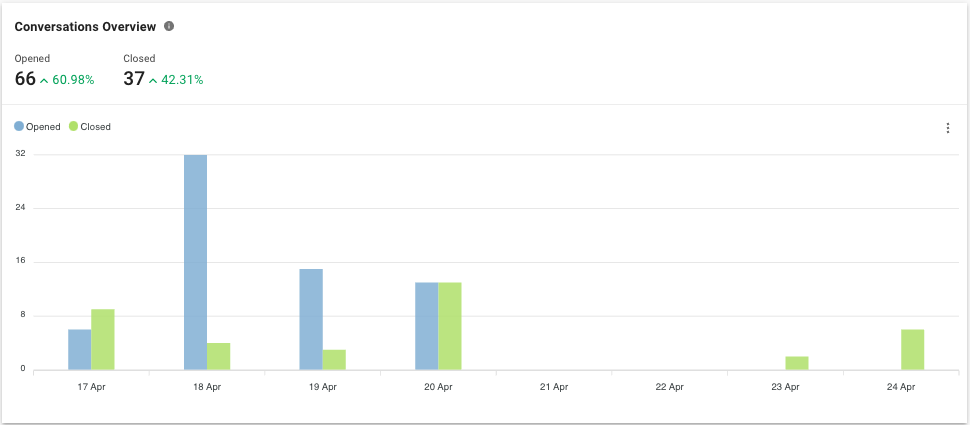
High-value conversations can be filtered and reviewed using a custom inbox to optimize customer interactions and improve overall service quality.
Best practices for using respond.io to bridge WhatsApp and your CRM
To get the most out of respond.io as a link between WhatsApp and your CRM, follow these best practices to ensure you have contact data that will transfer cleanly, merge contacts across channels and segment leads for follow-up across the customer lifecycle. If you don’t, contacts may not sync and leads won’t be followed up with in a timely manner.
1. Collect email and phone numbers
For most CRMs, every lead or customer must have a unique identifier, like their email address or phone number. When a lead contacts you on WhatsApp, respond.io captures their phone number automatically. For email, set up an AI Agent or workflow to ask for it at the right moment — then sync both fields to your CRM in real time. No manual data entry, no missing records.
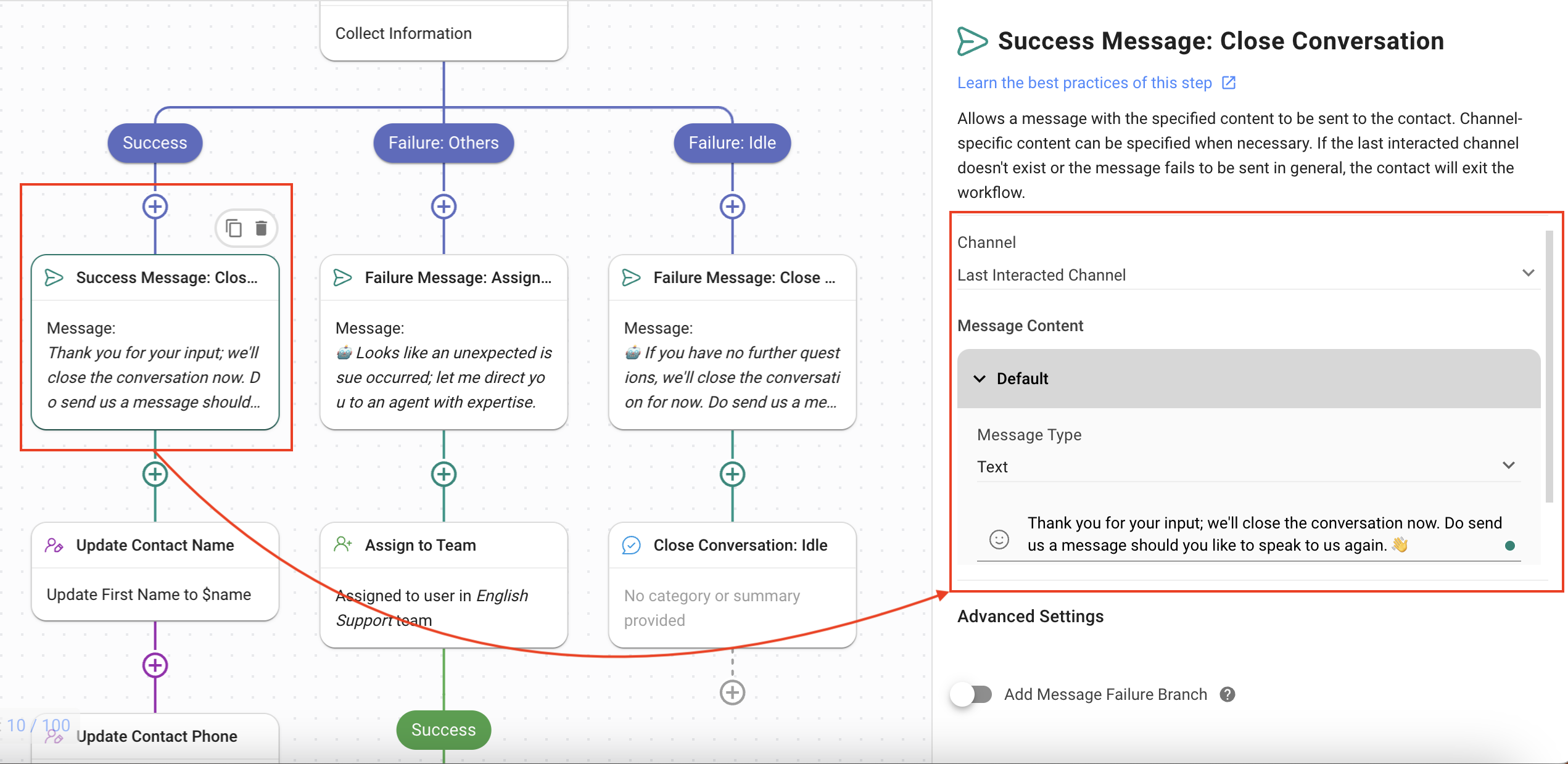
2. Merge contacts to avoid duplicates
Most WhatsApp platforms treat each channel as a separate contact. Respond.io automatically detects when the same person has reached out via WhatsApp and another channel, matches them by email or phone number, and prompts your team to merge — keeping a single, complete contact record across your inbox and CRM.
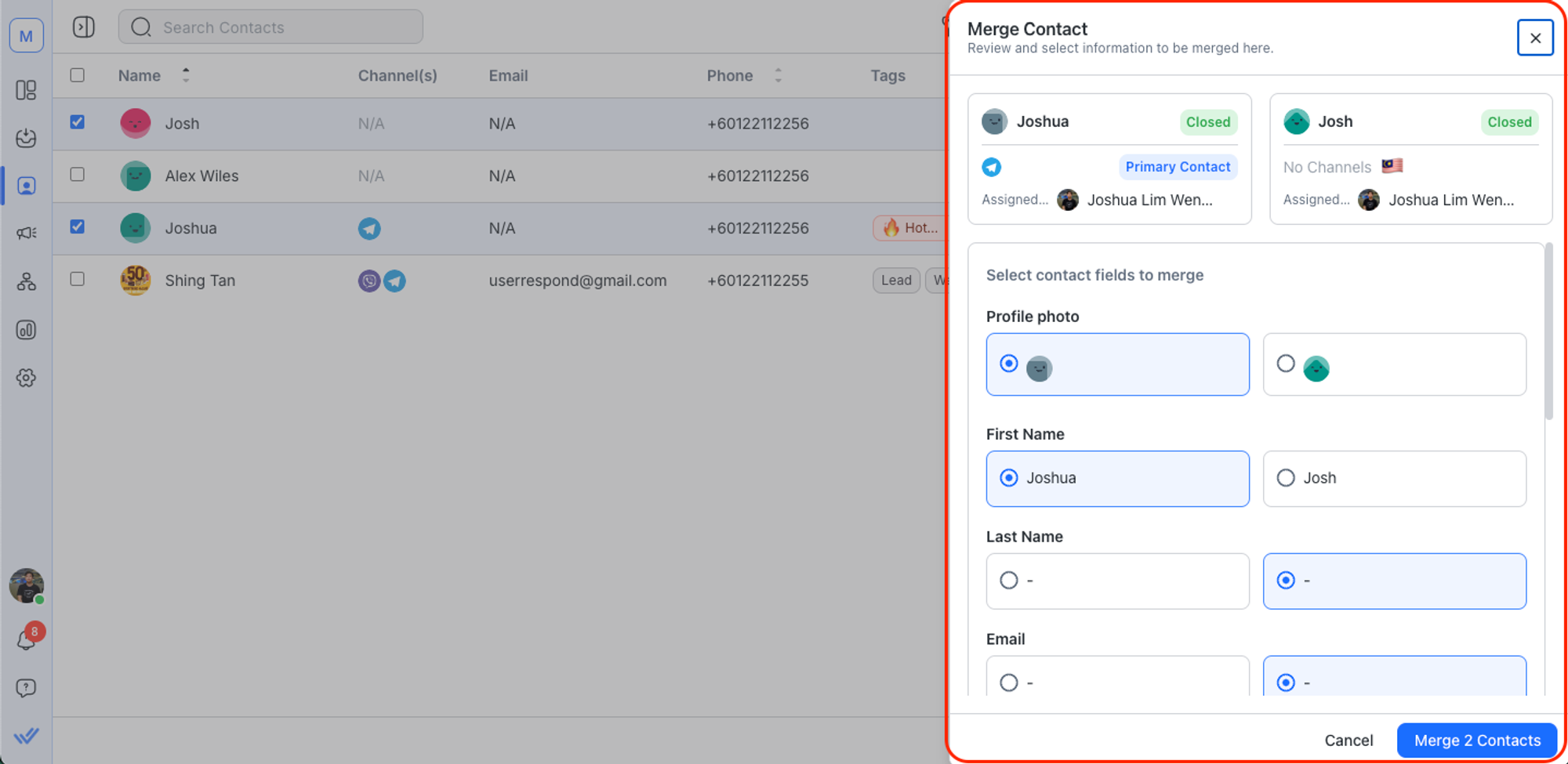
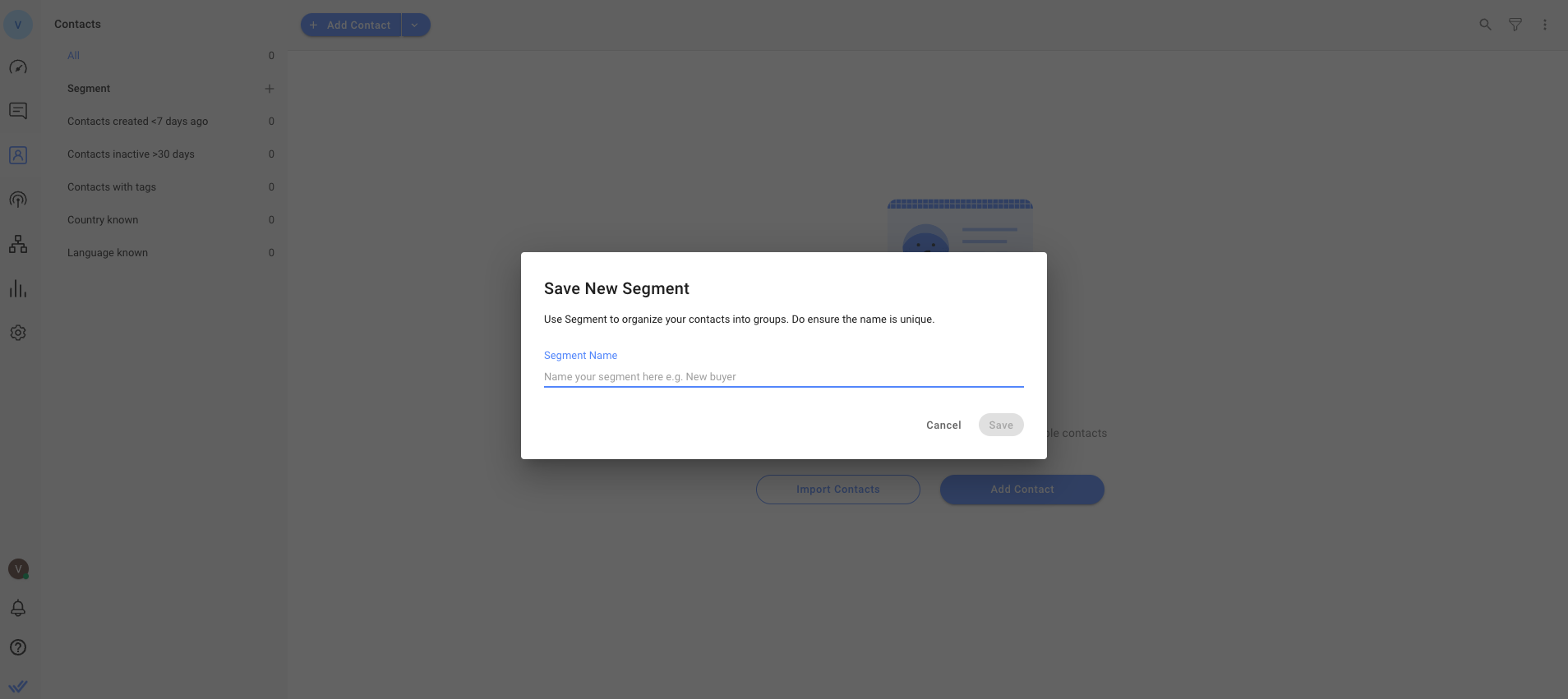
3. Segment customers for WhatsApp broadcasts
Unlike basic CRM field matching, respond.io's Lifecycle feature lets you segment contacts by where they are in the sales process — and target WhatsApp broadcasts accordingly. AI Agents can update Lifecycle stages automatically mid-conversation, so your segments stay current without manual intervention.
Before you get started: When respond.io isn't the right fit
Respond.io works best as the layer between WhatsApp and your CRM — not as a workaround, a CRM replacement, or a broadcast tool for cold contacts. If any of the following describes your setup, it may not be the right fit.
Not a CRM replacement
Respond.io sits between WhatsApp and your CRM — it's not a CRM replacement. If you need a single system to manage your entire customer database, pipeline and reporting, you'll still need a dedicated CRM alongside it.
Not for businesses that want to blast cold contacts
Respond.io requires WhatsApp opt-in. If your plan is to import a list of CRM contacts and send them unsolicited promotional messages, respond.io isn't the right tool — and WhatsApp will ban your number before long anyway.
Not for businesses that want to work around WhatsApp's policies
Respond.io is an official WhatsApp BSP, so it operates within WhatsApp's rules, not around them. If your workflow depends on unapproved message templates or high-volume cold outreach, this isn't the platform for that.
WhatsApp CRM: Key takeaways
When WhatsApp and your CRM operate as two separate tools, agents switch between them to reply — and leads go cold in the gap. respond.io closes that gap by sitting between WhatsApp and your CRM, connecting conversations, contact data, automation and calls in one inbox so your team never has to choose between responding fast and keeping records accurate.
It suits mid-market B2C teams running sales or support on WhatsApp at volume who want to keep their existing CRM. If you're still on the WhatsApp Business App, move to the API first.
Companies in F&B, hospitality, healthcare, education, real estate and retail have seen real results with this approach. Check out our customer stories to see how businesses are improving response times, automating workflows and handling more conversations without extra effort.
To see how CRM sync connects offline sales back to WhatsApp conversations, read our guide to WhatsApp ROI attribution.
Now it’s time to put this into practice. Sign up for respond.io’s WhatsApp Business API and start managing WhatsApp conversations more effectively today!
Turn conversations into customers with respond.io's official WhatsApp API ✨
Manage WhatsApp calls and chats in one place!
FAQ about using respond.io to integrate WhatsApp with a CRM
What is the best CRM with WhatsApp integration?
There's no single best CRM for WhatsApp; the right setup depends on your message volume and how many systems need the data. Native integrations in Salesforce, HubSpot and Zendesk work for teams with light WhatsApp traffic and one CRM, but they limit automation, don't support WhatsApp calls and tie the API to a single CRM.
Mid-market B2C teams handling WhatsApp at volume usually keep their CRM and add a customer conversation platform like respond.io between the two. Respond.io syncs contacts and lifecycle stages to multiple CRMs and uses AI Agents to qualify and route leads, with chats and calls handled in one inbox.
Can I integrate WhatsApp with multiple CRMs?
You can integrate WhatsApp with multiple CRMs by using an intermediary customer conversation platform that can sync the same WhatsApp contact and conversation data to more than one system.
Respond.io functions as your central hub for WhatsApp conversations and can push contact details, messages and lifecycle updates to external systems such as Salesforce, HubSpot or Pipedrive simultaneously. This setup lets different teams use their preferred CRM while maintaining a unified view of all WhatsApp interactions, ensuring consistency and avoiding duplicate records.
Can I make WhatsApp calls inside my CRM?
Native CRM integrations — including Salesforce and HubSpot — don't support WhatsApp calls. With respond.io, agents can handle WhatsApp Business Calls in the same conversation workspace used for chat, while syncing call context back to your CRM. Call history, transcripts, recordings and AI-generated summaries are all in one place and can be synced to your CRM via webhook, so agents never need to switch platforms for voice interactions.
Can AI Agents answer business calls?
Yes, AI agents can answer voice calls if you use the right tool. On respond.io, you can configure the AI agent’s voice, add instructions and test the experience before going live. This gives you full control over how calls are handled. Unlike standalone voice bots, respond.io’s AI Voice Agent is fully integrated into a unified inbox, allowing mid-market B2C businesses to manage messaging and voice interactions in a seamless thread with every customer, with shared logs and reporting.
How can I use AI Agents to follow up on customer conversations?
If conversations are left hanging pending a customer’s response, you can set your AI Agent to nudge them with a relevant follow-up question. For example, respond.io’s AI Agent goes beyond simple time-based nudges or workflow triggers. It uses conversation history to understand its context and determines when and how to follow up. This understanding helps it avoid contacting customers whose issues are already resolved, and to send personalized, human-like nudges at the right time.
Do I need to replace my CRM to use WhatsApp with respond.io?
You can keep your CRM. Respond.io is a customer conversation platform that works alongside it, so your CRM stays the system of record for pipeline and reporting. Respond.io runs the WhatsApp side, including conversations, AI qualification, routing and calls. It syncs contacts and lifecycle updates back to CRMs like HubSpot, Salesforce and Pipedrive. If you want one tool to replace your CRM entirely, respond.io isn't built for that job.
Is respond.io just a shared inbox for WhatsApp?
Respond.io is a customer conversation platform that includes a shared team inbox, plus the AI Agents, Workflows, lifecycle tracking and CRM sync a shared inbox lacks. It also goes beyond WhatsApp. Messenger, Instagram, TikTok, Telegram and other channels land in the same inbox, with contacts merged across channels.
That matters when leads hop channels mid-conversation, which Hmlet handles across five channels while its AI Agents filter 90% of spam. A basic shared inbox suits small teams replying manually. Once you need qualification, routing or CRM sync, you'll outgrow it.
Further Reading
Need a more in-depth article to kickstart your marketing, sales and support journey with respond.io? Here are some blogs that might help you.


