
















 Electronics
 Fashion & Apparel
 Furniture
 Jewelry and Watches
 Afterschool Activities
 Sport & Fitness
 Beauty Center
 Dental Clinic
 Medical Clinic
 Home Cleaning & Maid Services
 Photography & Videography
 Car Dealership
 Travel Agency & Tour Operator


Are you messaging customers on WhatsApp API but need better customer engagement or conversion rates? Then you should consider using WhatsApp Business Calling API. In this blog, we’ll go through what it is, its benefits, how it works and the use cases of WhatsApp Business Calling API.
What Is WhatsApp API Call?
WhatsApp API Call, also known as WhatsApp Business Calling API, is a new feature of the WhatsApp API that allows businesses to make and receive voice calls through WhatsApp. Unlike standard WhatsApp calls, WhatsApp API Call has been designed for businesses expecting a large volume of calls with a stable connection. But why should businesses consider calling customers over WhatsApp?
4 Benefits of WhatsApp API Call
WhatsApp API Call offers a ton of benefits to businesses. It combines the familiarity of WhatsApp with the immediacy of voice communication. It offers a versatile way to address customer needs.
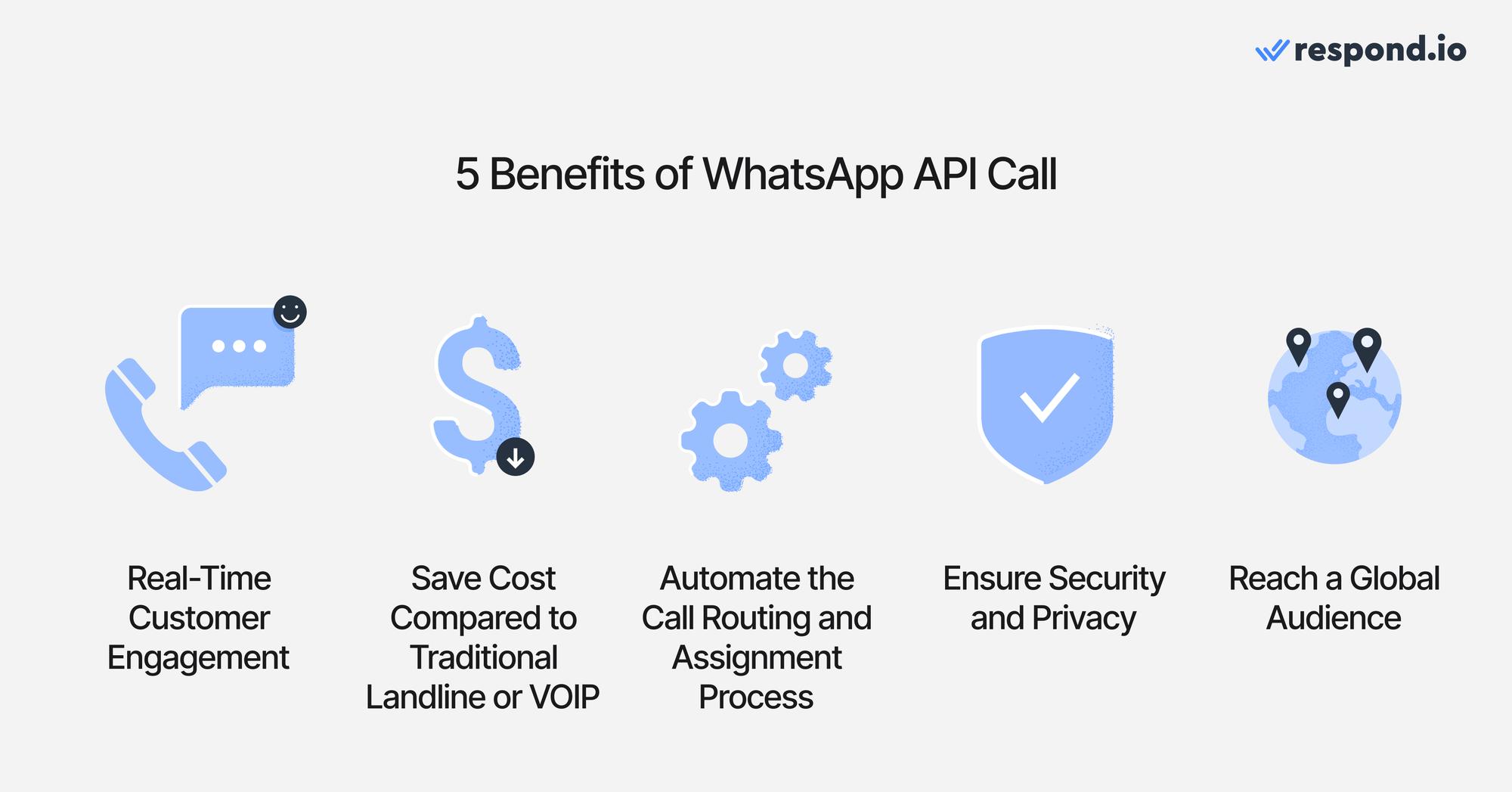
Whether it’s resolving concerns, guiding purchases, or enhancing support, WhatsApp API Calls help bridge the gap between convenience and connection. Let’s take a look at these benefits of WhatsApp API Calls.
1. Built-in voice calling without the learning curve
Let customers call from WhatsApp—the app they already trust—while your team answers from respond.io.
Without extra tools, training or context switching needed, it’s just a natural extension of the conversation.
2. No-Cost voice calls (for inbound from customers)
Customer-initiated calls are 100% free for your business—no per-minute fees or call charges. Save budget while staying reachable to more customers.
3. The fastest way to talk to a business
Customers can call you with one tap, straight from the chat. No app switching, no copy-pasting numbers — your team picks up the call in the same interface they message from.
4. Global availability, instant access
Available wherever WhatsApp works—no setup delays or telco restrictions. Customers worldwide can reach you instantly, for free, making it perfect for global brands and distributed teams.
Now that you know the benefits of WhatsApp API Calls, let’s look at how they work.
Turn conversations into customers with respond.io's official WhatsApp API ✨
Manage WhatsApp calls and chats in one place!
How Does WhatsApp API Calling Work?
Unlike traditional landlines or VOIP, businesses aren’t allowed to make calls to contacts whenever they want. This is to ensure the privacy of contacts is respected.
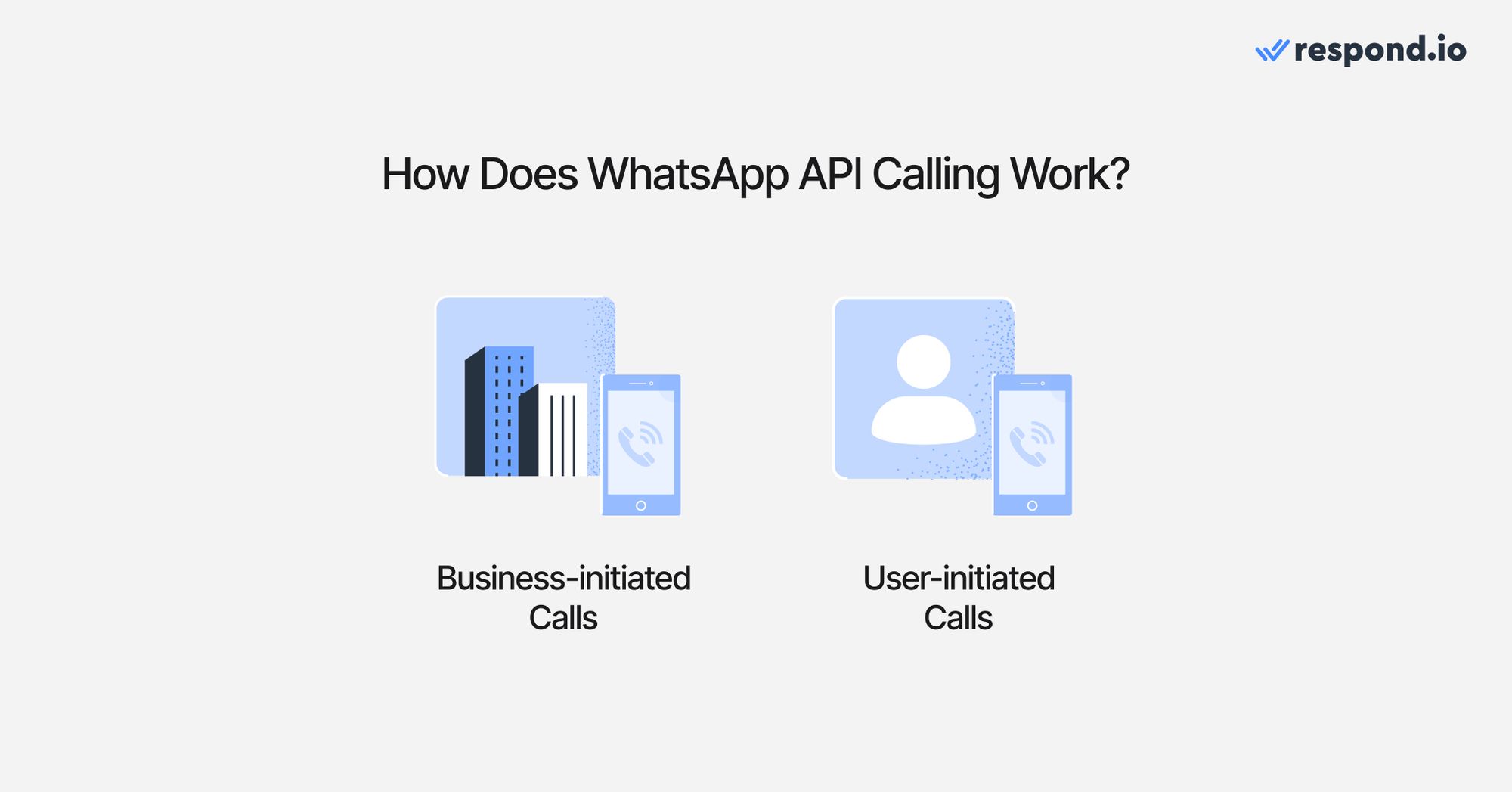
So, how can businesses and contacts call each other?
Business-initiated Calls (Outbound)
You’ll need to send a permission request when an existing Marketing, Utility, Authentication, Service, or Free Entry Point conversation is open.
A business can send a maximum of 1 permission request in 24 hours and two permission requests in seven days. This limit resets when a connected call takes place between the business and the contact. When a contact grants permission, you need to call the user within 72 hours. Here’s an example:
Day 1 (Monday): The business sends the first permission request at 10:00 AM.
Day 2 (Tuesday): The business wants to send another permission request but must wait until 10:00 AM, 24 hours after the first request. The business cannot send another request until Day 8 (Monday).
User-initiated Calls (Inbound)
Customers can initiate calls by clicking a WhatsApp deep link or call button provided by the business. Businesses can embed deep links directly on their website, apps or QR Codes to provide more entry points for user-initiated calls. Fortunately, user-initiated calls are free.
Now that you know how they work, let’s take a look at how to set up WhatsApp API Call.
How to Set Up WhatsApp API Call
Get started with WhatsApp API calls in these three easy steps.
Step 1: Set Up WhatsApp API
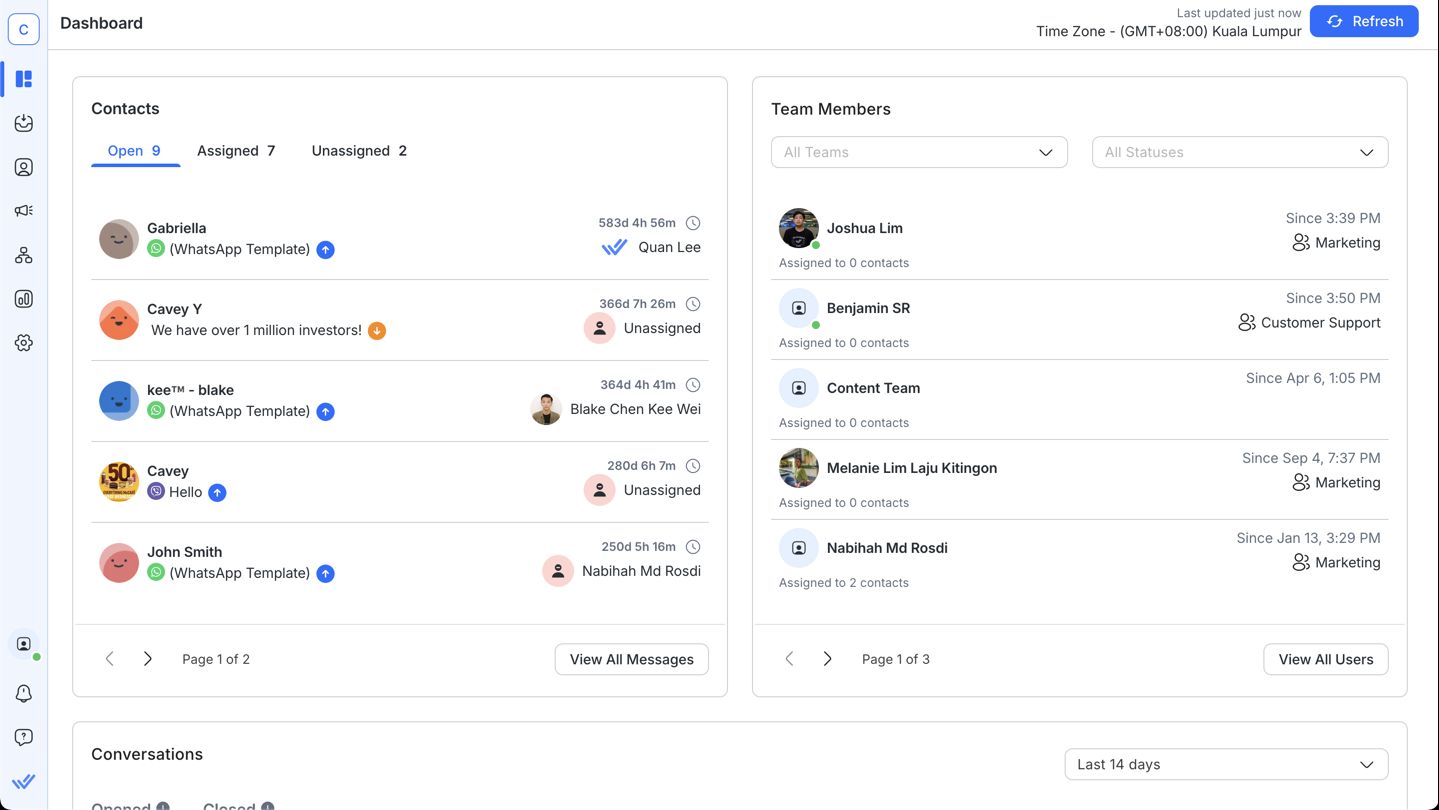
Get a WhatsApp Business API access. Sign up with a WhatsApp Business Solution Provider (BSP) like respond.io. Then, set up phone numbers and link them to the WhatsApp API account.
Step 2: Enable WhatsApp Calls in Settings
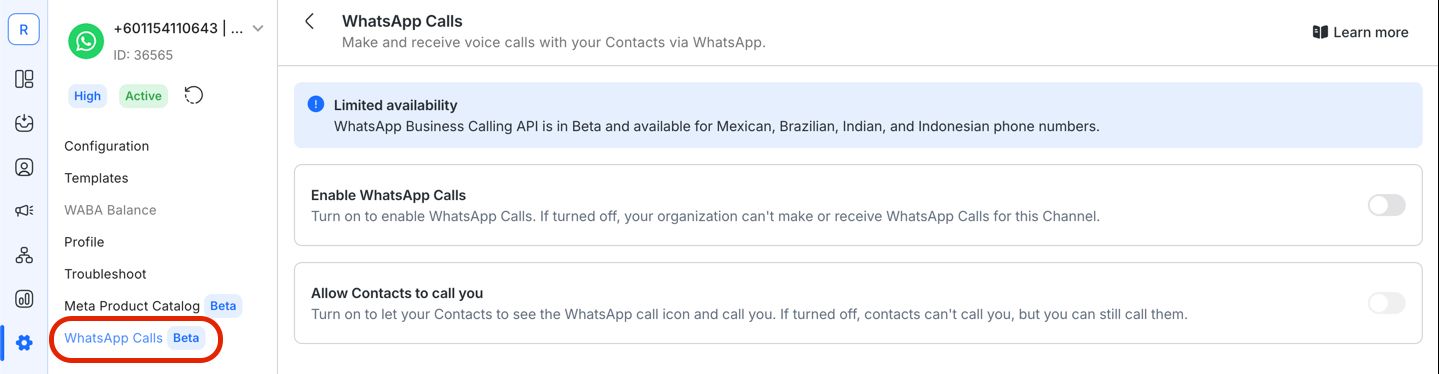
Access the settings menu within your WhatsApp Business API dashboard. After that, toggle the voice calling feature on and customize permissions as required.
Step 3: Send a Request to Your Desired Contact
Send a permission request to your contacts. Once they accept your request, you can call them within the 72-hour call window.
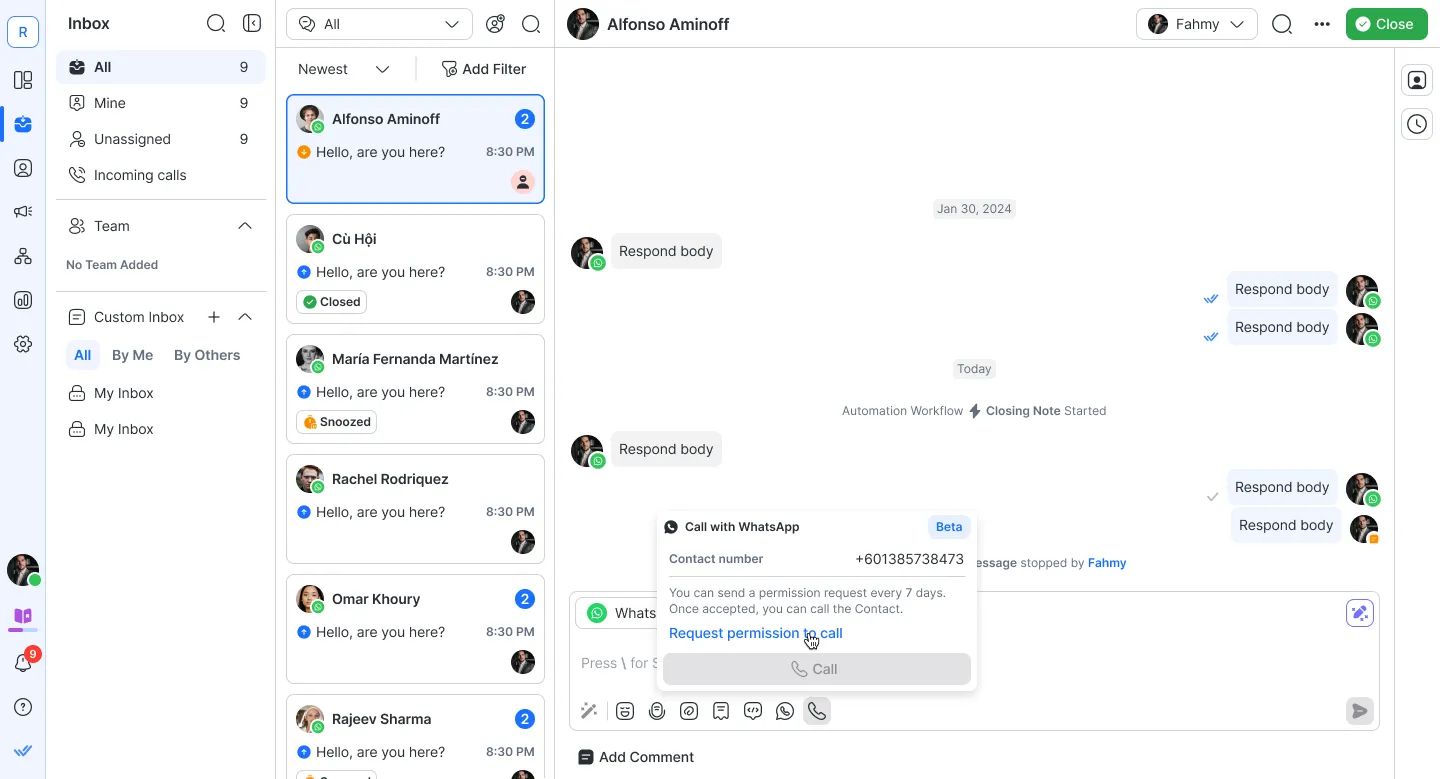
Now that you’ve set up WhatsApp API call, what can you use it for? We’ll look at that next.
WhatsApp API Call Use Cases
There are three broad use cases for WhatsApp API Call - sales, marketing and support. As mentioned earlier, calls are better for complex explanations or urgent situations.
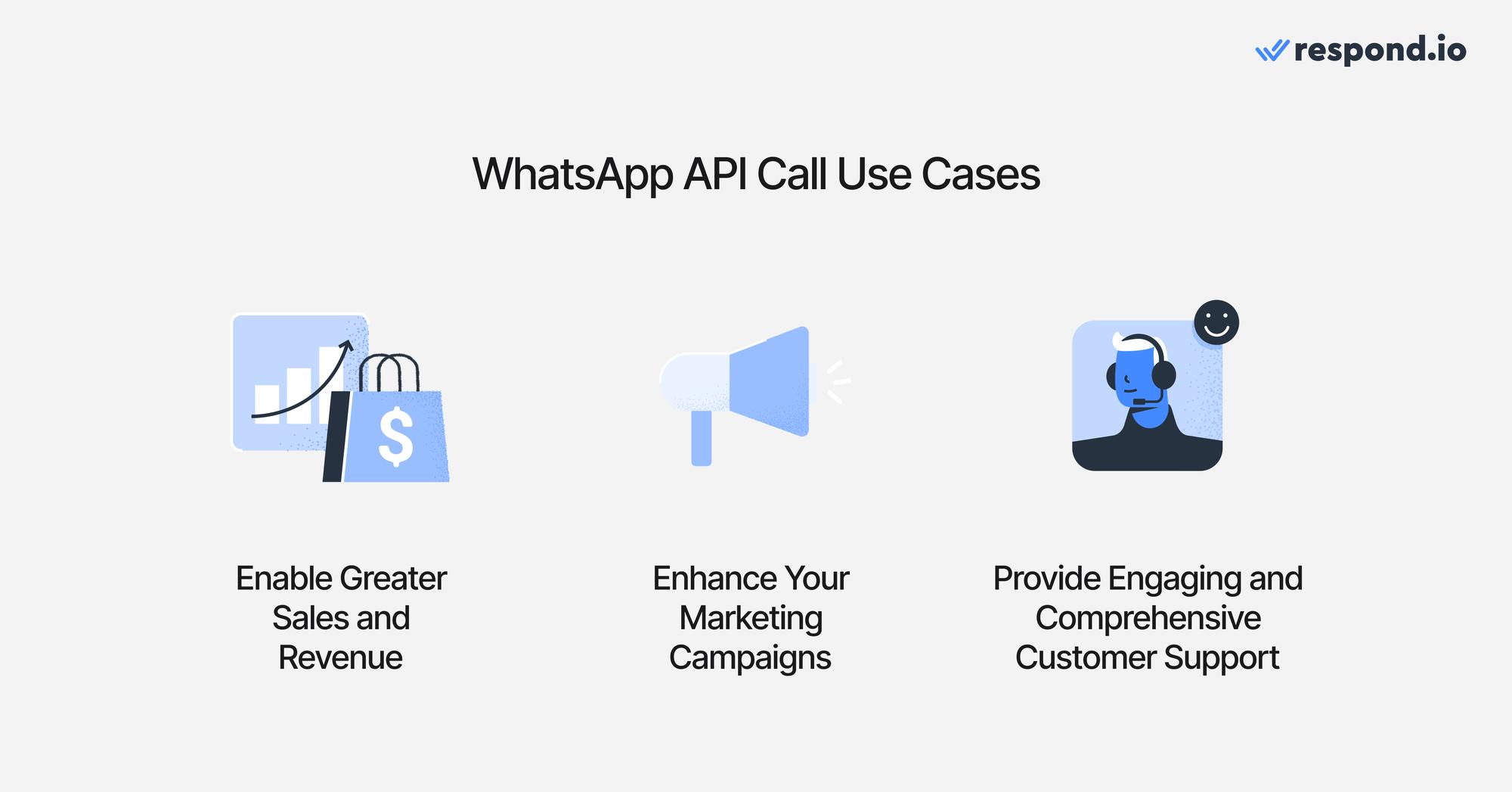
Let’s see how agents can use WhatsApp API Call for their daily tasks.
Enable Greater Sales and Revenue
Sales agents can use WhatsApp API Calls to follow up with leads immediately after receiving an inquiry, ensuring prospects stay engaged and reducing the chances of losing them to competitors.
For example, an agent might call a potential customer to clarify questions about a product or service, guiding them through the purchase process. Personalized sales pitches delivered over a call allow agents to better address specific needs, making it easier to close deals.
Additionally, voice calls can be used to upsell or cross-sell products during follow-ups, creating opportunities to boost revenue.
Enhance Your Marketing Campaigns
Marketing teams can integrate WhatsApp API Calls into their campaigns to connect directly with high-value leads or VIP customers. For example, after running a promotional campaign, agents can call select participants to provide exclusive offers or detailed explanations of the promotion.
This direct approach creates an opportunity to improve conversion rates or customer retention.
Provide Engaging and Comprehensive Customer Support
Support agents can use WhatsApp API Calls to resolve complex issues faster and more effectively than text-based communication. For example, when a customer has trouble setting up a product, an agent can guide them step-by-step over a call, ensuring clarity and understanding.
Furthermore, calls add a human touch that is often lost in text. It assures customers that they are valued and that their issues are being resolved promptly.
Start Using WhatsApp API Calls With Respond.io
Respond.io is one of the few WhatsApp Business Solution Providers with access to WhatsApp calls, as well as Messenger calls and Telnyx.
To experience instant conversations and faster responses via WhatsApp calls, sign up for a respond.io account.
Turn conversations into customers with respond.io's official WhatsApp API ✨
Manage WhatsApp calls and chats in one place!
FAQ and Troubleshooting
Do businesses need permission to call customers on WhatsApp?
Yes, a call permission request can only be sent when an existing marketing, utility, authentication, service, or free entry point conversation is open.
Are international calls supported?
Yes, WhatsApp API Calls allow you to reach customers globally.
Are video calls supported by the WhatsApp API Call?
Currently, the WhatsApp API supports voice calls only. Video call capabilities may be introduced in the future.
Can you exchange images and videos during a voice call?
Yes. While on a call, businesses can still share multimedia content via the chat interface for better communication.
Can WhatsApp calls be recorded?
You can record WhatsApp calls by using a third-party calling or recording system integrated with your CRM or WhatsApp BSP of choice. With respond.io, you can not only record these calls but also automatically generate AI-powered call summaries that provide clear highlights and next steps for every interaction — making follow-ups and handovers faster and more efficient.
If you choose to record calls, make sure to follow local regulations — many regions require informing customers and obtaining their consent before recording.
How can I get my customers to call me?
Provide a clickable deep link or call button that customers can use to initiate a call directly from their WhatsApp App.
What if customers call me past operating hours?
If a contact calls you but you don’t pick it up, you will need to send another business-initiated call request.
What happens if a call is dropped or disconnected during the call?
If a call is dropped or involuntarily disconnected, it will not count towards an approved call permission and the business can try to call again.
Who can use WhatsApp API Calls?
Starting July 15, 2025, the WhatsApp Calling API will be available to all businesses globally through official WhatsApp Business Solution Providers (BSPs).
Can I record and transcribe my teams’ or agents’ phone calls?
Yes. Simply use a platform that includes call recording and transcription features for desktop and mobile. When implementing call recording, businesses should also consider local regulations, as laws governing mobile and business call recording vary by location and may require notifying participants or obtaining consent.
GDPR-compliant and ISO 27001 certified platforms like respond.io enable consistent and reliable recording of customer interactions across devices, maintaining high audio quality and easy access to recordings and transcripts.
Can I record calls in the EU?
In the European Union, call recording is regulated under GDPR, which requires all participants to provide explicit consent before any recording begins. This ensures that everyone involved is aware their conversation is being captured and agrees to it. The rule is similar to the two-party consent laws found in some US states. Businesses can simplify compliance by using GDPR-compliant platforms like respond.io, which allow you to automate requesting and recording contacts’ consent for personal data collection.
How can I manage calls and chats for multiple brands or locations independently within one system?
You don’t need multiple platforms to manage several users, teams or brands. Consolidate all your channels, including WhatsApp Business Calling API, across brands and locations on respond.io, with separate workspaces for each. You can then segment agents to automatically route conversations to the right team, brand or location. Meanwhile account owners can still view overall agent and team performance such as response times, resolution times and more.
How long do you store chat and call history?
You have detailed call reports showing who made or received the call, duration and outcome on respond.io. These are stored indefinitely. You can access messages and call records from a year or more ago— nothing is automatically deleted.
You can also send call metadata, recordings, transcripts, and AI summaries to external systems like CRMs or data warehouses via webhook.
How can you keep call records secure and compliant?
All call data on respond.io is stored using enterprise-grade security standards and protected with role-based access controls, ensuring only authorized users can access sensitive information. Call recording adheres to all applicable privacy and compliance regulations including GDPR requirements, and your full call history remains securely linked to each contact for as long as you use the platform.
Further Reading
If you want to learn more about WhatsApp API and WhatsApp Business Calling API, then check out these articles:


