WhatsApp API for business: Cost, features & setup

Everything your team needs for high-volume WhatsApp chats, calls and collaboration — from CRM integrations and automation to deep analytics.

Meta Premier Partner
TikTok Marketing Partner
WhatsApp Business API Explained (2024)

WhatsApp Business App vs API: Which is best for you?

The WhatsApp Business App is free and easy to use, ideal for managing low volumes of messages, but limited in users and features.

Businesses needing more powerful capabilities should consider the WhatsApp API, a scalable solution enabling automation, multi-user access and third-party integrations for managing high volumes of conversations and data.

The WhatsApp API doesn't include an inbox to send and receive messages, so you'll need a customer conversation platform like respond.io that provides one.

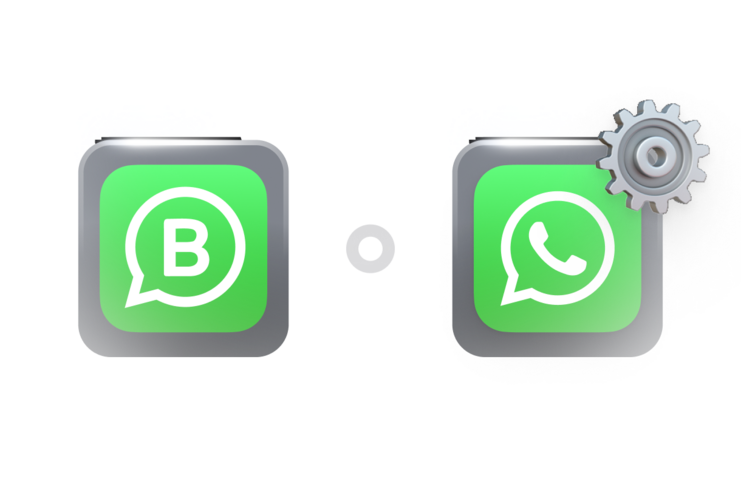
Because switching to WhatsApp API can feel daunting, respond.io supports WhatsApp Coexistence. This means you can connect to the WhatsApp API while still using your WhatsApp Business App with the same phone number.

Here’s what’s in it for you.

  • Try WhatsApp API without permanent migration
  • Keep your existing contacts and chats in the WhatsApp Business App
  • Transition gradually as your business grows

Unsure if WhatsApp API is for you? Test it on respond.io and keep your Business App running.


WhatsApp Business App

WhatsApp Business App

WhatsApp

WhatsApp API

Best for

Small businesses

Mid-market B2C businesses

Number of Users

5

5 to unlimited, depending on plan

Broadcast Limit

256 contacts per broadcast

250 to unlimited contacts a day, set by Meta

Automation Capabilities

Limited

Advanced AI and automation

Supports Third-party Integrations

No

Yes

Supports Voice Call

Yes

Yes. Respond.io supports; not all providers do

Blue tick verification

Yes. Paid, easy to get

Yes. Free, requires Meta approval

Reports/Analytics

Basic message stats

Yes

Lead Management

Simple tagging

Manage the entire customer lifecycle on respond.io

How much does WhatsApp Business API cost?

You pay Meta's per-message fees plus your respond.io plan, with no markup on Meta's fees.

Meta fees

Incoming messages and calls are free. Meta charges per delivered message:

  • Template messages: priced by category and the recipient's country.
  • Service messages (your replies within 24 hours): the first 1,000 per number each month are free.
  • Free Entry Points: chats from a Click-to-WhatsApp ad or Facebook Page button are free for up to 7 days (ads) or 72 hours (Page buttons) if you reply within 24 hours.
  • Calls: outbound calls are priced by country, duration and monthly volume.

Provider fees

Some providers add setup fees or markups. Respond.io doesn't: you pay Meta's rates and your plan, with no hidden charges.

Estimate messaging costs below, and call costs with the calling pricing calculator.

$0.01400 / Message

0 Messages

$0.00

$0.04180 / Message

0 Messages

$0.00

$0.01400 / Message

0 Messages

$0.00

$0.08600 / Message

0 Messages

$0.00

$0.00

For an estimate for your markets, contact us.

*Prices are in USD

Choose a WhatsApp API provider that includes the inbox, not just access

Respond.io adds the inbox the WhatsApp API doesn't have, with AI Agents, CRM data and calls in one place.

One inbox for every channel

Reply to WhatsApp chats and calls alongside Instagram, TikTok, Facebook Messenger, email and more, from one inbox.

respond.io inbox connected to WhatsApp, Instagram, Messenger, Telegram, LINE and other channels

WhatsApp calls in the same inbox

Customers call you free of Meta fees, and agents answer and transfer calls in the inbox. Business-initiated calls have regional limits.

WhatsApp call connected to the respond.io inbox

AI Agents that complete conversations

AI Agents qualify leads, book appointments and assign or close conversations on their own. Your team can take over at any point.

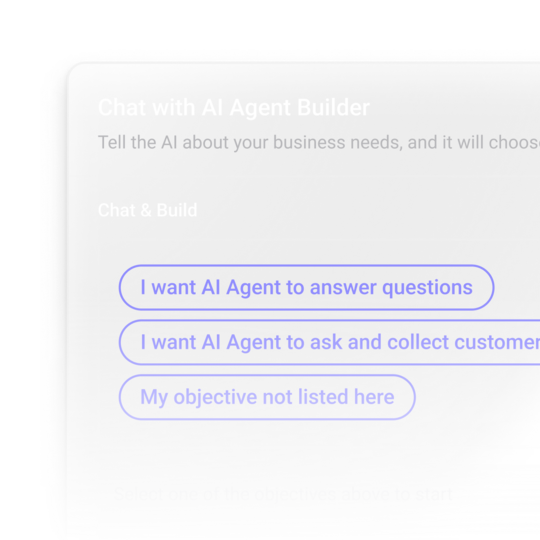
AI Agent Builder in respond.io with goal options for an AI Agent

Your CRM data inside each chat

Native HubSpot and Salesforce integrations connect WhatsApp chats with your CRM records. Zapier and Make connect your other tools.

Integration logos including HubSpot and Slack connected to respond.io

Lifecycle tracking from first chat to sale

Lifecycle tracks each contact by stage, from lead to customer, and Lifecycle reports show where they drop off.

Lifecycle stage tags such as New Lead and Hot Lead

Stability under campaign spikes

Respond.io processes more than 2 billion messages every quarter with 99.999% uptime, backed by 24/7 human and AI support.

99.999% uptime

Move to the WhatsApp API in 3 steps

Keep your number when you move to respond.io from the WhatsApp Business App or another provider

oving from the WhatsApp Business App to the WhatsApp API

Migrate from WhatsApp Business App to WhatsApp API

  1. 1. Choose a number that can receive an SMS or call, or use your WhatsApp Business App number.*
  1. 2. Connect the number to Meta Business Manager in respond.io's sign-up flow.
  1. 3. Connect your new WhatsApp API account to respond.io and start chatting with customers.

*With WhatsApp Coexistence, the number keeps working in the app. Without it, back up your chats first: chat history can't be imported.

Moving from another WhatsApp API provider to respond.io

Migrate from another WhatsApp API provider

  1. 1. Create a respond.io account.
  1. 2. Follow the migration guide or ask us to help.
  1. 3. Keep your display name, blue tick, messaging limits and high-quality templates, with no downtime.

When your team needs the WhatsApp API on respond.io

Teams move when one phone can't keep up.

Several staff reply from one company number

On respond.io, agents share one number in one inbox, chats go to the right person and managers see every conversation.

Each branch has its own WhatsApp number

Respond.io brings every branch's number into one inbox, so HQ sees which chats still need a reply.

Ad chats arrive faster than you can reply

AI Agents reply right away, qualify the lead and book a call or pass it to the right agent.

Customers switch between chat and calls

Respond.io keeps WhatsApp calls, VoIP calls and chats together, with AI call summaries for the next agent.

How businesses use WhatsApp API on respond.io

See how teams in your industry use WhatsApp on respond.io to capture, convert and keep customers.

Retail

Education

Healthcare

Professional services

Automotive

Travel

Whether you sell apparel, fine jewelry, electronics or furniture, market and sell at scale from any channel on a single platform.

Capture leads from anywhere by turning ad clicks, website visits and in-store foot traffic into WhatsApp conversations.

Streamline retail operations when you sync product inquiries, orders and deliveries with your CRM or ERP.

Recover lost sales with automated abandoned cart messages to re-engage potential buyers.

Build customer loyalty by creating personalized shopping experiences for returning customers and VIPs.

Enable direct sales in chat with payment links to simplify transactions and speed up the checkout process.

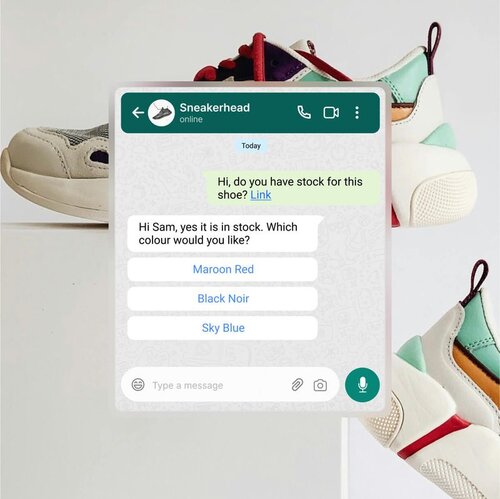
Customer asking a shoe store about stock in a WhatsApp chat

Respond.io is built for B2C teams that outgrew the WhatsApp Business App

Respond.io is the right choice once one phone can't handle your chats. Below that, the free WhatsApp Business App is usually enough.

✅ For you

  • More people need to reply than one phone and four linked devices allow.
  • You handle more than 500 conversations a month.
  • You want one inbox for WhatsApp, other chat apps and calls.
  • You need to broadcast to more than 256 contacts at once.

❌ Not for you

  • One person handles under 500 conversations a month.
  • You only need raw API access to build your own tool.
  • You mainly send cold outreach or one-way bulk messages: respond.io is built for two-way conversations.
  • You need WhatsApp group chats: respond.io doesn't support them.

Teams using respond.io sell more via WhatsApp

Frequently asked questions

Is respond.io just a WhatsApp API solution?

Does my small business really need WhatsApp API?

What is the difference between WhatsApp Business App and WhatsApp API?

Is WhatsApp Business API free?

How many agents can share a WhatsApp API account?

Can I use chatbots with WhatsApp API?

Can I integrate other software with WhatsApp API?

Will my contacts and conversations be transferred over when switching from the WhatsApp Business App to WhatsApp API?

Can I use the same WhatsApp number for both WhatsApp Business App and WhatsApp API?

Will customers notice a difference when I use coexistence?

Get WhatsApp API with a team inbox, AI Agents and calls