
















 Electronics
 Fashion & Apparel
 Furniture
 Jewelry and Watches
 Afterschool Activities
 Sport & Fitness
 Beauty Center
 Dental Clinic
 Medical Clinic
 Home Cleaning & Maid Services
 Photography & Videography
 Car Dealership
 Travel Agency & Tour Operator


TL;DR — How to Use a WhatsApp AI Agent to Manage B2C Leads
A WhatsApp AI Agent for lead management suits mid-market B2C businesses whose customers chat on WhatsApp before buying or booking, and who get more lead chats than the team can handle manually.
On respond.io, AI Agents screen every lead with qualification questions, update its lifecycle stage and assign it to the right rep with the full conversation in view. Here’s what you can do with it, and when each one fits:
Pre-qualification: Best if you need every WhatsApp lead screened before a rep sees it, with the ad that brought each lead tracked so spend goes to campaigns that produce sales.
CRM-chat synchronization: Best if your reps need lead details from the chat in your CRM, and reports showing which entry points turn leads into sales.
Appointment booking: Best if your sale ends in a test drive, consultation or class, and the AI Agent can send a booking link mid-conversation.
Human handoff: Best if a rep closes the deal and needs full context, whether the lead keeps chatting or switches to a call.
To use an AI Agent, connect WhatsApp API and your entry points, build the qualification questions, set routing and handover rules, sync leads to your CRM, then measure results by source.
It's not the right fit if your main use case is cold outreach, you handle only a few leads a week, or you want every lead closed with no human involved.

This guide is for mid-market B2C businesses whose WhatsApp lead chats now outnumber what the team can answer manually. It shows how to set up a WhatsApp AI Agent that qualifies, routes and hands over every lead, and how to choose a platform to run it. Get the setup or the platform wrong and leads go cold before a rep replies, and you can’t tell which ads bring buyers.
Where manual WhatsApp lead handling breaks, and when to switch to an AI Agent
For mid-market B2C businesses, handling inbound WhatsApp leads manually stops working once lead chats outnumber what the team can answer. Conversations arrive from multiple entry points — ads, websites, QR codes, links — and without automation, response times vary, qualification is inconsistent and low-intent chats consume agent time while qualified buyers wait too long for follow-up.
The result is slower conversion, incomplete lead data and limited visibility into which entry points actually drive revenue. When leads start waiting past your team's own reply target, or reps spend more time screening chats than selling, it's time to switch.
WhatsApp AI Agents fix this by automating lead capture, qualification and routing from the first message — maintaining speed and consistency at any volume, without adding headcount.
AI Agent vs rule-based chatbot vs human agents
Here's how AI Agents compare to rule-based bots and human agents for lead handling:
Feature | AI Agents | Rule-Based Bot | Human Agent |
|---|---|---|---|
Speed | Instant at any volume | Instant, but breaks on unexpected inputs | Varies; slows under high volume |
Handling Complex Conversations | Limited: escalates to a human with the full conversation | Cannot adapt; conversation stalls or loops | Excellent — handles nuance, negotiation and exceptions |
Handling FAQs | Answers from your knowledge sources, including follow-up questions | Answers only questions that match a set keyword or button | Accurate, but repetitive questions take time away from selling |
Cost | Low per conversation, but needs setup and ongoing knowledge updates | Low, but every new flow has to be built by hand | High, and it rises with every agent you add |
24/7 | Yes, replies to after-hours leads instantly | Yes, but only within its scripted paths | Only during shifts, so after-hours leads wait until the next day |
AI is best used for high-volume, repeatable lead handling, with humans supporting exceptions and high-stakes decisions.
Prerequisites for lead management with WhatsApp AI Agents
A WhatsApp AI Agent can only qualify, route and report on leads if five things are in place before you build it.
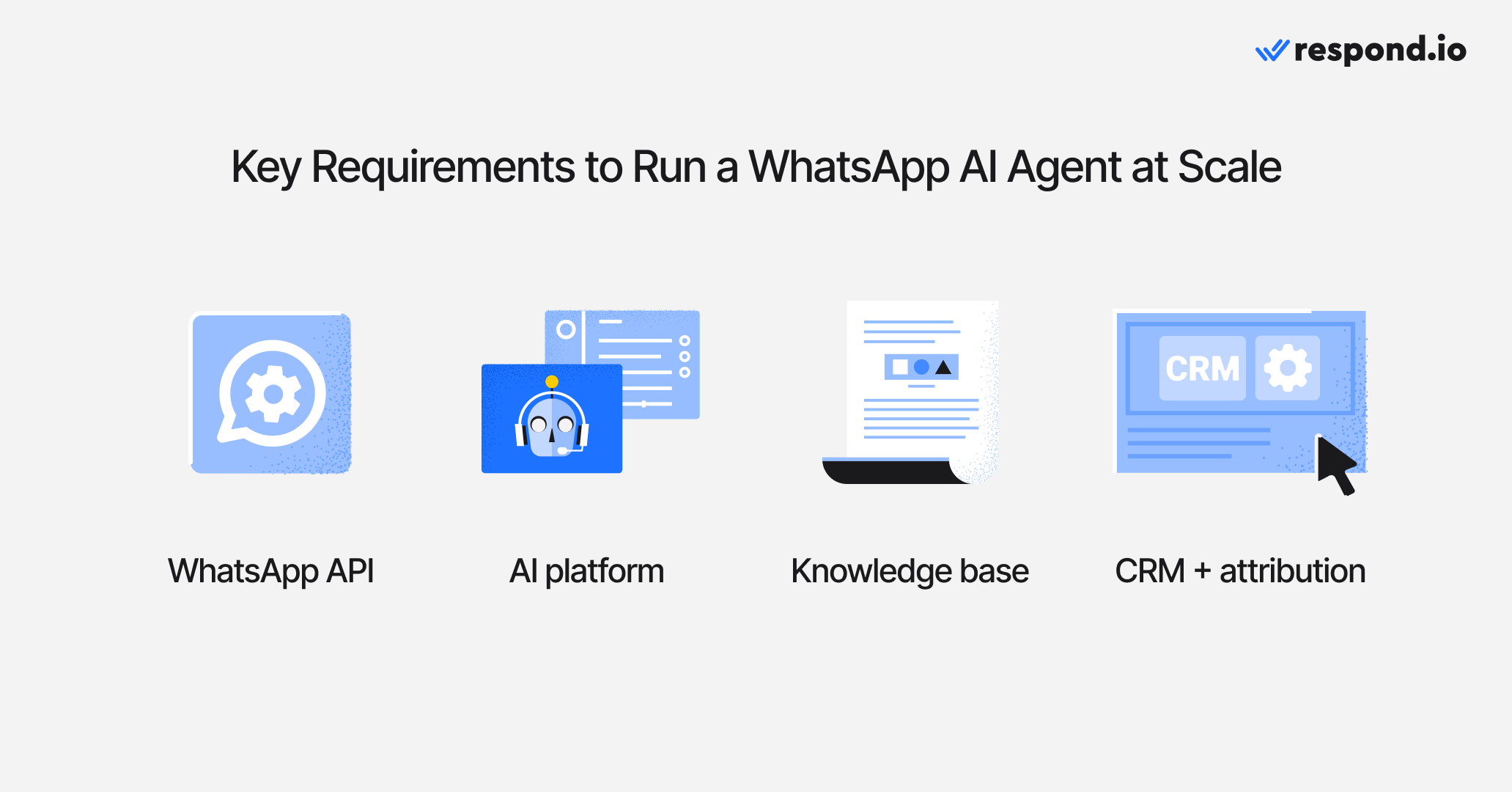
WhatsApp API access, not the WhatsApp Business App, which lacks the automation, multi-user access and integrations an AI Agent needs
A customer conversation platform that runs the AI Agent, routing and team inbox
An AI knowledge source so the AI Agent answers accurately
CRM + analytics access so lead details reach sales and results are measurable
Conversions API (CAPI) if you run Click-to-WhatsApp ads, so you can see which ads drive sales
These prerequisites ensure your agent can capture lead data, trigger routing, hand over to humans and report performance across the full lifecycle.
How to set up a WhatsApp AI Agent for lead management
Setting up a WhatsApp AI Agent for lead management takes five steps, from connecting your entry points to testing results by source. Start with one entry point, one qualification path and one set of handover rules, so you can check capture, routing and reporting before adding more sources and follow-up flows.
1. Connect WhatsApp API and define entry points
Connect your WhatsApp API account and map where leads will enter, such as click-to-WhatsApp ads, website widgets, QR codes and chat links.
2. Build the qualification flow and data capture
Define the lead fields you need, write the qualification questions and decide how the AI should detect low-intent or spam inquiries.
3. Configure routing + human handover rules
Set rules for routing by product, region, intent or priority. Then define when the AI must escalate to a human: when the customer asks for one, the AI Agent is unsure, the request is policy-sensitive, the lead meets your high-value threshold or the next step needs a person, such as price negotiation.
The handover should give the rep what they need to close without starting over: qualification answers, lifecycle stage, the ad or source that brought the lead and a summary of the conversation. In respond.io, build a Workflow that routes qualified leads by product or region and assigns the lead to the right rep with the full conversation in view.
4. Sync leads to your CRM and lifecycle stages
Send captured fields and lifecycle stages to your CRM, through a native integration or a Workflow, so teams can track follow-up and pipeline status outside the chat thread.
5. Validate, measure and iterate
Test with sample leads from each entry point, review qualification accuracy and handover speed, and monitor reporting on conversion by source.
After this setup, new WhatsApp leads are auto-qualified, routed to the right team with the full conversation, synced to your CRM, and measured by entry point and conversion.
Operational constraints and trade-offs: AI Agents can misunderstand ambiguous or policy-sensitive requests; without clear handover rules, you risk qualifying the wrong leads or giving incorrect answers. To reduce this risk, define escalation triggers, review transcripts weekly and update qualification logic when patterns change. Before publishing, validate your AI Agent's instructions to catch gaps, conflicts or broken references that could cause unexpected behavior.
How does a WhatsApp AI Agent actually improve lead conversion?
A WhatsApp AI Agent improves lead conversion by responding instantly, qualifying consistently and reducing manual load on human agents. For mid-market B2C businesses, the impact shows up across four areas:
Higher engagement than forms
WhatsApp conversations feel faster and more natural than filling out forms. Customers are more likely to reply, answer questions and stay engaged in a chat-based flow.
Better conversion from click-to-chat ads
AI Agents convert ad clicks into active conversations immediately. When a lead arrives from a Click-to-WhatsApp or TikTok Messaging Ad, the AI Agent automatically receives context about the ad, so it can greet users with relevant messaging instead of generic prompts, reducing drop-offs between ad click and qualification.
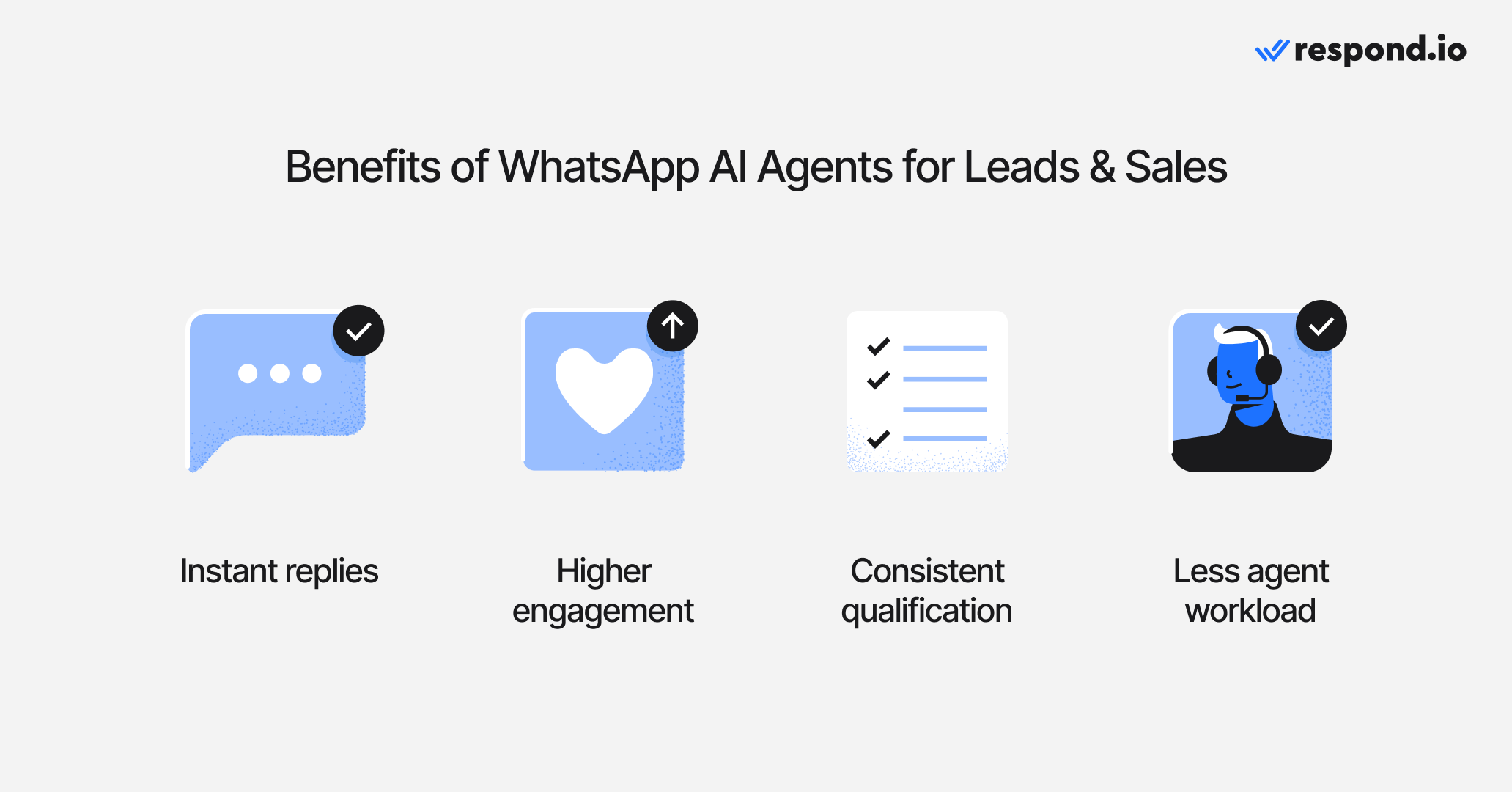
Consistent lead qualification
Every lead goes through the same qualification logic, regardless of timing or channel. This removes variability caused by manual handling and ensures consistent data collection.
Reduced workload for human agents
AI handles repetitive questions, basic information requests and early qualification steps. This allows human agents to focus on complex, high-value conversations instead of screening every inquiry.
These results depend on how the AI is set up to handle each stage of the lead lifecycle — which is where the real difference shows.
How a WhatsApp AI Agent handles your lead pipeline
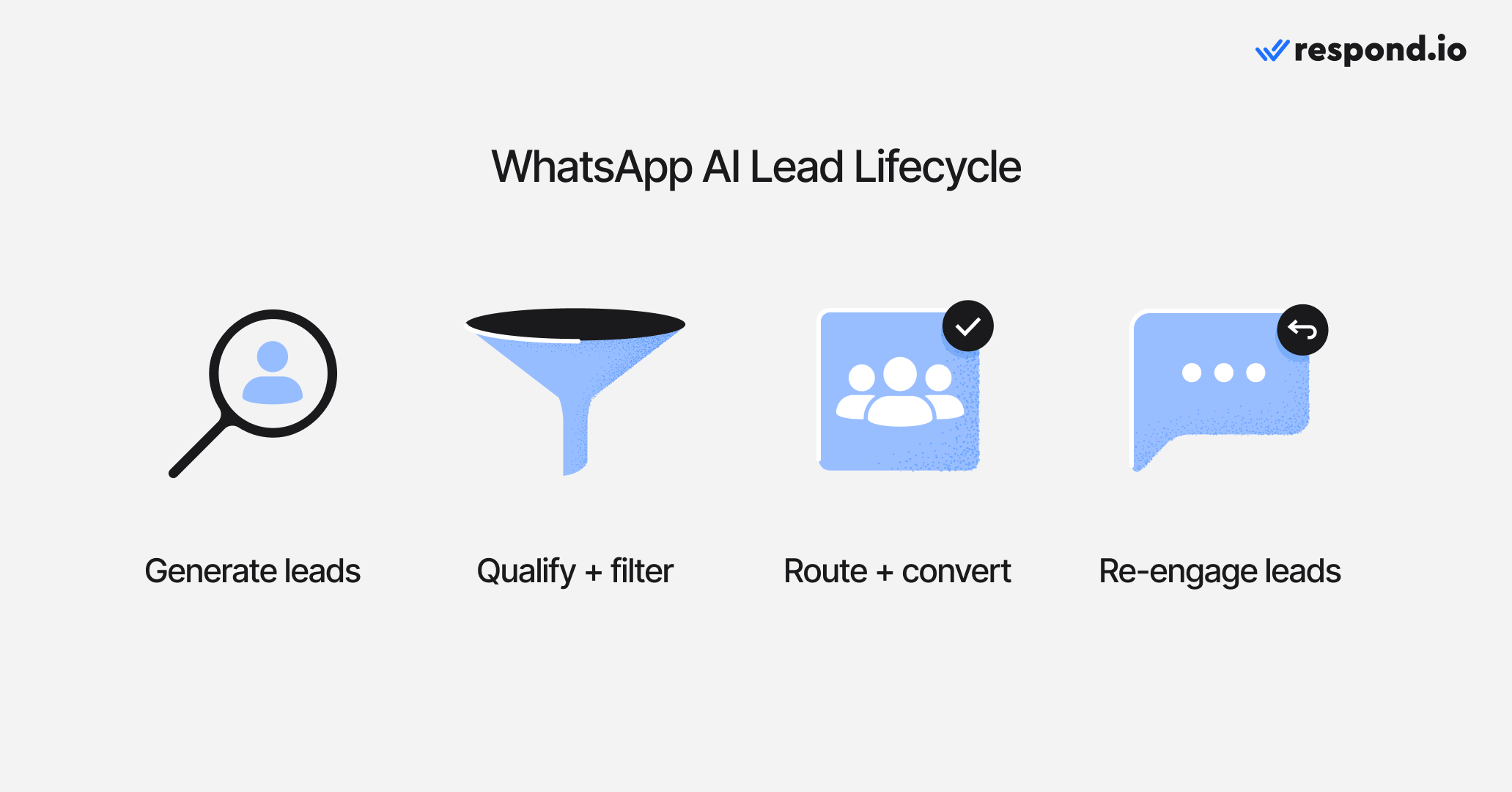
A WhatsApp AI Agent moves leads through each stage of the pipeline automatically — from first message to qualified handover — without requiring manual intervention at every step. On respond.io, the AI Agent handles each stage itself: it updates the lead’s lifecycle stage as it qualifies them and assigns the conversation to the right agent or team when a human needs to step in. Below is how each stage works in practice, with examples of how AI typically responds in real conversations.
Lead generation
AI Agents support lead generation across multiple entry points, including Click-to-WhatsApp ads, QR codes, short links and online forms. When users initiate a chat, AI greets them instantly and answers common questions, improving conversion from click to conversation.
Example:
AI: "Hi! What can I help you find today?"
User: "I'm looking for a hybrid SUV."
Lead qualification
AI asks qualifying questions, detects low-intent or spam inquiries and collects required information. It turns free-text answers about budget, urgency and product fit into a clear status, such as hot, warm or cold, so each lead gets a next action, not just a label.
On respond.io, the AI Agent updates the lead's lifecycle stage as it qualifies, and that change can trigger a Workflow: a high-intent lead goes straight to a sales rep, while a lower-intent lead enters a nurture flow without manual screening.
Example:
AI: "Do you have a budget range?"
User: "$30k–$40k."
Lead routing
Based on intent and collected data, AI recommends routing by team, product, region or priority. It escalates conversations only when necessary, improving speed and accuracy.
Example:
AI: "Let me connect you with our sales advisor for hybrid models."
Lead conversion
AI provides product information, pricing and FAQs, reading WhatsApp catalog products and order details to answer product and pricing questions. Human agents step in for complex discussions with the full conversation in view. Voice calls or WhatsApp Calling can be used when needed.
Example:
AI: "Based on what you're looking for, this model starts at $38,000. Would you like to book a test drive or speak with a sales advisor?"
User: "Yes, I'd like to book a test drive this weekend."
AI: "Great. I'll connect you with a sales advisor to confirm availability."
Lead re-engagement
AI Agents restart stalled conversations with approved WhatsApp templates sent to clear segments, such as leads with stale quotes, dormant leads or abandoned carts. When a lead replies, the AI Agent picks up the conversation and hands qualified leads to the right rep. Follow-ups are triggered by stage, such as a quote reminder after a few days of silence, and stop or change as soon as the lead replies, books or is handed to a rep.
Example:
AI (after 48 hours of no response):
"Just checking in — would you like help with pricing options or availability?"
Measurement & optimization
Performance metrics show which Click-to-WhatsApp ads drive sales, how leads convert and how well follow-ups work. These insights help teams optimize flows and improve outcomes over time.
Examples:
A team identifies that one Click-to-WhatsApp campaign generates more qualified leads and updates AI qualification logic to prioritize similar traffic.
Sales managers adjust follow-up timing after noticing lower conversion rates for leads contacted outside business hours.
Teams refine routing logic when reports show delays after human handover, improving response speed for high-intent leads.
Entry-point performance data reveals that website widgets convert better than QR codes, guiding budget and placement decisions.
WhatsApp AI Agent use cases by industry
The way AI Agents handle leads varies by industry — the qualification questions, routing logic and handover triggers all differ depending on the business. Below are examples of how mid-market B2C businesses across retail, automotive, education, healthcare and travel are using them in practice.
Retail/ecommerce
In retail and ecommerce, the important question is whether the platform can turn buying intent into completed orders, not just answer product questions. Buyers should evaluate catalog sync, cart recovery, order confirmations, shipping updates and payment-link or checkout handoff because those are the workflows that recover revenue from abandoned carts and product inquiries.

For example, Diskat used an AI Agent to automate sales inquiries and order confirmations, while also improving ad targeting with Meta's CAPI and integrating chat data with its ERP for order creation. As a result, they achieved an 81.4% conversion rate, had 90% of sales handled by AI Agents and reduced marketing and operational costs by 50%.
Automotive
Automotive leads often require fast qualification around intent (buy vs sell), budget, timing and model preferences—especially when multiple inquiry types come in at once.

For instance, iMotorbike used customized AI Agent templates for different journeys (such as buyers vs sellers), added automatic lifecycle updates, and routed only sales-ready leads to human teams. This helped them manage 2x more leads daily, respond 67% faster and have 70%+ of conversations handled by AI.
Education
Education inquiries tend to be detailed and take time to decide, so AI Agents are useful for collecting requirements early (student needs, preferences and fit) and keeping conversations from being missed during busy periods.

A good example is GETUTOR, which used an AI Agent to handle initial inquiries, gather student information and preferences, and then compile the details before assigning the lead to an available human agent. With better prioritization and lead tracking, they handled 50% more leads per day, had 0 missed messages and booked 24% more classes in 2 months.
Healthcare
Healthcare and healthcare-adjacent services often deal with high volumes of spam and low-quality inquiries, which can slow response times and cause genuine leads to drop off.

Praga Medica used AI to filter out spam and reduce noise for consultants, while improving speed of engagement. The results included 70% more leads recovered, 97% of spam filtered out and a 50% reduction in first response times.
Travel
Travel businesses frequently receive repetitive inquiries (requirements, pricing, status checks) and need coverage outside business hours—without forcing staff to stay online.

Only Tourism deployed a customized AI Agent and optimized its knowledge sources so the AI could handle visa-related questions accurately and provide after-hours coverage. This allowed them to automate 80% of visa inquiries, handle 2x more conversations daily and generate 6x more monthly leads.
Which WhatsApp AI Agent platform is right for B2C lead management?
If lead capture, qualification and closing all happen inside WhatsApp, a WhatsApp-first tool may be enough. If leads move between WhatsApp, Instagram, Facebook Messenger, TikTok, email or calls before they buy, a customer conversation platform keeps one contact record, one conversation history and one owner across those channels, so leads don't slip through between them.
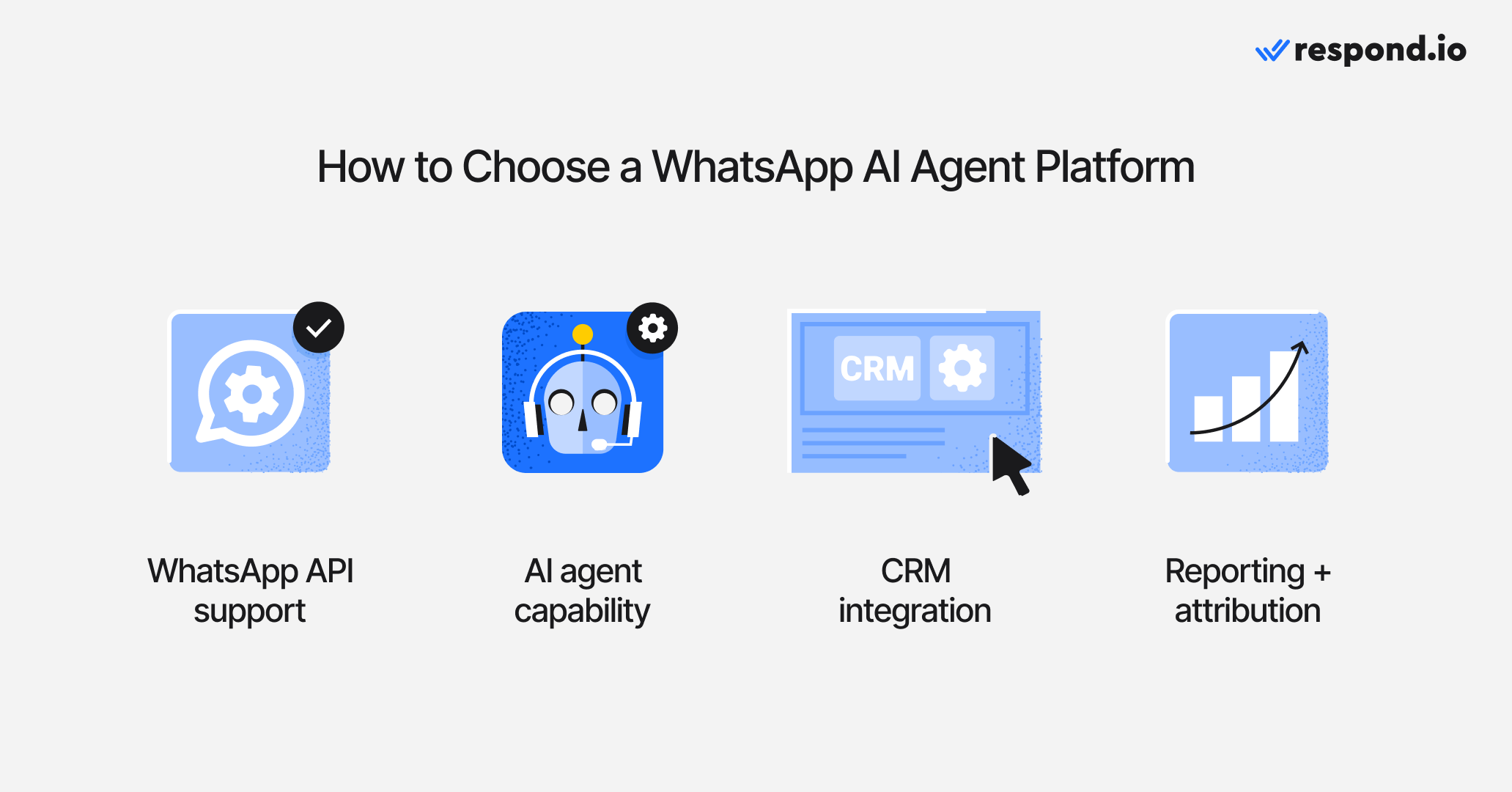
The right platform comes down to three questions about the AI Agent: can it qualify a lead, book the next step, and read and update your CRM? The criteria below start with those three, then cover what keeps them working as lead chats grow.
Can the AI Agent qualify a lead, not just reply?
The AI Agent should ask your qualification questions, read intent and budget from free-text replies and update the lead's stage on its own. If it can only send a template or a button menu, your reps still screen every chat.
Can the AI Agent book the next step mid-conversation?
If your sale ends in a test drive, consultation or class, the AI Agent should offer a slot without a rep stepping in. Check how it does this: some platforms book inside the chat, others send a booking link from a connected calendar tool.
Can the AI Agent read and update your CRM?
The AI Agent should use what your CRM already knows about a lead and pass qualification details back without copy-paste. Ask whether that happens through a native integration or an automation your team has to build and maintain.
WhatsApp API support
The platform must officially support WhatsApp API. Without it, you can’t run AI Agents or automation, or give several agents access to the same number. API access is the foundation for any serious WhatsApp lead management setup.
Pricing transparency
Total cost has four parts: Meta's WhatsApp fees, the platform subscription, any AI usage charges and any integration or automation costs needed to move lead data into the CRM or calendar. Buyers should also ask whether the provider passes Meta fees through at cost or adds a markup, because that changes campaign return on investment as volume grows.
Respond.io uses Monthly Active Contacts pricing, so cost grows with the number of contacts the team actually engages in a month, not the size of the contact database. Plans start at $99 per month for Starter, $199 for Growth and $349 for Advanced, with Enterprise pricing available on request and a 7-day free trial. For lead teams, the key comparison is not the headline subscription alone but the full cost to qualify, route and hand over each lead at scale.
Unified inbox
Look for a shared inbox that allows multiple team members to manage WhatsApp conversations together. A unified inbox ensures visibility, prevents duplicate replies and keeps full conversation context intact, especially when AI hands over to human agents. If the same lead also messages you on another channel, check that the platform can merge those conversations into one contact so the history and owner stay together.
AI Agent capabilities
Not all platforms offer true AI Agents. Choose a solution that supports LLM-based AI, not just rule-based bots. The AI should understand free-text messages plus richer inputs like quick reply menus, card carousels and shared location pins. When you test it, check that it asks for missing information, adapts when the buyer changes their mind and answers only from your approved knowledge sources instead of making things up.
Analytics and reporting
A good platform provides clear visibility into performance. This includes response times, qualification rates, conversion outcomes and entry-point performance. Without analytics, it's difficult to improve lead quality or justify investment.
Workflow automation
Even in an AI-first setup, the platform should support structured execution behind the scenes. This ensures actions like routing, follow-ups and lifecycle updates happen consistently once the AI makes a decision.
Conversion API (CAPI) support
If you run Click-to-WhatsApp ads, CAPI support is essential. It shows which ads lead to conversations, qualified leads and sales, so you can move budget to the campaigns that work.
Security and compliance
WhatsApp conversations often contain sensitive customer data. Choose a platform that supports compliance requirements such as GDPR and offers enterprise-grade security to protect customer information.
Security and compliance also protect revenue, not just data. Confirm that the platform uses official WhatsApp Business Platform access, supports approved templates and keeps opt-in records clean, because poor messaging practices can lower your quality rating, reduce sending limits or interrupt a live acquisition channel.
Also check whether the platform lets you review template performance and keep marketing and service messages separate. Avoid unofficial browser automation or off-policy sending, which can put the number at risk even when the AI Agent workflow itself is working.
Scalability
Finally, the platform should scale as your message volume grows. This includes support for more conversations, more agents, additional channels and more advanced AI use cases without performance issues.
If you're evaluating platforms against these criteria, here's how respond.io measures up.
Why do mid-market B2C businesses choose respond.io for WhatsApp leads?
Mid-market B2C businesses choose respond.io because it runs the whole lead path in one place: the AI Agent qualifies each lead, updates its lifecycle stage and hands it to a rep with the full conversation and the ad that brought it.
What you need | The problem it solves | What respond.io gives your team |
|---|---|---|
Ad tracking | You can’t tell which ads bring buyers | Ad spend goes to campaigns that produce sales, not clicks |
Pre-qualification | Reps waste time on low-intent chats | Every lead is screened the same way, so reps only get serious ones |
Lifecycle tracking | Nobody knows where each lead stands | Managers see where every lead sits without asking reps |
CRM-chat synchronization | Lead details stay stuck in chats | Lead details reach your CRM through native integrations or automated workflows, not copy-paste |
Appointment booking | Leads drop off while waiting for a slot | Leads get a booking link mid-conversation instead of waiting for a reply |
Human handoff | Leads repeat themselves when a rep takes over | Reps pick up the conversation with full context |
WhatsApp calls | Calls are separated from the chat history | Calls and chats share one inbox and one history |
Reporting | You can’t show what WhatsApp produces | You see which entry points and flows turn leads into sales |
Respond.io is a customer conversation platform that includes AI Agents, a shared inbox and CRM integrations. It works alongside your CRM rather than replacing it, and the shared inbox is only one part of it. While chatbot tools mainly send replies, respond.io is built for the chats where a lead decides whether to buy: AI Agents qualify leads, update lifecycle stages, route by intent and escalate high-value conversations to the right human, with full context intact.
After setup, new WhatsApp leads are automatically qualified, tagged with a lifecycle stage and routed to the right queue, and their captured fields can be sent to your CRM. When a lead needs a human, the AI Agent assigns them to a rep with the full conversation, so agents can close faster — no re-qualification, no lost context.
What separates respond.io from platforms that make similar claims is that performance holds when chats spike during a campaign. It runs on AWS-backed infrastructure, so it keeps up as conversation volume grows, not just in demos.
AI Agents built for lead management
Respond.io's AI Agents are built for lead qualification, routing and lifecycle updates, not just FAQs. They interpret intent across message types, including shared contact cards, Instagram Story replies and WhatsApp order details.
Automated lead qualification
AI Agents qualify leads consistently by gathering details such as intent, budget, preferences or readiness. This ensures every lead is assessed using the same logic, regardless of time, channel or conversation volume.
Smart routing and human handover
Once a lead is qualified, respond.io ensures conversations reach the right human agent or team. AI escalates chats only when needed, passing along full conversation context so agents can pick up without repeating questions.
Appointment booking
Respond.io's AI Agent can send a booking link mid-conversation, so a lead picks a test drive, consultation or class slot without waiting for a rep. The link comes from a connected calendar tool: respond.io integrates with Calendly, Google Calendar and Cal.com. The meeting itself is booked in that tool, not inside respond.io, so connect your calendar before you launch the AI Agent.
CRM synchronization
Respond.io integrates with CRMs such as HubSpot and Salesforce, so reps can see and edit CRM details next to the chat. Automated workflows can send lifecycle stage, tags or qualification details to your CRM, so WhatsApp conversations turn into pipeline data without copy-paste.
Click-to-WhatsApp ads and Meta's Conversions API
Respond.io connects Click-to-WhatsApp ads directly to AI-driven conversations and supports Meta's Conversion API (CAPI). It captures the ad referral from the lead's first message and keeps it on the contact through qualification, routing and reporting. Each time the lead's lifecycle stage changes, a conversion event goes back to Meta, so teams can see which ads generate qualified leads and sales, not just clicks. Meta doesn't support Conversions API events for Pages registered in the EU, EEA, UK or Japan, so check where your Page is registered before you count on ad-to-sale tracking.
See where every lead stands
Respond.io's lifecycle tracking gives AI Agents clearer context on where each lead stands, such as new inquiry, qualified, nurtured or converted, so they can adapt their actions accordingly. This helps the AI apply the right questions, follow-ups and handover timing for each stage, while giving teams a consistent view of progress so leads aren't missed or mishandled.
Analytics and performance reporting
Respond.io provides reports on response times, agent performance and how leads move through lifecycle stages to conversion. These insights help teams optimize AI behavior, follow-up timing and lead routing decisions.
Omnichannel and calling support
Beyond WhatsApp messaging, respond.io supports other messaging, social, voice and email channels, plus VoIP and WhatsApp Calling, so teams can move from chat to voice without losing context on the same contact record. AI Agents also handle voice notes and mixed-language messages, and leads can be routed by language, so each lead reaches a rep who can close it.
AI Agents can also handle incoming calls by answering common questions, collecting key details and handing the conversation to a human when needed, so teams keep context and visibility across chat and voice. AI call handling covers inbound calls only and is available on the Advanced plan and above.
Is respond.io right for your WhatsApp B2C leads?
Respond.io is right for your WhatsApp leads if most of them arrive as WhatsApp chats from ads, links or QR codes and a rep closes the sale once the lead is qualified.
When respond.io is the right fit
You’re a mid-market B2C business whose customers chat on WhatsApp before buying or booking
You get more WhatsApp lead chats than your team can handle manually
Leads go cold waiting for a reply, and your reps can’t tell which ones are worth their time
When respond.io is not the right fit
Your main use case is cold outreach on WhatsApp
You handle a few leads a week manually
You want every single lead fully automated with no human involved
If you’re close but not there yet, wait. Switch when leads start waiting past your team’s own reply target, or reps spend more time screening chats than selling.
Next, pilot the AI Agent on one entry point for 2 weeks, review qualification rate and handover latency, then expand to more entry points and re-engagement flows. Start your free trial and see how respond.io powers WhatsApp AI Agents built for lead generation, qualification and management. Additionally, you can check out our list of WhatsApp AI Agents to see what works for your team.
Turn conversations into customers with respond.io's official WhatsApp API ✨
Manage WhatsApp calls and chats in one place!
FAQs about WhatsApp AI agents
Do I need WhatsApp API to use an AI Agent on WhatsApp?
Yes. WhatsApp API is required to run an AI Agent on WhatsApp for lead management. The WhatsApp Business App is designed for basic messaging and does not support the automation, integrations, multi-user access and AI Agent capabilities typically needed for structured lead management.
WhatsApp API provides the infrastructure for programmatic messaging, but it does not include its own interface. Businesses therefore use WhatsApp API through a third-party platform that provides a team inbox, AI configuration, integrations and reporting. A customer conversation platform can connect WhatsApp API and run AI-led qualification, routing and reporting; respond.io is one option when your lead chats outgrow what your team can handle manually.
Can a WhatsApp AI Agent sync lead details and lifecycle stages to a CRM automatically?
Yes, if it is connected to a system that supports CRM integration. A WhatsApp AI Agent can collect structured data during conversations—such as intent, budget, preferences, and lead stage—and sync those details to a CRM so sales teams have usable records.
CRM syncing improves pipeline visibility and follow-up consistency because lead information does not stay trapped inside chat threads. It also reduces manual data entry and helps teams track outcomes from first message through conversion.
How do I measure WhatsApp AI Agent performance for lead qualification and conversions?
You can measure performance through metrics such as first response time, qualification rate, time to qualification, conversion outcomes, and the share of conversations handled by AI versus human agents. Tracking lead source performance (ads, widgets, QR codes, organic) is also important to understand where the highest-intent leads come from.
These metrics help teams improve both the AI's behavior and the lead process over time—for example, refining qualification questions, adjusting follow-up timing, or improving handover speed for high-intent leads. If you're using a platform with built-in reporting (such as respond.io's Reports), you can track these metrics in one place without manual spreadsheets.
What are the key requirements to deploy a WhatsApp AI Agent for lead management at scale?
A WhatsApp AI Agent for lead management needs WhatsApp API access, a customer conversation platform with AI Agents, a knowledge base, CRM integration and analytics. WhatsApp API enables automation and multi-user handling, while the platform provides the team inbox, AI configuration and integration layer that WhatsApp API does not include. If you only get a few leads a week, the WhatsApp Business App and manual replies may be enough.
If you run Click-to-WhatsApp ads, Conversions API (CAPI) support shows which ads lead to conversations and sales. Respond.io combines WhatsApp API connectivity with AI Agents that update lifecycle stages and assign leads to the right rep, plus CRM integrations and reporting, in one place.
How do I choose a WhatsApp AI Agent platform for lead generation, qualification and management?
Choose a platform that officially supports WhatsApp API and provides a shared inbox for teams, LLM-based AI Agents, CRM integrations and analytics. It should also support reliable escalation to human agents with full context and allow structured lead management, such as tagging or lifecycle tracking.
If you run Click-to-WhatsApp ads, check whether the platform shows which ads drive sales, for example through Meta's Conversions API (CAPI). Respond.io fits this checklist: its AI Agents qualify leads, update lifecycle stages and hand conversations to the right rep, and the same inbox covers WhatsApp, other messaging channels and WhatsApp calls. If your main use case is cold outreach, it isn't the right fit.
Can I keep my WhatsApp number if I change providers?
Yes, in most cases, as long as your business controls the WhatsApp Business Account, the phone number and the related Meta Business access before the move starts. Check who owns the number and the WhatsApp Business Account, and whether re-verification will be needed, so the migration doesn't disrupt an active lead channel.
Check the provider's exit process before you sign, too. Chat history and some setup details often don't move cleanly between platforms, so confirm ownership, portability and exit terms early rather than after launch.


