
















 Electronics
 Fashion & Apparel
 Furniture
 Jewelry and Watches
 Afterschool Activities
 Sport & Fitness
 Beauty Center
 Dental Clinic
 Medical Clinic
 Home Cleaning & Maid Services
 Photography & Videography
 Car Dealership
 Travel Agency & Tour Operator


TL;DR — Top 10 Best WhatsApp API Providers for B2C Teams
Choosing the right WhatsApp API provider is essential for scaling customer communication, enabling automation, supporting multiple agents, and integrating with CRMs and other channels. For B2C sales and support teams handling high-volume WhatsApp conversations, this guide compares 10 providers by automation depth, inbox workflows, integrations, pricing and fit.
For high-volume multi-channel conversations with AI routing and CRM integration, respond.io is the strongest fit.
Chatfuel and Wati work well for simpler no-code automation or entry-level WhatsApp support.
Trengo suits support teams managing WhatsApp alongside email and SMS.
Sales teams closing deals in DMs will find Kommo's pipeline tracking a natural fit.
Interakt is the budget option built for Indian SMB storefronts.
Manychat is the go-to for social-first automation across WhatsApp, Instagram and TikTok.
Podium adds payments and reputation management on top of messaging for local businesses.
Rasayel is built specifically for B2B sales pipelines run over WhatsApp.
Sleekflow covers omnichannel messaging automation for SMB teams.
The best WhatsApp API provider should help your team turn customer inquiries into sales, bookings and useful support, not just connect a phone number.
If you’ve outgrown your current WhatsApp API tool, the difference often shows up in daily work: staff repeat questions, copy details into a CRM or leave campaign replies waiting for the right person. This guide compares eight providers, their trade-offs and monthly pricing to help mid-market B2C businesses choose.
What makes a WhatsApp API provider one of the best?
Reliable API access is the starting point. The criteria below show whether a provider helps your team serve more customers, keep their information connected and turn inquiries into purchases or bookings.
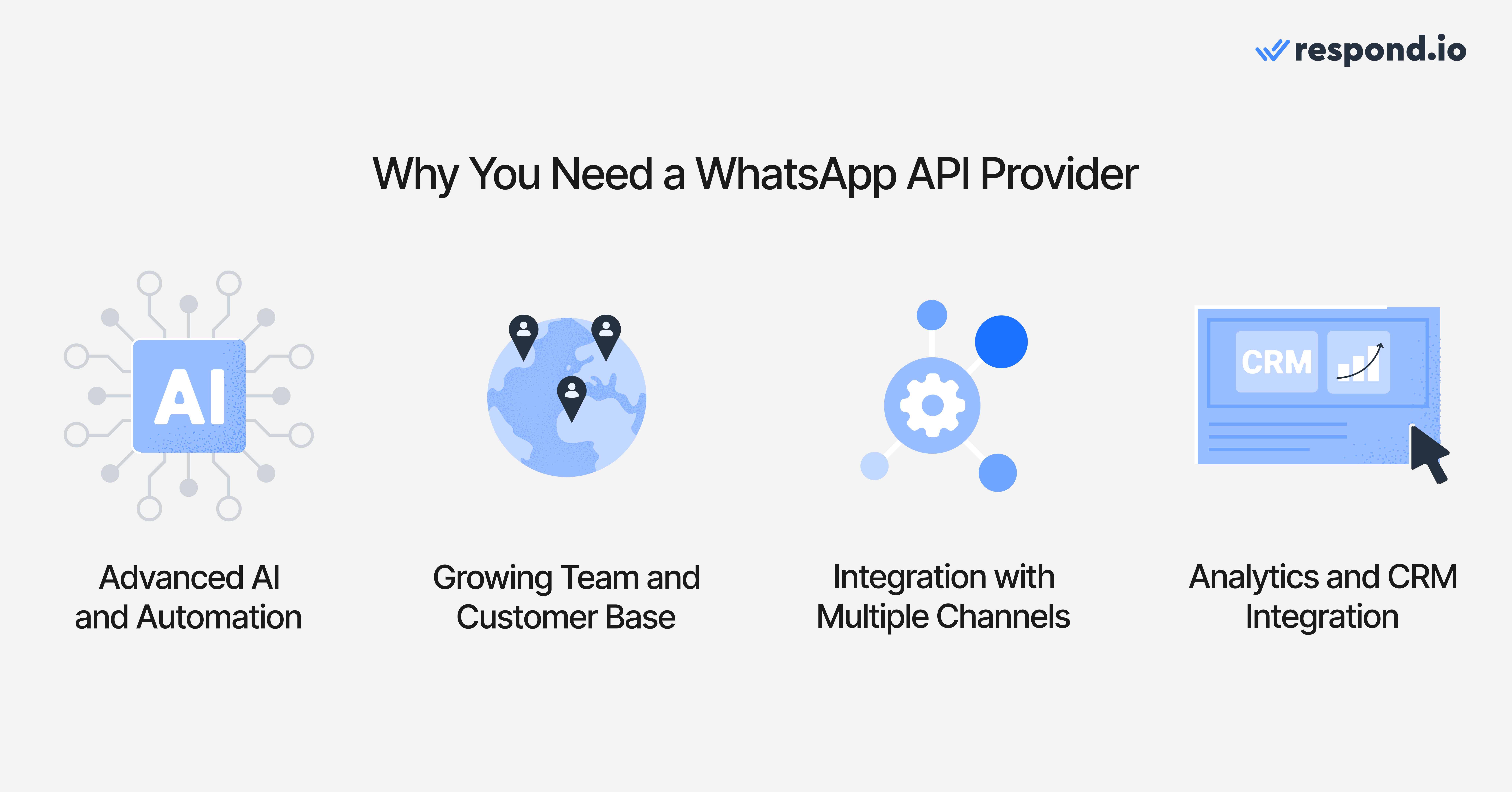
AI and automation that reduce manual sales and support work
Good automation answers routine questions, collects customer requirements and assigns inquiries to the right team. AI Agents and routing workflows should work together so staff spend less time sorting chats and more time helping customers buy.
For example, someone replying to a click-to-chat ad might ask about price, change their preferred branch and request a salesperson. Useful WhatsApp AI Agents can capture those details and hand over without asking the customer to start again. Support for photos, documents and voice notes also reduces the messages staff must interpret manually.
Reliable performance and team support as conversation volume grows
A shared inbox needs clear ownership, assignment rules and collaboration tools. Otherwise, adding staff can mean more people looking at the same queue while customers still wait.
During WhatsApp broadcasts and ad campaigns, reliable infrastructure, queued sends and automatic distribution of replies help prevent backlogs. Published uptime, incident history and support availability matter because a platform issue during a busy period can interrupt sales and bookings.
One customer record across WhatsApp and other channels
A customer might ask about a course on Instagram, continue on WhatsApp and call before enrolling. Connecting those channels is useful only if your team recognizes that person and sees what was already discussed.
A shared omnichannel inbox with contact merging keeps customer details and conversation history together. That means fewer repeated questions and a salesperson who can continue the discussion instead of restarting it.
CRM connections and reporting that show sales outcomes
WhatsApp CRM integration should reduce the information staff copy between systems. Native HubSpot or Salesforce connections can simplify setup; ecommerce connectors, n8n, Zapier and Make can support other workflows. The value depends on which records the connection can retrieve or update.
For example, a clinic can collect treatment preferences in chat and pass them to its booking team. Reporting should also show inquiry sources, response times and customer progress. Seeing which ads start conversations, where each customer is in the buying journey and how each agent performs helps managers spot where conversations stall; read counts alone do not explain sales outcomes.
Template management and message delivery
Clear template status, failed-message alerts and help with rejected templates prevent delayed campaigns. Marketing, utility and authentication templates have different purposes and rates, so editing and category guidance affect both launch timing and cost.
Account-quality monitoring helps protect your ability to reach customers. WhatsApp policy changes are a commercial consideration as well as a compliance issue.
Pricing transparency
Meta message fees are separate from the subscription. Service replies are free for the first 1,000 per phone number each month and charged after that, and utility templates are charged even inside the 24-hour customer service window. If your team replies to a high volume of customer questions, that shows up in your Meta bill.
Seat fees, number fees, messaging markups and paid AI features can then increase the provider bill. Transparent pricing shows how serving more customers changes the cost, instead of leaving you to discover it after a campaign grows.
Official WhatsApp access and control of your account
Providers can offer official API access, messaging infrastructure or a complete application with an inbox and automation. For most B2C teams, access alone leaves too much software to build and maintain. You should also retain control of your business account and number so switching later remains possible.
Onboarding and migration that keep customer conversations moving
Guided setup should cover number migration, templates, CRM connections and the workflows your team needs at launch. Clear support ownership helps staff keep serving customers while the new platform is configured.
You can usually retain an eligible number through migration or reconnection, but templates, chat history, integrations and workflows do not all move in the same way. Agree on what carries over before cutover. A no-code platform with guided setup and campaign support also lets managers adjust routing and follow-ups without waiting on engineering.
Best WhatsApp API providers: Quick comparison
Before we get into the specifics, here’s a quick comparison to help you shortlist the providers that fit your team’s needs and budget. Respond.io fits mid-market B2C businesses that need AI Agents, routing and one customer record across channels, while the others suit narrower needs such as WhatsApp-focused campaigns, social automation or selling from a sales CRM.
We compare each provider’s popular or recommended plan at monthly billing prices, not annual-plan equivalents. Where a provider doesn’t label a plan, we use the plan most teams would need for shared customer conversations. Kommo doesn’t offer monthly billing, so its price reflects its shortest six-month commitment. Meta usage fees are separate.
Provider | Best for | Main uses | Plan and monthly price | Main trade-off |
Respond.io | Mid-market B2C businesses handling 500+ monthly conversations, whose customers chat or call before buying or booking | AI Agents, Lifecycle tracking, CRM connections and omnichannel customer records | Growth: US$199/month; 10 users, 1,000 Monthly Active Contacts | More setup than a basic WhatsApp-only inbox |
Chatfuel | Small teams automating customer messages | No-code AI messaging across WhatsApp, Instagram and Facebook | Business: US$20/month | Included AI budget limits automation as usage grows |
Wati | WhatsApp-focused support and campaigns | Team inbox, broadcasts, chatbot flows and calling | Pro: US$149/month; 5 users | Markup on WhatsApp fees and a separate AI subscription |
Trengo | Support teams combining messaging and email | Shared inbox, collaboration and support reporting | Pro: US$671/month; 20 users | AI conversations and broadcasts cost extra |
Kommo | Teams wanting messaging inside a sales CRM | Pipeline management, Salesbot and AI Agents | Pro: US$45/user/month; 6-month minimum | No monthly billing; you pay six months upfront |
Interakt | WhatsApp and Instagram storefront operations | Catalog messaging, campaigns and ecommerce integrations | Growth: US$55/month; unlimited agents | Auto-assignment and AI Agents cost more |
Manychat | Social-first brands and creators | Social message automation and WhatsApp flows | Business: US$99/month; 5 users, 7,500 Active Contacts | Only 3 Inbox seats for customer-facing staff |
SleekFlow | Teams consolidating messaging channels | Shared inbox, automation and CRM connections | Premium: US$349/month; 10 users, 1,000 Monthly Active Contacts | US$15/month per WhatsApp number; Salesforce requires Enterprise |
8 best WhatsApp API providers: Features, pros, cons and pricing
Here’s how the eight providers compare for sales, support and customer messaging. Some offer a complete customer conversation platform; others focus on a CRM or social automation.
1. Respond.io
Respond.io is a customer conversation platform for mid-market B2C businesses whose customers chat or call before buying or booking. It brings WhatsApp, other messaging channels, email and calls into one inbox, where AI Agents answer and qualify inquiries, human teams take over when customers need personal help, and workflows keep follow-ups moving. Every conversation stays connected to the customer’s record and Lifecycle stage, so managers can see who needs attention and staff don’t have to start over when a customer switches channels.
Best for
Mid-market B2C businesses handling 500+ customer conversations a month, whose customers chat or call before buying or booking.
Pros
AI Agents qualify and hand over.Chat AI Agents answer using your business information, collect requirements, save Contact details and assign conversations. They also leave an internal comment summarizing the conversation, so the colleague who takes over doesn’t need to ask the customer again.
Human agents can step in anytime. When customers need personal help, staff take over and the AI Agent pauses, so customers don’t get mixed replies.
Follow-up doesn’t depend on memory. Lifecycle tracking shows where each customer is in the buying journey. Workflows route inquiries and trigger follow-ups, keeping staff focused on customers ready to buy or book.
One record across channels. Respond.io connects WhatsApp, Instagram, Facebook Messenger, TikTok, WeChat, LINE, Viber, Telegram, SMS, webchat and email. Contact Merge brings separate channel records together, so a customer’s details and conversation history stay available when they move between channels.
Campaigns and product inquiries in one place. Broadcasts, WhatsApp Catalog and click-to-chat ads support campaigns and product questions; reporting tracks responses and customer progress.
Chats and calls together.WhatsApp Business Calling API lets staff handle chats and calls in the same platform. Voice AI Agents answer inbound calls and transfer customers to human agents.
CRM connections. Native HubSpot and Salesforce connections link conversations with customer records. n8n, Zapier, Make and HTTP requests support additional integrations and actions.
Keep the Business App.WhatsApp Coexistence lets eligible businesses keep the Business App while adding API workflows.
Help when you need it. Copilot helps you navigate the platform and create or refine AI Agents. Every plan includes 24/7 human and AI support, plus scheduled success calls.
Reliable during busy periods. Published 99.999% uptime helps keep customer conversations running during campaigns and peak seasons.
Cons
More setup than a basic inbox. Setting up knowledge sources, routing and workflows takes more time than configuring a basic inbox. A single operator who only needs simple replies may not need this breadth.
Pricing
Growth starts at US$199/month, billed monthly, with 10 users and 1,000 Monthly Active Contacts. It includes chat AI Agents and workflows, so you can start automating customer replies and qualification without a separate AI Agent subscription. Pricing grows with the contacts you actually talk to, not your entire stored database, so you get more capacity as inquiries grow. WhatsApp fees are separate, with no markup on Meta’s messaging rates.
There’s no extra fee per connected WhatsApp number, so adding branches or numbers doesn’t raise your subscription. Advanced costs US$349/month on monthly billing and adds HTTP-request actions and live Voice AI. A 7-day free trial is available. See how respond.io’s pricing scales for more detail on the contact-based model.
Customer sentiment
Respond.io has a 4.8/5 G2 rating from 547 reviews. Reviewers most often mention ease of use and responsive support, including help setting up flows and AI Agents.
2. Chatfuel
Chatfuel is a no-code AI messaging tool for small businesses that want to automate customer conversations on WhatsApp, Instagram and Facebook. You set up an AI assistant to answer common questions, collect lead details and pass conversations to a person when needed, without writing code. It’s built for getting started quickly rather than for coordinating larger sales or support teams across many channels.
Best for
Small teams automating customer messages.
Pros
Quick AI setup. No-code AI handles routine questions and collects lead information.
Meta channels in one tool. WhatsApp, Instagram and Facebook messaging.
Common connections. Human inbox plus connections such as Google Sheets, Zapier and Stripe.
Cons
AI budget runs out faster as you grow. Longer conversations and heavier AI usage consume the included budget faster. If AI handles most of your routine inquiries, plan for extra usage costs.
Meta-focused. Messaging on Meta channels is its main focus, so it’s less suited to teams that also handle email or calls in the same place.
Pricing
Business costs US$20/month on monthly billing, including US$20 in monthly AI credits. That’s an AI usage allowance, not unlimited automated conversations, so heavier AI use raises the bill. Meta fees are separate.
Customer sentiment
Chatfuel has a 4.4/5 G2 rating from 45 reviews. Reviewers mainly praise how easy it is to set up. The few complaints mention costs rising with subscriber numbers and slow support on billing issues.
3. Wati
Wati is a WhatsApp-focused platform for businesses that run campaigns and handle customer support mainly on WhatsApp. It combines a shared team inbox, broadcasts, no-code chatbot flows and WhatsApp calling, with Astra available as a separate AI subscription. It suits teams whose customer conversations happen almost entirely on WhatsApp, but messages are billed through Wati’s own rate card, which affects costs as campaign volume grows.
Best for
WhatsApp-focused support and campaigns.
Pros
WhatsApp campaign tools. WhatsApp inbox, broadcasts and chatbot flows.
Ad and catalog support. Catalog and click-to-chat ad support.
Calling. WhatsApp calling and social messaging features.
Cons
WhatsApp fees include a markup. Wati bills messages through its own rate card, which adds a markup to Meta’s fees. For campaign-heavy teams, the difference grows with every message sent.
AI costs extra. Astra AI is a separate subscription, so relying on AI for routine inquiries adds to the platform cost.
Pricing
Pro costs US$149/month on monthly billing and includes 5 users. Additional users cost US$24/month each. Astra Pro AI starts at US$99/month separately. WhatsApp messages are charged through Wati’s rate card, so compare the total bill at your expected message volume, not just the subscription.
Customer sentiment
Wati has a 4.6/5 G2 rating from 514 reviews. Reviewers frequently praise ease of use, automation and support. The most common complaints are about cost: reviewers mention hidden charges and messaging costs rising with usage.
4. Trengo
Trengo is a shared inbox for customer support teams that handle WhatsApp alongside email, social messaging and other channels. Agents work from one workspace with collaboration tools, automation and support reporting, and Trengo connects to CRMs such as HubSpot and Salesforce. It’s built mainly around support workflows, and Pro, its most popular plan, includes 20 users, so it fits larger service teams better than small or sales-led ones.
Best for
Support teams combining messaging and email.
Pros
Messaging and email together. Shared inbox for WhatsApp, email and other channels.
Support team tools. Team collaboration and support reporting.
CRM connections. Integrations including HubSpot and Salesforce.
Cons
AI and broadcasts add to the bill. AI conversations and broadcasts are charged separately. If you want AI to handle most routine conversations, costs grow with the number of conversations.
Built for larger teams. Pro starts with 20 users, so smaller teams may pay for capacity they don’t need.
Pricing
Pro costs US$671/month on monthly billing, with 20 users and 1,500 conversations per month. Trengo counts a conversation as messages within a seven-day window, and additional conversations, AI surcharges and broadcasts increase the total.
Customer sentiment
Trengo has a 4.3/5 G2 rating from 246 reviews. Reviewers like its ease of use and support. Common complaints mention missing or limited features and messaging issues such as slow loading.
5. Kommo
Kommo is a messaging-focused sales CRM for small and mid-sized businesses that sell through chat. Conversations from WhatsApp and other messaging apps sit next to a visual sales pipeline, and Salesbot automation and AI Agents can qualify leads and move deals forward. It suits teams that want their CRM and chat in one tool, though plans are billed per user with a six-month minimum.
Best for
Teams wanting messaging inside a sales CRM.
Pros
Messaging inside a sales CRM. Customer conversations sit next to the sales pipeline.
Keep the Business App. Supports WhatsApp Coexistence.
AI on Pro. Salesbot automation and up to 50 AI Agents.
Cons
No monthly billing. The minimum subscription is six months, paid upfront, which makes a short paid rollout harder.
AI credits are capped per user. Pro includes 2,250 AI credits per user each month, so teams automating many chats need to check the allowance.
Pricing
Pro, Kommo’s most popular plan, costs US$45/user/month with a six-month minimum subscription, billed upfront. It includes Salesbot, automation, up to 50 AI Agents and 2,250 AI credits per user each month. Costs grow with every user you add.
Customer sentiment
Kommo has a 4.1/5 G2 rating from 102 reviews. Reviewers value its integrations and ease of use. Complaints mention slow support responses and a steep learning curve during setup.
6. Interakt
Interakt is a WhatsApp and Instagram messaging platform built for online storefronts and smaller businesses, particularly in India. It combines a team inbox with unlimited agents, product catalogs, campaigns and integrations with store and payment tools such as Shopify and Razorpay. It works well when selling on WhatsApp and Instagram is your main focus, but automatic routing, branching flows and AI Agents cost more.
Best for
WhatsApp and Instagram storefront operations.
Pros
Unlimited agents. WhatsApp and Instagram messaging with unlimited agents.
Commerce tools. Catalog, ad inquiries, chatbot workflows and WhatsApp calling.
Store integrations. Ecommerce and payment integrations, including Shopify and Razorpay.
Cons
Auto-assignment costs more. Chat auto-assignment and branching chatbot flows are on Advanced (US$69/month). If you want inquiries routed without manual work, budget for that plan.
AI Agents are extra. The AI Agent add-on costs US$74.99/month on top of the plan.
Two channels only. Adding channels beyond WhatsApp and Instagram may require another tool and separate customer records.
Pricing
Growth, the recommended plan, costs US$55/month on monthly billing and includes unlimited agents. Advanced costs US$69/month. WhatsApp AI Agents cost US$74.99/month extra on either plan. WhatsApp message charges are additional.
Customer sentiment
Interakt has a 4.5/5 G2 rating from 68 reviews. Reviewers find it simple to use and like having team conversations in one place. Complaints mention email-only support and tricky automated flow setup.
7. Manychat
Manychat is a social automation tool for creators and brands that grow sales through Instagram, Messenger, TikTok and WhatsApp. Teams build no-code flows that reply to comments, ads and direct messages, then manage conversations in a shared inbox. Pricing is based on Active Contacts, which makes it easy to start but means costs rise as your audience grows.
Best for
Social-first brands and creators.
Pros
Social automation. No-code social automation and reusable flows.
Ad entry points. WhatsApp and social messaging entry points, including ads.
Contact-based pricing. Team inbox and pricing based on Active Contacts.
Cons
Few Inbox seats. Business includes only 3 Inbox seats despite 5 team users, so larger customer-facing teams need extra seats.
Costs rise with contacts. Active Contacts beyond the 7,500 included cost extra, so bills grow as your audience grows.
Pricing
Business costs US$99/month on monthly billing and includes 7,500 Active Contacts and 5 users. Each extra Active Contact costs US$0.025.
Customer sentiment
Manychat has a 4.5/5 G2 rating from 165 reviews. Reviewers praise automation and ease of use. Complaints mention limited features beyond the basics, pricing and weak support.
8. SleekFlow
SleekFlow is a messaging platform that brings WhatsApp, social channels and other messaging apps into a shared inbox for sales and support teams. It adds AI Agents, broadcast campaigns, a flow builder and, on Premium, CRM connections such as HubSpot and Zoho. It suits teams consolidating several messaging channels, but per-number fees and higher-tier requirements for some integrations matter as you add branches and systems.
Best for
Teams consolidating messaging channels.
Pros
Shared inbox. WhatsApp and other messaging channels in one inbox.
AI and automation. Automation and AI messaging features.
CRM connections on Premium. HubSpot and Zoho integrations.
Cons
Per-number fees. Each WhatsApp number adds US$15/month, so adding branches increases costs before contact usage grows.
Salesforce needs Enterprise. Premium doesn’t include the native Salesforce connection.
Limited human support hours. Premium’s human chat support runs on weekdays during business hours, which matters if your campaigns or customers are active outside those hours.
Pricing
Premium, the popular plan, costs US$349/month on monthly billing, including 10 users and 1,000 Monthly Active Contacts. Each additional 100 Monthly Active Contacts costs US$20/month, and each WhatsApp number costs US$15/month.
Customer sentiment
SleekFlow has a 4.6/5 G2 rating from 205 reviews. Reviewers praise ease of use, responsive support and its automation. Complaints mention slow loading, pricing that’s steep for smaller teams and a limited mobile app.
Which WhatsApp API platform is right for your business?
The right choice depends on the work your current tool leaves to staff. A shared inbox may suit basic support, a social automation tool may suit campaign replies, and a sales CRM may suit teams organizing everything around a pipeline. Respond.io isn’t the right fit if you’re a single operator who only needs simple replies on one channel.
Choose respond.io when you’re a mid-market B2C business handling 500+ customer conversations a month and need to turn them into purchases and bookings across WhatsApp chats, calls and other channels. AI Agents, human teams, workflows and Lifecycle tracking keep qualification, personal help and follow-up connected.
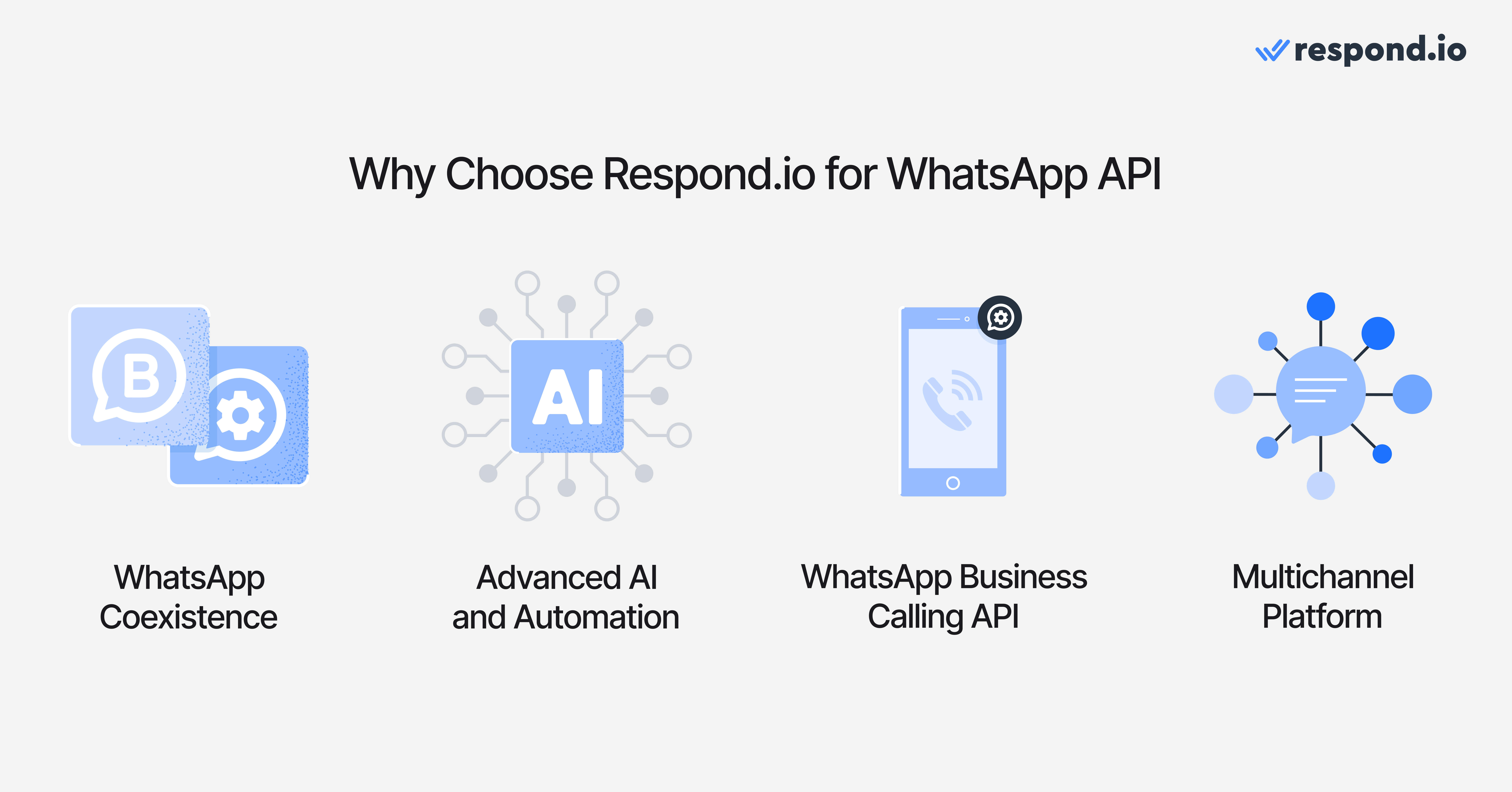
Customer details, merged channel records and conversation history stay available to whoever handles the sale or support request. Eligible businesses can also use WhatsApp Coexistence to keep their Business App while introducing API workflows.
Before signing, ask each shortlisted provider for a full cost breakdown based on your expected users, contacts and monthly message volume. The cheapest starting plan isn’t always the cheapest once AI, seats, numbers and Meta fees are added.
Successful businesses that chose respond.io as a WhatsApp API provider
GETUTOR, an education services business, switched from SleekFlow to improve routing and automation. With respond.io’s AI Agents and workflows handling inquiries and assignment, it recorded 24% more classes booked within two months and handled 50% more leads per day.
JU Productions, an events and media business, tried Manychat before choosing respond.io for more flexible automation and reporting. After moving from WhatsApp Business App broadcasts to respond.io, it recorded a 718% increase in broadcast sales and a 47.2% lower cost per lead.
If your team handles 500+ WhatsApp conversations a month, from inbound leads to support queues and broadcast follow-ups, respond.io gives you the AI Agents, routing and reporting to answer faster and see which chats turn into customers.
Try respond.io for free or contact us for a consultation to see how it handles your workflows.
FAQs about the best WhatsApp API providers
What is a WhatsApp API Platform?
A WhatsApp API platform provides businesses access to WhatsApp Business API, allowing them to use WhatsApp with multiple users, implement advanced automation and AI chatbots and integrate with CRMs.
Which WhatsApp API provider is best for high-volume B2C support and sales?
For high-volume B2C support and sales, respond.io is the strongest fit. It's built as a customer conversation platform with AI Agent, advanced routing, shared inbox, CRM integrations and omnichannel support across WhatsApp, Instagram, Messenger, TikTok and more — everything a B2C team needs to move leads from first message to closed sale. For teams with simpler needs, Wati covers WhatsApp support and broadcasts at a lower price point, Chatfuel handles basic no-code automation, and Manychat works well for social-first brands running WhatsApp alongside Instagram and TikTok.
How are massive volumes of incoming replies distributed to teams?
The strongest providers do not leave large reply waves in one shared queue. They use routing rules to assign conversations by team, language, shift, intent or priority so sales and support can respond without manual sorting.
Buyers should also check whether the platform can reopen existing contact context, flag urgent conversations and keep assignment clear when replies arrive across WhatsApp and other messaging, social, voice and email channels. That is what keeps broadcast response spikes from turning into missed leads.
Is there a free WhatsApp API?
WhatsApp API is paid. Businesses typically pay Meta charges for WhatsApp messages and a separate provider fee for platform access, automation, reporting and support.
Costs are charged per message today, and since October 2026 service messages beyond 1,000 per phone number each month are chargeable too. A provider's markup, subscription model and add-on fees can still change the final monthly bill significantly.
What changed in Meta's July 2025 WhatsApp pricing?
Meta moved away from the older conversation-window model and now charges for delivered template messages based on message category and country. That means buyers should no longer treat WhatsApp cost as a simple per-conversation line item.
Since October 2026, Meta also charges for free-form service messages beyond 1,000 per phone number each month, and for utility templates sent inside the 24-hour customer service window at the regional utility rate. Buyers should compare provider markup alongside those message fees.
Can I use the WhatsApp Business App and WhatsApp API at the same time?
Yes! If you choose a platform that supports WhatsApp Coexistence, you can keep your WhatsApp Business App and connect to WhatsApp API.
Are all WhatsApp API providers official Meta partners?
No. Some tools offer official access to the WhatsApp Business Platform, while others rely on indirect or unofficial methods that create more account and compliance risk.
A simple buyer check is to ask whether the provider is officially authorized, whether Meta approval is still required and who owns escalation when template approvals or delivery issues become urgent. If the answer is unclear, the risk usually sits with the business.
Can a business use Meta's Cloud API without a provider?
Yes. A business can connect to Meta's Cloud API directly, but that only provides technical access to WhatsApp. It does not include a shared inbox, AI Agents, routing, template management, reporting or the no-code workflows most B2C teams need to run sales, marketing and support at volume.
For mid-market B2C teams, a customer conversation platform is usually the faster path because managers can launch, route and optimize conversations without building and maintaining their own WhatsApp layer. Respond.io is one example: it adds AI Agents, lifecycle automation, a shared customer record and support for WhatsApp and other key messaging, social, voice and email channels on top of official WhatsApp access.
Can I make calls with WhatsApp API?
Yes. WhatsApp Business Calling API is available through providers that support it. Some businesses also want VoIP so urgent sales and support conversations can move from chat to voice without leaving the platform.
How can a business obtain the WhatsApp Green Tick verification?
The WhatsApp Green Tick is not included automatically in WhatsApp API pricing and it is not something a business can buy as an add-on. A provider plan may include guidance on the application, but approval still depends on WhatsApp's review of business notability and account standing.
What is the template approval process for bulk messaging?
Bulk messaging on WhatsApp usually depends on approved message templates for business-initiated outreach. The team creates the template, submits it for approval and then monitors status before launch.
Buyers should check whether the provider gives clear template status visibility, category guidance, reusable libraries and support if a template is rejected or delayed. That matters because approval timing affects launch dates and category choice affects campaign cost.
Can WhatsApp Business API be used for bulk messaging?
Yes, WhatsApp Business API can be used for bulk messaging when the business has customer opt-in and uses approved templates for business-initiated outreach. That makes it suitable for promotions, reminders, re-engagement and follow-up at scale.
Buyers should still check how each provider handles template approval, audience segmentation, send monitoring and reply routing after a campaign launches. Bulk sending only helps when the team can also manage the response wave.
How do messaging tiers and quality rating affect bulk WhatsApp campaigns?
WhatsApp does not let every number scale outbound messaging at the same pace. Sending capacity expands or tightens based on account history and quality rating, which reflects how well recipients respond to the business's messages. For B2C teams, that means campaign scale depends on account health, not only budget. Respond.io is one example of a customer conversation platform built for high-volume B2C teams, but buyers should verify that any provider helps monitor quality signals, manage reply waves and protect campaign performance as volume rises.
Can I switch WhatsApp API providers without losing my number?
Yes. The number stays in the business's own WhatsApp Business Account, so switching providers doesn't require migrating it. The move should still be treated like a live revenue transition, not a simple settings change.
Before cutover, the team should confirm three things: which templates need to be moved or recreated (templates don't carry over automatically, and moved ones restart and automation connections need to be rebuilt and how conversation history will be retained or referenced after the move. The team should also test routing, template sending, ad attribution and handoff rules before going live.
Strong onboarding matters because it reduces the risk of missed leads, delayed campaigns and support disruption during the switch.
Do I need developers to use a WhatsApp API provider?
Not always. Many platforms let sales, support and marketing teams manage routing, campaigns and reporting without heavy developer involvement. Developer support is still useful when the business needs custom integrations or very specific workflow logic.
How do AI automation tools improve scalability for high-volume WhatsApp support?
AI automation tools improve scalability when they reduce manual queue handling as volume rises. The most useful setups can qualify and route conversations, trigger follow-up workflows, prioritize urgent cases and pass complete context to the right team.
That matters during campaigns, seasonal peaks and support surges because the team can handle more conversations without losing ownership or visibility. Buyers should compare whether automation still works well when customers send voice notes, images or documents, not only plain text.
Do all WhatsApp API providers charge per conversation?
No. Meta fees and provider fees are not the same thing. Meta charges for WhatsApp messages based on message type and market, while providers choose their own pricing model for platform access.
Some providers charge per seat, some charge per connected number and some add markups or paid add-ons on top. Respond.io uses Monthly Active Contacts pricing, so buyers should compare total monthly cost rather than assuming every provider charges the same way.
Which WhatsApp API providers charge a markup on messages?
Not every provider adds a markup to Meta's WhatsApp charges, but some do. Buyers should ask each provider for a written cost breakdown that separates Meta charges from any provider-added markup, because markups are often buried inside the monthly bill rather than shown clearly on pricing pages.
This matters most at scale. A small markup can compound quickly once the team sends more templates, adds more follow-up or runs more campaigns.
Why do messaging costs differ across WhatsApp API providers?
Total cost depends on more than Meta fees. Providers can charge different subscriptions, add markups on WhatsApp messaging, bill per user or per connected number and lock reporting, automation or integrations behind higher plans.
That is why two tools with similar headline pricing can produce very different monthly bills. Buyers should compare total spend using the same forecast for contacts, users, channels and message volume before shortlisting.
Which WhatsApp API provider is cheapest?
There is no single cheapest provider for every B2C team because the lowest entry plan often stops being the lowest total cost once more agents, contacts, channels or reporting needs are added. Buyers should compare the full monthly bill, not only the starter price.
A practical comparison should include Meta charges, any provider markup, subscription fees, user or number fees and add-ons for automation, integrations or onboarding. For teams that share one platform across sales, support and marketing, respond.io's Monthly Active Contacts pricing can be easier to forecast than seat-based pricing.
Which WhatsApp API provider is best for AI Agent use cases?
Respond.io is the strongest fit for teams that want AI Agents to do more than answer simple questions. Its AI Agents can qualify leads, update lifecycle stages, trigger workflows, route by intent, escalate high-value opportunities and generate summaries for handovers.
That matters for mid-market B2C teams because AI Agents can move conversations forward before a human joins, instead of only replying and waiting.
How do AI agents improve customer support efficiency via WhatsApp?
AI Agents help support teams move faster by handling first-response work before a human joins. They can answer common questions, qualify the conversation, update lifecycle stages, route by intent and generate summaries for handovers so agents do not start from scratch.
For B2C teams, that means shorter response lag and less manual triage during busy periods. Buyers should check whether the provider offers AI Agents that can execute actions, not only suggest replies.
Which WhatsApp API provider has built-in analytics for a B2C team?
The right choice depends on what the team needs to measure. Some platforms only show send, delivery or reply counts, while others track agent performance, campaign attribution, conversion outcomes and handoff quality.
For mid-market B2C teams that need reporting tied to conversations and revenue, respond.io is a strong fit because it combines campaign, lifecycle and team visibility in one customer conversation platform. Buyers should confirm that reporting covers the channels, workflows and handoffs they actually use.
How fast can a business get started with a WhatsApp API provider?
Launch speed depends on business verification, number setup or migration, template approval, inbox and CRM connection and testing before go-live. A provider with guided onboarding helps the team move through those steps in the right order and resolve approval or routing issues quickly.
Mid-market B2C teams usually get started faster with a no-code platform because sales, support and marketing managers can adjust routing, lifecycle updates and campaigns without waiting on engineering for every change.
How do WhatsApp API rate limits affect high-volume messaging?
Rate limits affect how quickly a provider can send campaign messages and process the reply wave that follows. For high-volume B2C teams, the real question is not only sending speed but whether the platform can queue messages properly, spread replies across the team and surface issues before leads go cold.
When comparing providers, buyers should ask how message spikes are managed, what happens when sends slow down and who escalates delivery problems during a live campaign. That helps the business avoid backlogs when ad traffic or broadcast replies jump at the same time.


