
















 Electronics
 Fashion & Apparel
 Furniture
 Jewelry and Watches
 Afterschool Activities
 Sport & Fitness
 Beauty Center
 Dental Clinic
 Medical Clinic
 Home Cleaning & Maid Services
 Photography & Videography
 Car Dealership
 Travel Agency & Tour Operator


TL;DR - What to do when your CRM can't keep up with WhatsApp
Mid-market B2C teams managing WhatsApp contacts through a CRM hit a wall fast — agents switch between tools to reply, leads go cold in the gap, and automation that works for email doesn't work for real-time messaging. Respond.io sits between WhatsApp and your CRM and closes all three gaps.
Agent switching: A unified inbox connects WhatsApp conversations, contact records and CRM data in one place — agents never leave to log a reply or update a record.
Lead qualification and routing: AI Agents qualify, tag and route contacts in real time so high-value leads reach the right agent before they go cold.
Automation and calls: Workflows, AI Agents and WhatsApp Business Calls run natively inside respond.io
— no third-party diallers, no switching platforms.
Not for: Businesses using the standard WhatsApp Business App — respond.io requires WhatsApp Business API
If your mid-market B2C team is managing WhatsApp on one screen and your CRM on another, you're losing time, missing context and creating gaps in your customer data. A conversation management platform is the layer that connects the two — and respond.io is built specifically for that job, linking conversations, contact records and automation so your agents work from one place instead of two. Here's how it works and how to set it up.
WhatsApp API + your CRM: Why you need a layer in between
Most CRMs weren't built for real-time messaging. When you connect WhatsApp directly to Salesforce, HubSpot or Zendesk, agents end up switching between tools to reply — and by the time they do, leads have gone cold. Respond.io sits between WhatsApp and your CRM so agents never have to leave the inbox to do their job.
Here’s the difference between directly integrating with a CRM and using respond.io as a conversation management platform to integrate them.
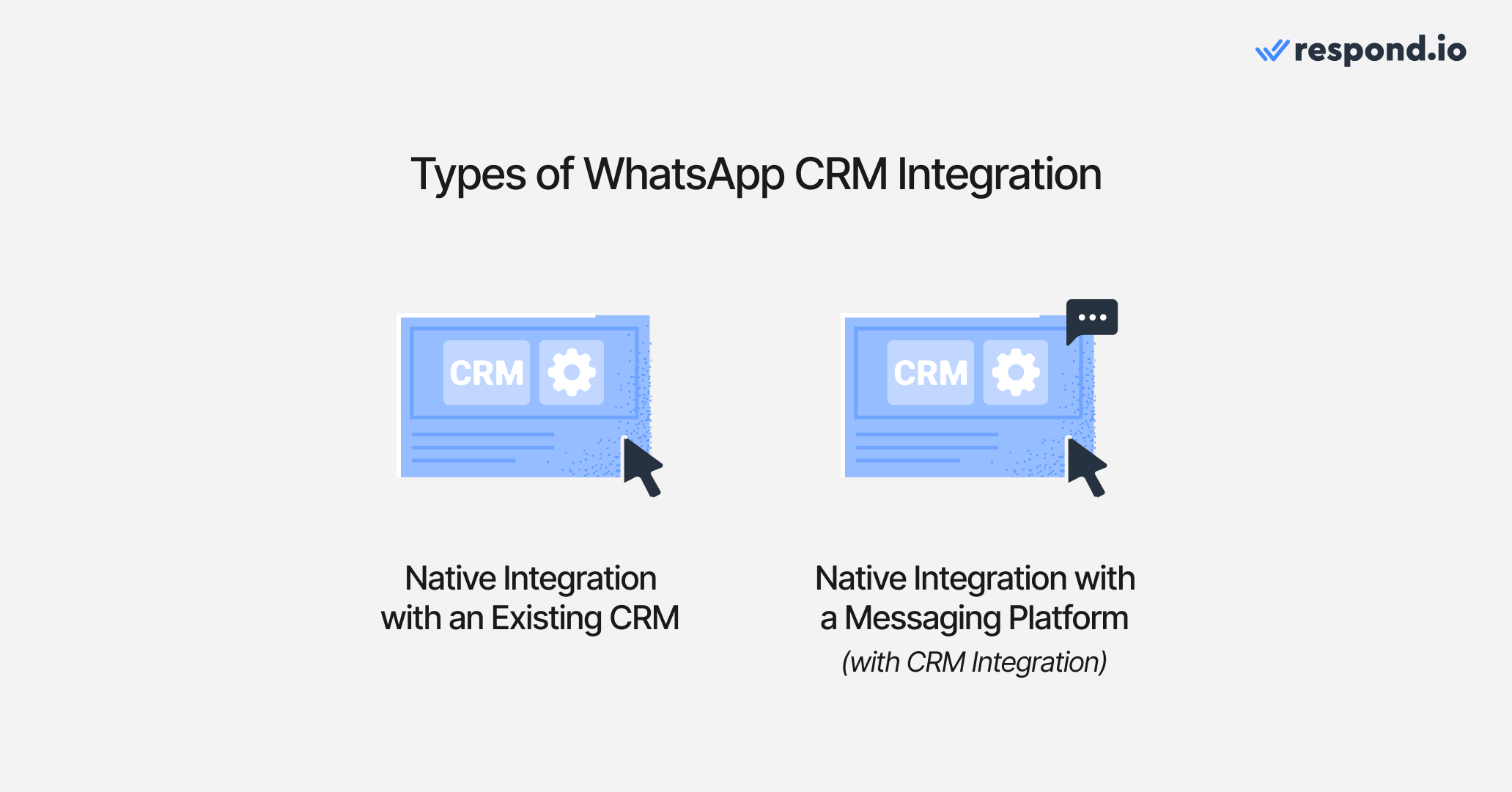
1. WhatsApp API native integration with an existing CRM
Businesses integrating WhatsApp with their CRM want to send and receive messages within their existing system. While some CRMs, like Salesforce, HubSpot and Zendesk, offer native WhatsApp integration, they often lack key messaging features since they were originally designed for email.
For example, HubSpot and Salesforce’s integrations limit automation capabilities, making it harder to qualify leads and manage conversations efficiently. Similarly, Zendesk’s native WhatsApp integration doesn’t support video previews or voice note playback within the inbox—agents must download files to view them, disrupting workflows.
Additionally, none of these integrations support WhatsApp calls natively, requiring agents to switch platforms.
Beyond these, they also restrict WhatsApp API usage to a single CRM, preventing businesses from sharing WhatsApp data across platforms or using it alongside other tools. Fortunately, most CRMs support third-party integrations, allowing businesses to connect with conversation management software like respond.io that fully supports WhatsApp, unlocking advanced messaging, automation and omnichannel capabilities.
WhatsApp API + Existing CRM | WhatsApp API + Respond.io | |
Native WhatsApp Integration | Available but limited (Salesforce, HubSpot, Zendesk) | Built specifically for WhatsApp messaging |
Messaging Features | No WhatsApp calls, video previews or voice note playback | Fully supports WhatsApp features |
Automation | Limited automation | Advanced automation |
Media File Handling | Media files must be downloaded separately | Media playback in inbox |
CRM Flexibility | Restricted to a single CRM | Integrates with multiple CRMs |
Omnichannel Messaging | Limited | Supports Messenger, Instagram, TikTok, Telegram and more |
Revenue Consequence | Leads go cold while agents switch between tools to respond | Agents respond from one place — conversations, contact data and automation in a single inbox |
2. WhatsApp API CRM integration via a conversation management platform
Unlike traditional CRMs, customer conversation management platforms are built specifically for instant messaging, offering full support for WhatsApp’s features. While Salesforce, HubSpot and Zendesk provide native WhatsApp integrations, they lack key messaging functionalities such as WhatsApp calls and advanced automation.
Respond.io, a customer conversation management platform, brings you the best of both worlds. It provides vital communication features mid-market B2C businesses need, including customer lifecycle management, lead qualification, automation and AI Agents while integrating with existing CRMs like HubSpot,Salesforce, Pipedrive, ActiveCampaign and more. This ensures businesses can manage WhatsApp conversations without API limitations or messaging restrictions.
Beyond WhatsApp, solutions like respond.io support omnichannel messaging, allowing businesses to engage customers across Messenger, Instagram, TikTok, Telegram and more, all from a unified omnichannel inbox.
Now that we’ve covered the two main approaches, let’s explore the key features that make a WhatsApp CRM or a platform like respond.io effective.
How to integrate WhatsApp API with your CRM using respond.io in 3 steps
Let’s get to the fun part. Integrating WhatsApp with your CRM might sound technical, but it can be broken down into a few clear steps. Here’s a simple roadmap for mid-market B2C businesses. You just need a WhatsApp API account and a respond.io account; then you choose the method that works best with your specific CRM and start syncing information so there’s no need to keep switching between WhatsApp and your CRM.
Step 1: Create a respond.io WhatsApp Business API account
Before anything else, you’ll need access to the WhatsApp Business API. This is because you cannot integrate the regular WhatsApp Business app with a CRM.
As an official WhatsApp Business Solution Provider, respond.io allows businesses set up their API quickly and securely. Learn how to create a WhatsApp Business API account with respond.io.
Step 2: Connect WhatsApp to your CRM
With respond.io’s built-in integration capabilities, businesses can connect WhatsApp to their CRM using different methods:
Native Integration: Directly integrate CRMs like HubSpot and Salesforce with respond.io to sync contacts, messages and workflows.
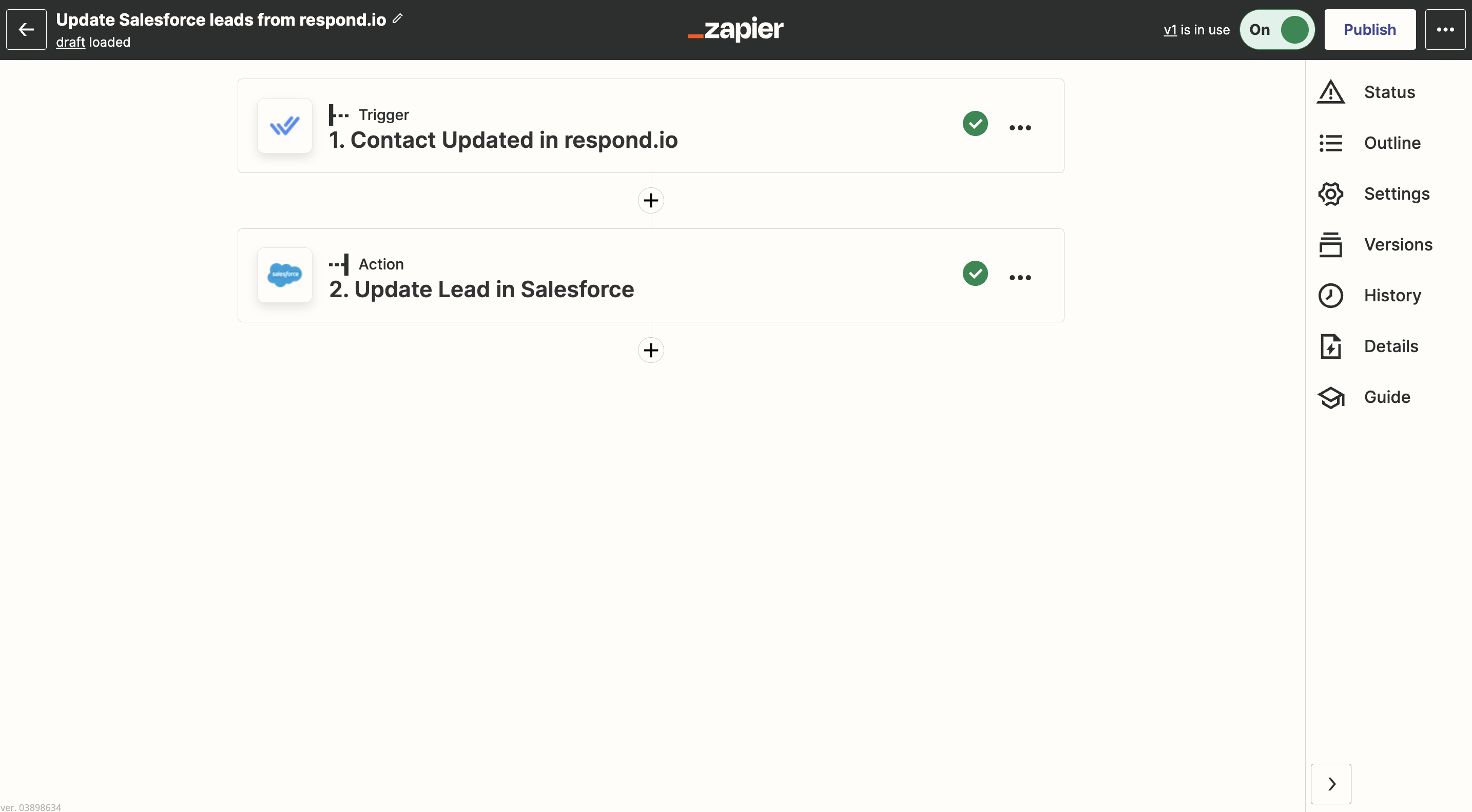
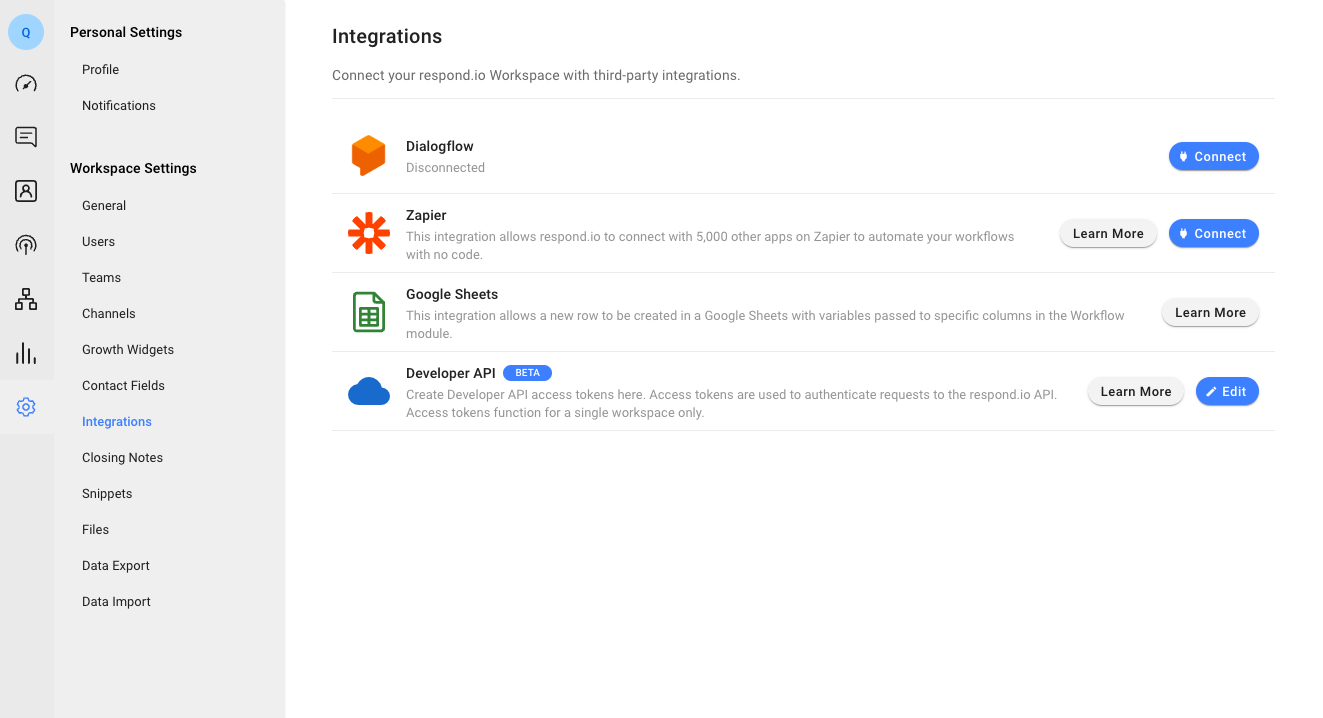
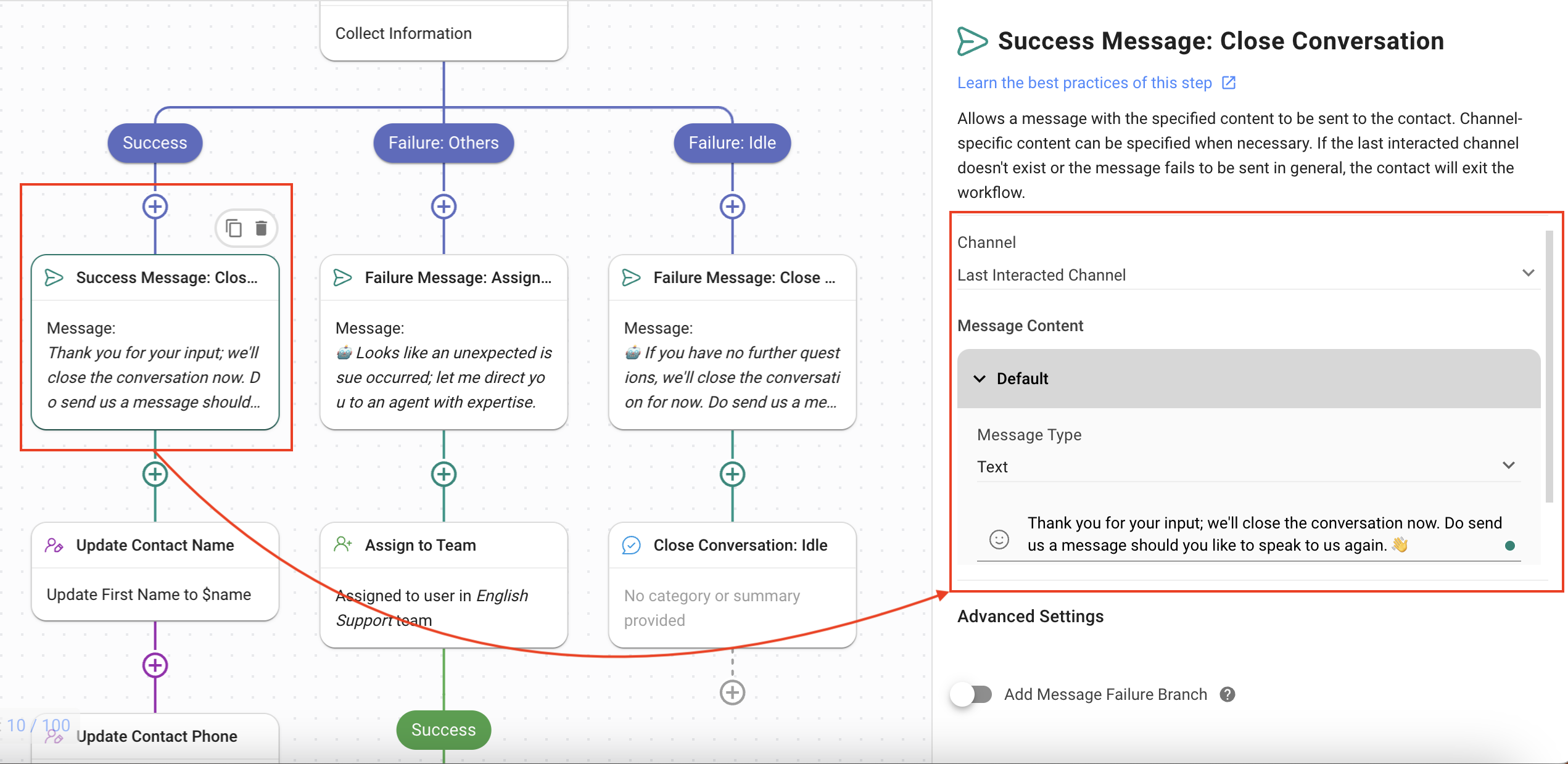
Custom API Integration: Create a new Workflow and add the HTTP Request Step to integrate any CRM with respond.io.

Step 3: Set up information to sync
Once connected, ensure data syncing works properly between WhatsApp and your CRM. Respond.io allows businesses to sync contacts, conversation history and lifecycle stages while automating lead assignments, chat routing and follow-ups.
This ensures WhatsApp conversations are managed efficiently without switching between platforms.
Best practices for using respond.io to bridge WhatsApp and your CRM
To get the most out of respond.io as a link between WhatsApp and your CRM, follow these best practices to ensure you have contact data that will transfer cleanly, merge contacts across channels and segment leads for follow-up across the customer lifecycle. If you don’t, contacts may not sync and leads won’t be followed up with in a timely manner.
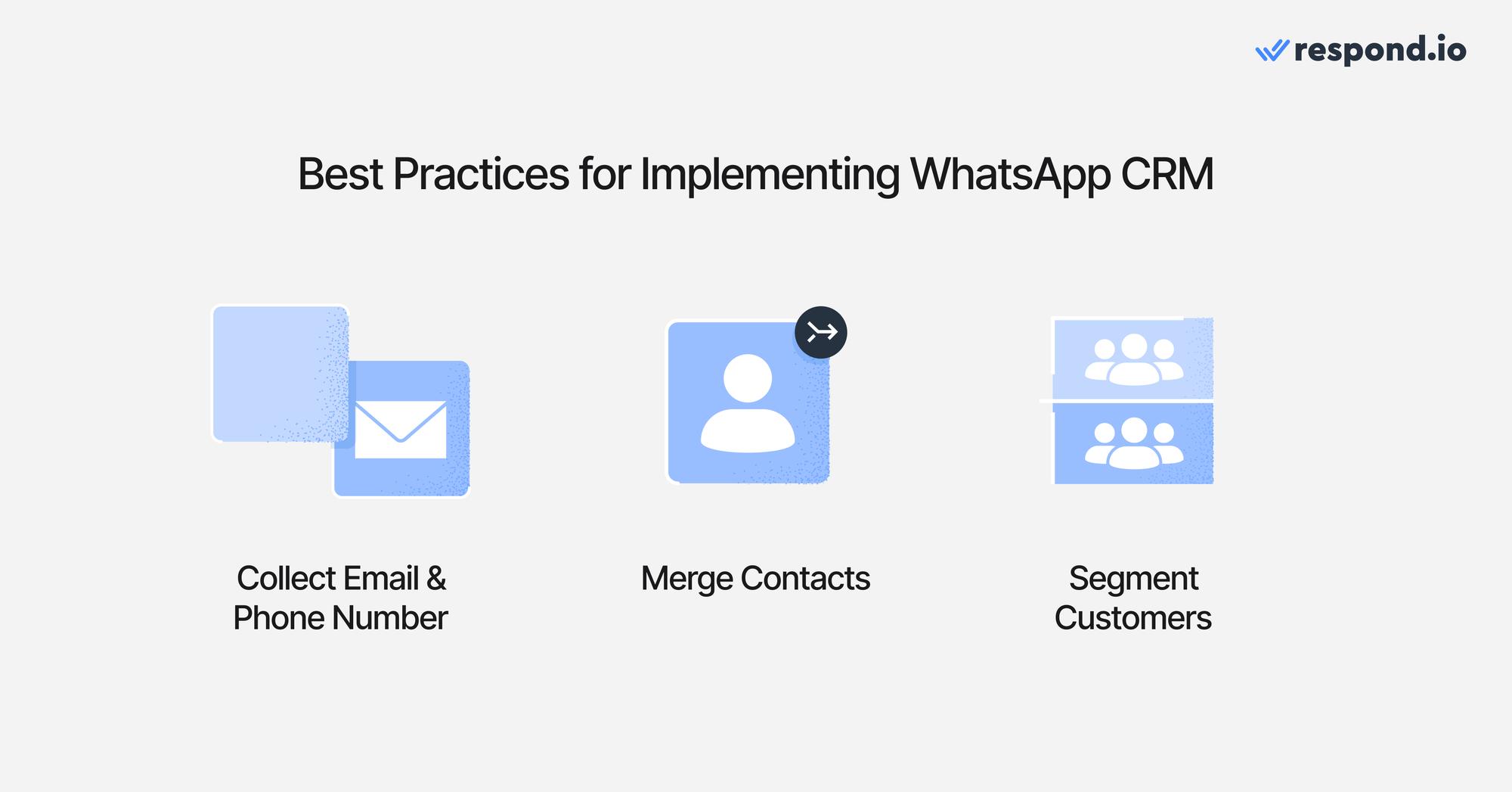
1. Collect email and phone numbers
For most CRMs, every lead or customer must have a unique identifier, like their email address or phone number. When a lead contacts you on WhatsApp, respond.io captures their phone number automatically. For email, set up an AI Agent or workflow to ask for it at the right moment — then sync both fields to your CRM in real time. No manual data entry, no missing records.
2. Merge contacts to avoid duplicates
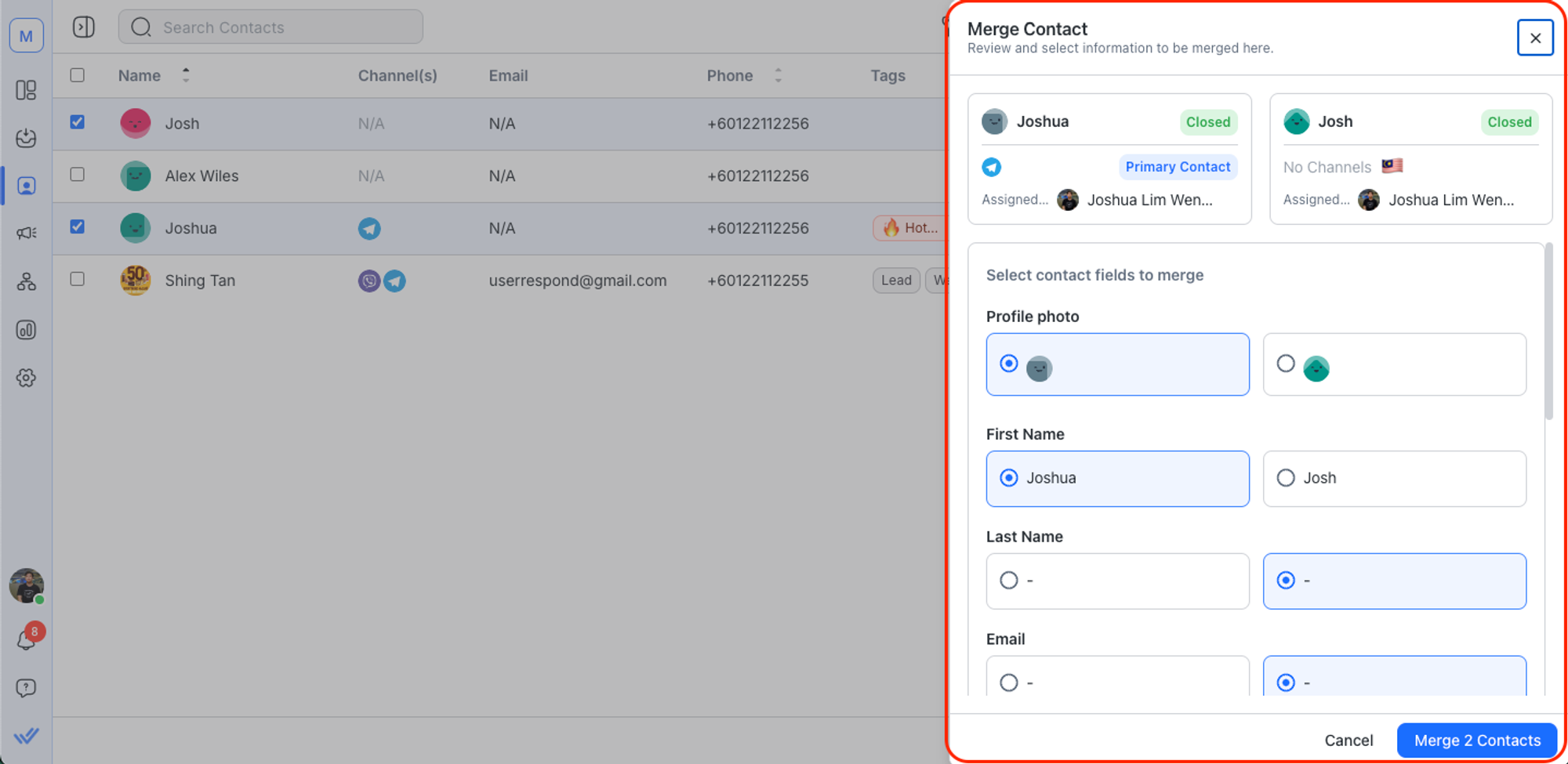
Most WhatsApp platforms treat each channel as a separate contact. Respond.io automatically detects when the same person has reached out via WhatsApp and another channel, matches them by email or phone number, and prompts your team to merge — keeping a single, complete contact record across your inbox and CRM.
3. Segment Customers for WhatsApp Broadcasts
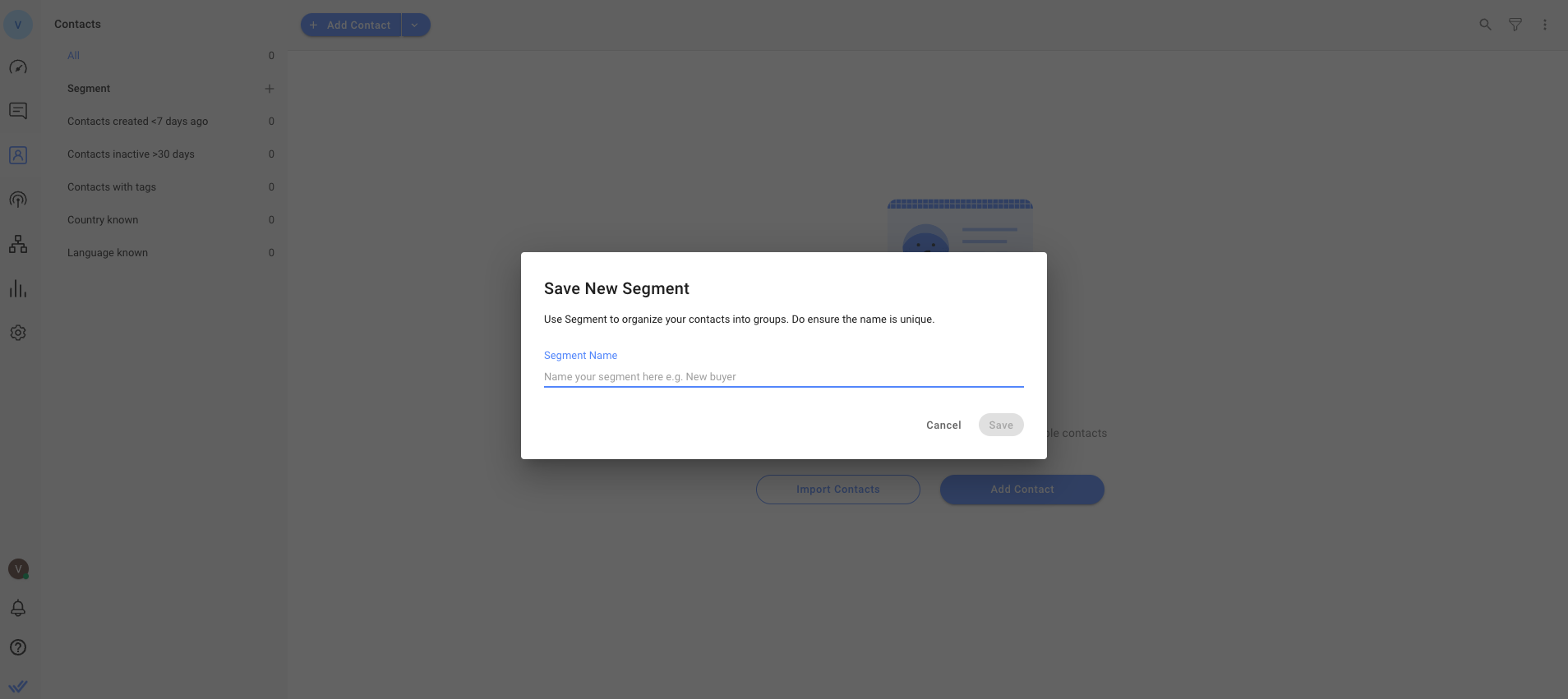
Unlike basic CRM field matching, respond.io's Lifecycle feature lets you segment contacts by where they are in the sales process — and target WhatsApp broadcasts accordingly. AI Agents can update Lifecycle stages automatically mid-conversation, so your segments stay current without manual intervention.
Integrating WhatsApp with your CRM: Why is respond.io the best choice?
Respond.io is an AI-powered customer conversation management platform and an official WhatsApp Business Solution Provider and Meta Business Partner that connects WhatsApp with multiple CRMs. It makes it easy to sync conversations, automate workflows and manage customer interactions from one place. With solid platform reliability and dedicated customer support, businesses can ensure smooth operations and uninterrupted messaging.
Let’s explore how businesses use respond.io for marketing, sales, customer service, team collaboration and performance tracking to see why it’s the best solution.
Marketing: Capturing and Engaging Leads
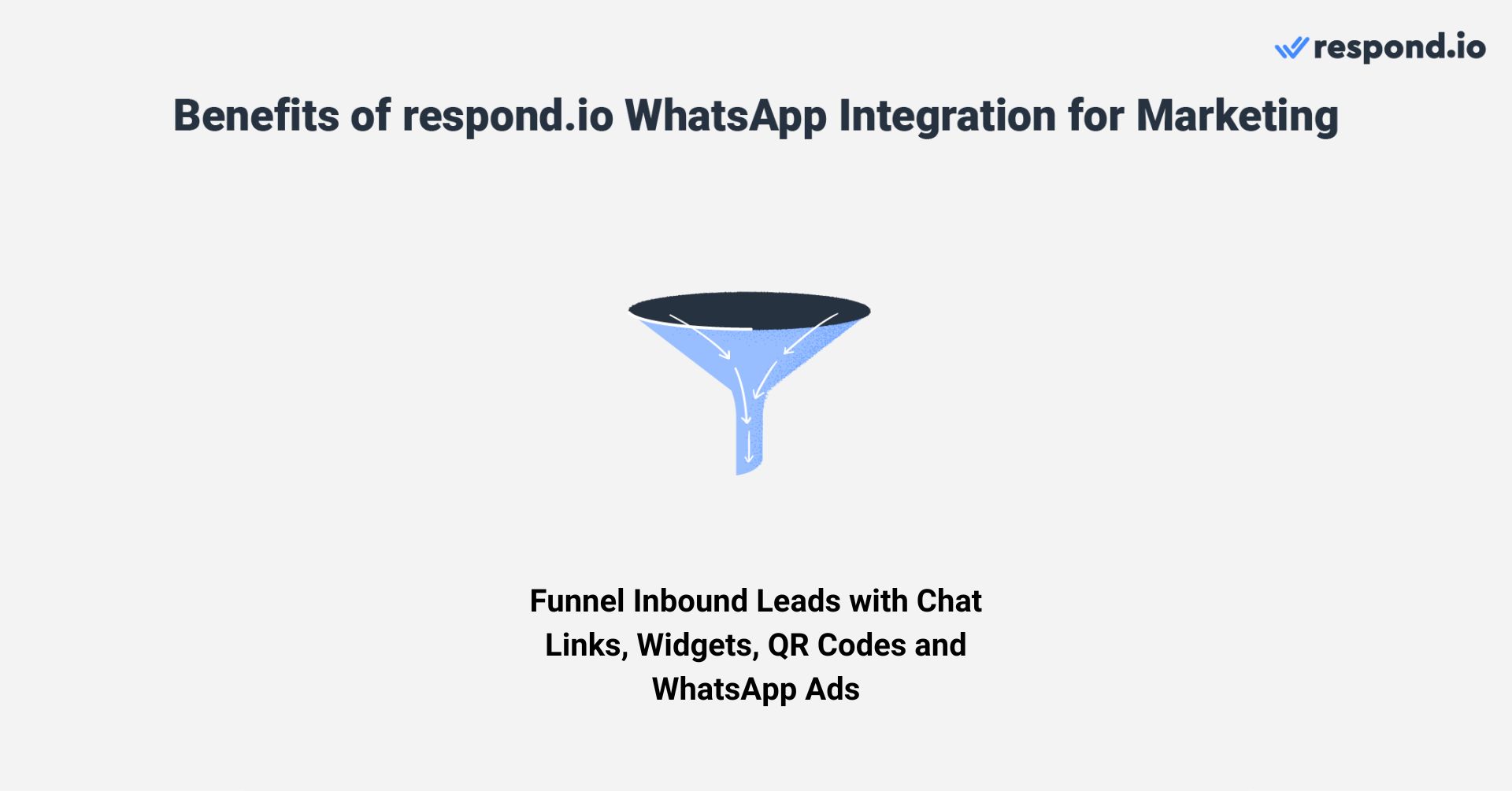
Businesses can attract WhatsApp leads using QR codes on physical materials, chat links in digital content or chat widgets on websites. For proactive lead generation, click-to-WhatsApp ads on Facebook and Instagram help businesses reach targeted audiences and drive them toward conversion.
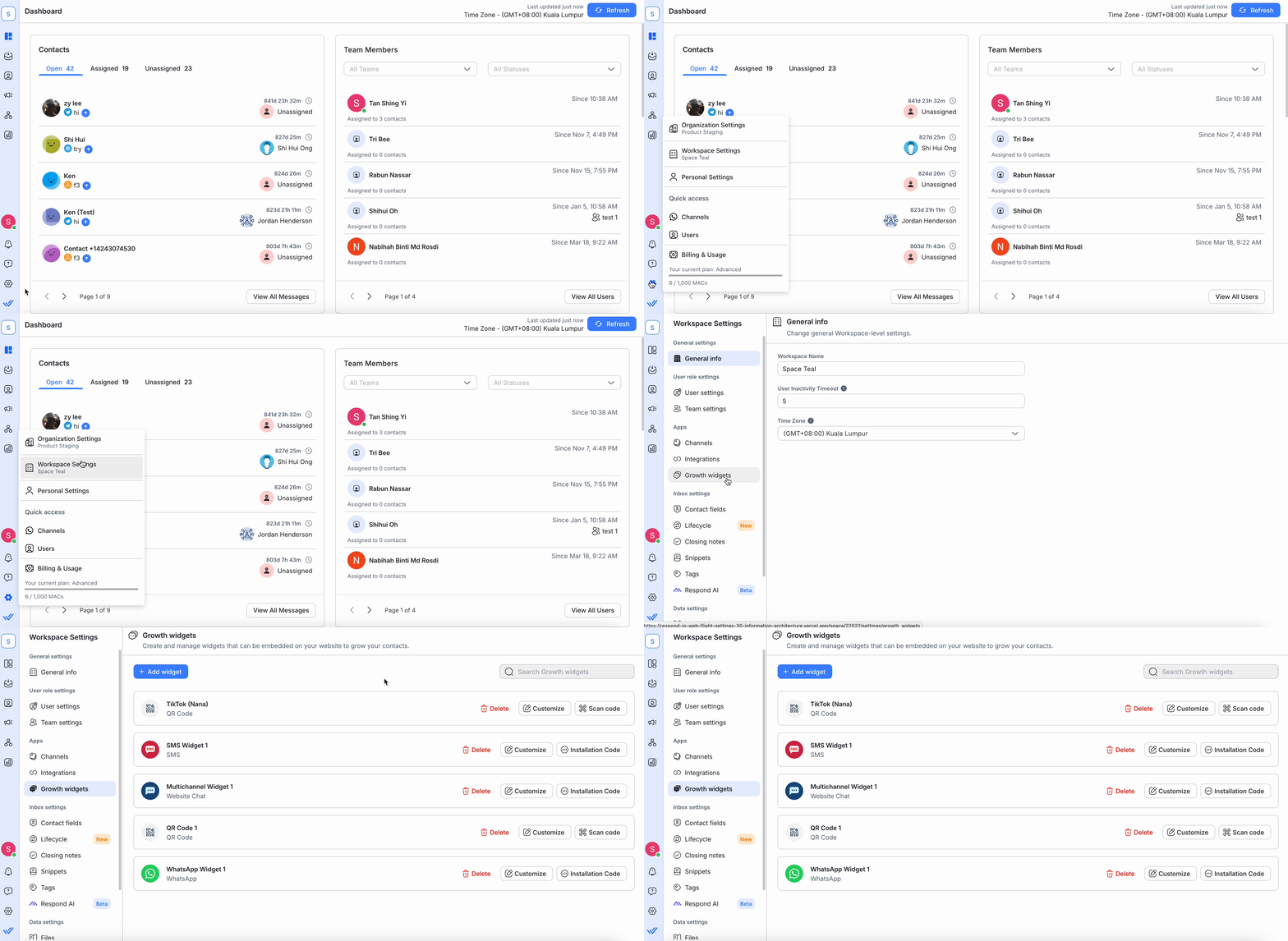
Once a lead reaches out, respond.io automatically collects and syncs contact details into the CRM, allowing businesses to segment customers, send broadcasts and personalize follow-ups with tools like WhatsApp catalogs, interactive messages and push notifications.
Sales: Automating Lead Qualification and Sales Tasks
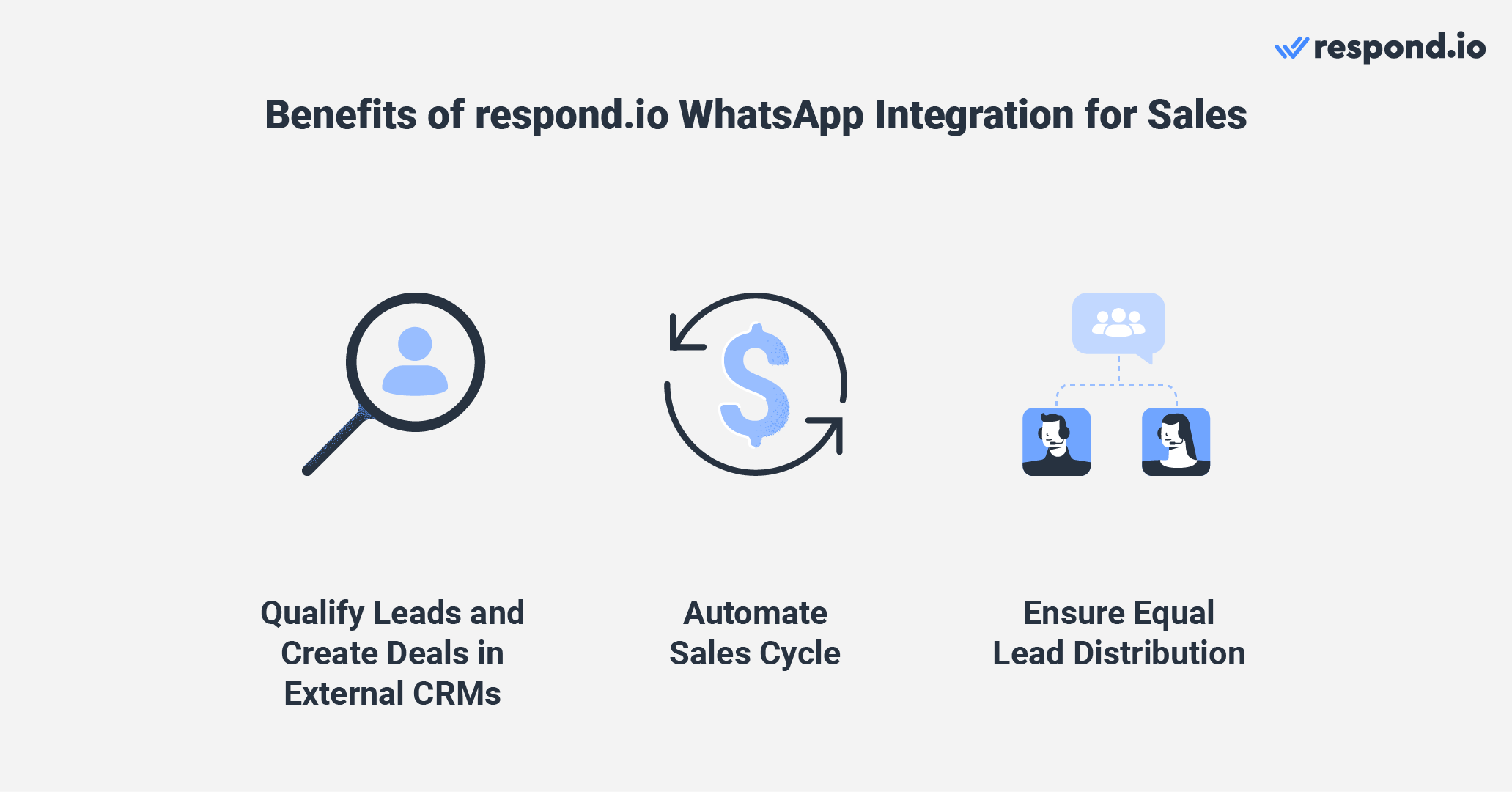
Respond.io natively integrates with CRMs like HubSpot and Salesforce, enabling sales teams to qualify leads, track conversations and close deals—all from one platform. With AI-powered automation, businesses can filter out low-priority leads by automating qualifying questions and lead scoring.
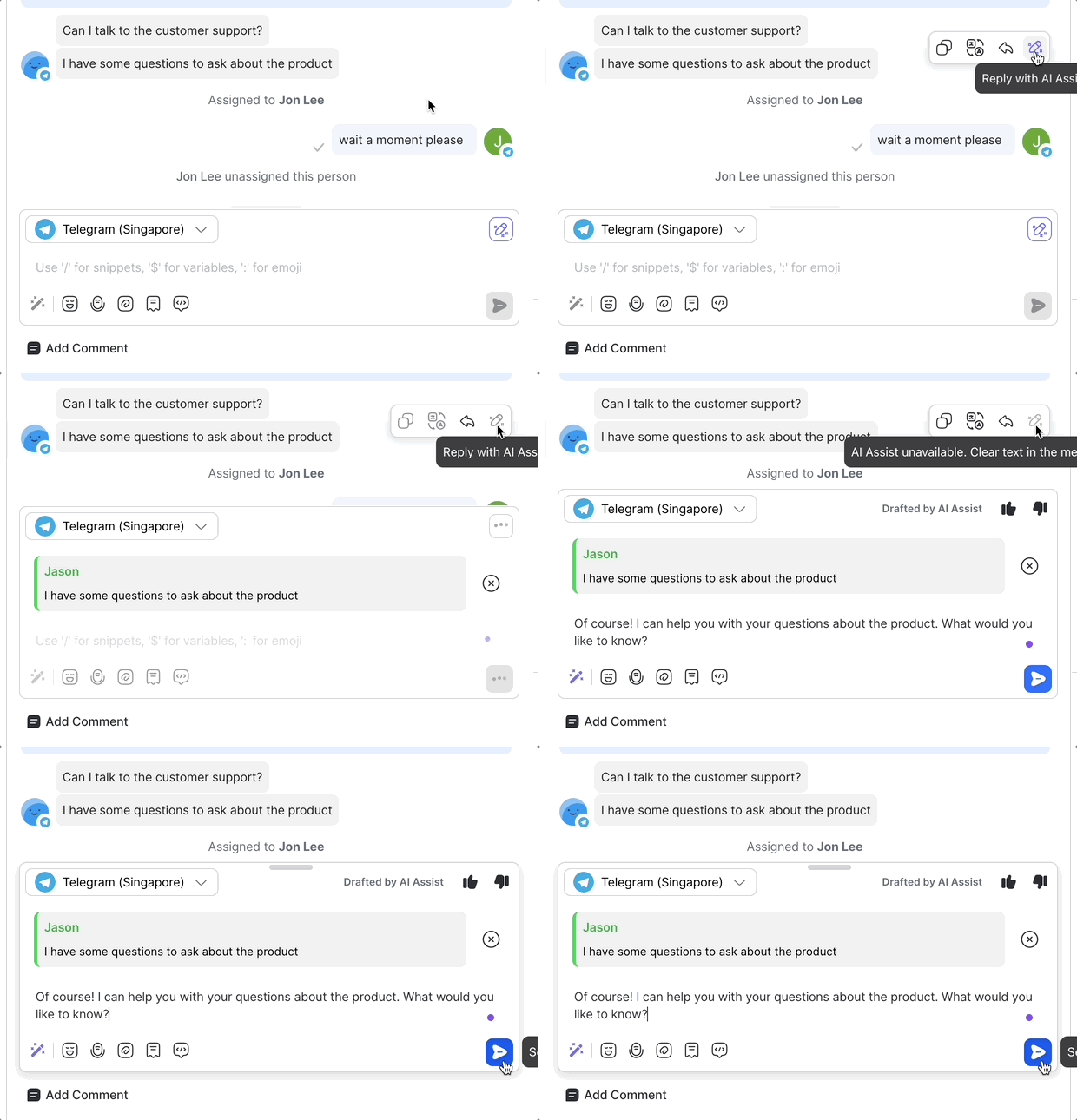
Many teams also enhance this setup with a respond.io AI Agent, which can automatically handle early-stage inquiries, recommend products and send payment or booking links.
Once a lead is verified, respond.io can route conversations to the right sales agent based on priority, deal size or region. AI-assisted replies, rich media messages and WhatsApp Call Support enable faster engagement and conversions.
Retention: Improve Customer Support Quality and Efficiency
Businesses can automate FAQs and guide customers through self-service options using multiple-choice questions. For complex inquiries, the platform can automatically route customers to the right team.
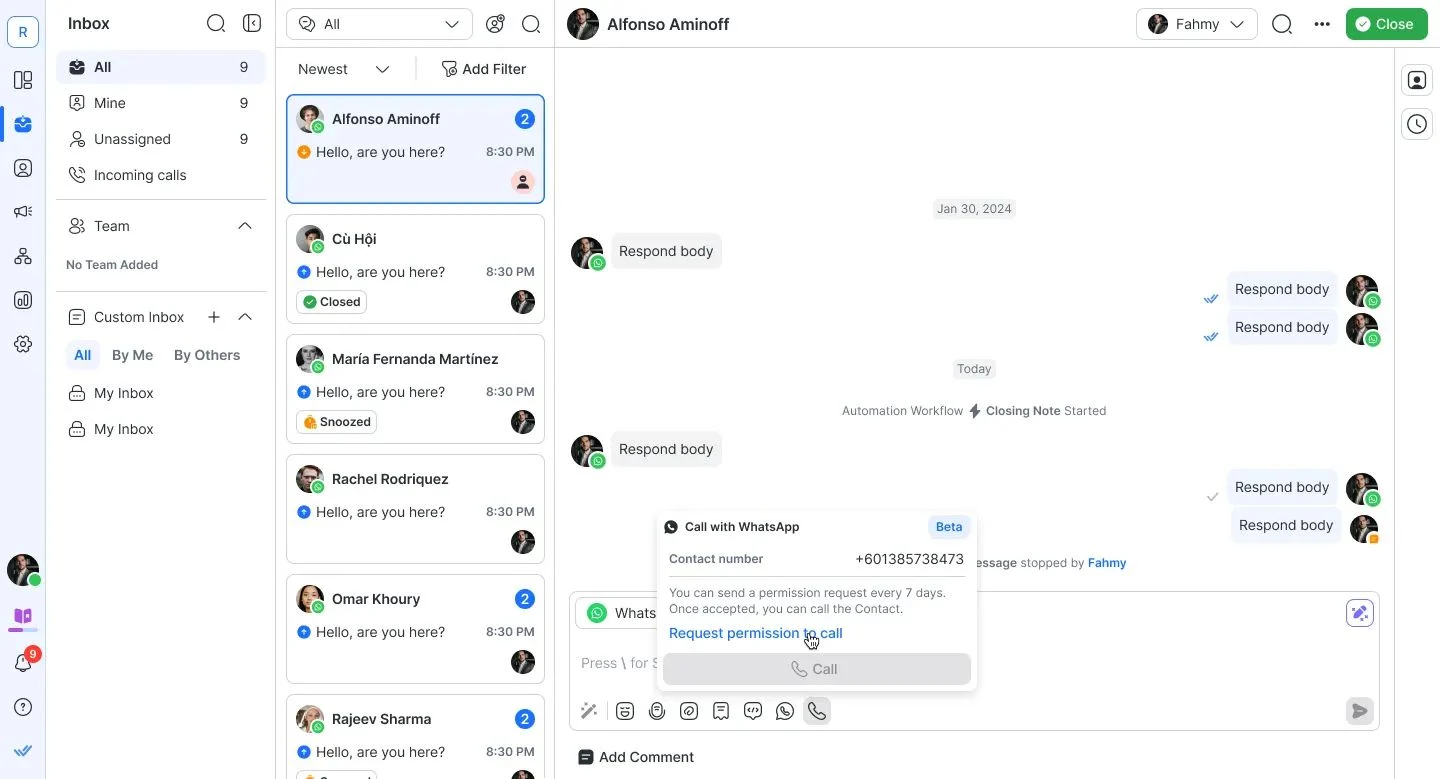
AI Assist provides agents with quick access to knowledge bases, improving response times and accuracy. When necessary, agents can easily escalate to voice conversations using the WhatsApp Business Calling API, enabling direct communication within the same platform. Businesses can also send CSAT surveys post-conversation to measure customer satisfaction.
Team Collaboration: Improving Internal Communication
Respond.io makes it easy for team members to collaborate in a team inbox. Through internal comments, agents can provide background information about a Contact for more follow-ups.
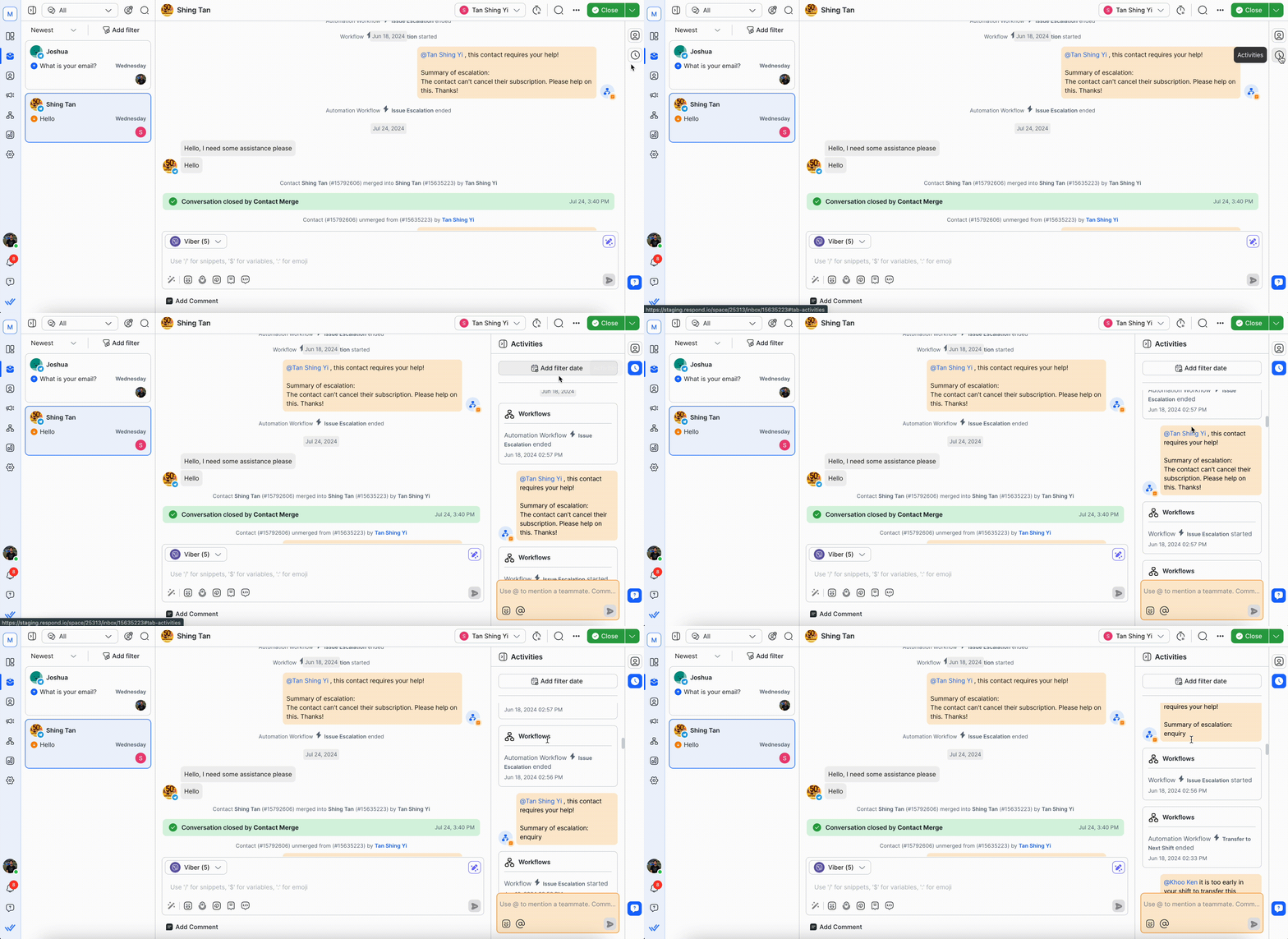
Agents can also tag their teammates to discuss the best way to help a customer or escalate complex cases whenever necessary. Best of all, agents can easily collaborate, chat with customers and manage their tasks anywhere with the respond.io mobile app.
Performance Tracking: Gaining Insights for Improvement
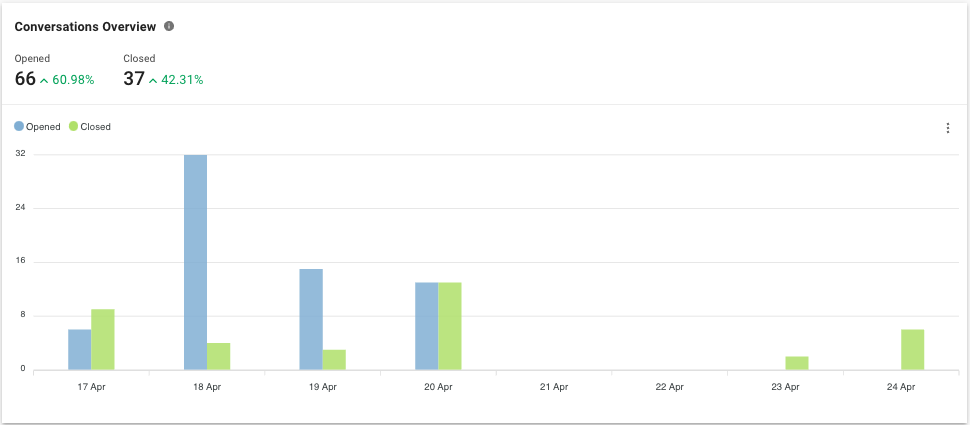
Managers can track real-time metrics using respond.io’s analytics dashboard to measure agent performance, customer engagement and response times.
High-value conversations can be filtered and reviewed using a custom inbox to optimize customer interactions and improve overall service quality.
Before you get started: when respond.io isn't the right fit
Respond.io works best as the layer between WhatsApp and your CRM — not as a workaround, a CRM replacement, or a broadcast tool for cold contacts. If any of the following describes your setup, it may not be the right fit.
Not a CRM replacement
Respond.io sits between WhatsApp and your CRM — it's not a CRM replacement. If you need a single system to manage your entire customer database, pipeline and reporting, you'll still need a dedicated CRM alongside it.
Not for businesses that want to blast cold contacts
Respond.io requires WhatsApp opt-in. If your plan is to import a list of CRM contacts and send them unsolicited promotional messages, respond.io isn't the right tool — and WhatsApp will ban your number before long anyway.
Not for businesses that want to work around WhatsApp's policies
Respond.io is an official WhatsApp BSP, so it operates within WhatsApp's rules, not around them. If your workflow depends on unapproved message templates or high-volume cold outreach, this isn't the platform for that.
WhatsApp CRM: Key Takeaways
When WhatsApp and your CRM operate as two separate tools, agents switch between them to reply — and leads go cold in the gap. respond.io closes that gap by sitting between WhatsApp and your CRM, connecting conversations, contact data, automation and calls in one inbox so your team never has to choose between responding fast and keeping records accurate.
Companies in F&B, hospitality, healthcare, education, real estate and retail have seen real results with this approach. Check out our customer stories to see how businesses are improving response times, automating workflows and handling more conversations without extra effort.
Now it’s time to put this into practice. Sign up for respond.io’s WhatsApp Business API and start managing WhatsApp conversations more effectively today!
Turn conversations into customers with respond.io's official WhatsApp API ✨
Manage WhatsApp calls and chats in one place!
FAQ about using respond.io to integrate WhatsApp with a CRM
What is the best CRM with WhatsApp integration?
For mid-market B2C businesses that need more than basic contact syncing, the best setup isn't adding WhatsApp directly to a CRM — it's using respond.io as the layer in between. Unlike native CRM integrations that limit automation and don't support WhatsApp calls, respond.io connects WhatsApp to multiple CRMs simultaneously, adds AI-powered qualification and routing, and handles voice and chat in one inbox. It's built specifically for teams managing high volumes of WhatsApp conversations across sales, support and marketing.
Can I integrate WhatsApp with multiple CRMs?
Yes. You can integrate WhatsApp with multiple CRMs, but only if you use a platform that supports multi-CRM connectivity. The WhatsApp Business API itself connects to one messaging provider at a time, so you’ll need an intermediary system like respond.io to sync data across several CRMs.
Respond.io functions as your central hub for WhatsApp conversations and can push contact details, messages and lifecycle updates to external systems such as Salesforce, HubSpot or Pipedrive simultaneously. This setup lets different teams use their preferred CRM while maintaining a unified view of all WhatsApp interactions, ensuring consistency and avoiding duplicate records.
Can I make WhatsApp calls inside my CRM?
Native CRM integrations — including Salesforce and HubSpot — don't support WhatsApp calls. With respond.io, agents can initiate and receive WhatsApp Business Calls directly inside the same inbox where chats and contact records live. Call history, transcripts and contact data are all in one place, so agents never need to switch platforms for voice interactions.
Can AI Agents answer business calls?
Yes, AI agents can answer voice calls if you use the right tool. On respond.io, you can configure the AI agent’s voice, add instructions and test the experience before going live. This gives you full control over how calls are handled. Unlike standalone voice bots, respond.io’s AI Voice Agent is fully integrated into a unified inbox, allowing mid-market B2C businesses to manage messaging and voice interactions in a seamless thread with every customer, with shared logs and reporting.
How can I use AI Agents to follow up on customer conversations?
If conversations are left hanging pending a customer’s response, you can set your AI Agent to nudge them with a relevant follow-up question. For example, respond.io’s AI Agent goes beyond simple time-based nudges or workflow triggers. It uses conversation history to understand its context and determines when and how to follow up. This understanding helps it avoid contacting customers whose issues are already resolved, and to send personalized, human-like nudges at the right time.
Further Reading
Need a more in-depth article to kickstart your marketing, sales and support journey with respond.io? Here are some blogs that might help you.


