
















 Electronics
 Fashion & Apparel
 Furniture
 Jewelry and Watches
 Afterschool Activities
 Sport & Fitness
 Beauty Center
 Dental Clinic
 Medical Clinic
 Home Cleaning & Maid Services
 Photography & Videography
 Car Dealership
 Travel Agency & Tour Operator



New to using WhatsApp for business? This all-in-one guide to WhatsApp Business will help you understand everything about WhatsApp Business products. We'll cover the types of WhatsApp Business accounts and sign-up methods, their pricing as well as the features and limitations of each account type. Finally, we’ll help you decide which WhatsApp product is most suitable for your business.
What is WhatsApp Business?
WhatsApp Business is a set of WhatsApp products that give businesses of all sizes a platform to communicate with customers on WhatsApp.
It was introduced in 2018when WhatsApp realized that companies were using the personal app for business. Meta, previously known as Facebook, saw this as a great opportunity to monetize the free app. So, it created a set of WhatsApp business solutions.
This would separate business and personal communication, help businesses create an official presence and provide businesses with a set of tools specifically for customer conversations. Today, over 50 million businesses use WhatsApp Businessto reach customers in regions where WhatsApp is popular.
Where is WhatsApp Popular?
WhatsApp is the most popular messaging appin the world with approximately 2.78 billion monthly active users. It is the most dominant messaging app in 188 countries and territories out of the 230 that use WhatsApp.
India has the highest number of WhatsApp users globally, followed by Brazil, Indonesia, the US, Russia and Mexico.Brazil has the largest market of WhatsApp users outside of Asia with more than 96 percent of the population being active WhatsApp users.
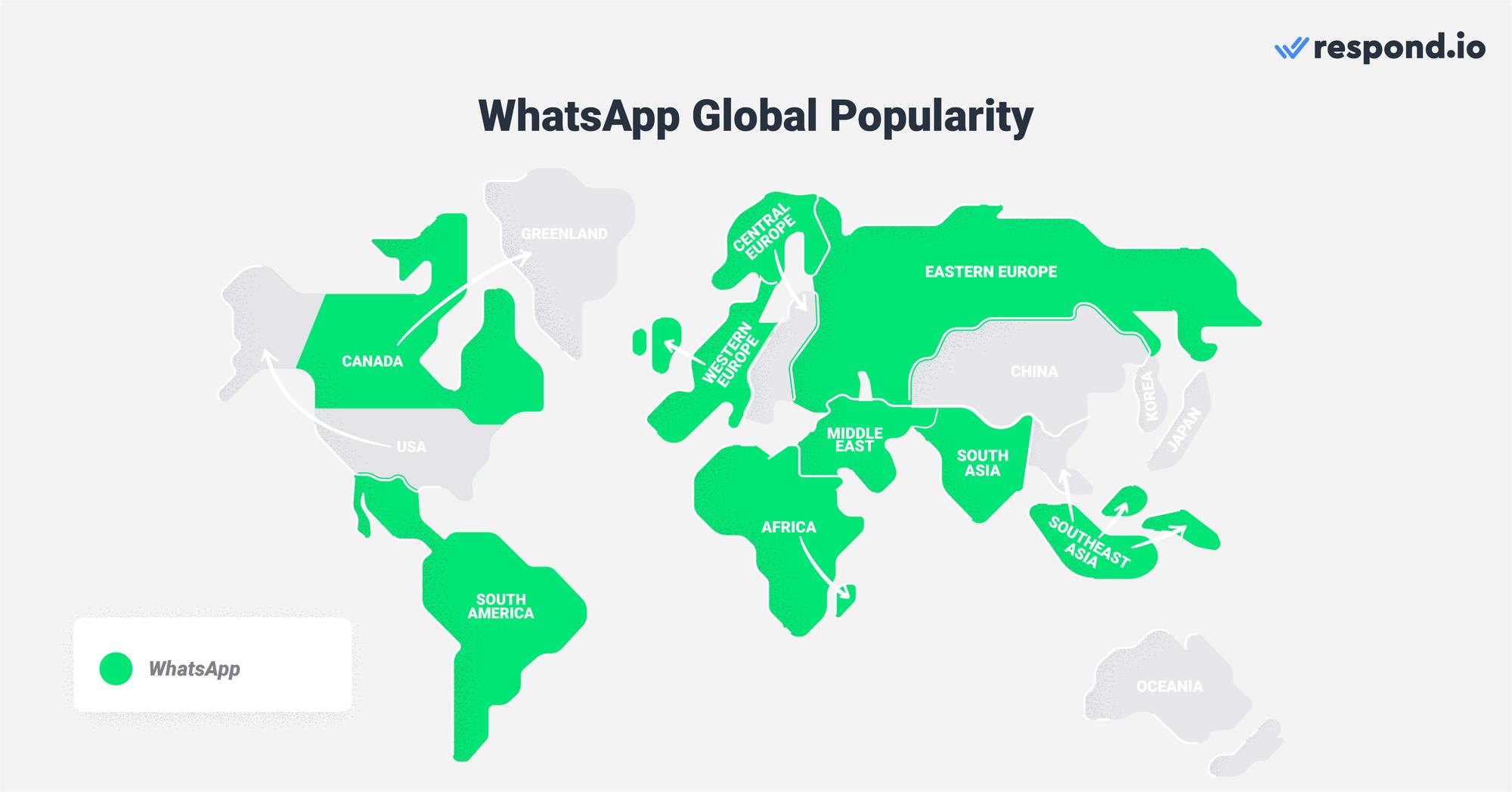
The heavy use of WhatsApp has led to 292 million downloadsof WhatsApp Business App on Android and IOS devices as of June 2022.
With up to 100 billion messages exchanged per day, it is clear that WhatsApp is not only popular, but it also has a high engagement rate. Compared to traditional communication methods like email, WhatsApp messages recorded a whopping 98% message open rate.
Now that you know how important WhatsApp is, here’s what you should know about WhatsApp Business.
Turn conversations into customers with respond.io's official WhatsApp API ✨
Manage WhatsApp calls and chats in one place!
WhatsApp Business Account: The Basics
This section will discuss WhatsApp Business policies, types of WhatsApp Business accounts and the pricing for each account type.
WhatsApp Business Policies
WhatsApp aims to provide a high-quality experience for its users. To ensure that the platform remains spam-free, businesses must abide by WhatsApp’s Businessand Commerce Policies, which protect users’ privacy and ban the trade of illegal products and services.
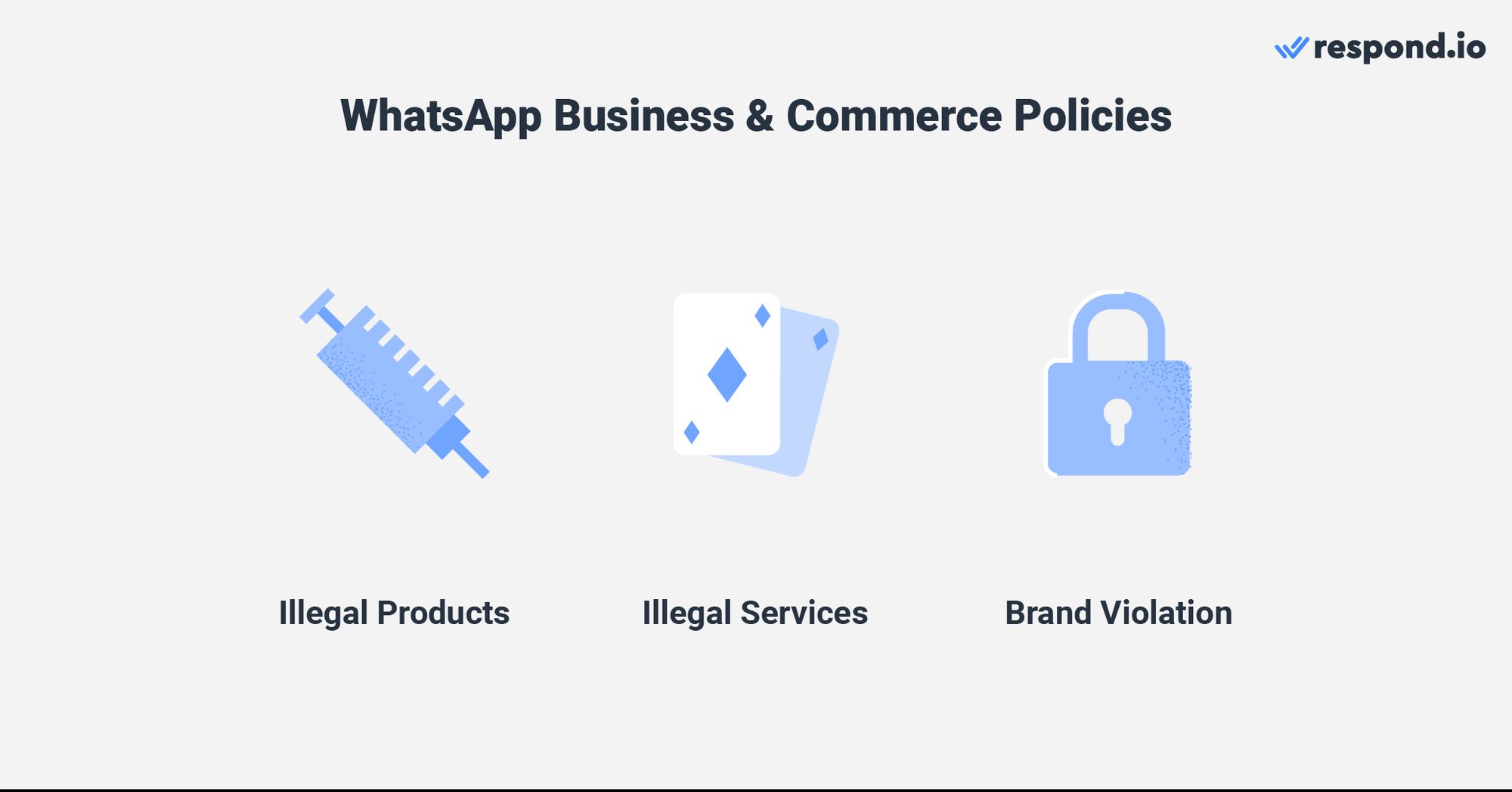
Businesses must also ensure that information like their website URL and customer support number on their business profile are accurate and up-to-date. They cannot impersonate other businesses or provide misleading information about the nature of their business.
If businesses violate the policies, WhatsApp will limit or remove their access to WhatsApp Business products indefinitely. Now that you understand the policies, let's take a look at the types of WhatsApp Business accounts.
Types of WhatsApp Business Accounts
Here, we’ll lay out the types of WhatsApp Accounts that you can choose from based on your business size along with the sign-up method for each account.
WhatsApp Business App Account
The WhatsApp Business App accountis for small businesses that want to communicate with their customers over WhatsApp. Businesses can manage their conversations by setting up Quick Repliesand automated welcome and away messages.
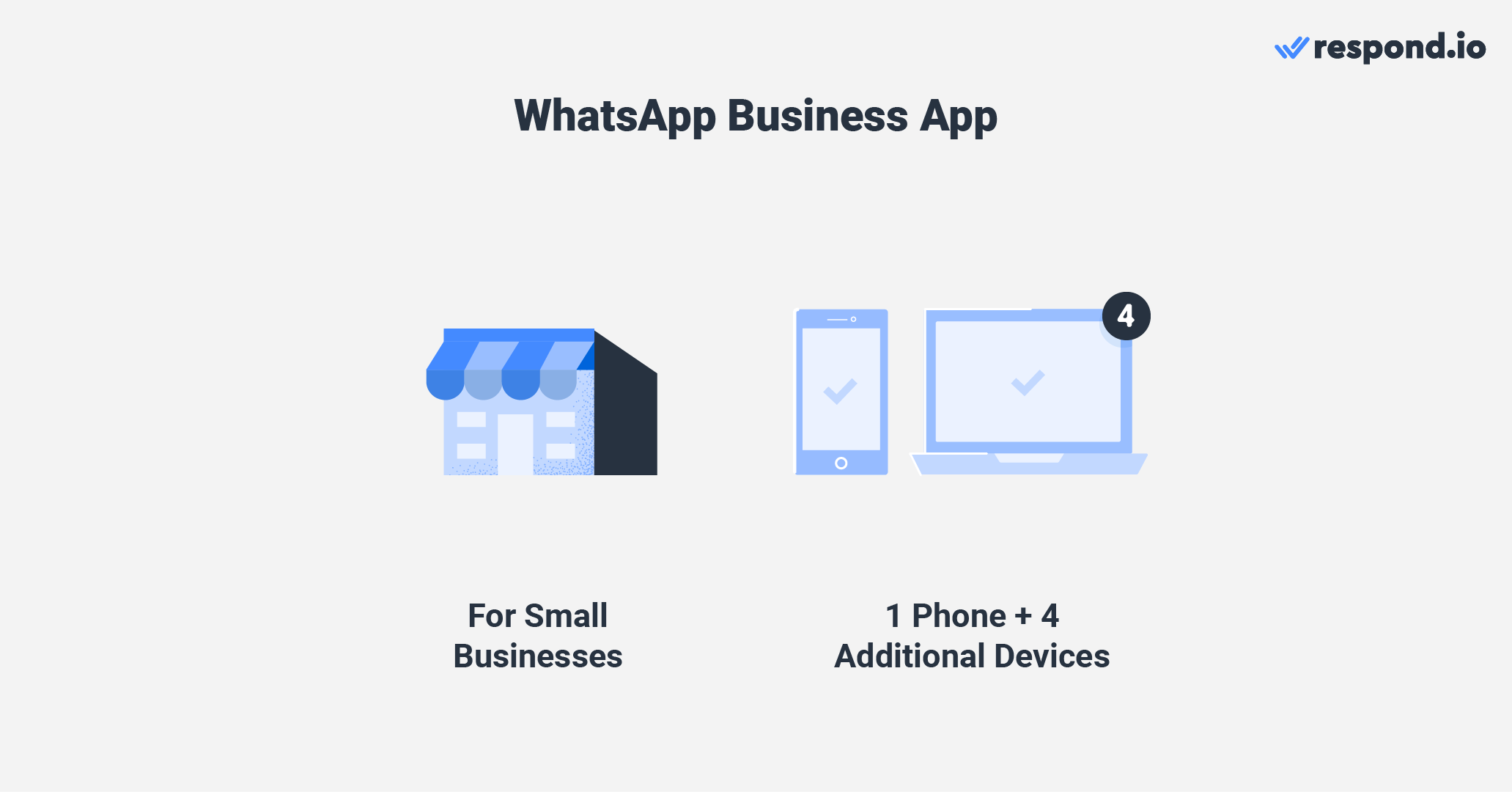
Businesses can use the business app account on up to five devices, comprising one phone and four additional devices. To use it on up to 10 devices, they can subscribe to WhatsApp Business Premium. However, this plan is currently only available in certain countries.
Remember, you can only install the WhatsApp Business App on a single phone and must use WhatsApp Business Webto connect additional devices.
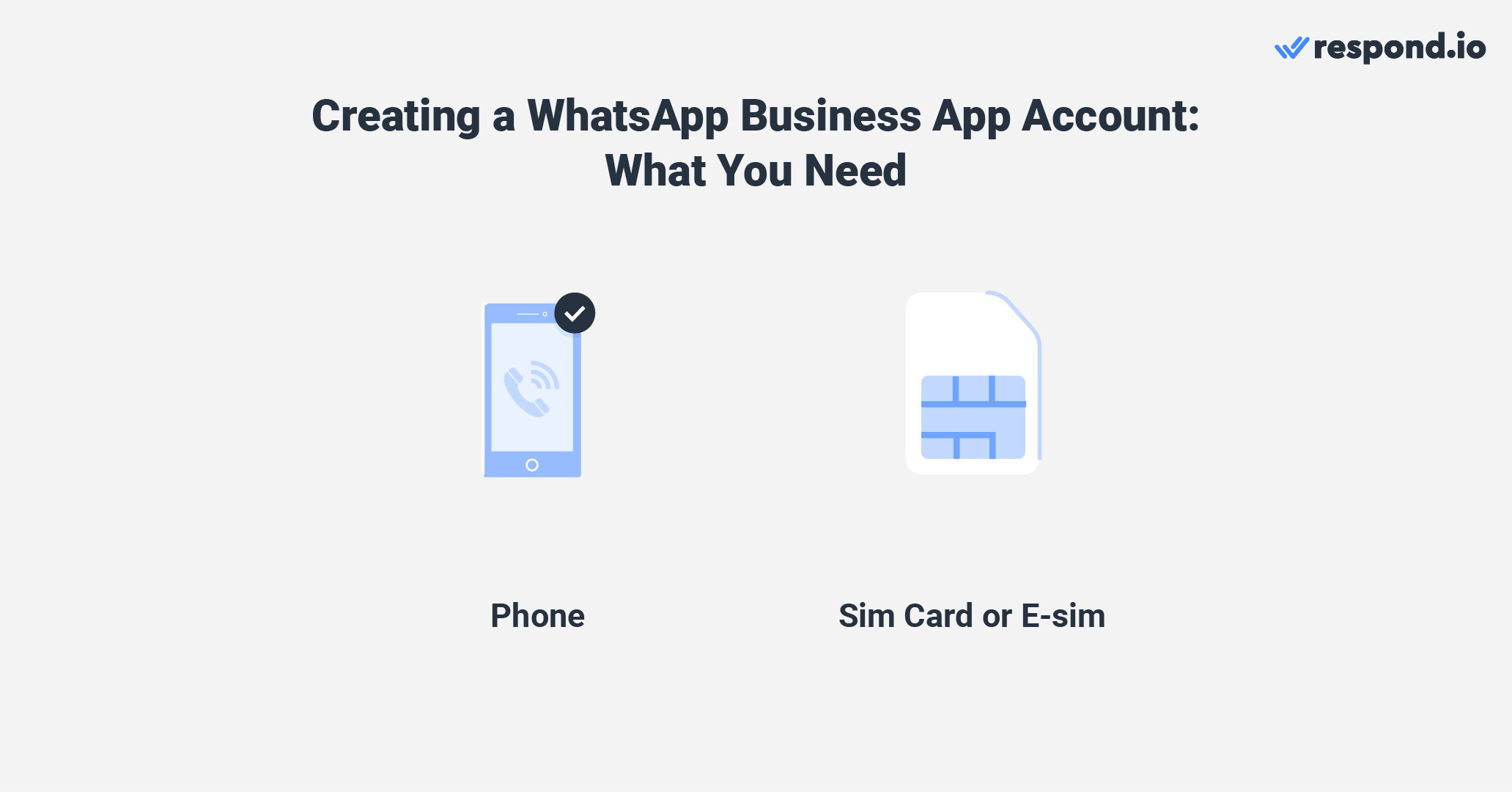
To create an account, all you need is a sim card or e-sim and a phone. Simply install the WhatsApp Business App and connect your phone number to it. Just like that, you can start using the WhatsApp Business App.
If you use the Meta Business Suite to communicate with customers through Facebook Messenger and Instagram, here’s another option for you. It is now possible to add a WhatsApp Business accountto the Meta Business Suite inbox.
Regardless of your choice, the phone number you use cannot be linked to any existing WhatsApp account. The same applies to the API accounts, which we’ll discuss in the next section.
WhatsApp Business API Account
WhatsApp Business API was made for medium to large companies looking to use the platform with multiple usersfor marketing, salesand support. Because the API does not have a user interface, it must be connected to a customer conversation management software like respond.ioto send and receive messages.
This enables businesses to use advanced automation to streamline lead qualification, chat routingand auto-assignment, along with AI to automate responses, improve messages before they are sentand assist agentsin replying to messages quickly.
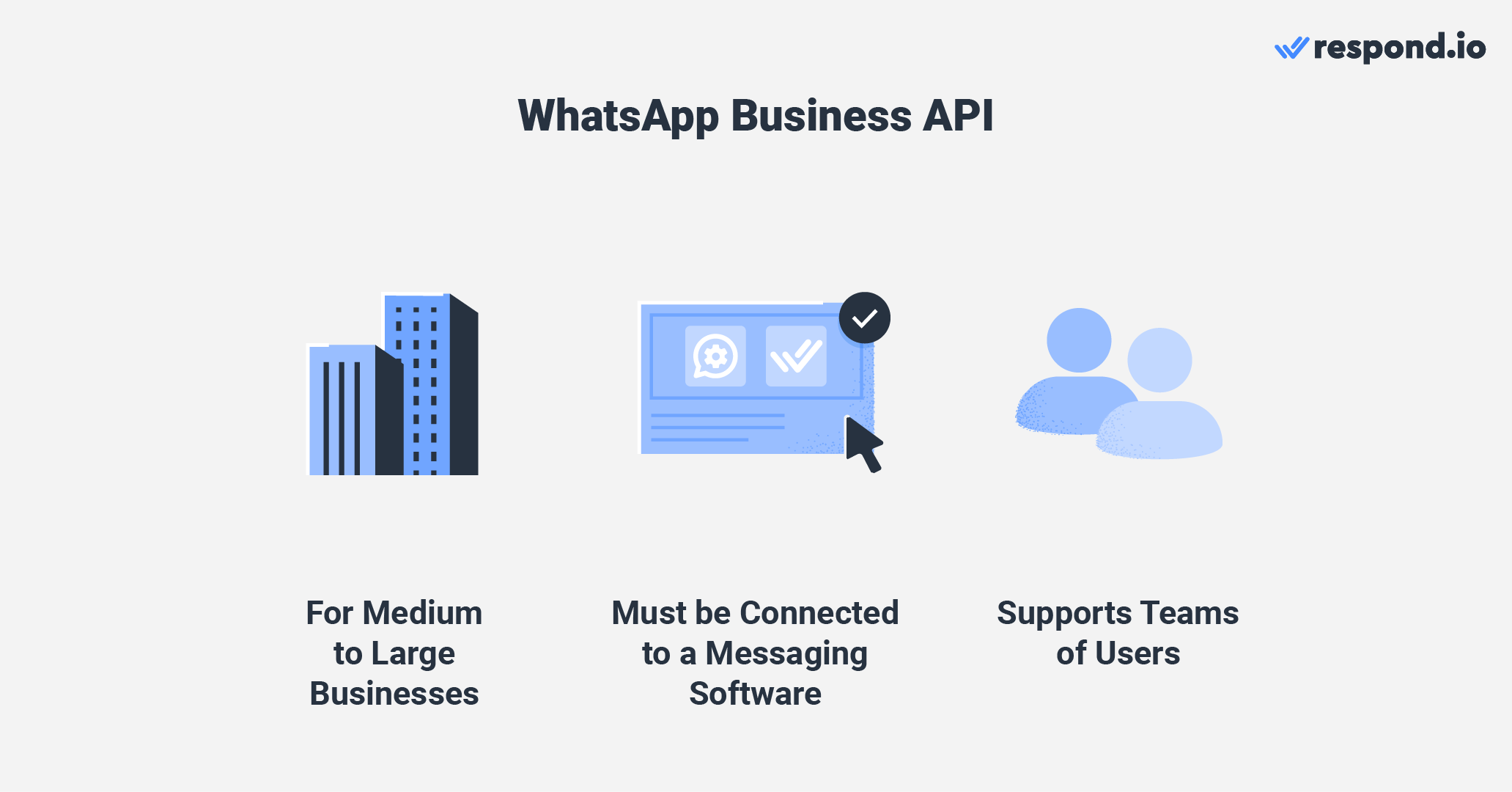
The WhatsApp Business API comes in two forms: WhatsApp On-premises API and WhatsApp Cloud API.
To get WhatsApp On-premises API, businesses must work with a Business Solution Provider (BSP), which acts as a middleman between your business and WhatsApp. The WhatsApp API will be hosted on BSP servers or individual business servers.
WhatsApp On-premises API | WhatsApp Cloud API | |
|---|---|---|
How to Get API Access | BSP | BSP or Meta |
Hosting | BSP Servers or Business Individual Servers | Meta Servers |
On the other hand, businesses can get WhatsApp Cloud API access directly from Meta or through a BSP. Unlike On-premises API, the API is hosted on Meta's cloud servers. It's worth noting that setting up a Cloud API accounton your own requires technical expertise.
If you want to simplify the process of getting WhatsApp Cloud API access, consider choosing a BSP like respond.io that provides free API access and a hassle-free application process. Next, let's explore the costs of having a WhatsApp Business account.
WhatsApp Business Pricing
Now that you know the types of WhatsApp Business accounts available, let's look at the pricing for each.
WhatsApp for Business Pricing: Business App
WhatsApp doesn't charge businesses for using the app, but there are some associated costs involved. For instance, you'll need a dedicated phone number because using the same number for personal and business WhatsApp is not allowed.
If you have a dual SIM phone or a phone that supports e-sim, you can buy an additional SIM and assign that number to the Business App. If not, you'll need to purchase a new phone to use the app.
While businesses don’t need to spend much to use WhatsApp Business App, this is not the case for the APIs.
WhatsApp for Business Pricing: WhatsApp API
WhatsApp API pricing depends on two key factors: the type of API (Cloud or On-Premises) and the Business Solution Provider (BSP) you choose.
BSPs that offer the On-Premises API typically charge extra fees on top of WhatsApp’s base charges, which can vary widely. For example, SleekFlow charges $15 per phone number per month. In contrast, platforms like respond.io provide WhatsApp Cloud API with no markups or hidden fees, letting businesses pay only the direct charges from WhatsApp.
WhatsApp On-Premises API | WhatsApp Cloud API | |
Server setup | May include setup fees | No server setup required |
Hosting | Self-hosted | Hosted by Meta |
Pricing model | Per template message (via BSP, with possible markups) | Per template message (no markup via direct BSPs) |
WhatsApp now charges businesses per template message delivered. This pricing applies across both Cloud and On-Premises APIs. Here are some extra key points Meta introduced in July 1, 2025:
You only pay for messages that are delivered to users.
WhatsApp charges separately for each template message, depending on the type: utility, authentication, or marketing. For example, sending one marketing message and one utility message results in two charges.
Free-form and utility messages sent within the 24-hour customer service window are not charged.
Volume-based discounts apply — the more utility or authentication messages you send, the lower your rate per message.
In addition, all WhatsApp Business Accounts receive 1,000 free user-initiated service conversations per month, shared across all connected phone numbers. Conversations initiated via Click-to-WhatsApp ads or Facebook Page CTA buttons also unlock a 72-hour free messaging window, during which all replies — including template messages — are free.
With these updates, businesses have better cost control and transparency, especially when using direct BSPs that pass WhatsApp’s charges without additional fees. Now that you know how WhatsApp API pricing works, let’s explore the messaging capabilities each type of account offers.
WhatsApp Business: Messaging Customers on WhatsApp
The WhatsApp Business App and APIs were designed with specific business sizes in mind; hence, the messaging features and limitations associated with the accounts reflect that.
WhatsApp for Business: 1:1 Messaging
This section will explain everything about 1:1 messaging on the Business App and API accounts.
1:1 Messaging with The Business App Account
The WhatsApp Business App account provides a lot of flexibility to small businesses using the platform. For instance, they can send an unlimited number of free messages in any format and send customers the first message if they have their number.
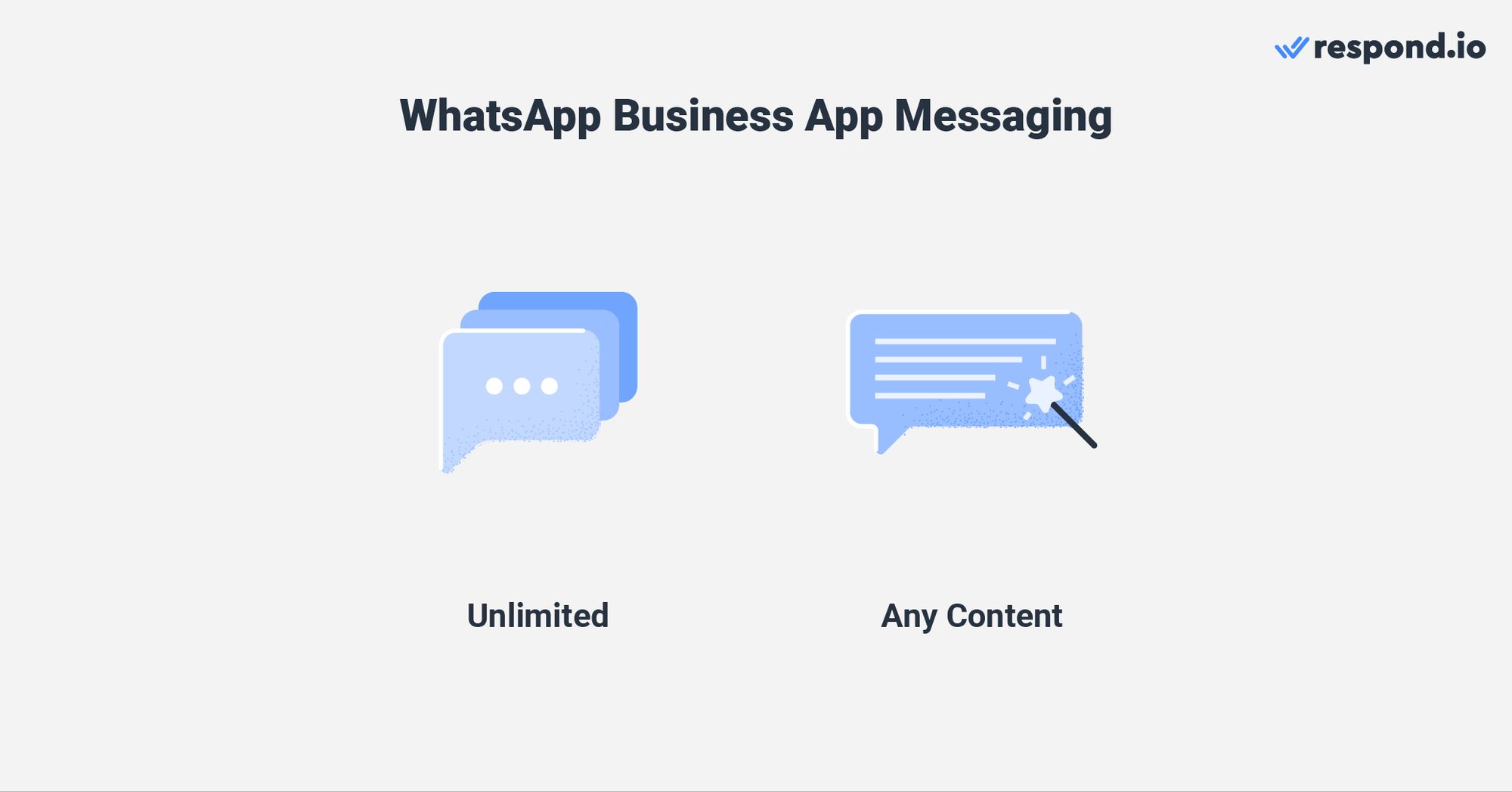
However, businesses must still abide by WhatsApp's business and commerce policies to avoid spamming their customers. If many customers block or report a business account, WhatsApp will ban the account.
Since larger businesses have more financial resources and customers, you’ll find that there are even more messaging rules for the API account in comparison with the Business App.
1:1 Messaging with a WhatsApp Business API Account
With the WhatsApp Business API account, businesses have to gain consent from their contactsbefore messaging them and must respond within a 24-hour customer service window. These policies prevent businesses from spamming customers and encourage them to reply to customers quickly.
There are two types of WhatsApp API conversations, as mentioned earlier. Service conversationsoccur when businesses respond to user-initiated conversations within the 24-hour messaging window.
Message Templates, on the other hand, are required when businesses initiate a conversation outside the messaging window.
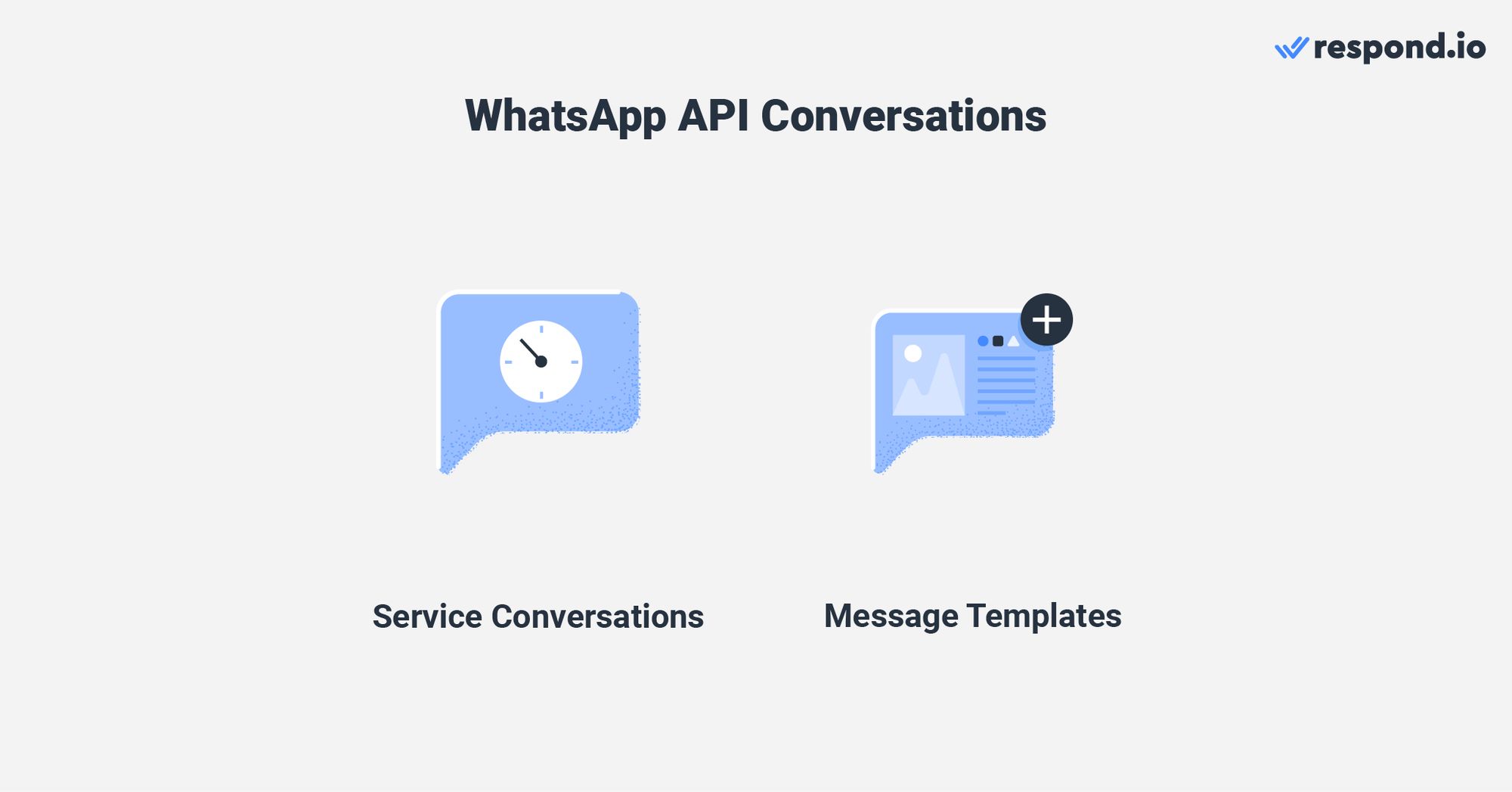
Message templates have to be pre-approved by WhatsAppbefore businesses can send them. While WhatsApp may reject your message templates for several reasons, applying some best practicescan improve the chance of approval.
As for service conversations, businesses can send any type of content as long as they abide by WhatsApp’s policies. The best part is that both conversation types support interactive messages that help customers communicate their needs and reply to the business easily.
Meta has rolled out new WhatsApp Setup Guidance directly inside your Meta Business Portfolio. This new hub provides step-by-step instructions to simplify your API setup and manage message eligibility. You can now launch campaigns faster with pre-approved templates and instantly check your template review and appeals status.
Now that you’re clear about 1:1 messaging on WhatsApp, let’s look at how broadcasting works on each account.
WhatsApp for Business: Broadcast Messaging
Broadcast messagingis a great way to reach large audiences at once. While this may sound intriguing, here’s what you need to know about broadcasting with the WhatsApp Business App and APIs.
Broadcast Messaging with the Business App Account
Broadcasting over the WhatsApp Business App is simple and straightforward. Businesses are free to broadcast any form of content to 256 people per Broadcast listat a time. They can use the labels provided in the Business Appto organize contacts into groups.
This will help them send compelling, targeted WhatsApp messages to the right audience.
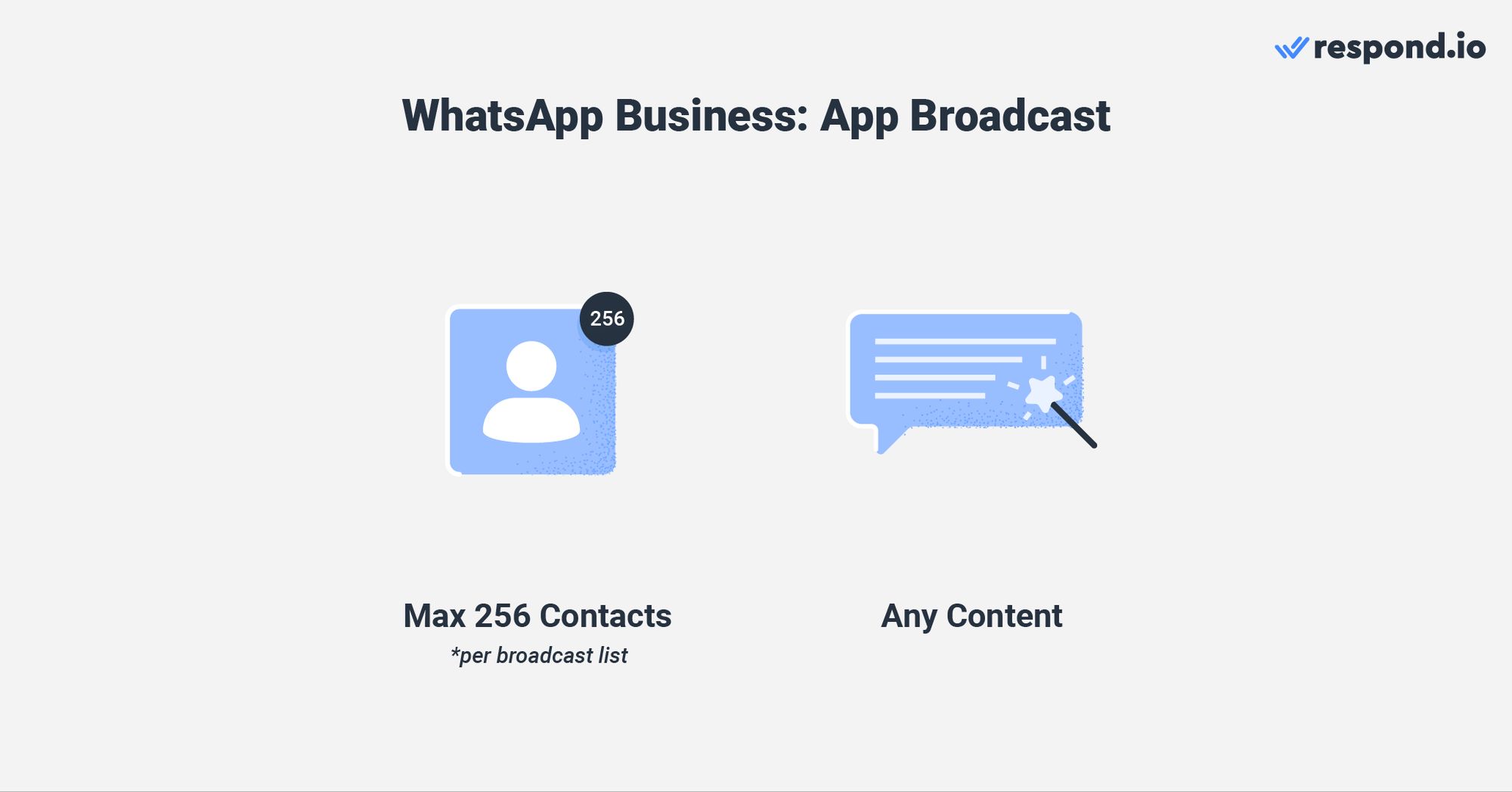
However, there are downsides to sending broadcast messages using the app. For instance, businesses must manually add contacts to their phone to send broadcasts, and only contacts who have saved their number can receive their broadcasts.
While businesses won’t have these problems with the APIs, there are different broadcasting rules and capabilities for them.
Broadcast Messaging with the WhatsApp Business API Account
The only way to send a broadcast with the WhatsApp API is by using pre-approved message templates. There are three message template categories, namely marketing, utility and authentication conversations.
That said, note that from March 2025, WhatsApp will refine how marketing messages are sent by prioritizing users who engage more frequently. This ensures businesses can reach their most receptive audience while improving overall engagement rates.
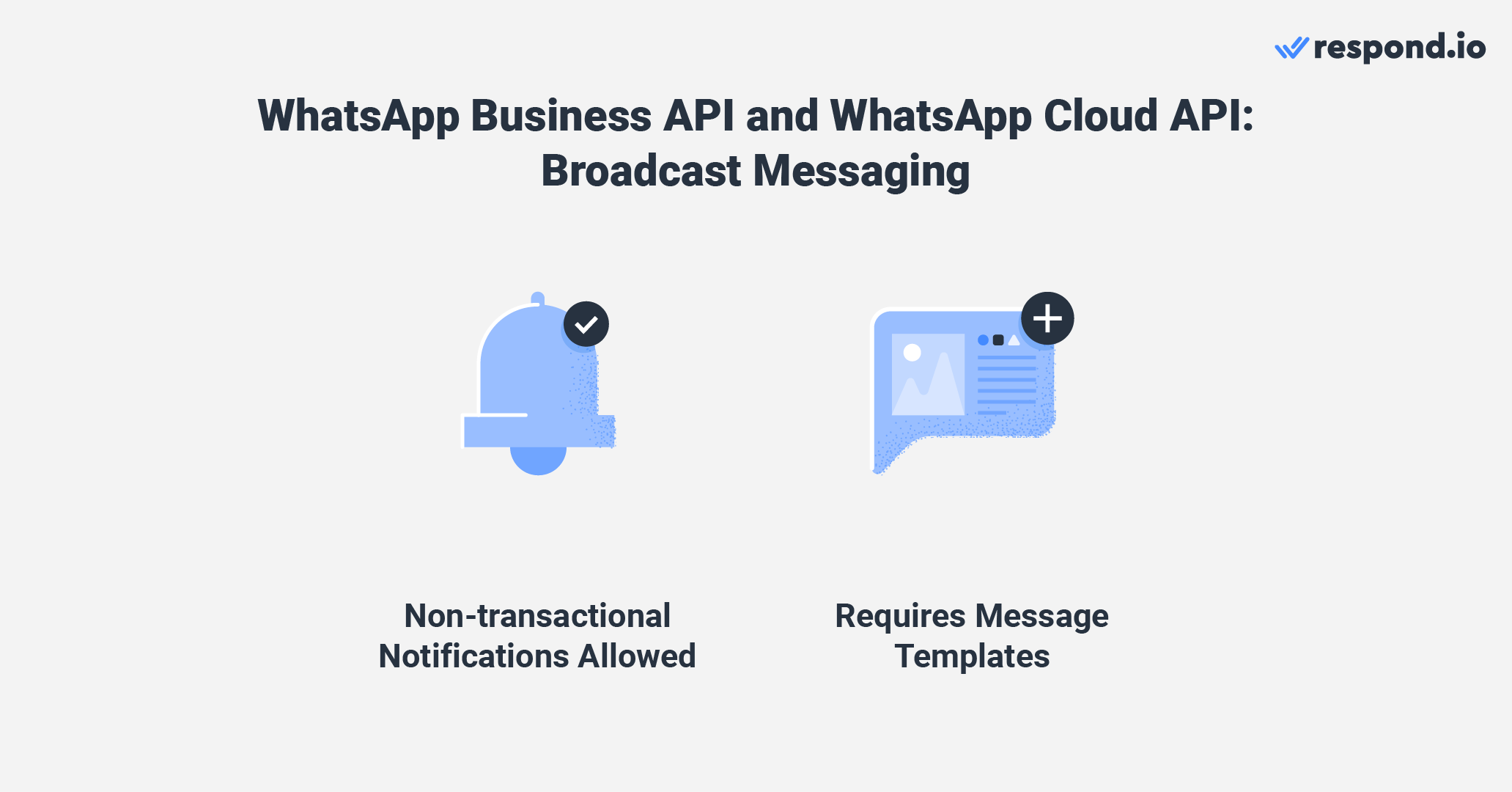
While the WhatsApp Business App has a clear contact limit per broadcast, the number of contacts a business can broadcast to with the API depends on its messaging limit. In addition, the broadcasting capabilities depend heavily on the software you’ve connected your WhatsApp API to.
For instance, respond.io’s Broadcast Moduleallows you to build message templates and submit them for approval, schedule messagesand get broadcast analytics for all your campaigns.
On top of this, businesses targeting US customers should be aware that starting April 2025, WhatsApp will temporarily pause marketing message delivery to US numbers as part of ongoing improvements to the platform.
Besides using broadcasts to communicate with multiple WhatsApp users at once, businesses can also do this with group messaging.
WhatsApp for Business: Group Messaging
API accounts do not support group messaging. The only way for businesses to create groups is through the App. Businesses can use WhatsApp Group messaging to connect with a large audience like they do when sending broadcasts.
However, group messages are used for two-way communication between the parties involved in a WhatsApp Group. For instance, businesses can create a WhatsApp Group with important clients to discuss any issues, updates and more.
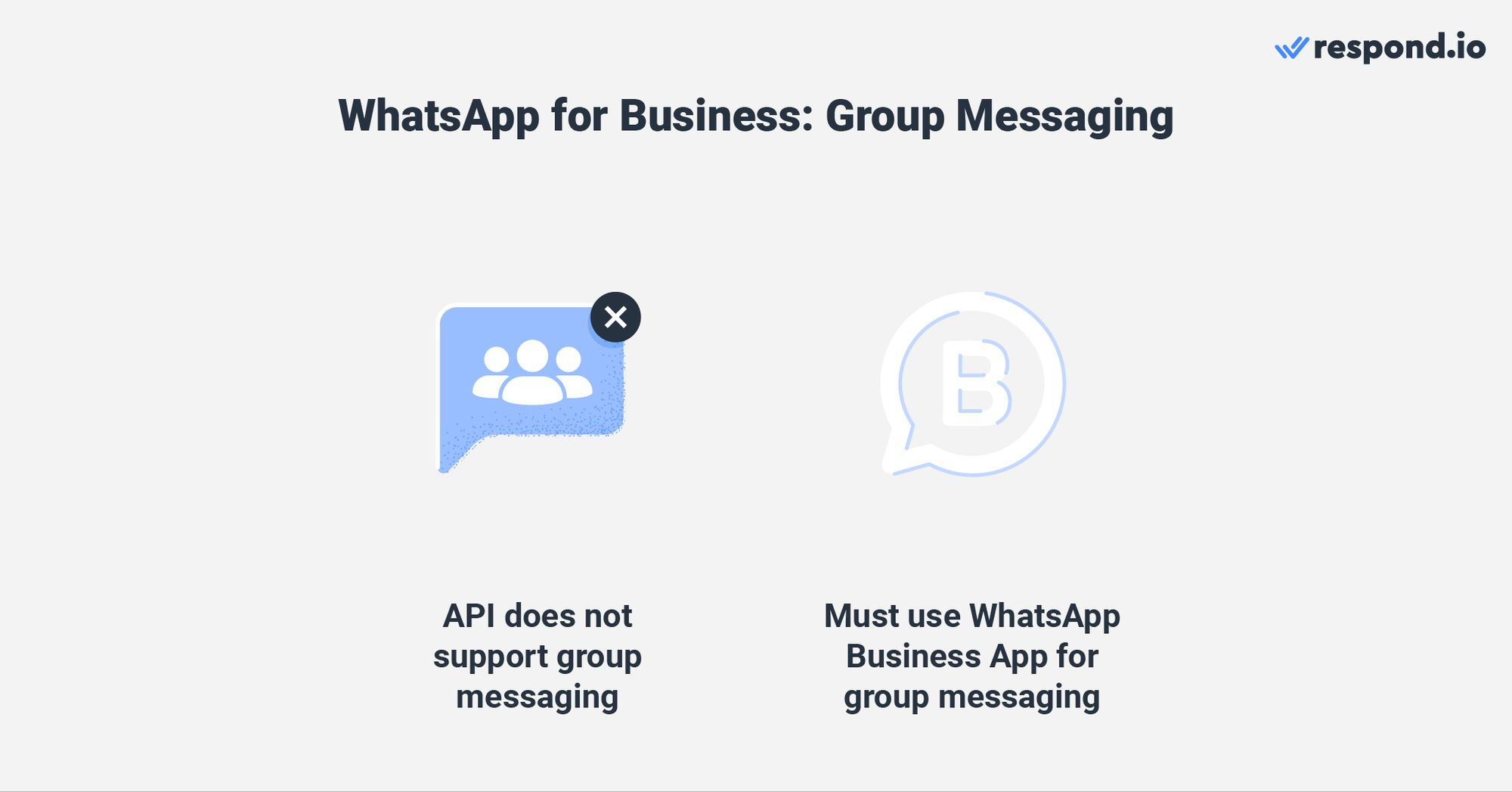
Businesses can invite up to 1,024 participants in a group from their contact list, send any type of content and add multiple admins to moderate the group.
Now that we’ve covered everything about messaging, here are some notable WhatsApp features for business.
WhatsApp Business Special Features
In this section, we’ll discuss special WhatsApp features like WhatsApp Catalog, WhatsApp Cart and WhatsApp Pay. These features are only available on the WhatsApp Business App. That said, let's take a closer look at the features.
WhatsApp Catalog and WhatsApp Cart
The WhatsApp Catalogis made for small businesses to showcase their products and services. Setting up a Catalogis easy. Businesses just need to upload pictures of their products or services and add descriptions and prices for each of them.
WhatsApp Catalog is now available on WhatsApp API. Upload your products to your Commerce Managerand connect them to respond.io. The products uploaded in the Commerce Manager will sync on the respond.io platform.
They can also promote the Catalog by sharing the Catalog link or product linksin-app or on other websites and messaging channels.
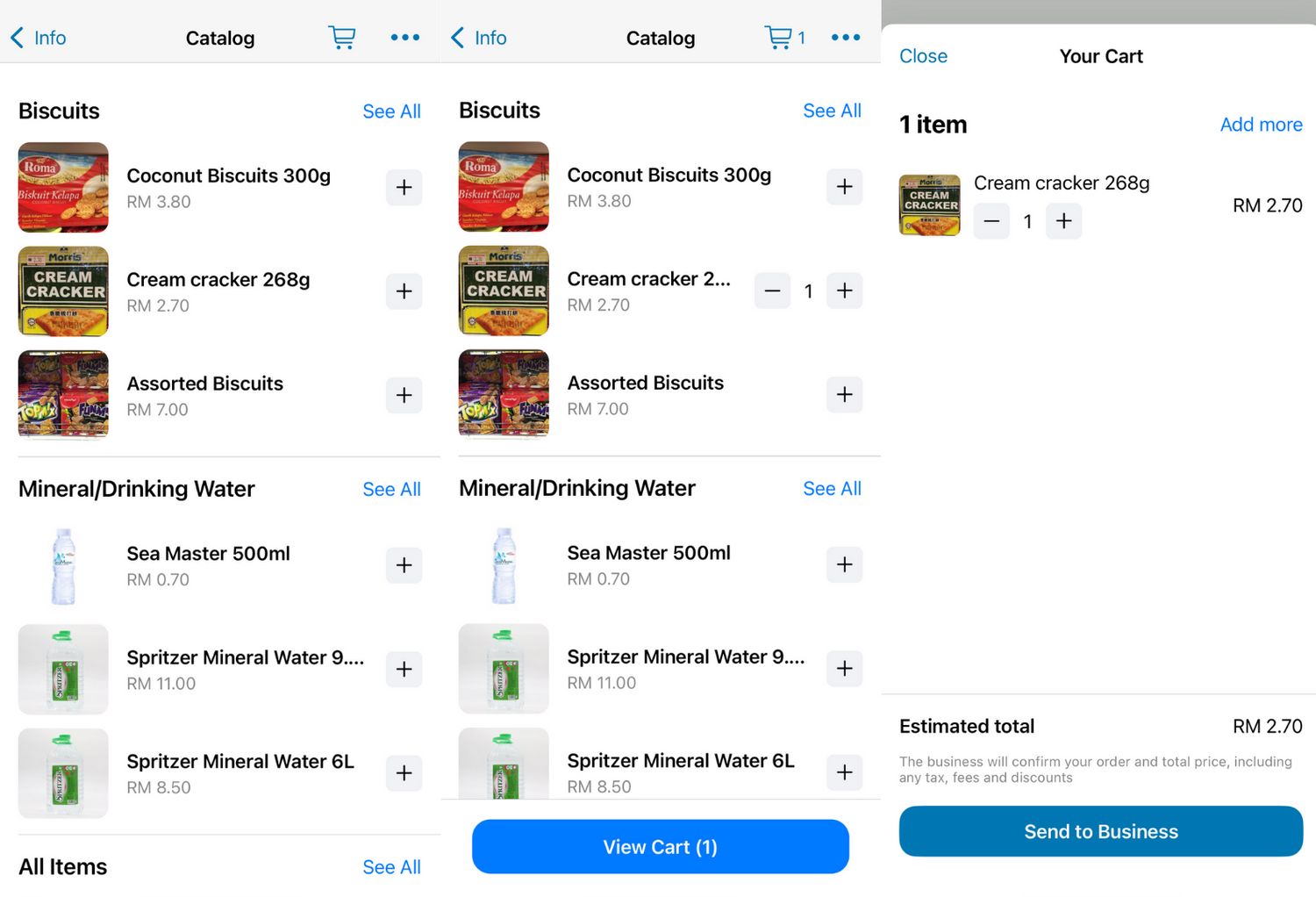
Once the Catalog is set up and approved by WhatsApp, customers can scroll through the listing, add items to their WhatsApp Cart and then message the business to confirm the deal.
In most countries, businesses must direct customers to a third-party payment gateway to make the payment as WhatsApp Pay is not widely available.
WhatsApp Pay
WhatsApp Payis a feature that enables consumers to pay in-app. It is not available in most countries, mainly because setting up payment services in any country involves abiding by unique government legislation in each country.
Currently, WhatsApp Pay is only available in Brazil and India and to selected users in the US. Because of that, only customers located in regions where WhatsApp Pay is available can use the feature.
Now that we have covered everything about each account type, let's look at their differences in the next section.
WhatsApp Business App vs WhatsApp Business API
By now, you should have an idea of which WhatsApp product is most suitable for your business. To make that decision even easier, we’ll summarize and compare their features.
Which WhatsApp Product Should You Use?
The WhatsApp Business App is perfect for small businesses that receive low volumes of messages. Starting with the WhatsApp Business App is easy and cheap as businesses only need to download it and get a new phone number. They can also use an existing number that is not tied to a Whatsapp account.
It supports broadcasts and simple automation like quick replies, greeting and away messages. However, once you start receiving a higher volume of messages, you’ll realize the need for advanced features such as AI and automation to manage your conversations.
This is when the WhatsApp Business API comes in. To recap, you can choose either WhatsApp On-premises API or WhatsApp Cloud API.
Category | WhatsApp Business App | WhatsApp On-premises API | WhatsApp Cloud API |
|---|---|---|---|
Ease of Implementation | Very easy | Varies among BSPs | Self Service: Requires technical knowledge BSP: Very easy |
Onboarding Speed | Very fast | Varies among BSPs | Fast |
Cost | Free | Varies among BSPs | Pay per conversation |
Users | 1 phone + 4 Additional devices | Unlimited users and devices | Unlimited users and devices |
Messaging Limitations | No messaging limitations | - A 24-hour customer service window applies | - A 24-hour customer service window applies |
Broadcast Features | Send broadcasts to up to 256 contacts | - Supports non-transactional notifications | - Supports non-transactional notifications |
Special Features | Supports WhatsApp Catalog, WhatsApp Cart and WhatsApp Payment | Supports connection to a messaging software and WhatsApp CRM | Supports connection to a messaging software and WhatsApp CRM |
Automation | Greeting Messages, Away Messages & Quick Replies | Advanced automation *depends on the software connected | Advanced automation *depends on the software connected |
Because getting On-premises API access through a BSP has some downsides, businesses should consider getting WhatsApp Cloud API access from BSPs to avoid additional costs or markups. Furthermore, businesses get access to the latest features quickly like the WhatsApp Business Calling API.
Respond.io is an AI-powered customer conversation management softwareprovider that provides free and instant WhatsApp Cloud API access. When you get API access from respond.io, you can connect it to an omnichannel inbox, use AI and Automation features to manage conversations and more.
Most importantly, it allows you to fully manage your WhatsApp API – from setting up a WhatsApp Business Account to managing your WhatsApp fees.
New: Use WhatsApp Business App and API at the Same Time
Until recently, businesses had to choose between using the WhatsApp Business App or the WhatsApp API. Now, with WhatsApp Coexistence, you can use both on the same number. This means you can keep your existing WhatsApp Business app number and still connect it to the WhatsApp Business Platform (Cloud API) via respond.io — without losing access to your app or needing a new number.
Why It Matters for Teams
Coexistence gives your team the flexibility to:
Use advanced API features like multiple users, automation, AI routing and CRM integrations via respond.io.
Keep using the WhatsApp Business app for simple 1:1 conversations or business tools like catalogs and quick replies.
Maintain your existing number, customer chat history and app access—even after connecting to the API.
This setup is ideal for growing teams that want the power of the WhatsApp API without sacrificing the convenience of the app they’re accustomed to.
⚠️ Note: Some WhatsApp Business app features like group chats, broadcast lists and disappearing messages won't work on the API side. Also, if you enable coexistence, you’ll temporarily lose the green checkmark (you can reapply after setup).
Ready to leverage the power of the world's most popular messaging app? Try respond.io and its WhatsApp Business API for free!
Turn conversations into customers with respond.io's official WhatsApp API ✨
Manage WhatsApp calls and chats in one place!
Further Reading
If you enjoyed this article and would like to learn more about WhatsApp Business, check out the articles below.


